
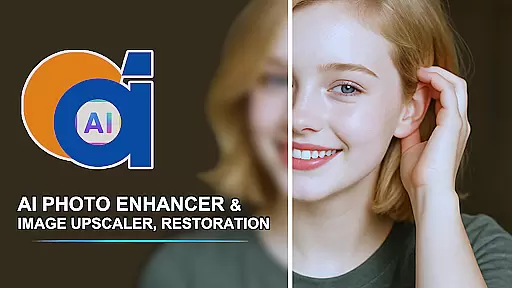
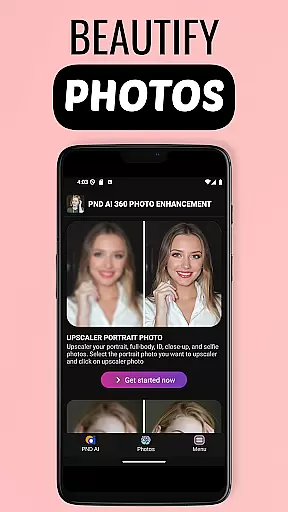
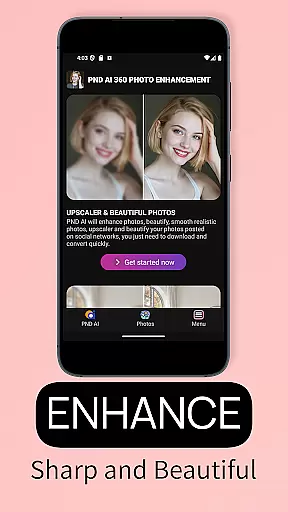
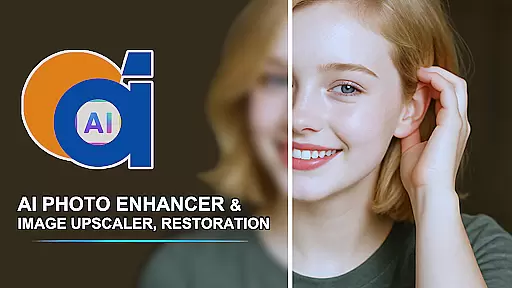
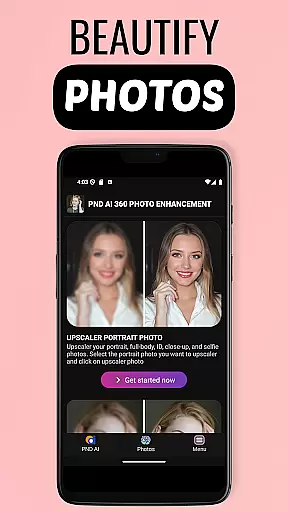
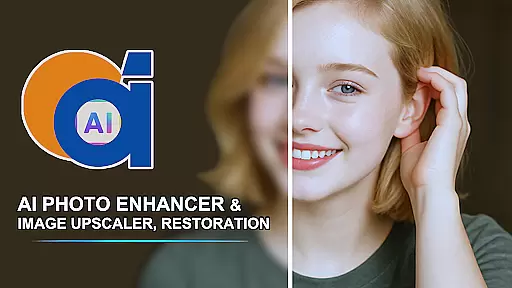
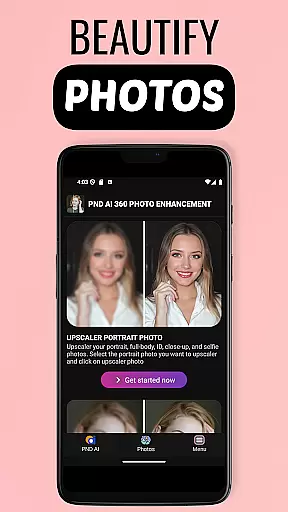
AI Photo Enhancer 360 is a cutting-edge photo editing application that utilizes artificial intelligence to transform low-quality images into professional-grade photos. The app specializes in restoring old, blurry, and damaged photos while also offering advanced features like AI-powered colorization and image upscaling. With its intuitive interface, users can effortlessly enhance their photos with just one touch.
This app is ideal for anyone looking to revive cherished memories or improve the quality of their digital images. Whether you're restoring family heirlooms or preparing photos for printing, AI Photo Enhancer 360 delivers sharp, vibrant results while preserving the natural look of the original image. Its powerful AI technology ensures every detail is accurately processed, making it an essential tool for both casual users and photography enthusiasts.
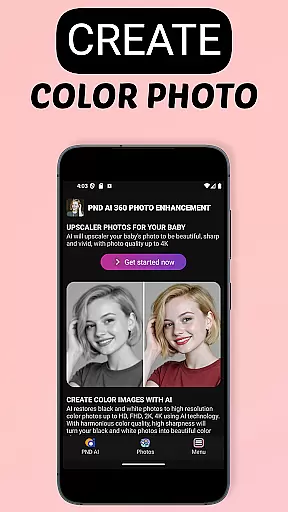
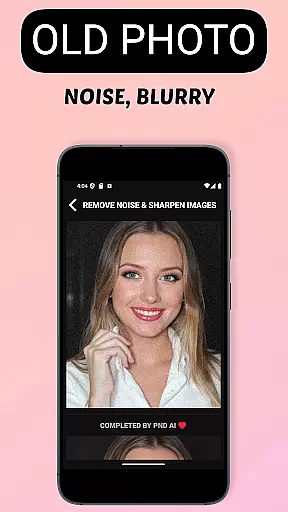
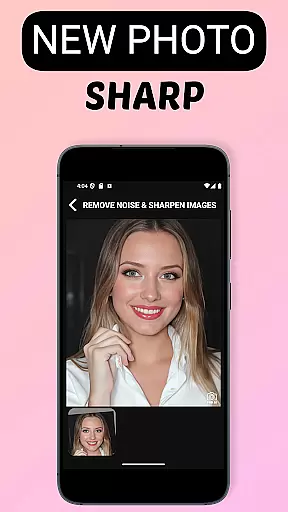
AI Photo Enhancer 360 offers a comprehensive suite of photo editing tools powered by advanced AI algorithms. One standout feature is its ability to restore old and damaged photos. The app detects imperfections such as blurriness, underexposure, or discoloration and intelligently repairs them, resulting in clear and vivid images. Additionally, the AI black-and-white photo colorization tool breathes new life into monochrome images, adding realistic colors that make them appear as if they were taken recently.
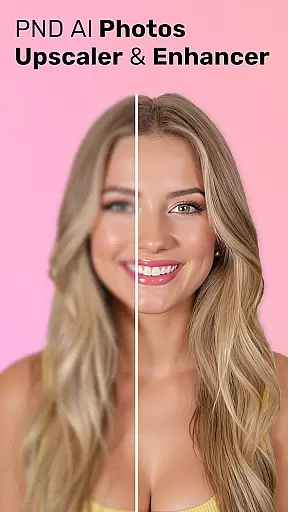
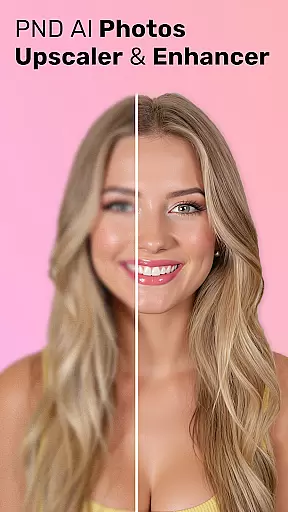
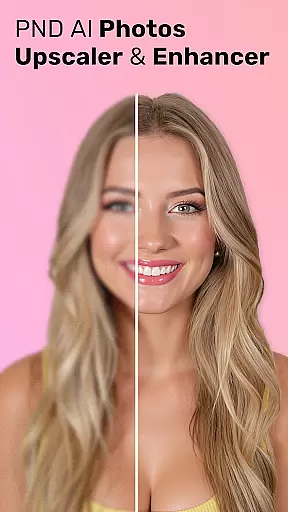
Beyond restoration, the app provides creative enhancement options. Users can upscale images to resolutions as high as 8K without losing detail, making it perfect for printing or sharing on digital platforms. It also includes portrait retouching features, such as skin smoothing and blemish removal, which help create studio-quality portraits. Furthermore, the app supports artistic transformations, allowing users to generate unique profile pictures in various styles, from modern to cartoon-like designs.
AI Photo Enhancer 360 offers an extensive product database that caters to a wide array of photo enhancement needs. The application is designed to address issues ranging from image sharpness to colorization, providing users with comprehensive tools for photo restoration and enhancement.
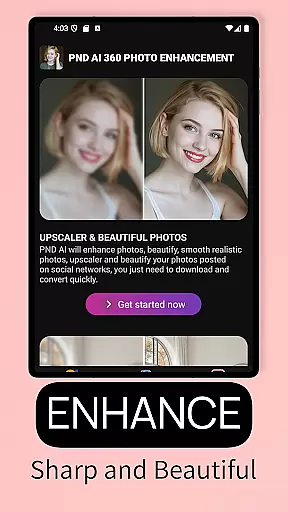
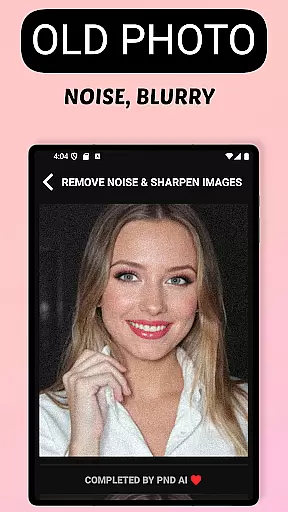
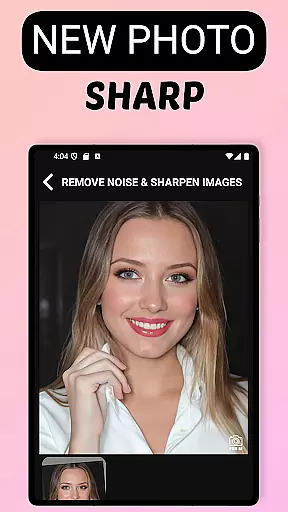
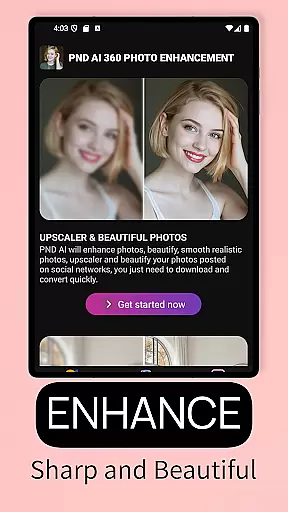
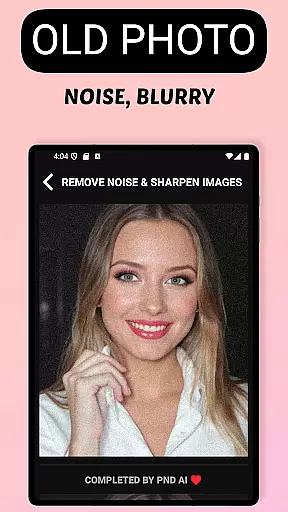
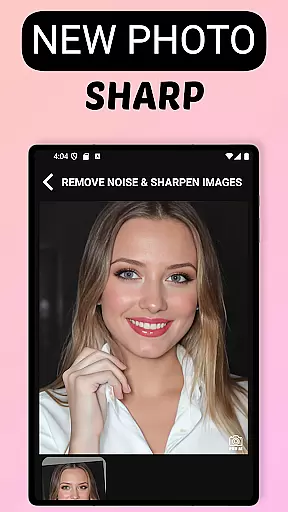
The app's capabilities include AI-driven sharpening, which intelligently targets and enhances blurry areas while preserving the natural aesthetics of the original photo. Additionally, it features advanced algorithms for restoring old and damaged photos, ensuring that cherished memories are preserved with remarkable detail and authenticity.
Furthermore, AI Photo Enhancer 360 supports resolution upscaling to 2K, 4K, and even 8K, allowing users to breathe new life into low-resolution images without compromising quality. This feature is particularly beneficial for repurposing old photographs for modern uses such as printing or digital sharing.
Personalization is at the heart of AI Photo Enhancer 360, where precision meets user-centric design. The app leverages sophisticated AI technology to tailor photo enhancements according to individual preferences and requirements, delivering a bespoke experience for each user.
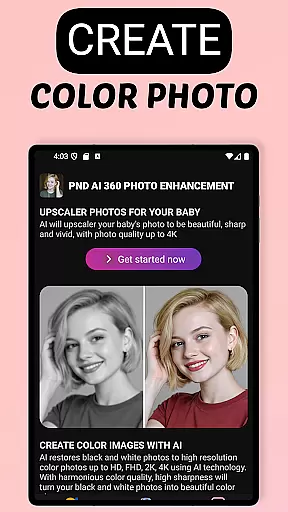
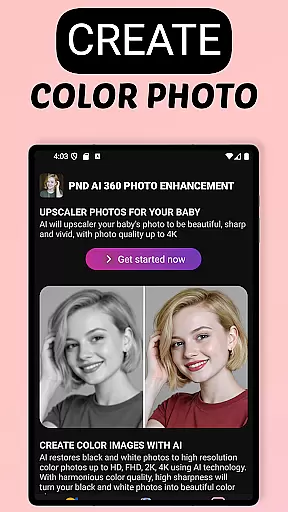
One of the standout features is the AI black and white photo colorization tool, which transforms monochrome images into vibrant, lifelike pictures. This not only revives old photographs but also adds a personal touch by infusing them with realistic colors that align with the user's memory or creative vision.
In addition to restoration, the app provides creative options for beautifying portraits, including skin smoothing and blemish removal, alongside artistic filters that allow users to craft unique profile pictures in various styles, from classic to cartoonish. These personalized enhancements ensure that every photo reflects the user's distinct taste and personality.
Advanced AI restoration
One-touch photo enhancement
Supports 8K upscaling
Automatic defect detection
User-friendly interface
Limited free features
Requires internet connection
Premium subscription needed
Occasional processing delays
Storage limitations for large files

The Official Voting App
 3.90
3.90
Enhance Your Look with Face Analysis, Hair Style Changer, Beauty Score, Rating
3.90
Selfiechat Filters for amazing photos with Funny face filters
4.60
All-in-one solution for independent beauty pros to manage & grow their business
4.30
Healthier, more beautiful with Medicube Digital Clinic AGE-R!
4.10
Try on different hairstyles and hair colors, glasses and jackets | Cartoon face
4.10
Create, design and dress up your own beautiful characters in cute fashion styles
3.50
Change your hairstyle and color instantly with AI-powered virtual makeovers.
3.90
Mirror app that shows your image with photo editor, zoom and light!
4.70
Salon appointment booking and scheduling software for beauty pros and barbers.
4.80
Get Smart About Your Skin with Fully Personalized Beauty Tech!
4.80
Face Makeup Camera: Photo makeup app and perfect Lipstick app, beauty lip filler
4.70
Beauty Camera - Selfie Camera with beauty editing tool, makeup, filter, sticker
4.60
Beauty Camera - Selfie Camera with sweet selfie, makeup, filter, sticker, editor
4.50
Crown Heart Emoji Photo Editor has given you the chance to look cute girl
4.40
Hair style app, Face shape finder, Face shape, Hair style, Face shape detector
4.30
Beauty for every eye, lip & face. Earn rewards, play games, connect with others.
4.30
Seasonal color palette, my personal color, hair color changer, makeup, wardrobe
4.20
Intelligent Beauty calculator tool! Face scale and face symmetry in one app!
3.80




User Reviews