
Alien Watch is a feature-rich simulation app that transforms your Wear OS smartwatch into the iconic Omnitrix device from Ben 10. With multiple modes like Prototype, Recalibrated, and Omniverse, users can access various functionalities such as DNA Scan, Master Control, and Fusion Transformations. The app offers an immersive experience for fans of the franchise, allowing them to relive childhood memories through their smartwatches.
The application supports advanced features like 3D transformations, voice commands, and customizable color options. Users can unlock additional aliens by completing step goals or entering activation codes. With unique sound effects for each alien transformation and specialized modes like Albedo and Ultimatrix, Alien Watch delivers an authentic Ben 10 experience directly on your wrist.
This simulation app is particularly useful for wearable technology enthusiasts who are also fans of the Ben 10 series. It allows users to engage with their favorite characters in a practical way while utilizing their smartwatch's capabilities to create an interactive experience that extends beyond basic timekeeping functions.
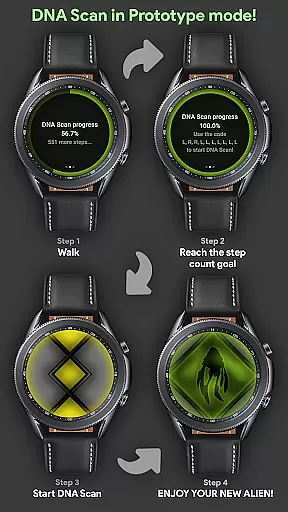
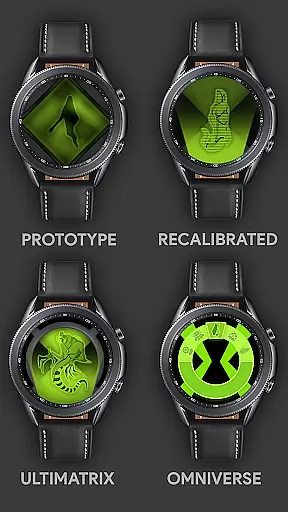
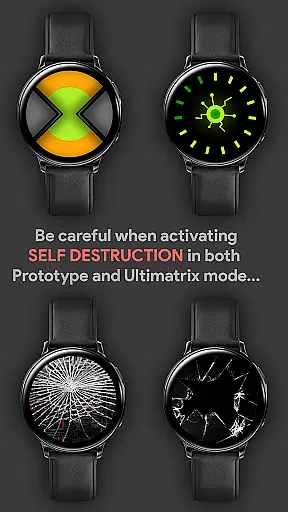
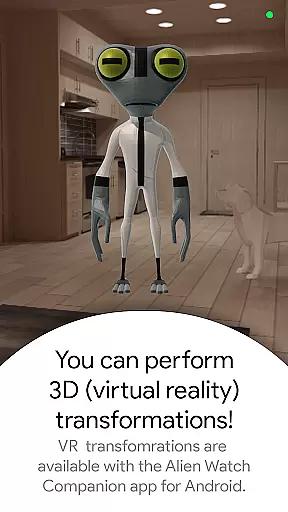
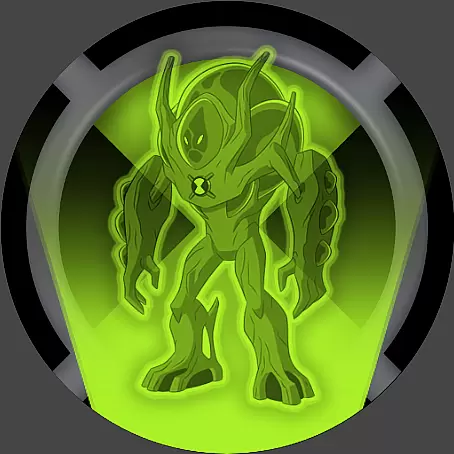
Alien Watch stands out with its comprehensive set of features designed to replicate the Omnitrix experience. The app includes three main modes - Prototype, Recalibrated, and Omniverse - each offering distinct functionalities. Prototype mode features DNA scanning, master control, self-destruction sequences, and virtual reality transformations that enable users to view aliens in 3D.
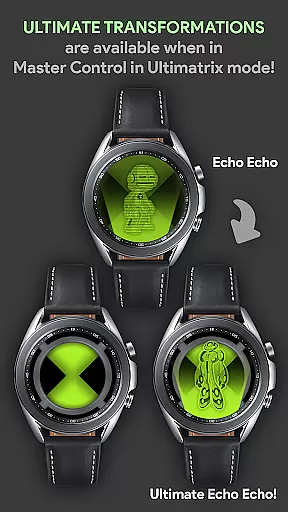
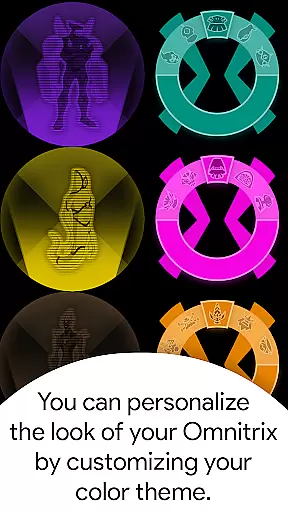
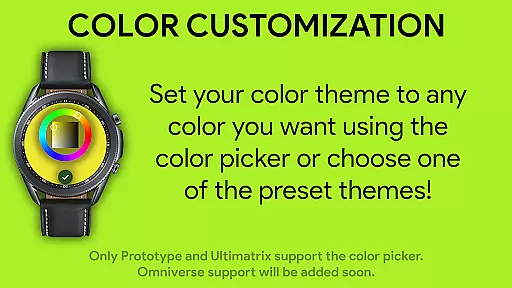
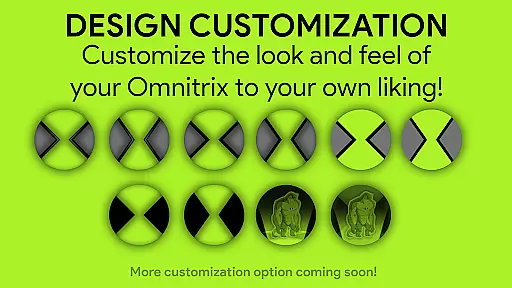
The Recalibrated mode takes the experience further with Ultimatrix functionality, ultimate transformations, and Azmuth Easter Eggs. Users can customize colors among twelve options, including Albedo mode. This mode also incorporates unique voice sound effects for most aliens during transformations. The Omniverse mode offers randomizer functions and additional color customization options, enhancing the visual appeal of the watch interface.
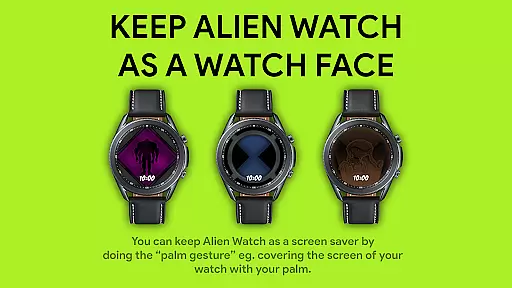
Notably, the app implements innovative gesture controls, allowing users to activate screen saver mode through palm gestures. All features are supported by detailed activation codes and usage instructions available through the official guide. These comprehensive features make Alien Watch a standout choice for both Ben 10 enthusiasts and smartwatch users seeking enhanced functionality.
Alien Watch offers an intricate economic system that mirrors the complexity of resource management found in advanced simulations. The app includes multiple modes such as Prototype, Recalibrated, and Omniverse, each with unique sub-modes that dynamically respond to user interactions. This creates a personalized experience where resources like DNA scans and step count goals directly influence the availability and power of transformations.
The dynamic feedback mechanism is evident in features like the DNA Scan, which allows users to unlock more aliens by achieving specific objectives. Whether opting for a walking challenge or entering activation codes, players receive instant feedback on their progress. This responsive system ensures that every action within the game has a tangible impact, enhancing engagement and replayability.
Players benefit from this depth through increased immersion and strategic planning opportunities. By managing resources effectively, users can optimize their gameplay experience, unlocking new features and advancing through various levels. This fosters a sense of accomplishment and progression, keeping users invested in the app's ecosystem.
This sophisticated economic model not only enriches the gaming experience but also sets Alien Watch apart in the realm of simulation apps. Its ability to adapt and evolve based on user input provides a continually fresh and challenging environment, making it a standout choice for fans of complex simulation games.
Resource management in Alien Watch is carefully balanced to provide both challenge and fairness, ensuring that users have a rewarding experience without feeling overwhelmed. The app offers diverse methods to gather resources, including step counts for DNA Scans and direct code entries, allowing players to choose strategies that suit their play style.
Each mode in Alien Watch presents different resource challenges. For instance, the Prototype mode requires users to complete DNA Scans to unlock aliens, while Recalibrated mode lets users customize colors and access special features like Ultimate Transformations. These varied mechanics ensure that no single strategy dominates, promoting creative problem-solving and adaptability.
Users gain significant advantages from mastering resource management. Efficiently utilizing available tools and options leads to enhanced gameplay experiences, unlocking exclusive content and capabilities. This balance encourages exploration and experimentation, driving deeper engagement with the appu2019s rich feature set.
By maintaining this equilibrium, Alien Watch delivers a compelling simulation experience that captivates users. Its well-thought-out resource management system invites players to delve into its multifaceted world, offering endless possibilities for interaction and enjoyment.
Authentic Ben 10 experience
Multiple transformation modes
Customizable color options
Interactive DNA scanning
Unique sound effects
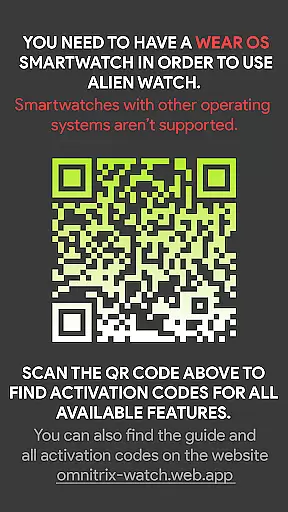
Requires Wear OS device
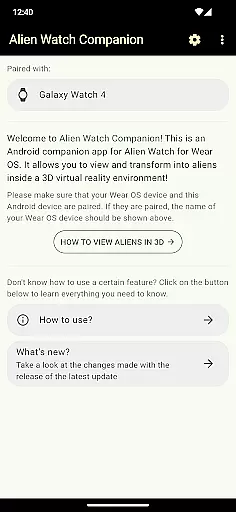
Dependent on companion app
Complex setup process
Limited without Android version
Feature activation codes needed

Pro Wrestling Team Management Sim, Face off with fearsome foes!
 4.50
4.50
Advanced 3d bow simulator app for hunters, using real archery ballistics.
4.50
Drive trucks along challenging routes inspired by Bolivia
4.20
Makeup, dress up and skincare for your princess fashion
4.70
Construction Simulator returns with a map inspired by the Canadian landscape.
3.40
Big Tractors, Big Farms, 1000+ Acres, American Sheds, all on an American Map!
4.40
Step into the world of tycoon simulator games and seal profitable business deals
4.10
The ultimate off-roading game!
4.60
The acclaimed bridge-building indie-hit is back and better than ever!
4.70
Enter a world of magic and adventure and create your own RPG-style town!
4.80
Work hard and you may reach the top of the video game industry.
4.80
Help your child, in a story-driven nurture game based on true events
4.80
Family, house & life simulator - build your dream home in a virtual world!
4.50
Build your kingdom in this atmospheric micro strategy game.
4.20
A babysitting horror game
4.20
Idle Mining Tycoon | ASMR Auto Dig For Gold. Offline Gem Digging Miner Simulator
4.20
Merge and mine to become Gold Tycoon in this clicker game - idle Zombie Miner.
4.10
Prank and cause chaos in the house. But don’t get caught!
4.10
Build your zoo, collect and take care of animals and make your guests happy!
4.2








User Reviews