
Basketball Stat Tracker is a comprehensive sports statistics application designed for basketball enthusiasts. This app allows coaches, scouts, parents, and fans to track, review, and share game statistics with ease. Moving beyond traditional pen-and-paper methods, Basketball Stat Tracker offers an efficient digital solution accessible via Android devices.
The app provides quick and accurate stat tracking through intuitive touch controls and built-in tutorials. It supports unlimited seasons, games, teams, and players, while offering advanced features like in-app live chat support and visual shot charts. With capabilities to track detailed stats such as rebounds, assists, blocks, and more, the app ensures no detail is missed during fast-paced games.
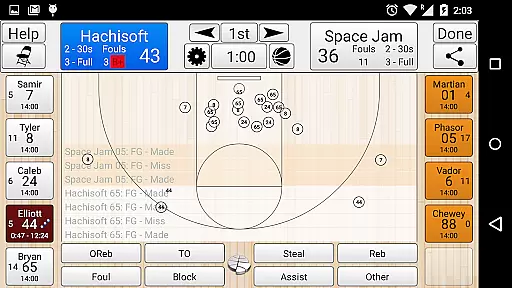
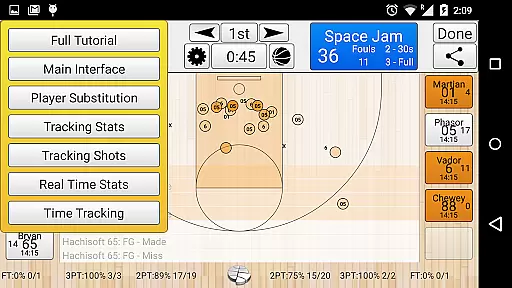
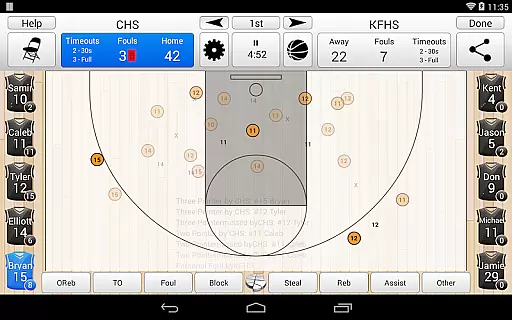
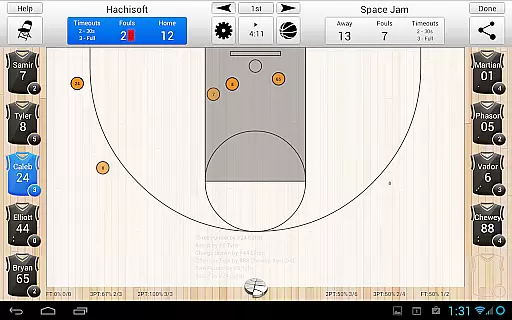
One of its standout features is the in-game heads-up display, which shows real-time stats, percentages, player fouls, and recent plays. The app also integrates with StatTracker.com, enabling users to manage data on desktops and sync it across devices. Whether for personal use or team management, Basketball Stat Tracker enhances the basketball experience by providing powerful tools for tracking and sharing game insights.
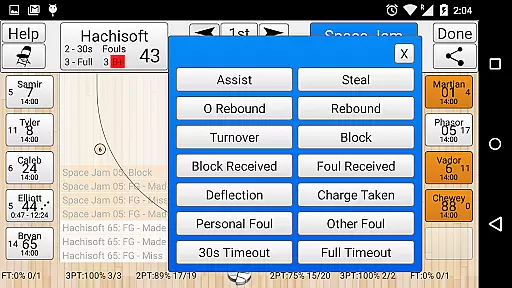
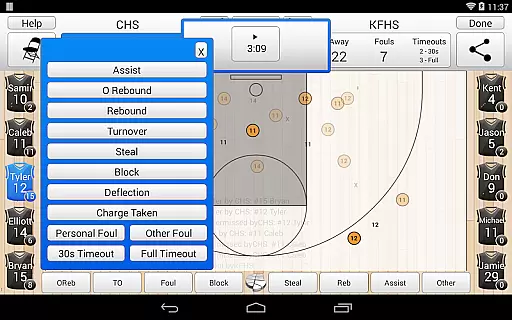
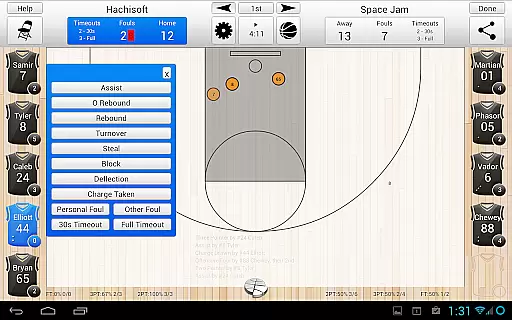
Basketball Stat Tracker stands out with its robust feature set tailored for basketball statistics. The app's touch screen controls are designed for quick and accurate stat entry, allowing users to track actions like shots, rebounds, assists, and fouls effortlessly. Its intuitive interface includes two lightning-fast substitution methods and supports official court dimensions for various leagues, including NCAA, NBA, and FIBA.
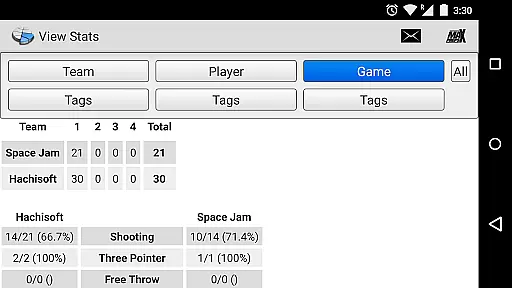
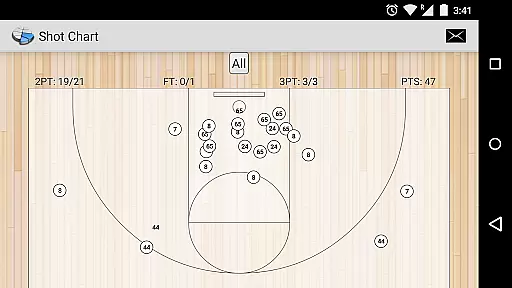
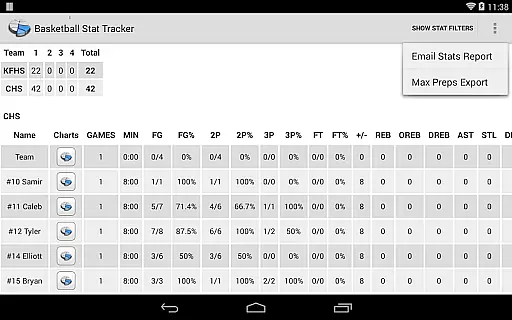
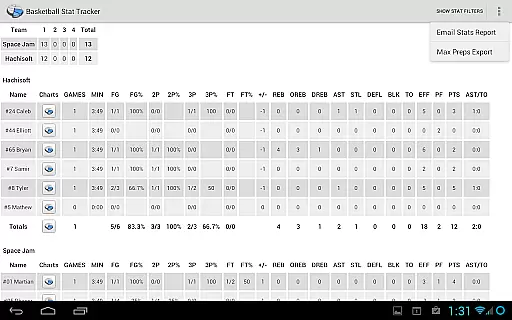
A key highlight is the in-game heads-up display, which provides real-time updates on player stats, fouls, and playing time. Users can review play-by-play stats and manage team timeouts and fouls directly from the tracking screen. Additionally, the app offers advanced reporting tools, enabling users to visualize data through shot charts, box scores, and custom filters based on teams, players, or periods.
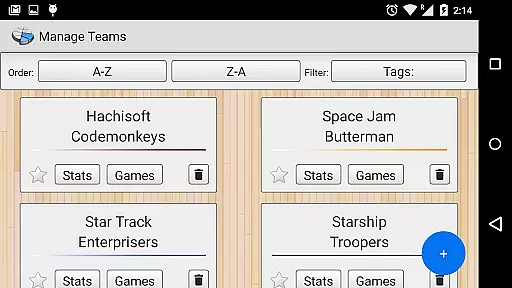
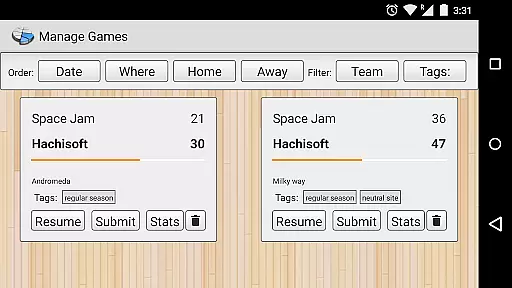
For season-long management, Basketball Stat Tracker allows users to organize multiple seasons, games, and rosters seamlessly. Premium features include integration with StatTracker.com, where users can sync data, access cloud backups, and publish shareable reports. Offline functionality ensures uninterrupted stat tracking, making this app a versatile tool for basketball analysis.
In the realm of sports applications, Basketball Stat Tracker excels in delivering gameplay realism and physics accuracy. This app goes beyond simple stat tracking by simulating the fast-paced action of basketball through an intuitive touch system that mirrors the real game.
Users can add makes, misses, and shot locations with precision that reflects actual on-court decisions and player performance. The app's design ensures that every tracked statistic, from rebounds to assists, is recorded with the same impact and significance as in a live game.
The level of detail extends to replicating official courts, such as HS, NCAA, NBA, and FIBA, providing an authentic experience that captures the nuances of different play styles and rules. This meticulous attention to detail offers users an immersive experience that faithfully represents the sport's physical dynamics.
By using Basketball Stat Tracker, coaches, scouts, and fans gain valuable insights into player and team performances under game conditions that are modeled to reflect professional standards, enhancing their understanding and enjoyment of basketball analytics.
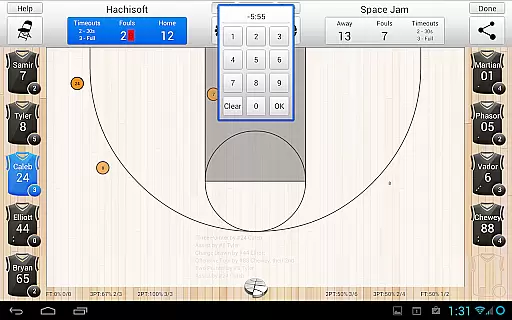
Basketball Stat Tracker stands out for its control scheme intuitiveness, making it accessible for coaches, scouts, parents, and fans to track statistics efficiently during high-speed games. Its user-friendly interface features touch screen controls that simplify the process of recording complex stats.
The app includes built-in tutorials that swiftly familiarize users with its functionalities, ensuring they can take full advantage of its capabilities without a steep learning curve. With In-App LIVE CHAT support, help is readily available for any queries that arise.
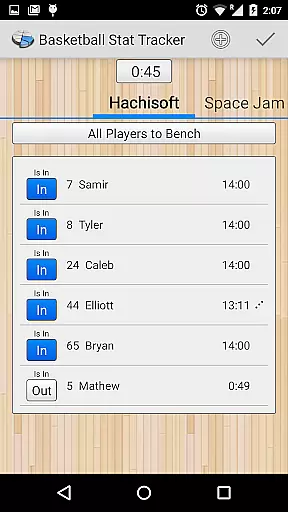
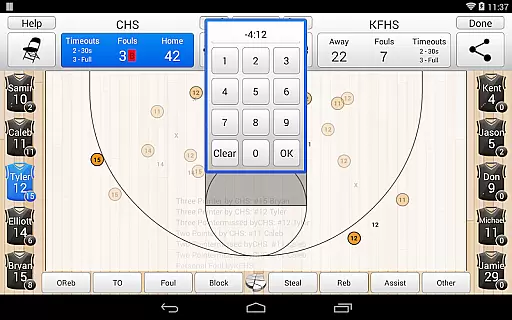
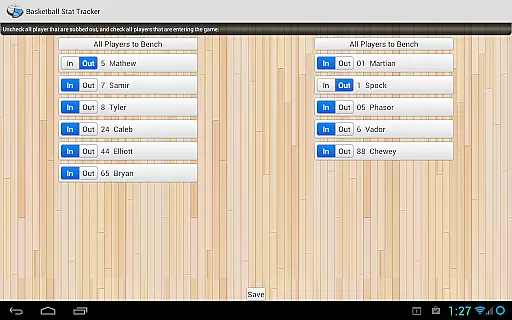
Tracking player or team stats becomes seamless with two rapid methods for substituting players and the ability to quickly undo any mistakes. These features combine to create a fluid and responsive tracking experience that keeps pace with the dynamic nature of basketball.
Overall, Basketball Stat Tracker's thoughtful design prioritizes ease-of-use while maintaining comprehensive functionality, allowing users to focus on the excitement of the game rather than the mechanics of stat tracking.
User-friendly interface
Comprehensive stat tracking
Real-time updates
Offline functionality
Cloud integration
Premium features locked
Steep learning curve
Limited free exports
Occasional bugs
High device dependency

Online app with multiple arenas! Live PvP multiplayer grand slam sports league.
 4.60
4.60
Play darts against the world!
4.70
Real-time 1v1 basketball game! Dunk, shoot & win like MVP basketball superstars!
4.70
Coach a franchise of NFL PA licensed pro football players to gridiron glory
4.60
Play eFootball™ with users around the world!
4.10
Basketball Team Management Sim Coach a custom team and dunk your way to glory!
4.70
Relive the second baseball game in the Backyard Sports franchise!
4.00
Fun multiplayer golf game! Prove you’re a golf legend and play with friends!
4.40
Build, manage & coach your NFL dream team in this American Football sports game!
4.40
Play online multiplayer or PvP Pool games and compete with your friends!
4.80
Quick-fire archery duels! Play the most realistic 3D archery game now!
4.70
Trampoline backflips, frontflips & trick stunts! Ultimate adrenaline rush!
4.60
Extreme bike tricks at your fingertips!
4.50
Build a soccer club from scratch and see if you can conquer the World!
4.50
Challenging 1vs1 online matches! Strike, score, and be a soccer champion!
4.40
Draft your NBA basketball game team. Authentic real-time online sports game.
4.20
The ultimate skateboarding sim
4.20
The My Epic app unlocks the mountain and elevates your experience.
3.90
Run the ball into the endzone in AR.
4.3




User Reviews