
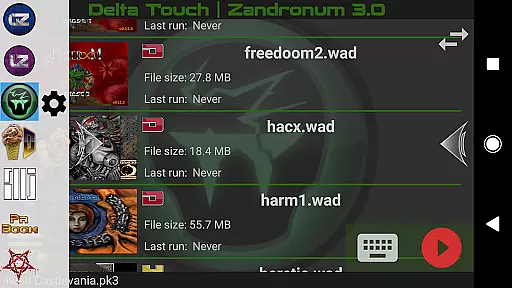
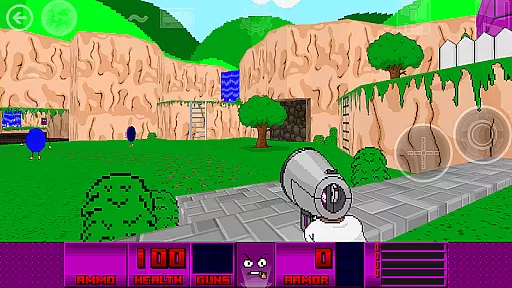
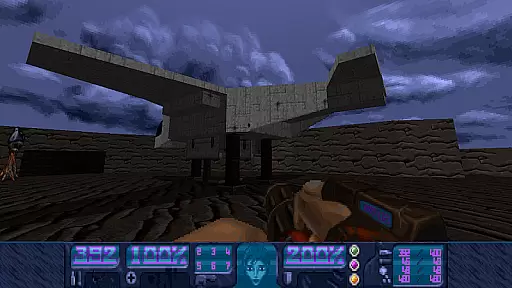
Delta Touch brings ten of the best Doom engine source ports to Android, offering an unparalleled retro gaming experience. The app includes popular ports like GZDoom, Zandronum, and Chocolate Doom, supporting a wide range of Doom-based games and mods.
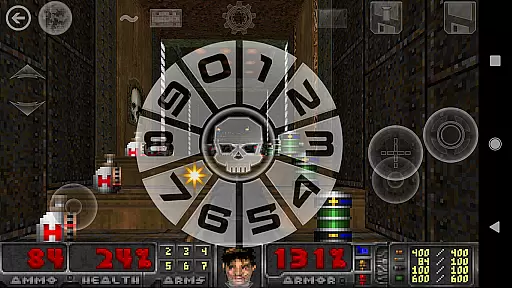
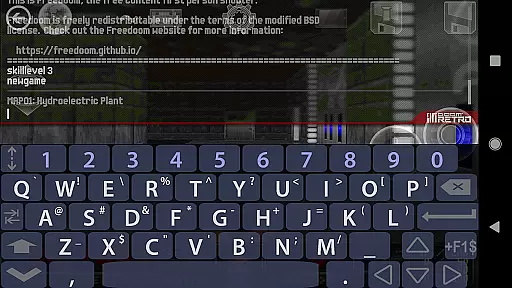
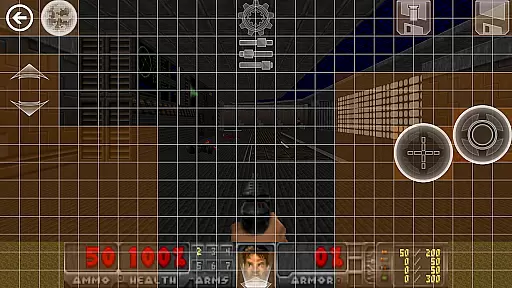
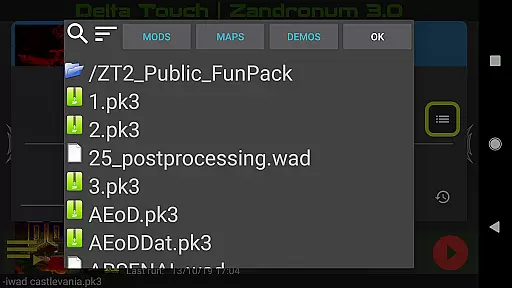
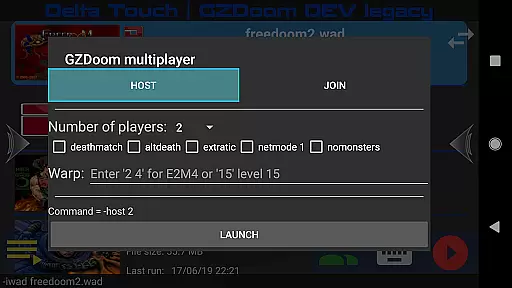
With full touch screen controls and gamepad support, this app provides flexible play options. Users can customize controls, access cheats via built-in keyboard, and select wads and mods through a custom UI. It supports multiplayer modes and offers features like gyro aim assist and mouse-keyboard support for modern devices.
Ideal for both casual and advanced players, Delta Touch allows importing personal wad files while including FreeDoom data for immediate gameplay. The app's comprehensive feature set makes it perfect for enjoying classic Doom experiences on mobile devices.
Delta Touch stands out with its extensive collection of Doom engine ports optimized for Android. The app includes multiple versions of GZDoom alongside other popular ports like LZDoom and Zandronum, each offering unique features and compatibility options.
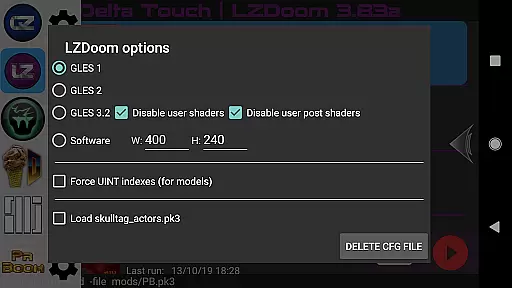
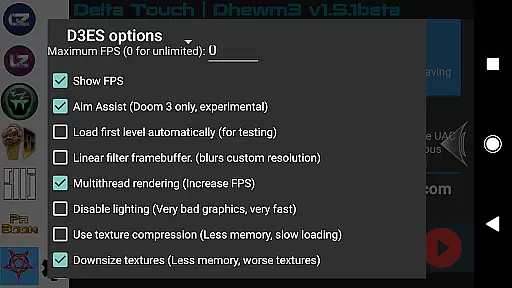
The application provides advanced customization options, including 18 custom buttons for GZDoom mods and fully navigable UI via gamepad. Its rendering capabilities support various modes, ensuring optimal performance across different devices. The included FreeDoom data and support for community-made mods expand gameplay possibilities significantly.
Notably, Delta Touch incorporates modern mobile features such as gyroscopic aiming and touch layout saving. These innovations, combined with comprehensive file support for Doom, Hexen, Heretic, and Strife, make it a versatile platform for classic FPS gaming on Android devices.
Control responsiveness and latency are crucial factors in action games, especially for a title like Delta Touch that brings multiple Doom engine ports to Android. These elements ensure that every movement or command is registered instantly, providing an immersive experience.
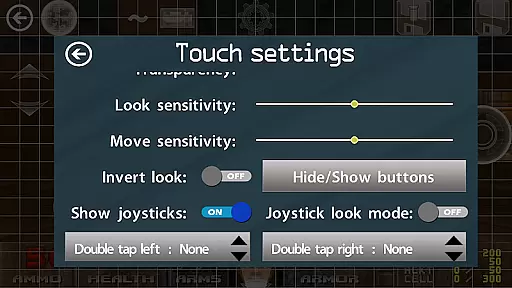
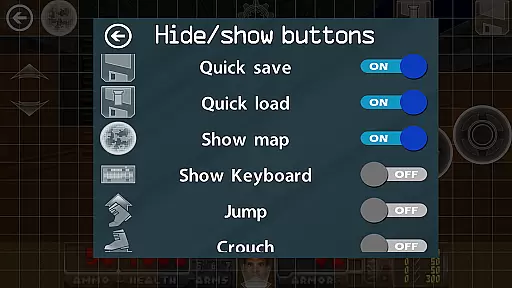
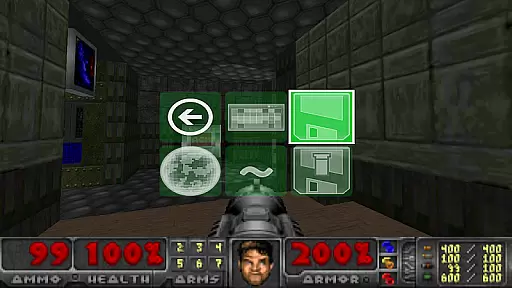
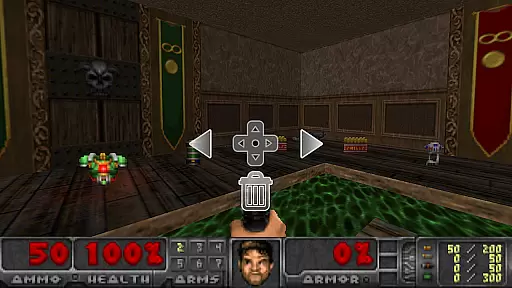
Delta Touch excels in this area by offering highly customizable touch screen controls and full game-pad support. Players can fine-tune their control schemes, ensuring minimal input delay whether they're using on-screen buttons or external controllers. This adaptability caters to both casual gamers and hardcore enthusiasts who demand precision.
The benefits of such responsive controls include enhanced gameplay accuracy, allowing players to execute complex maneuvers seamlessly. Whether navigating through retro levels of Doom or engaging in intense multiplayer battles, users will appreciate the immediacy of their actions translating into in-game responses.
Ultimately, Delta Touch's commitment to reducing latency and optimizing control responsiveness elevates it above other mobile gaming apps. Gamers can enjoy thousands of community-made mods and levels with confidence, knowing their inputs are accurately reflected without frustrating delays.
In action-packed games like those offered by Delta Touch, combat feedback tightness significantly impacts player satisfaction. It refers to how well the game communicates successful hits, damage dealt, and overall engagement during combat scenarios.
Delta Touch achieves excellent combat feedback through various means. The app supports different rendering modes and provides options for customizing visual and auditory cues. Players receive immediate confirmation of their actions via impactful graphics and sound effects, making each encounter feel visceral and rewarding.
This tight combat feedback loop enhances user immersion and enjoyment. When battling demons in Doom or strategizing in Heretic, players rely on precise feedback to adjust tactics and improve performance. Such responsiveness not only makes gameplay more exciting but also helps users master challenging mods like Brutal Doom.
By prioritizing combat feedback tightness, Delta Touch ensures that every skirmish feels intense and satisfying. Users can fully immerse themselves in the rich world of Doom engine games, confident that their interactions are met with appropriate and gratifying responses.
User-friendly interface
Wide game compatibility
Customizable controls
Active developer support
Regular updates
High-end device required
Complex setup process
Large storage needs
Limited low-end support
Occasional bugs
Survive epic space battles in an offline roguelike bullet heaven adventure
 4.60
4.60
A Legendary Action RPG With Ninja Shadow Legends Fighting Style Offline Games!
4.40
The Ultimate AAA Shooter: Mobile Warfare Redefined.
4.60
Swing into action as a spider legend in an epic fighting adventure
4.60
Aim the arrow and become a legendary archer! Multiplayer action & shooting games
4.40
Descend deeper into the toy factory with more puzzles and a new threat looming
4.20
Brutal action-platformer
4.50
Childhood nightmares should remain in the past.
4.60
Break the ragdoll and relieve your stress! This is the ultimate de-stress game.
4.40
Action roguelike bullet hell where every choice could make or break your run.
4.80
Survive the Wild West: Bullet Hell Roguelite Action Awaits!
4.70
Agent Shooter FPS action shooter with sniper & cover missions.
4.70
Keep an eye on the animatronics and you'll make it thru the night... probably.
4.70
Survive the post apocalypse in intense zombie shooting and gun games on doomsday
4.60
Wish-granting Mermaid’s Tears in the hands of SpongeBob… What could go wrong?
4.20
NEOGEO's masterpiece game is now available in the app!
3.90
Five years ago, Carl ‘CJ’ Johnson escaped the haze of Los Santos, San Andreas…
3.30
Play through 45 action-packed missions with over 90 iconic Marvel characters!
3.00
Retro pixel war game! Destroy enemies and survive the chaos!
4.0



User Reviews