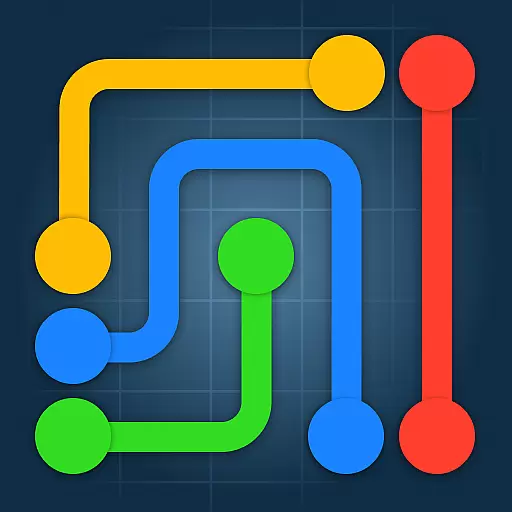
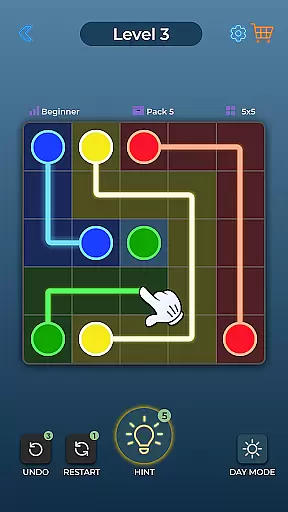
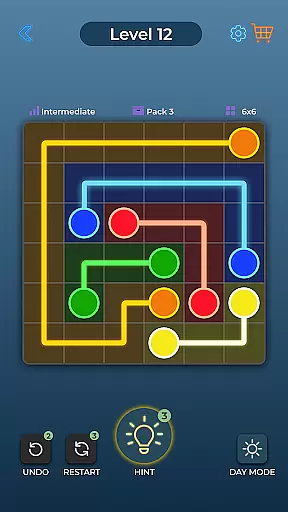
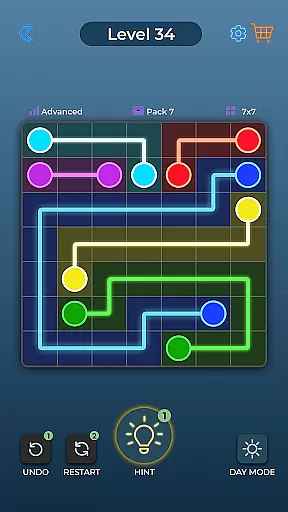
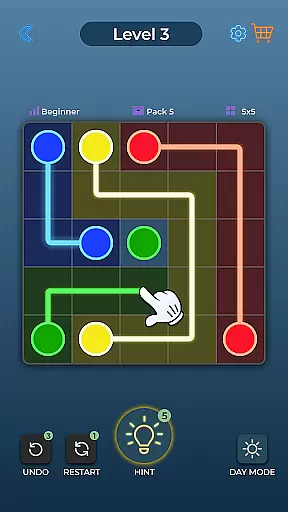
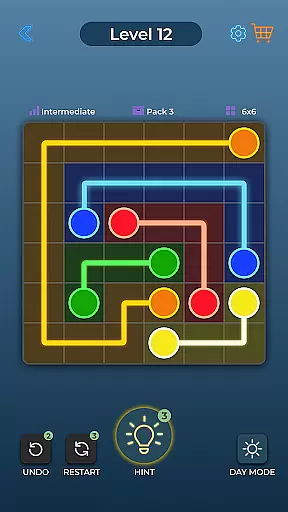
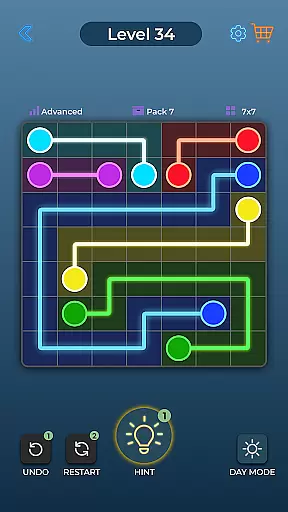
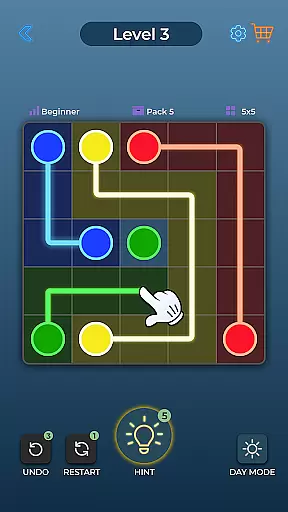
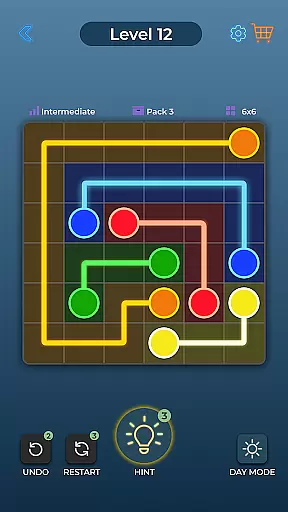
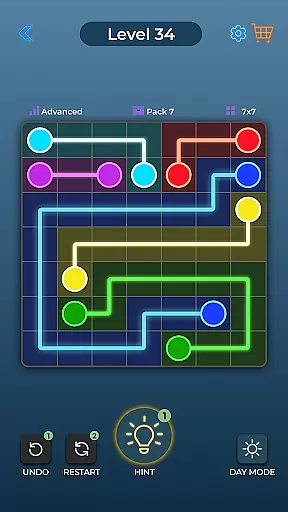
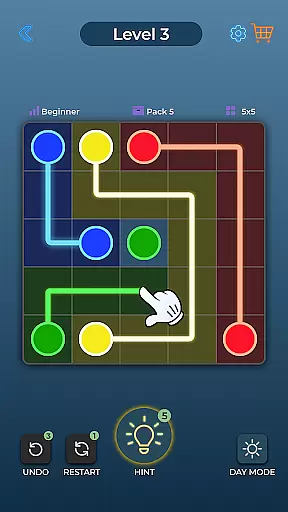
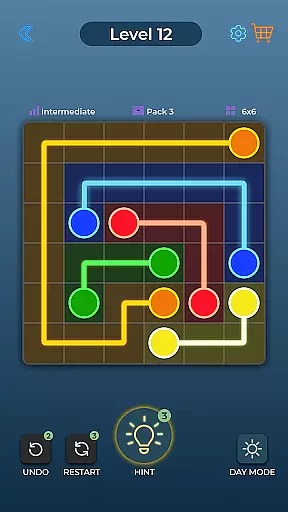
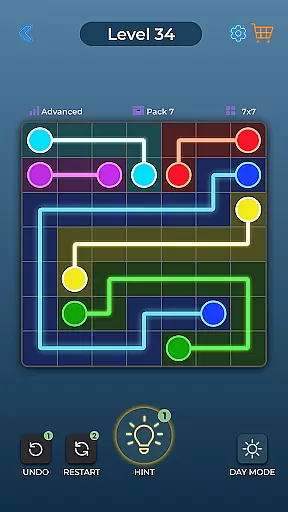
Dot Link is an engaging puzzle game that challenges players to connect matching color dots on a board without crossing pipes. With over 10,000 levels and five difficulty settings ranging from Beginner to Insane, it offers a comprehensive mental workout suitable for all ages. The game features a minimalistic design with vibrant colors and relaxing music, creating an enjoyable user experience.
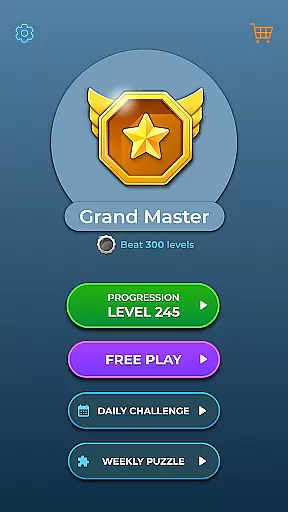
Players can take advantage of helpful tools like Undo, Restart, and Hint features to solve challenging puzzles. A Daily Puzzle adds extra motivation while Day and Night Mode, along with Color Blind settings, ensure accessibility for everyone. Whether you're looking to pass time or sharpen your mind, Dot Link provides endless entertainment through its cleverly designed dot-connecting gameplay.
One of the standout features of Dot Link is its variety in difficulty levels, which caters to both casual gamers and hardcore puzzlers alike. Each level requires strategic thinking as players must plan their moves carefully to avoid crossing paths when connecting dots. This keeps the gameplay fresh and increasingly challenging as users progress.
In addition to its core mechanics, Dot Link enhances user engagement with special features such as relaxing sound effects and customizable visual settings including Day/Night mode and options for colorblind players. The inclusion of Daily Puzzles motivates regular play by offering unique challenges each day. These thoughtful additions not only improve usability but also make the overall gaming experience more immersive and personalized.
Dot Link - Connect the Dots offers a consistent and logical puzzle-solving experience that challenges players to think critically. The game's core mechanic of connecting matching color dots without crossing pipes requires strategic planning and forethought.
The puzzles are designed with clear rules and objectives, ensuring that each level presents a fair and solvable challenge. As players progress through thousands of levels, they encounter increasingly complex boards that test their problem-solving skills while maintaining the game's core logic.
This consistency in puzzle design helps players develop pattern recognition and spatial reasoning abilities. The gradual difficulty curve allows users to build confidence as they master basic techniques before advancing to more intricate configurations.
While adhering to traditional connect-the-dots mechanics, Dot Link introduces creative elements that set it apart from other puzzle games. The inclusion of five distinct difficulty levels, from Beginner to Insane, caters to diverse player preferences and skill levels.
The game's visual presentation combines minimalistic aesthetics with vibrant colors, creating an appealing contrast between simplicity and complexity. Unique features like Day and Night Mode, Color Blind settings, and multiple language support demonstrate the developers' attention to accessibility and inclusivity.
With over 10,000 levels and regular updates, Dot Link maintains player engagement through varied challenges and innovative puzzle designs. The Daily Puzzle feature and special tools like Undo, Restart, and Hint add layers of strategic depth, encouraging players to approach familiar mechanics in new and creative ways.
Easy-to-play mechanics
Vibrant visuals
Relaxing soundtrack
Accessible on multiple devices
Free to download
Limited social interaction
No multiplayer mode
Ads between levels
In-app purchases available
Can become repetitive

Merge & Discover!
 4.80
4.80
The definitive action puzzle game "ZOOKEEPER" is finally available on Android!
4.30
The 4th entry in the multi-award winning ‘The Room’ puzzle game series
4.90
Program little workers to solve puzzles. The machines are coming...for your job.
4.00
Train your brain with zen mahjong puzzles! Match triple tiles in stunning game
4.80
A relaxing wood block puzzle for fans of wood puzzle and classic blocks game.
4.90
Explore small forgotten spaces in A Little to the Left: Cupboards & Drawers!
4.90
Number puzzle and logic game. Find pairs of numbers to clear the board!
4.40
Welcome to Match Factory - The Ultimate Triple Matching 3D Puzzle Game!
4.70
Point and click adventure escape room
4.80
Point and click adventure game
4.80
Car moving game: maneuver through traffic jam in this addictive 3D puzzle game.
4.70
The grand finale to The House of Da Vinci puzzle adventure trilogy is here.
4.70
Meet GLaDOS and solve crazy construction puzzles in the official Portal™ world!
4.60
Slide, match, and snap photo cards to master HD puzzle challenges.
4.60
Achieved #1 in Puzzle genre (Japan)! Revolutionary match-4 with cute characters!
4.60
A funny, brain-testing, puzzle game. Unleash your untapped creativity!
4.60
Hatsune Miku puzzle game is here!
4.10
Discover the funniest multiplayer physics puzzle platformer!
3.70












User Reviews