
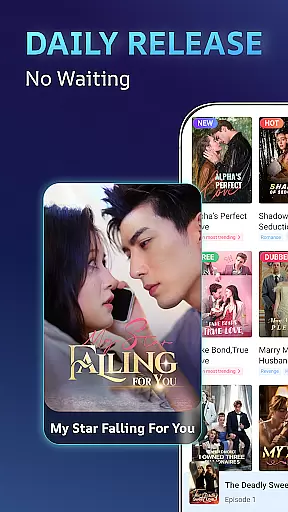
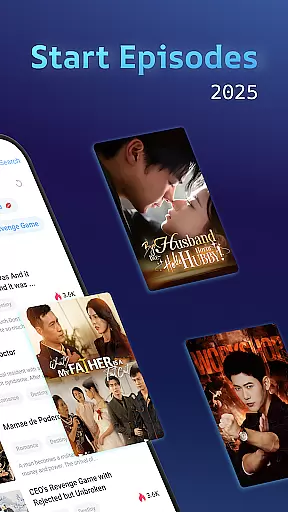
eStory is a comprehensive entertainment app that combines short dramas, drama series, and novels into one platform. Designed for on-the-go consumption, it offers bite-sized episodes and stories across various genres including romance, fantasy, and revenge narratives. The app provides both video content and written stories, allowing users to watch or read based on their preferences.
One of the standout features of eStory is its offline viewing capability, which ensures users can enjoy content without an internet connection. Additionally, the app's recommendation engine curates personalized content, enhancing user engagement by delivering tailored suggestions based on individual tastes. Whether you're commuting or taking a break, eStory fits seamlessly into your daily routine, offering high-quality HD short movies and dramatic series.
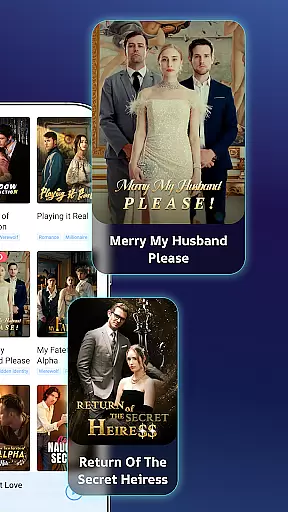
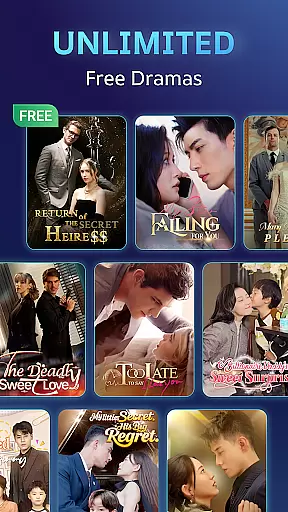
eStory boasts an extensive library of short dramas and novels, covering a wide array of genres such as romance, mafia tales, billionaire stories, werewolf sagas, and more. This diversity ensures that there is something for everyone, catering to varied tastes and preferences. The app updates its content daily, providing fresh episodes and stories that keep users engaged and coming back for more.
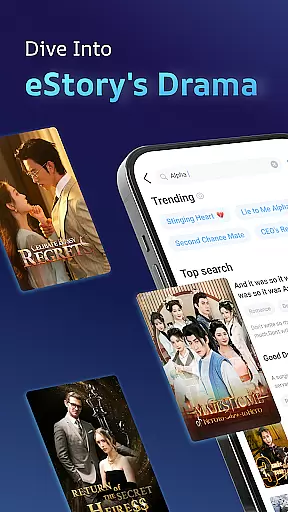
The smart recommendation system is another key feature, acting as a personal curator that handpicks content based on user behavior and preferences. This eliminates the need for endless scrolling and helps users discover new favorites effortlessly. Furthermore, eStory supports high-definition streaming for its video content, ensuring a premium viewing experience. Users can also download content for offline access, making it convenient to enjoy entertainment anytime, anywhere.
eStory offers an extensive e-book library that caters to a wide array of interests, ensuring there's something for every reader. With thousands of titles available, users can explore various genres including romance, fantasy, and thrilling adventures.
The platform places a strong emphasis on copyright authenticity, guaranteeing that all content is legally licensed. This commitment not only supports authors and publishers but also provides readers with the assurance that they are accessing legitimate works.
By prioritizing both variety and legality, eStory creates a trustworthy environment where book enthusiasts can indulge in their passion without concerns about copyright infringement.
One of eStory's key strengths lies in its format compatibility, allowing seamless access to books across different devices. Whether you're using a smartphone, tablet, or computer, the app ensures a consistent reading experience.
This versatility extends to file formats as well, supporting popular options such as EPUB and PDF. Such comprehensive format support enables users to import their existing collections and enjoy them alongside eStory's curated offerings.
The combination of cross-device synchronization and broad format support makes eStory an ideal choice for avid readers who value flexibility in how and where they consume digital literature.
User-friendly interface
Diverse genre selection
Daily content updates
Offline viewing mode
Personalized recommendations
Limited original content
Ads between episodes
Occasional bugs
High data usage
Subscription fees

Powerful Bible study tools linked to every verse in an easy-to-use Bible reader!
 4.60
4.60
Crowd-sourced listing of businesses with anti-gun signs, and pro-2a alternatives
4.60
This is the pro version King James bible Offline that we have
4.70
The favorite Christmas story comes to life!
4.80
Zerobooks Light Novel Reader by GOLDENAGATO
4.20
The Original & Authentic Crystals, Gemstones, Rocks & Minerals Encyclopedia.
4.60
Full text, sheet music, and recordings of the print edition
4.60
Read books PDF, EPUB, WORD, KINDLE, MOBI! Your ebook reader among reading apps.
4.80
Daily Bible app: King James Version with verses and audio for studying&prayer
4.40
Flora of Virginia Project (www.floraofvirginia.org)
5.00
What’s that bird? Just answer 5 questions, snap a photo, or record its song!
4.90
Audiobook player with cross-device progress sync, playlists, and widget support.
4.80
Plan of Life that Saint Josemaría recommended
4.80
My Bible offers a comprehensive app by providing offline access, daily verses.
4.80
Research your family history to explore ancestors and search for your heritage
4.50
Cute bedtime story for kids
4.30
KJV Bible works offline with Audio, Hebrew & Greek lexicon (concordance) & more!
4.20
Enjoy your favorite books
3.50
Battle Royale Chapter 5 Season 2 HD Wallpapers Emotes Skins and BattlePass
3.00




User Reviews