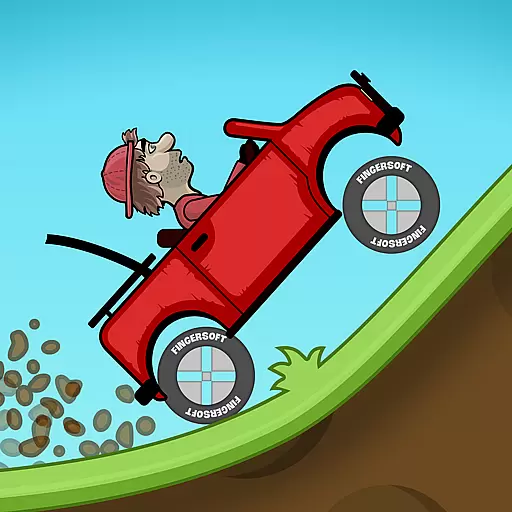
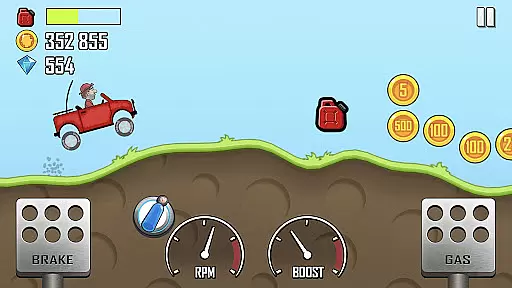
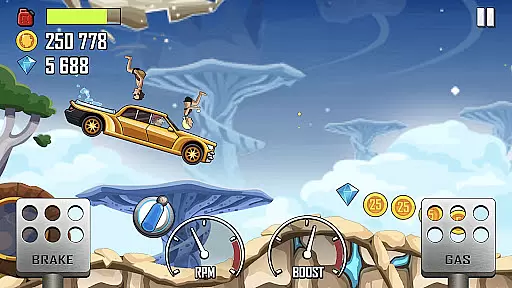
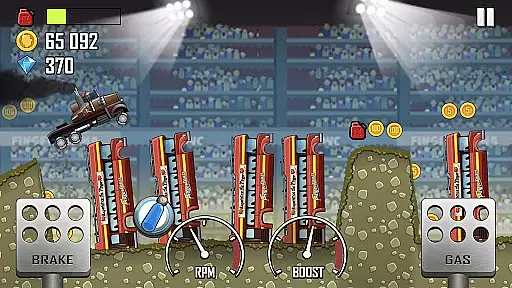
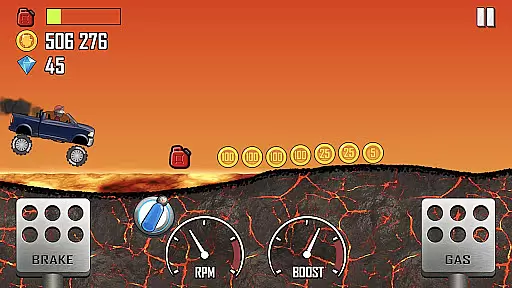
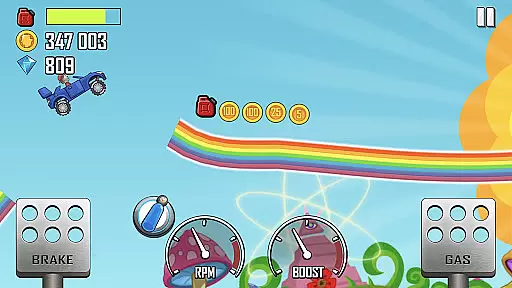
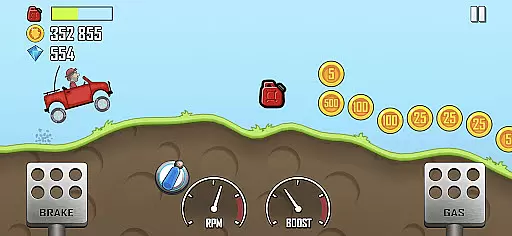
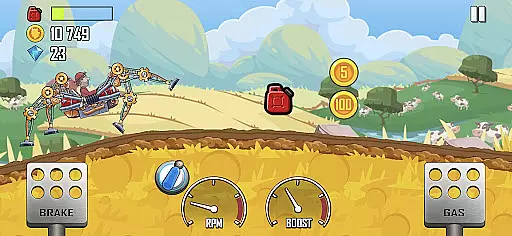
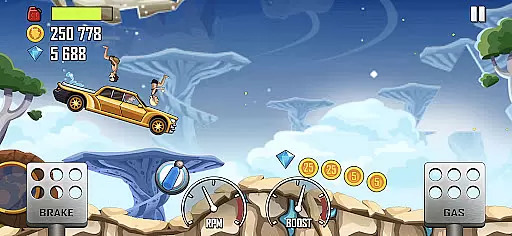
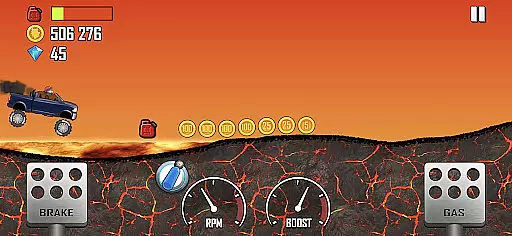
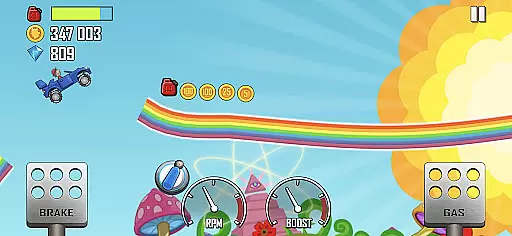
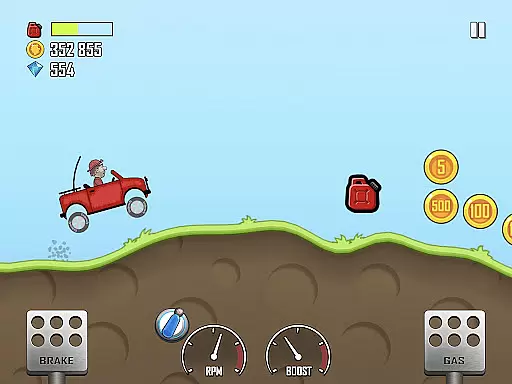
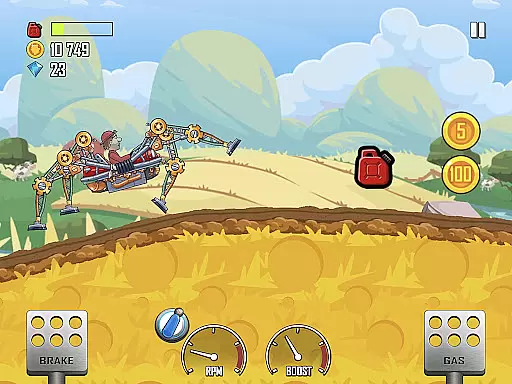
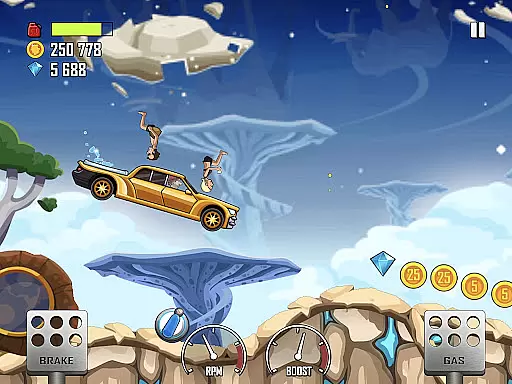
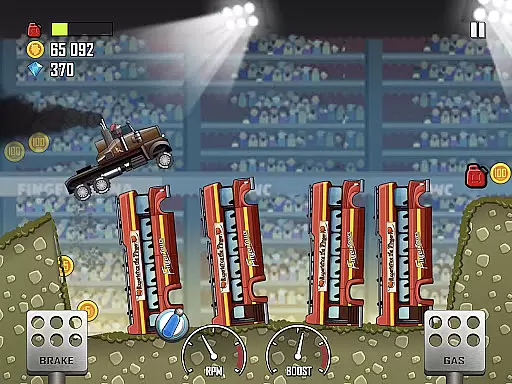
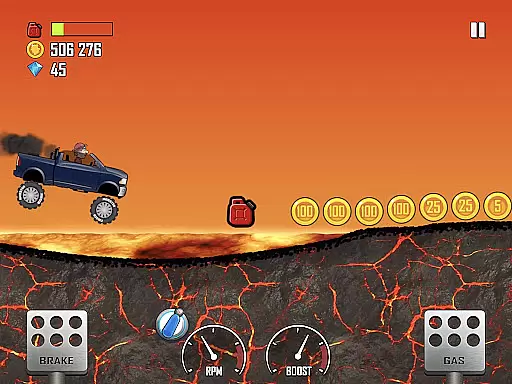
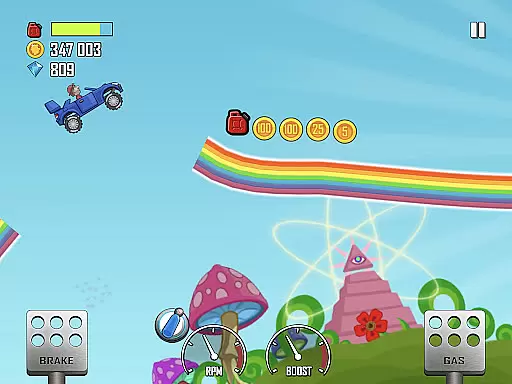
Hill Climb Racing is a physics-based driving game that challenges players to race uphill across unique environments. With a variety of vehicles to choose from, players can enjoy daring tricks and collect coins to upgrade their cars.
Playable offline, this game allows you to embark on a journey through Climb Canyon with Bill, the aspiring racer, facing challenges in different terrains while managing fuel and vehicle stability.
The goal is to conquer hills and earn points by performing stunts, all while customizing and upgrading your dream vehicle for longer distances and better performance.
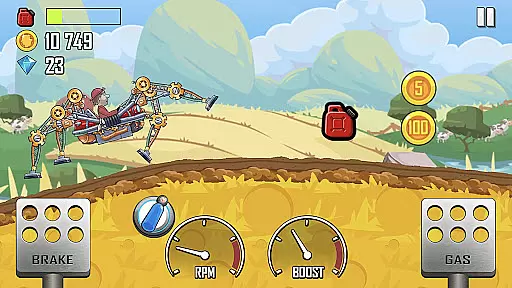
One of the standout features of Hill Climb Racing is its simulated physics system, which reacts uniquely to different terrains, offering a realistic driving experience. Players can unlock and upgrade various vehicles with custom parts and skins.
The game offers fresh content regularly, including new vehicles and stages, ensuring continuous engagement. Daily challenges and events provide opportunities to earn epic rewards.
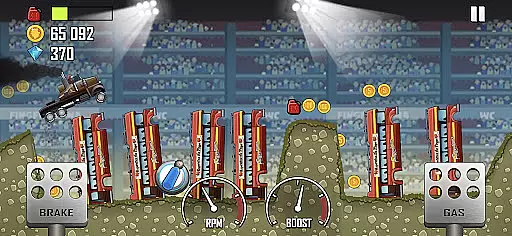
With wacky stages full of hazards and diverse terrains, players must strategize to overcome obstacles and travel as far as possible without running out of gas or crashing.
In Hill Climb Racing, the handling physics realism is a core aspect that sets it apart from other racing games. The game employs a unique in-game physics system where vehicles react to terrains in distinct manners.
Players will experience how different vehicles respond to varied surfaces, slopes, and obstacles. This realistic physics simulation challenges players to adapt their driving techniques according to the terrain they are navigating.
The value for users lies in the increased engagement and immersion provided by this feature. Gamers can experiment with momentum, gravity, and torque just like in real-world driving scenarios, making each climb both a challenge and an achievement.
Control precision and input latency are crucial elements in Hill Climb Racing, directly impacting gameplay performance. The game ensures that player inputs translate immediately into actions within the game, providing a seamless driving experience.
With responsive controls, players can execute precise maneuvers required to overcome the game's challenging terrains and obstacles. Whether it's a delicate balance on a steep slope or a quick adjustment to avoid a crash, control responsiveness is key.
This level of precision enhances the overall gaming experience by allowing players to fully leverage their skills. It makes every action count and keeps the excitement levels high as racers strive to conquer hills without running out of gas or crashing.
Engaging physics-based gameplay
Variety of unique vehicles
Playable offline
Regular content updates
Daily challenges for rewards
Occasional bugs reported
In-app purchases needed
Fuel management tricky
Graphics could be better
Ads between sessions
Street car racing has started, experience the drving skills!
 4.50
4.50
Tune up your cars and race around the city with your friends!
4.10
Ultimate 4x4 OffRoad Truck Driving Simulator Game with Real Physics & Suspension
3.60
Car racing game with officially licensed cars from F1®, NASCAR, WRC, & more
4.60
Experience the ultimate thrill of realistic motorcycle racing.
4.30
Master the controls and become the ultimate extreme motorcycle driver in world
4.60
Console quality rally racing
4.70
Old-school dirt racing meets cutting-edge tech!
4.10
Build, customize and expand your garage in an incredible world of cars!
4.10
Can you survive the zombie apocalypse? Choose your car and smash those zombies!
4.80
Drift, jump, and destroy cars! Race faster than all the cars in the 3D arena!
4.60
Master city streets in the ultimate car racing and driving simulator!
4.60
Retro Rally Racing
4.60
Race car and win. The ultimate car racing game exprience!
4.60
PvP Car Racing Game. Premium Online Real-Time Multiplayer Racing, Live Race
4.50
Race cars on asphalt, drift in the most wanted street racing car game with nitro
4.40
Once you start you can’t stop. Run, jump & win in the epic obstacle course games
4.30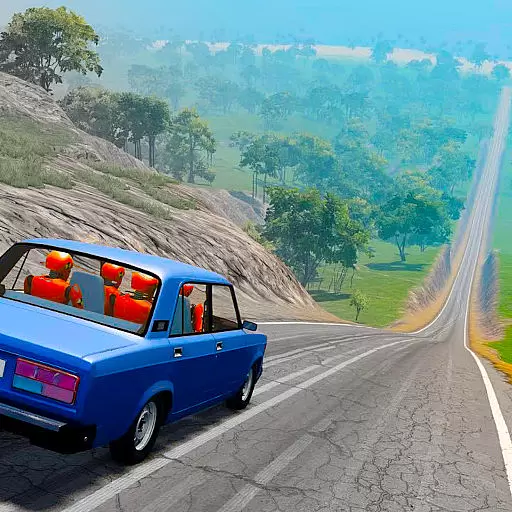
Drive off hill in the offroad car racing game with advanced crash physics!
4.30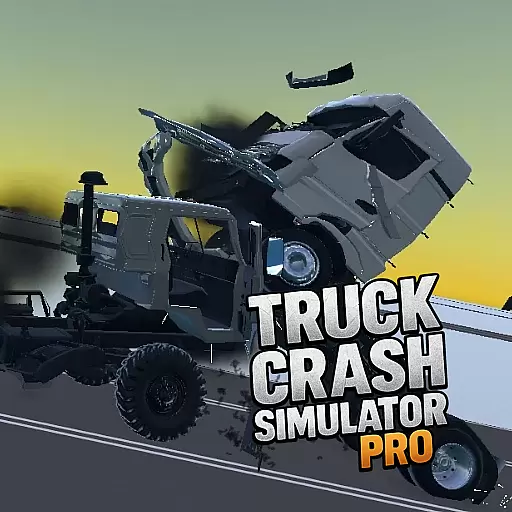
Drive and crash trucks in arenas, test zones and intercity routes.
4.1



User Reviews