
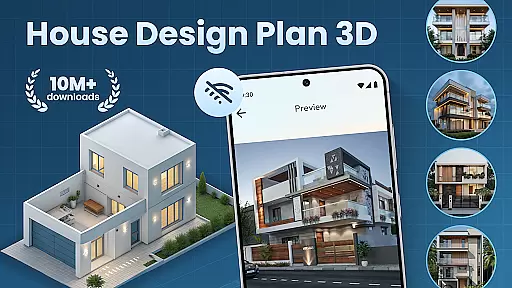
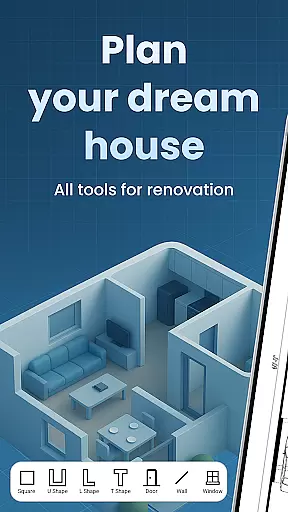
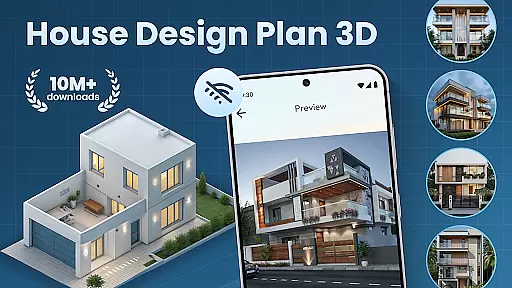
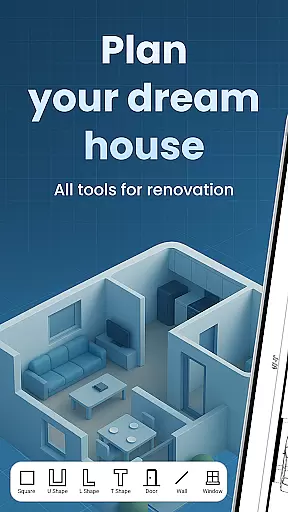
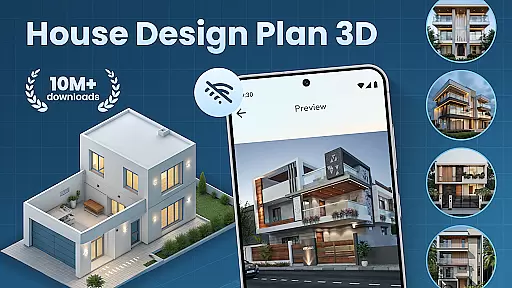
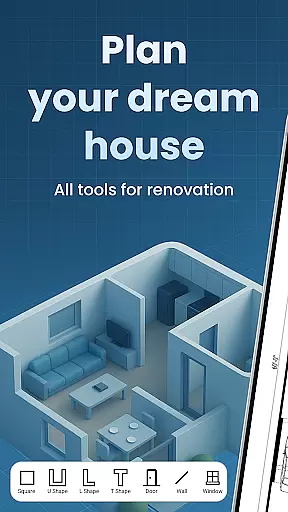
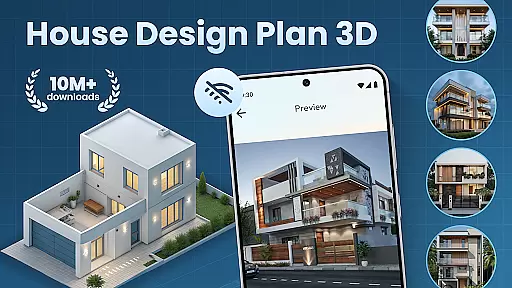
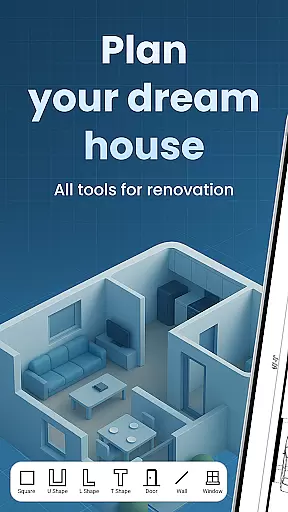
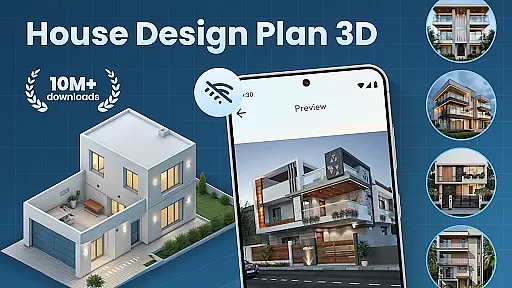
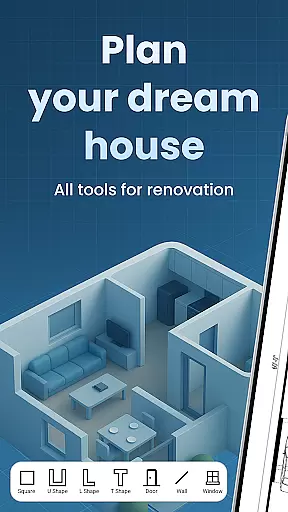
House Design Plan 3D App is a comprehensive home design tool that allows users to create detailed floor plans and visualize their dream homes in fully-rendered 3D. The app provides an intuitive drag-and-drop interface for designing room layouts, customizing interiors, and experimenting with various furniture arrangements and color schemes. Whether you are a beginner or an experienced designer, this application supports both simple and complex projects, from single-room makeovers to multi-level house builds.
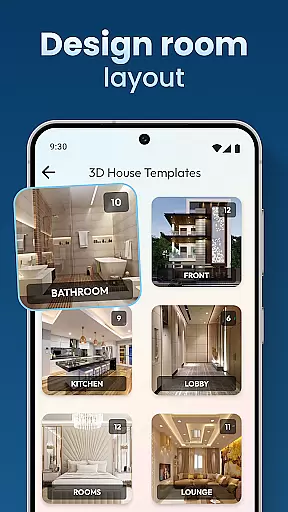
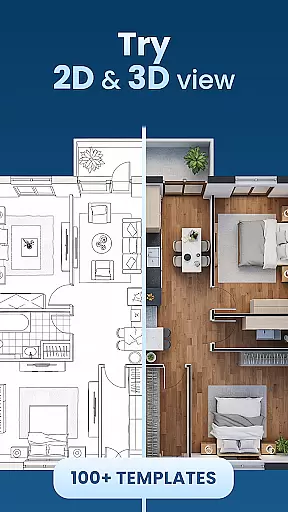
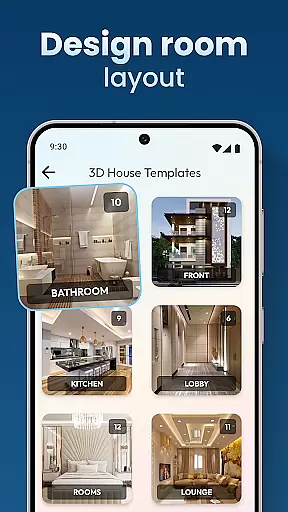
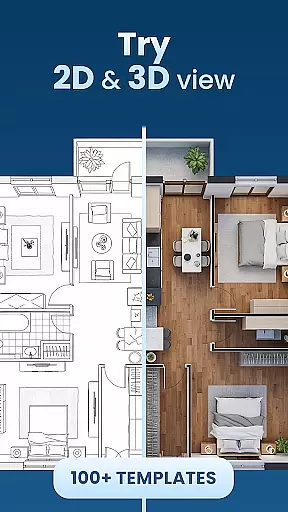
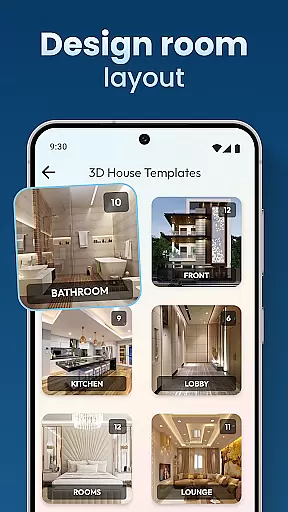
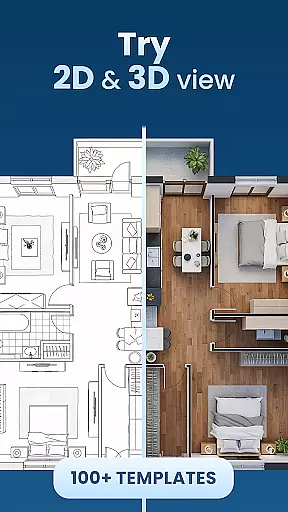
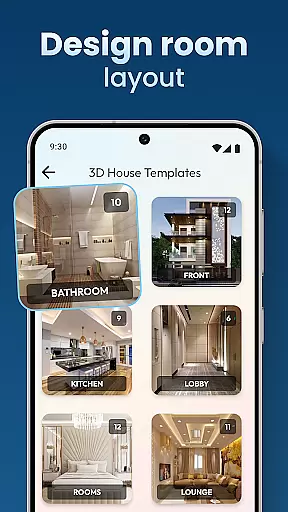
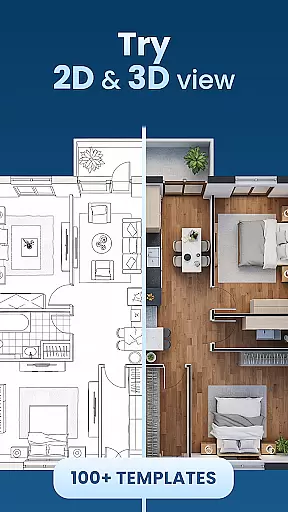
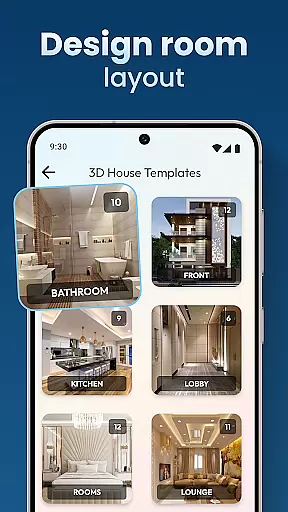
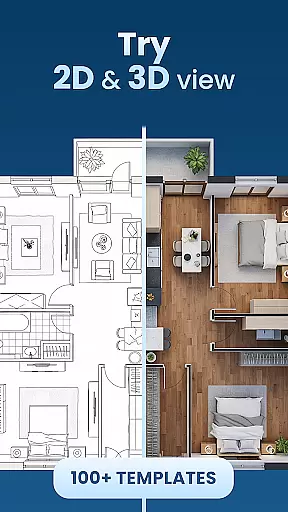
The app stands out with its powerful 3D visualization capabilities, enabling users to see every detail of their designs in realistic three-dimensional views. It includes guided help features and pre-made design templates, making it accessible for new users while still offering advanced tools for professionals. With the ability to save and preview projects, House Design Plan 3D App ensures that your creative ideas can be meticulously planned and easily adjusted at any stage of the design process.
This application is particularly useful for homeowners planning renovations, real estate professionals creating property presentations, or students learning about interior design. By providing precise control over every aspect of home design - from wall textures to lighting - it helps users bring their architectural visions to life with professional-grade accuracy and style.
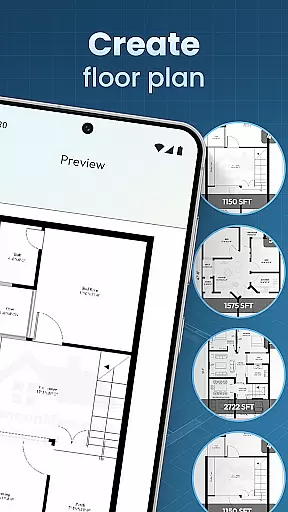
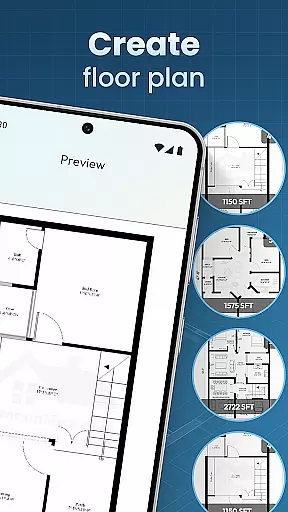
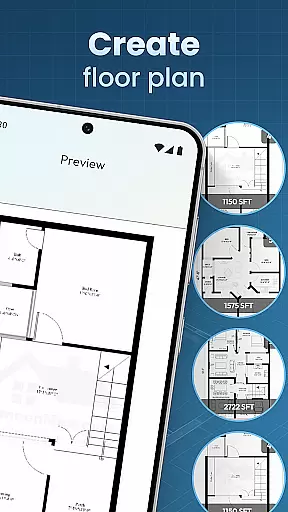
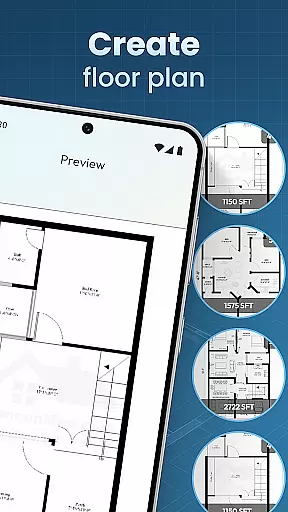
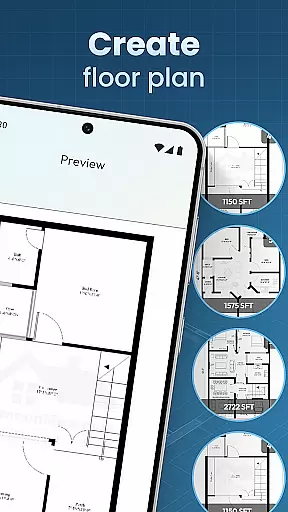
House Design Plan 3D App offers an extensive set of features designed to enhance the home planning experience. One of its core functionalities is the creation of floor plans using a simple drag-and-drop interface. This feature allows users to effortlessly draw walls, partition rooms, and experiment with different layouts. The real-time 3D view enables designers to immediately see how their changes affect the overall space, ensuring that every modification aligns with their vision.
Customization options in the app are vast, including detailed interior furnishings and decor tools. Users can personalize every aspect of their virtual home, from selecting specific furniture pieces to choosing wall textures, flooring materials, and lighting fixtures. The app also provides step-by-step guidance through its Build A House: 3D Room Designer toolset, helping users learn as they design. These educational elements make it suitable for both beginners who need direction and experts who want full creative control.
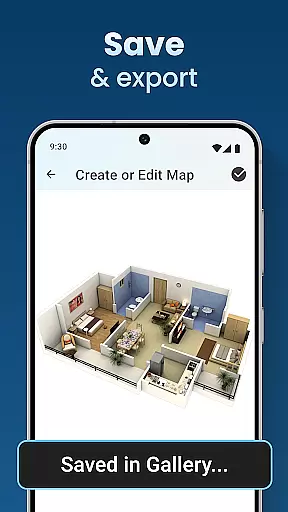
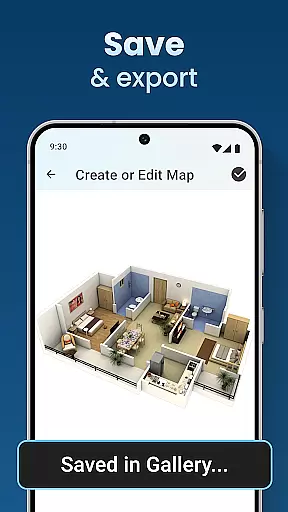
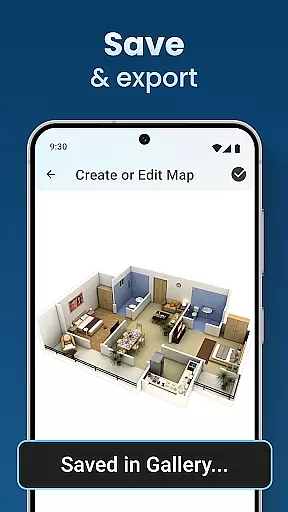
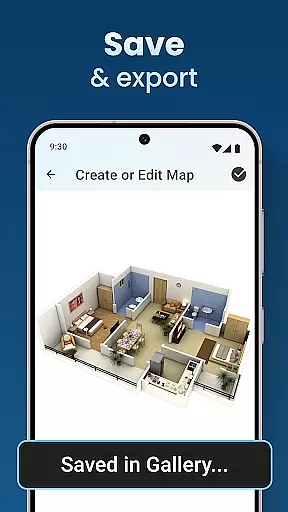
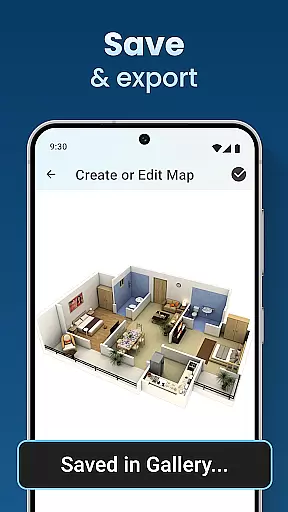
Another standout feature is the integration of professional design standards and templates. The Architecture Design: House Plans section offers industry-standard templates that ensure projects meet professional requirements. Additionally, the Home Builder Decoration App functionality allows users to save, preview, and render their designs, creating photorealistic images of their future spaces. This combination of user-friendly tools and professional-grade features makes House Design Plan 3D App an indispensable resource for anyone involved in home design.
In the realm of house and home design, ensuring the authenticity of property listings is paramount. The House Design Plan 3D App addresses this need by providing users with tools to create precise and realistic 3D models of their home plans. This functionality allows for an accurate representation of spaces, which is crucial when planning or showcasing properties.
The app's powerful features enable users to craft detailed floor plans and structured layouts with ease. By offering real-time 3D views and customization options for room furnishings, it ensures that every aspect of a property can be vividly visualized. This level of detail supports the credibility of each virtual listing created within the app.
For those looking to build or redesign homes, having access to such comprehensive design templates and guided assistance in creating step-by-step plans adds immense value. Users are empowered to save and preview their projects using the Home Builder Decoration App feature, thus guaranteeing that all presentations are both professional and authentic.
Beyond just designing homes, effective home management features are essential for users who wish to maintain control over their living spaces. The House Design Plan 3D App excels in this area by integrating advanced tools that allow homeowners to manage various aspects of their household efficiently.
With capabilities ranging from testing different furniture arrangements to optimizing color schemes and styles, the app provides a complete suite for interior design management. These functionalities ensure that whether you're working on a single room or an entire multi-level home, your choices will always lead to optimal design solutions.
Moreover, the inclusion of specialized 'Architecture Design: House Plans' and seamless integration between design and functionality through the Home Builder Decoration App means that every project meets high standards. Such robust support empowers users not only to visualize but also bring their dream homes into reality with confidence.
User-friendly interface
Real-time 3D visualization
Extensive customization options
Guided design assistance
Professional-grade templates
Limited free features
Occasional performance issues
Steep learning curve
In-app purchases required
Advanced tools may overwhelm beginners

The official app for Home Assistant. Control your home anywhere in the world.
 4.30
4.30
Parcel Pending Resident App
4.50
SmartRent - Opening Doors To A Smarter World
4.40
Smart AI plant care schedules, Real plant experts, support & Thriving community!
4.20
USHUD.com helps you find the best homes for sale in your area
4.00
Real estate app to find homes for sale or rent in the right neighborhood for you
4.70
Search for Homes, Rentals, Agents & Schools
4.70
Control your thermostat, comfort, and home monitoring from your phone
4.30
Connect with reliable pros for maintenance services, plumbing, and home design!
4.80
MLS-powered real estate app to find homes for sale & apartments for rent
4.70
B-hyve Pro App for landscape irrigation professionals
4.70
Night Owl Protect helps you secure, protect, and connect your world!
4.60
Turn your phone into a wifi cam with smart features and umlimited reach.
4.20
AI floor creator to design your dream house, plan rooms & style your home
4.00
This Fire TV Remote control's your Fire TV Device and Insignia Fire TV Remote
3.70
Draw house plans, floor plans 3d & house design with house plan drawing 3d app
3.60
Find paints using a Color Muse & ColorSnap® Match
3.60
An easier way to make payments and maintenance requests from anywhere.
3.50
An awesome mobile app for Home Security Surveillance - uses ZoneMinder
3.20



User Reviews