
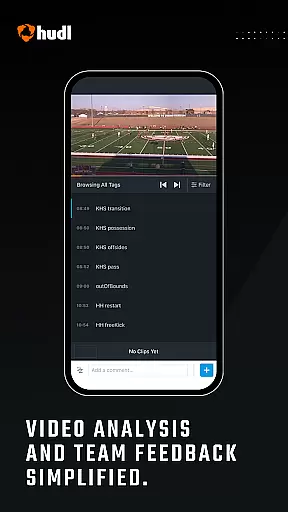
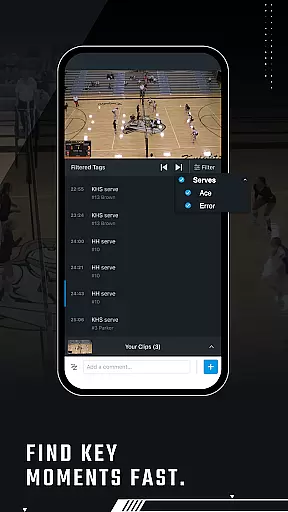
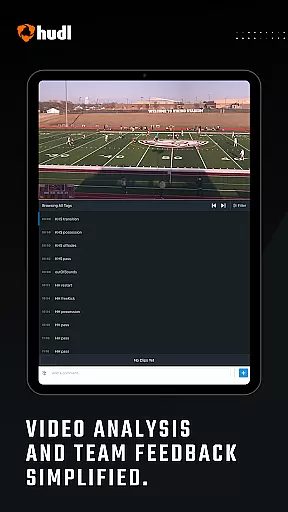
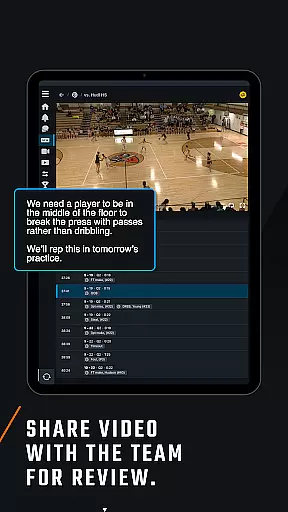
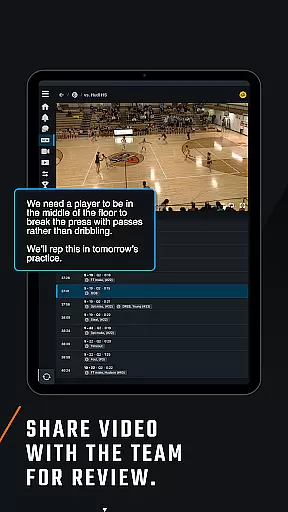
Hudl is a comprehensive sports video analysis tool designed to help teams elevate their performance through detailed game study. The app allows coaches and athletes to review, analyze, and share videos with ease. Coaches can watch game footage, practice sessions, and opponent scouting videos while accessing breakdown data and notes on each clip. Athletes benefit from studying their own videos, viewing highlights, and tracking playbook assignments.
One standout feature of Hudl is its ability to capture new videos directly from your Android device and upload them seamlessly to Hudl.com. This functionality ensures that all team members have access to the latest content for review. Whether you're analyzing plays or sharing top moments with teammates, Hudl provides an integrated platform that supports collaboration and strategic planning.
The app is particularly useful for football teams, offering specialized tools like playbook tracking and athlete activity monitoring. With an account on Hudl.com, users can unlock the full potential of this app, making it an essential resource for competitive sports teams aiming to refine their strategies and improve overall performance.
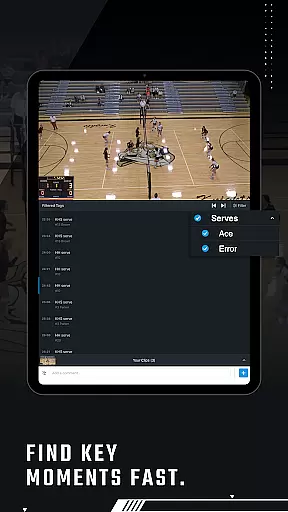
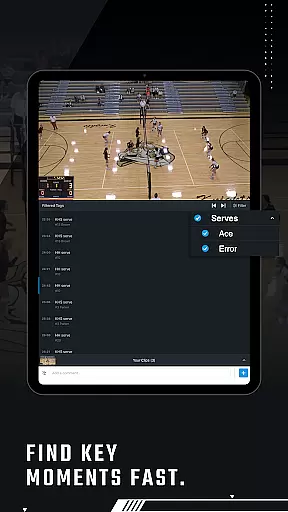
Hudl stands out with its robust set of features tailored for both coaches and athletes. For coaches, the app offers the ability to watch all team-related videos including games, practices, and opponent analyses. Each video clip comes with detailed breakdown data and notes, allowing for in-depth analysis. Additionally, coaches can create and view Exchanges, capture new video content, and upload it directly to Hudl.com, streamlining the workflow significantly.
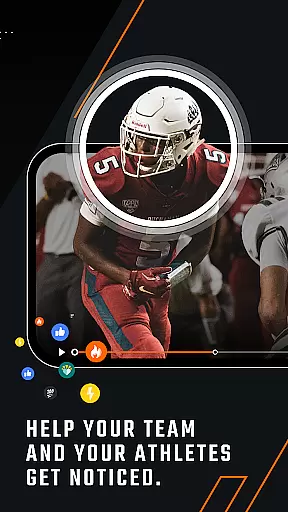
Athletes using Hudl can study their individual performances by reviewing videos complete with data and notes. They can also view their personal highlights and top plays, which can be easily shared with friends and family. Football players have the added advantage of accessing their Playbooks and assignments within the app, ensuring they are always up-to-date with team strategies.
All these features are accessible through a user-friendly interface that requires an account on Hudl.com. This ensures that every piece of content is securely stored and readily available whenever needed. By integrating video capture, storage, and analysis tools into one platform, Hudl empowers sports teams to make informed decisions based on thorough video reviews and data-driven insights.
Hudl's sports video analysis platform brings a new level of realism to sports training and gameplay. The app allows both coaches and athletes to capture, upload, and analyze high-quality game footage directly from the field.
Through advanced video processing capabilities, Hudl ensures that every clip reflects the true pace and dynamics of the sport. Coaches can watch full game and practice videos with detailed breakdowns, while athletes can study their techniques and movements in precise detail.
The app's ability to maintain video quality during uploads ensures that even the smallest nuances in player movement are preserved. This attention to detail helps teams make more informed decisions based on authentic representations of their performance.
By providing tools like playbook tracking and data-driven notes on each clip, Hudl enhances the realism of training sessions. Teams can simulate real match scenarios and improve their strategies without losing the authenticity of live gameplay.
Hudl offers an intuitive control scheme that makes it easy for both coaches and athletes to navigate its comprehensive features. From capturing video to analyzing clips, every function is designed with user-friendly accessibility in mind.
Coaches can effortlessly access full breakdown data, create exchanges, and track athlete activity through clear menu options and streamlined workflows. Similarly, athletes can quickly find their highlights, top plays, and assignments without any unnecessary complexity.
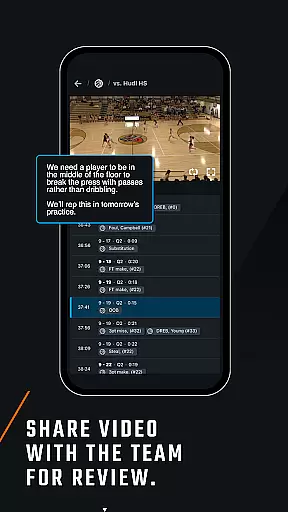
The appu2019s design emphasizes simplicity, ensuring that users can focus on what matters mostu2014improving performance. With just a few taps, users can capture new videos, upload them to Hudl.com, or share key moments with teammates.
This intuitive interface not only saves time but also enhances productivity by allowing users to perform tasks efficiently. Whether you're reviewing past games or preparing for upcoming matches, Hudl's straightforward controls ensure a seamless experience.
User-friendly interface
Comprehensive video analysis
Seamless video uploads
Specialized football tools
Collaborative features
Requires internet connection
Premium subscription needed
Limited free features
Device compatibility issues
Steep learning curve

Extreme Downhill Freeriding
 3.20
3.20
Play one of most famous lawn games in America called foot bag toss family games!
4.30
Quick-fire archery duels! Play the most realistic 3D archery game now!
4.70
Backflip Madness! Fast-paced, parkour-flavored extreme sports backflip game.
4.50
Basketball Team Management Sim Coach a custom team and dunk your way to glory!
4.70
The ultimate skateboarding sim
4.20
The classic Backyard Football 1999 is now enhanced to run on modern systems!
4.40
An easy-to-use app for sports team communication and logistics
3.20
The NFHS Network delivers high school sporting events from across the country.
2.10
Play online multiplayer or PvP Pool games and compete with your friends!
4.80
Play darts against the world!
4.70
Real-time 1v1 basketball game! Dunk, shoot & win like MVP basketball superstars!
4.70
Play with friends and join millions of players in the king of bowling games!
4.60
Master the arrow art in archer duels
4.50
Sports app that presents matches' details from the most important championships.
4.50
Mobile Team Manager: Team Chat | Schedule Team Games | Build Player Roster
4.50
Play eFootball™ with users around the world!
4.10
Relive the second baseball game in the Backyard Sports franchise!
4.00
Run the ball into the endzone in AR.
4.0






User Reviews