
Iowa 511 serves as the Iowa Department of Transportation's official app for traffic and traveler information, catering to both general travelers and commercial vehicle operators. It provides real-time updates on traffic conditions across interstates, U.S. routes, and state highways in Iowa. The app is designed to enhance travel safety and efficiency by delivering timely information about road conditions, incidents, and restrictions.
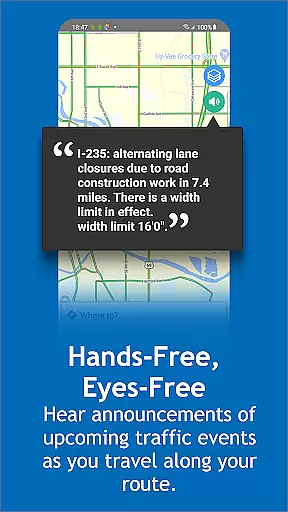
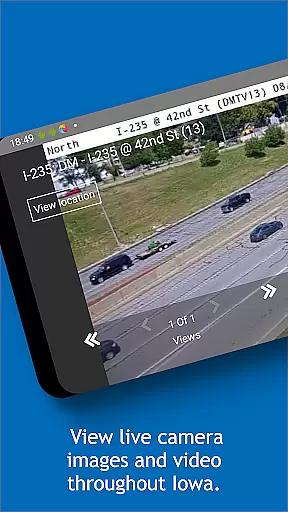
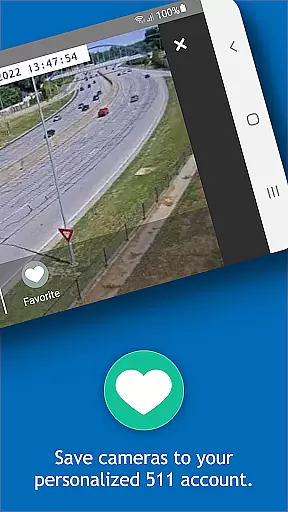
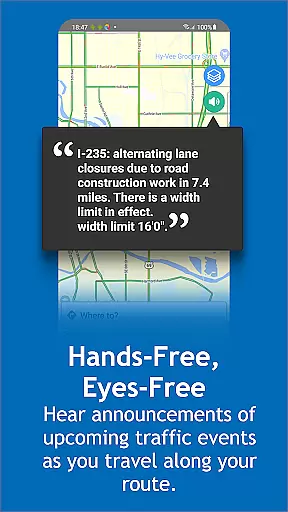
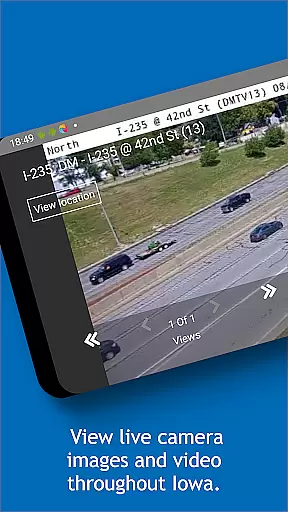
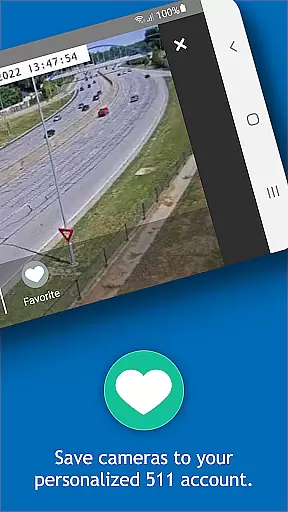
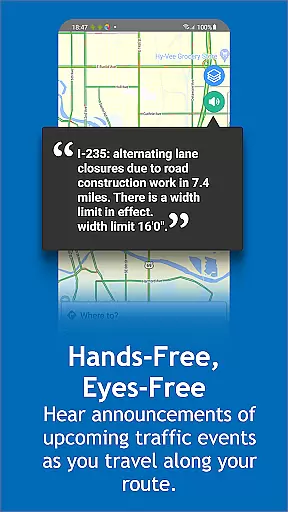
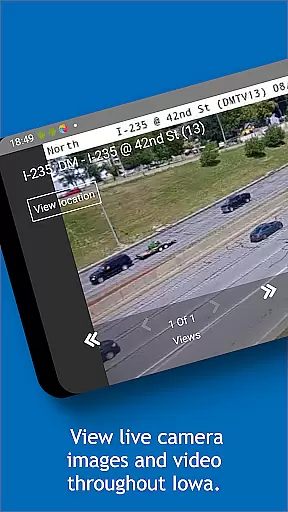
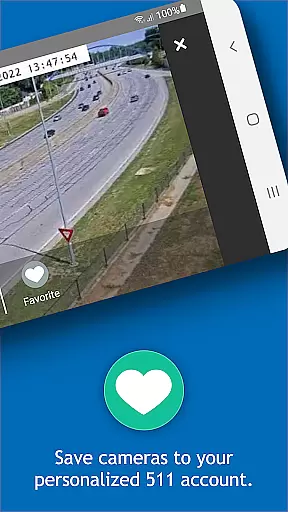
One of the standout features of Iowa 511 is its hands-free audio announcements that alert users to upcoming traffic events along their route. Additionally, it offers a zoom-enabled map with interactive icons, live camera views, and winter road condition updates. For commercial drivers, the Trucker Mode provides specialized resources such as truck restrictions and weigh station locations. Users can also create personalized accounts to save routes, set alerts, and access favorite camera views.
This app proves especially useful during winter months when road conditions can change rapidly. By providing near real-time weather radar, snow plow locations, and towing prohibition notifications, Iowa 511 helps drivers make informed decisions and stay safe on the road.
Iowa 511 boasts an array of features designed to improve travel safety and convenience. A key highlight is the hands-free, eyes-free audio announcement system that automatically informs drivers about upcoming traffic events without requiring them to interact with the app manually. This feature ensures safer driving conditions while keeping users informed.
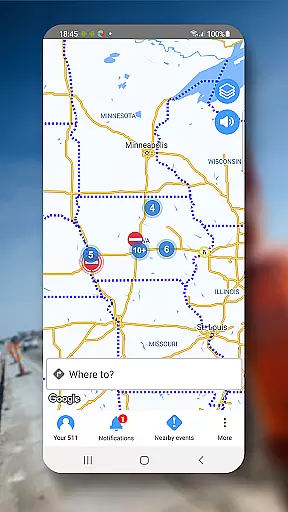
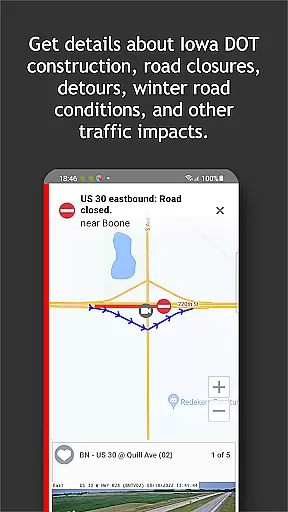
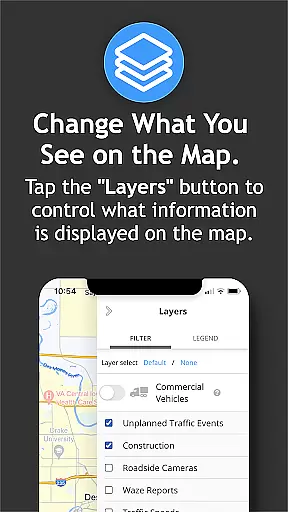
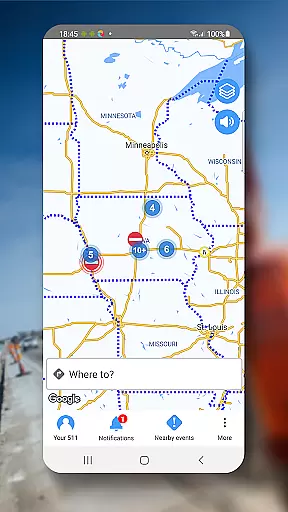
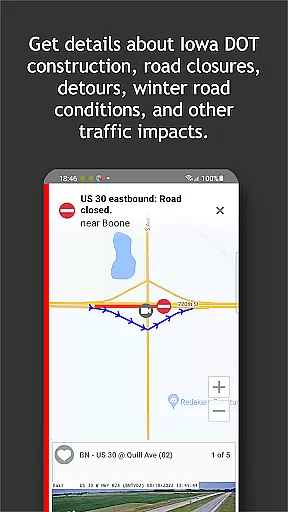
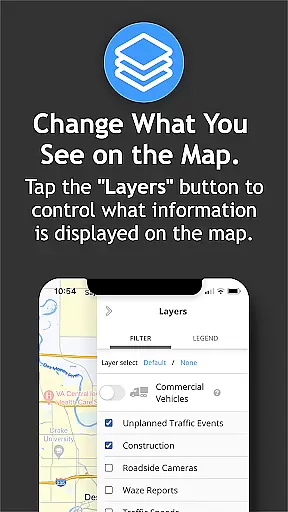
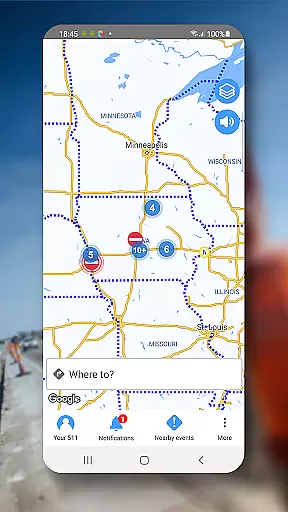
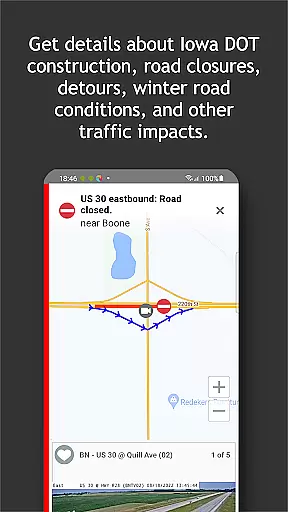
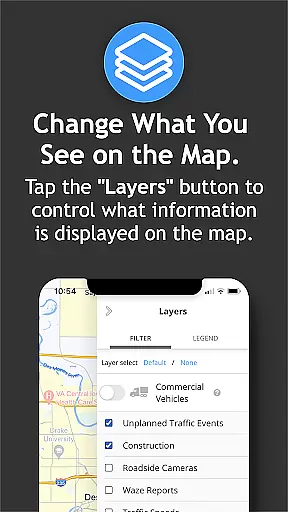
The app includes a zoom-enabled interactive map populated with tappable icons representing various traffic events. Users can view surrounding camera feeds, check current traffic speeds, and see travel time delays associated with specific incidents. For winter travel, the app provides near real-time updates on road conditions, including snow plow locations and towing prohibition alerts. Additionally, the inclusion of real-time weather radar and weather station data helps drivers anticipate and respond to changing weather patterns.
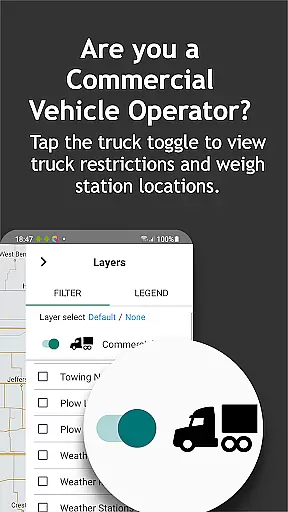
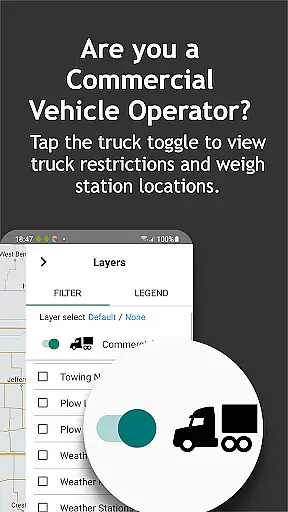
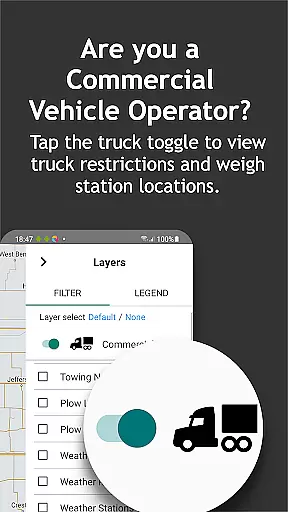
Commercial vehicle operators benefit from the dedicated Trucker Mode, which displays truck-specific restrictions, rest area locations with real-time parking availability, and weigh station information. The ability to create a personalized Your 511 account allows users to save preferred routes, areas, and camera views while setting up email or text alerts for important updates. These comprehensive features collectively ensure that Iowa 511 remains an indispensable tool for both everyday commuters and professional drivers.
Booking authenticity is a crucial aspect of any travel application, ensuring that all reservations and planned activities are legitimate and confirmed. For Iowa 511, while it doesn't focus on traditional bookings like hotels or flights, it provides verified and real-time traffic and road condition information essential for planning safe and efficient travel routes.
The app aggregates data from authoritative sources, including the Iowa Department of Transportation and surrounding states, to deliver accurate updates on road conditions, traffic incidents, construction, and closures. This ensures travelers and commercial vehicle operators can trust the information they receive when making decisions about their routes.
Users benefit from reliable, near real-time updates which allow them to anticipate delays, avoid hazardous conditions, and plan alternative paths if necessary. The credibility of the information provided by Iowa 511 enhances user confidence in their travel plans, knowing they are based on authenticated and current data.
Price transparency refers to the clarity and availability of information regarding costs associated with services or products. Although Iowa 511 does not involve direct monetary transactions, it offers transparency concerning potential financial implications related to travel, such as truck restrictions and weigh station locations, which could impact commercial drivers' operational costs.
By providing detailed insights into traffic patterns, road conditions, and regulatory requirements like towing prohibited events during winter storms, the app allows users to make informed choices that may affect their expenses. Commercial operators can optimize their routes to avoid additional charges or fines, thus managing their overall expenditure effectively.
This level of transparency empowers users to minimize unexpected costs and improve their trip planning efficiency. Ultimately, having access to comprehensive and clear information leads to more cost-effective and hassle-free travel experiences for both general motorists and commercial vehicle operators using Iowa 511.
User-friendly interface
Real-time traffic updates
Comprehensive weather data
Trucker-specific resources
Personalized account options
No county road info
Battery consumption
Limited offline use
State-specific only
Background GPS usage

Mix of explore game, travel mapping & tracking to memorize everywhere you go
 3.60
3.60
The mobile panorama panel. Works offline - worldwide!
4.40
MyTSA gives you 24/7 access to info that passengers frequently request from TSA.
4.10
GPS Live Satellite Earth to find route navigation and current location map
4.00
It drives. You ride.
4.90
Real-time flight tracking with live maps and flight status updates.
3.70
Get real-time traffic, directions, search and find places
4.10
Flight booking, hotel booking & more - all in one place with the Southwest App!
4.50
Get Moving Made Easier® with the official U-Haul® Moving & Storage app.
3.40
Find the perfect vacation rental. Search from over 2 million properties.
4.80
Book flight, car or packages. Instant access to hotel discounts & travel deals
4.80
Booking your bus tickets has never been easier
4.70
Frontier’s Android app makes travelling easier than ever before!
4.70
Easily rent a car at over 9,500 locations with the Enterprise car rental app.
4.60
Vacationing on CARNIVAL? Maximize your fun on board with the ultimate cruise app
4.60
Travel light with our easy-to-use mobile app, the perfect flying companion.
4.40
Explore our parks like never before with the completely reimagined Six Flags app
4.30
Tide Table Chart provides quick and easy access to high and low tide forecasts.
3.20
Learn about one of the most famous Victorian cemeteries in the world
2.80




User Reviews