
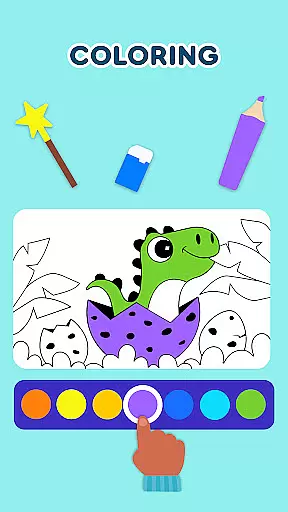
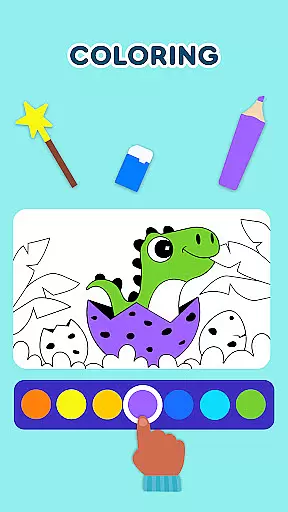
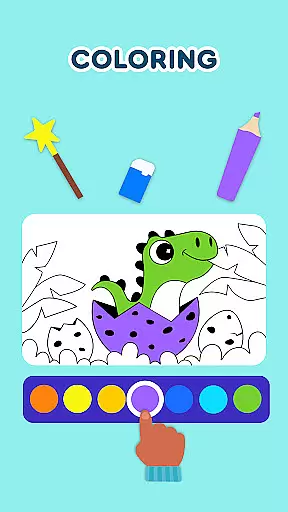
Keiki Learning Games for Kids is an educational app designed to make learning enjoyable for toddlers and preschoolers. The app offers a variety of interactive activities including ABC games, math games, color and shape recognition, and puzzles that are crafted by child education experts. With its focus on early childhood development, Keiki provides a safe environment with no ads, where children can learn letters, numbers, animals, and more through fun songs and engaging games.
The app's diverse content caters to different learning styles, ensuring that each child can engage with the material that suits them best. Whether it's through tracing letters, solving jigsaw puzzles, or playing memory games, Keiki supports fundamental skills such as letter recognition, phonics, and cognitive development. These features not only entertain but also lay a solid foundation for future academic success, making it an ideal tool for both parents and educators looking to enrich their child's early learning experience.
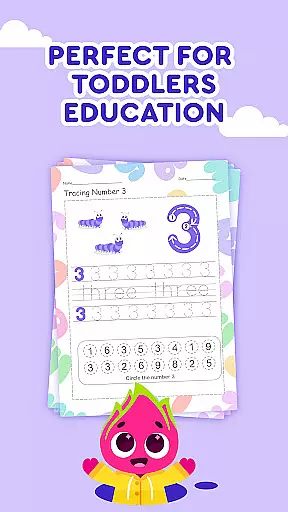
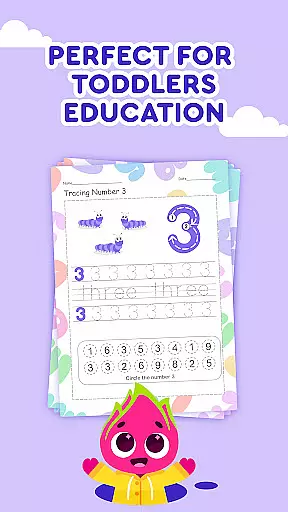
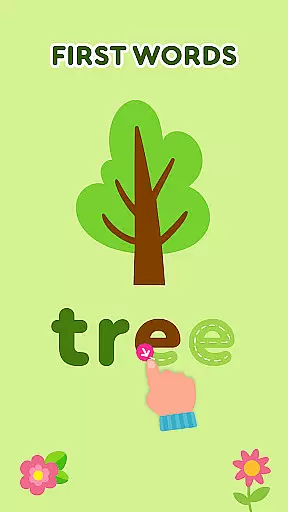
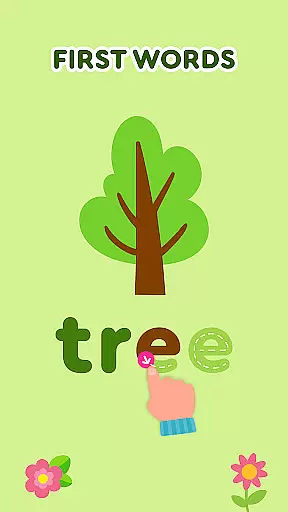
Keiki Learning Games for Kids stands out with its comprehensive suite of educational tools tailored for young learners. One of the key features is the inclusion of ABC puzzle games that help toddlers recognize letters and understand basic phonics. Children can select letters and place them in relevant slots, enhancing their understanding of the alphabet through interactive play. Additionally, the app includes tracing activities for both uppercase and lowercase letters, which introduces writing skills in an engaging manner.
Beyond the core literacy skills, Keiki promotes cognitive development with features like Spin & Turn puzzles and classic jigsaw puzzles that have adjustable difficulty levels. These puzzles challenge children to think critically and improve their problem-solving abilities. Moreover, the app integrates fun themes such as cooking and harvesting, which teach life skills and foster an understanding of the world around them. Each feature within Keiki Learning Games is designed to maximize educational impact while keeping the child engaged and entertained throughout their learning journey.
In the realm of educational gaming, content authority and curriculum alignment are paramount for ensuring that learning is both effective and relevant. Keiki Learning games for Kids takes these aspects seriously by developing their app with input from child education experts. This ensures that every activity, from ABC games for toddlers to math games for kids, is not only engaging but also pedagogically sound.
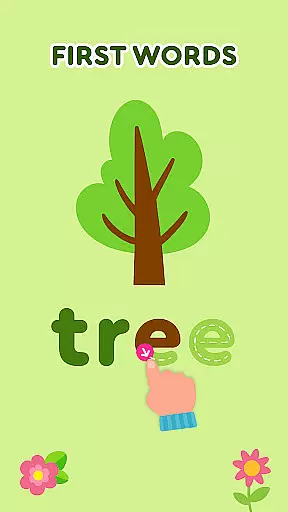
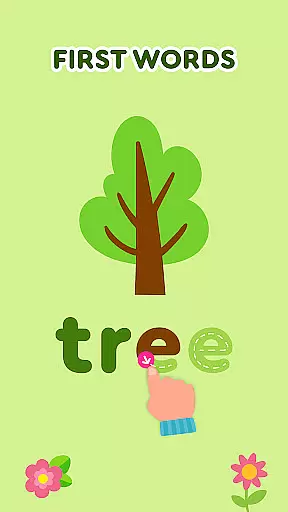
The app offers a comprehensive suite of features designed to align with early childhood education standards. For instance, the tracing ABC letters game introduces writing in a structured way that mimics classroom techniques. Similarly, the spelling ABC baby games help children understand how letters combine to form words, an essential skill in phonics and reading development. These activities are crafted to fit seamlessly into established educational frameworks.
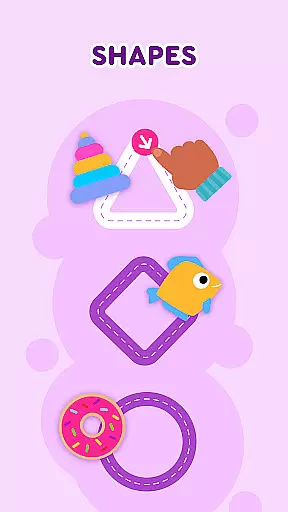
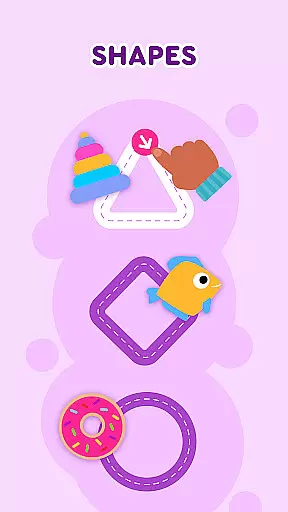
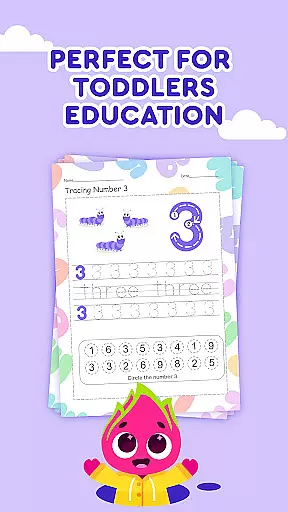
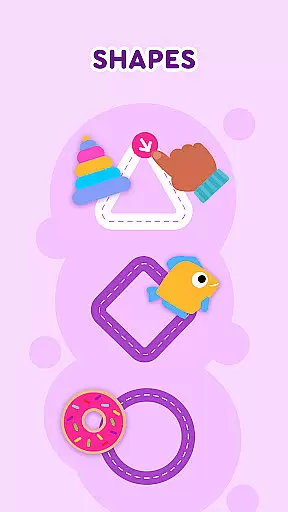
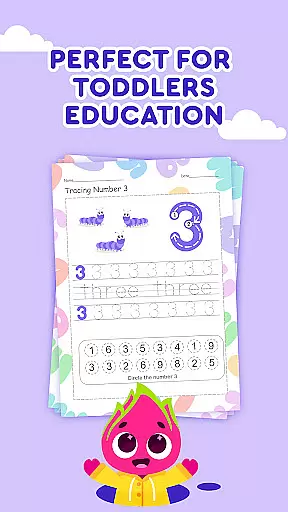
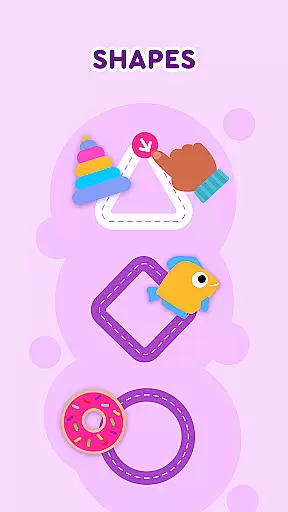
Parents and educators can be confident that Keiki's offerings support the key learning objectives outlined in educational curricula. The app covers fundamental topics such as numbers, colors, shapes, and phonics, which are crucial building blocks for young learners. By integrating these subjects through interactive play, Keiki ensures that screen time is not just entertaining but also enriches the child's learning journey.
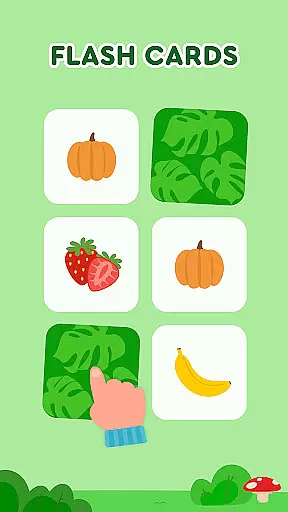
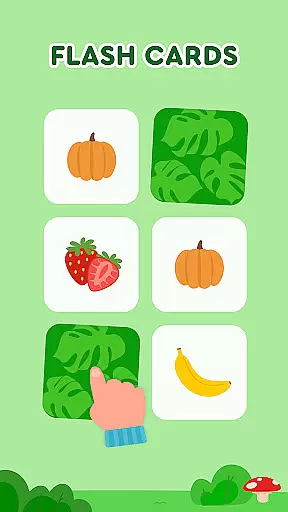
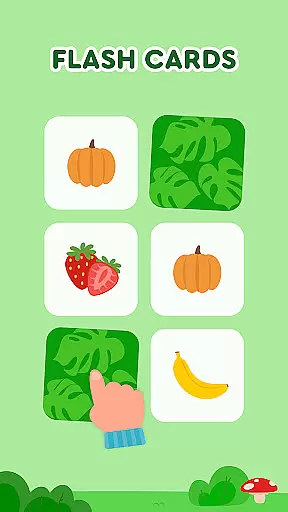
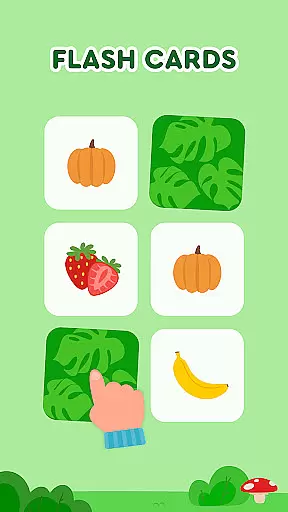
Gamification has revolutionized the way children engage with educational content, and Keiki Learning games for Kids stands at the forefront of this innovation. By embedding learning objectives within playful scenarios, the app transforms traditional lessons into exciting challenges. Whether it's through toddler puzzles or memory games for kids, each task is designed to stimulate curiosity while reinforcing core competencies.
The app employs various gamification strategies to maintain high levels of engagement. Funny songs for kids make learning about letters, numbers, and animals enjoyable, while cartoon characters like Didi guide children through different activities. From cooking games that teach sequencing to harvest-themed puzzles that introduce fruits and vegetables, every feature is infused with elements that captivate young minds.
This approach yields significant benefits for cognitive development. As children interact with Keikiu2019s vibrant world, they develop critical thinking, problem-solving skills, and hand-eye coordination. Moreover, the adjustable difficulty levels cater to individual learning paces, ensuring that each child remains challenged yet not overwhelmed. Ultimately, Keiki demonstrates how gamification can create a dynamic and adaptive learning environment where education becomes second nature to play.
User-friendly interface
Educational content variety
Safe learning environment
Engaging interactive activities
Expert-designed curriculum
Limited advanced content
No multi-language support
In-app purchases required
Occasional technical glitches
Graphics could be improved

Monkey Preschool Fix-It is an early learning game for ages 2 to 5.
 4.40
4.40
Stack the States® 2 makes learning US geography fun!
4.50
Spark your little ones’ imagination!
3.80
Tracing, phonics & spelling games for toddlers, preschool & kindergarten kids!
4.50
Welcome to the dollhouse! Unboxing, doll games, dress up & cute pets await!
4.00
Kids coloring games for boys! Fun drawing, painting & learning book for kids.
4.60
Discover the infinite cycles of the universe
4.0
Fun game for preschoolers to learn addition, subtraction, counting and math!
4.50
Expert-designed fun interactive learning games to prep kids (2-5) for preschool.
4.00
Play educational games for preschool toddlers—plus more to discover ►AdsFree◄
4.60
A must-have sequel to our Learn Letter Sounds with Carnival Kids app
4.30
Kids letter tracing technique, which is the first step in learning how to write.
4.30
Build your own BRIO railway!
4.30
A fan of cute games? Try animal games & take care of fluffy virtual pets!
4.20
Educational game for children about emergency and other service vehicles
3.80
Create, Style, Repeat!
3.70
Join Duggee and the Squirrels as they practice their counting!
4.1
Perfect for Dino fans of all ages.Vivid illustrations.Fascinating_Facts.Narrated
4.4
Little Explorer – Garage, Kitchen and Bathroom
4.1







User Reviews