
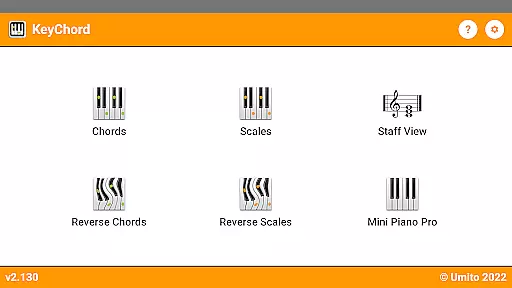
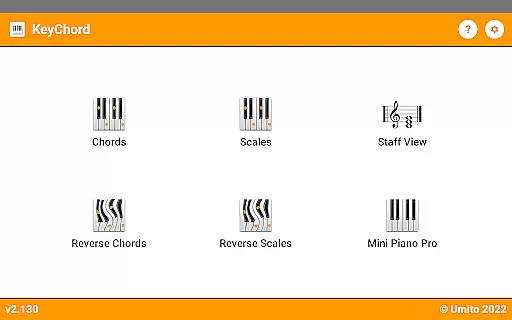
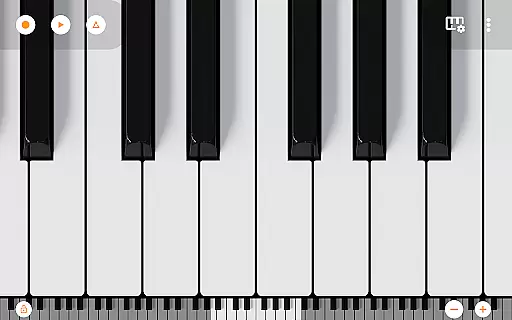
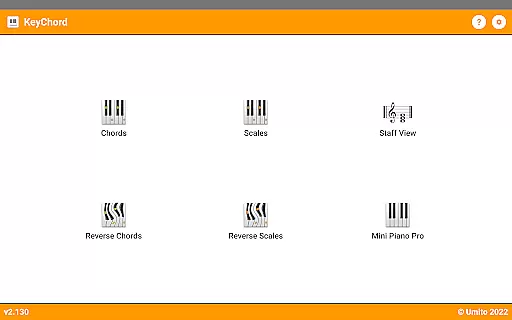
KeyChord is an innovative reference app designed for musicians and piano enthusiasts. This dynamic dictionary allows users to explore all scales and chords through an intuitive virtual keyboard interface. The app features a built-in 88-key multitouch piano, offering 128 different sounds from Mini Piano Pro, making it an essential tool for music composition and learning.
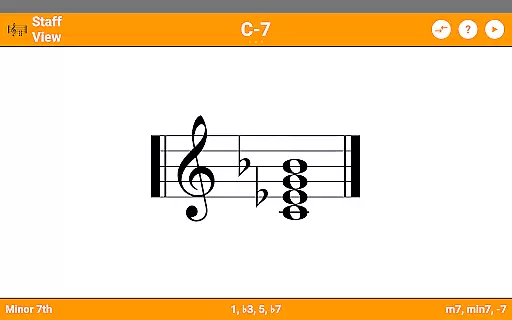
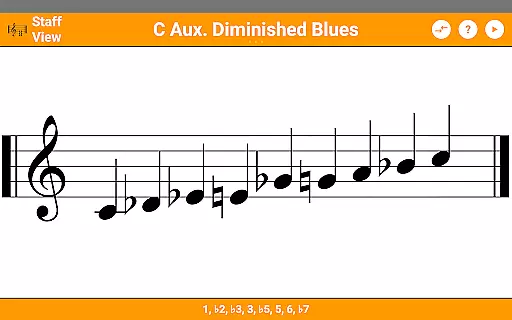
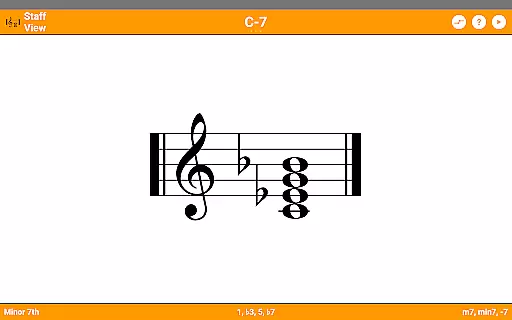
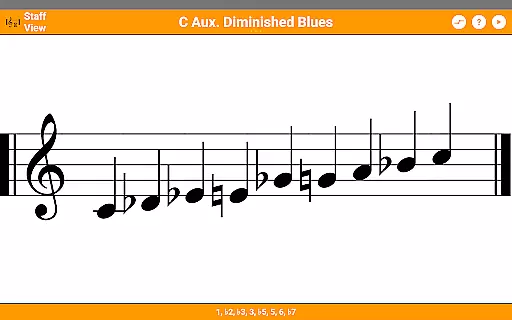
The application stands out with its reverse lookup functionality for both chords and scales, including partial chords. Users can visualize musical notes through the staff view and save favorite chord types for quick reference. With support for dark mode and MIDI recording capabilities, KeyChord provides a comprehensive solution for music theory study and practical application across various skill levels.
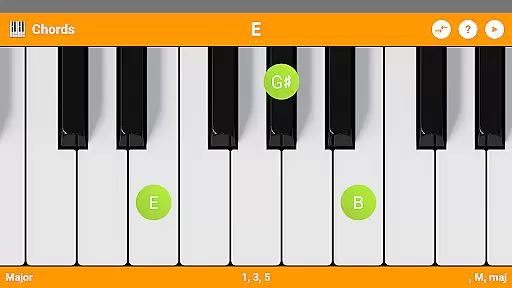
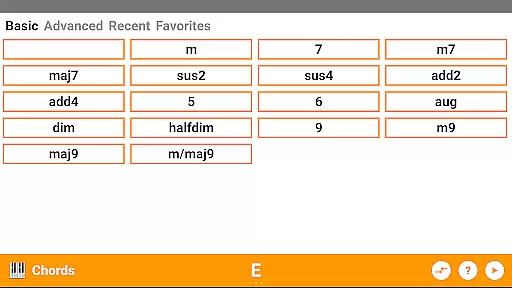
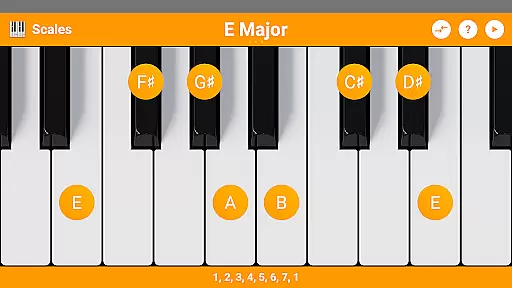
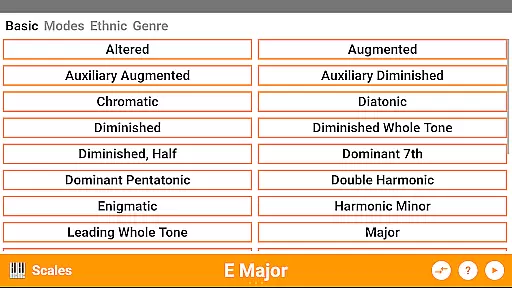
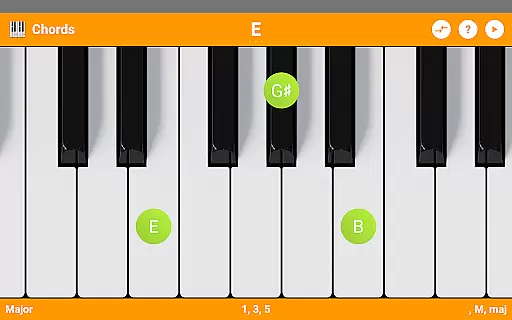
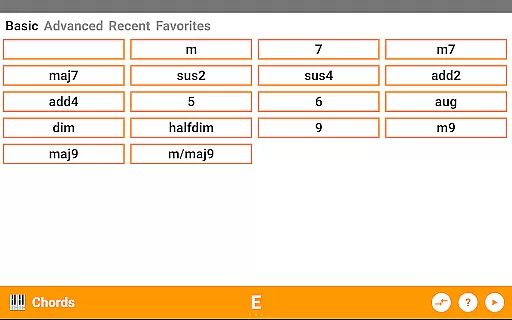
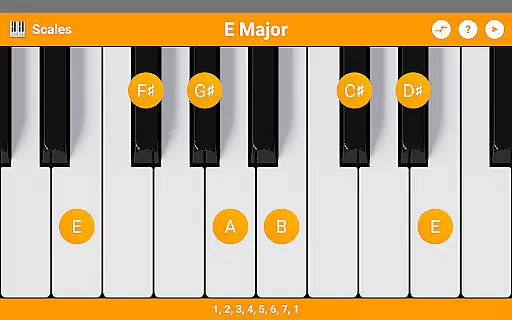
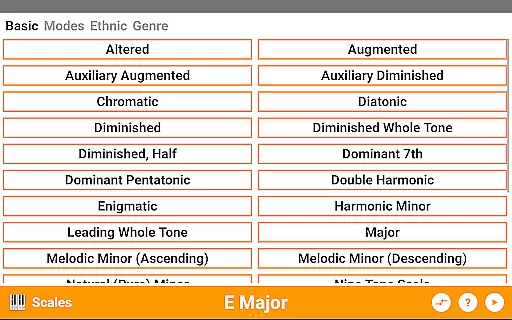
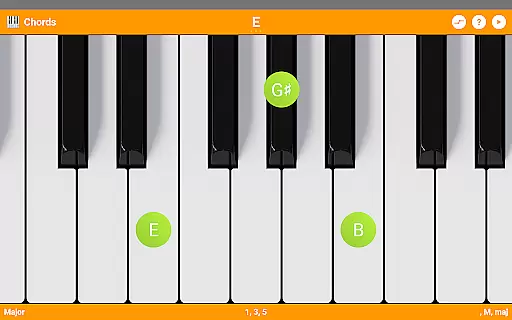
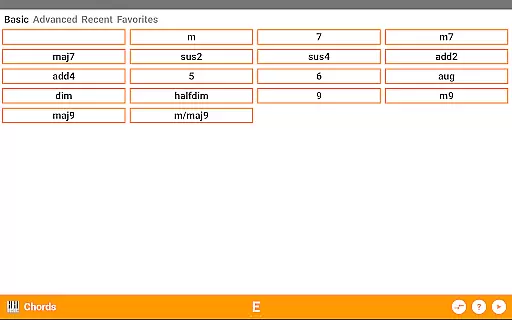
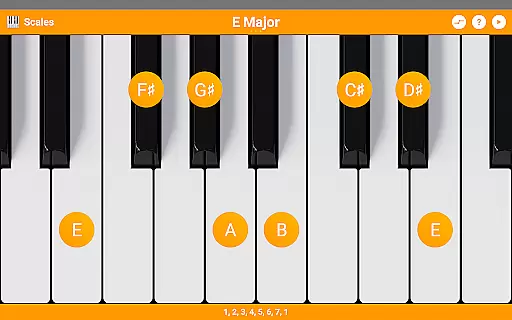
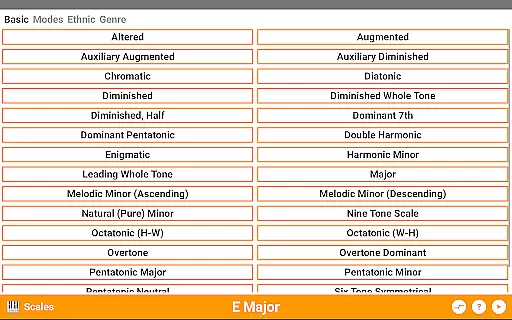
KeyChord offers an impressive array of features that cater to both beginner and advanced musicians. The app includes over 50 chord types and 100 scale types, complete with detailed information about note names and component intervals. Its unique reverse lookup function helps users identify chords and scales they discover during practice sessions.
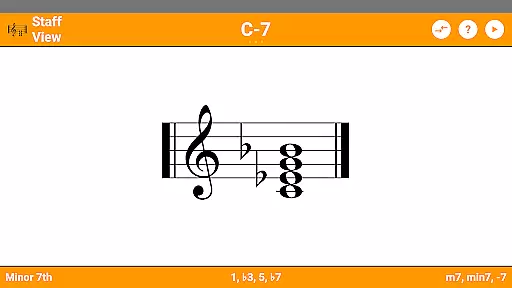
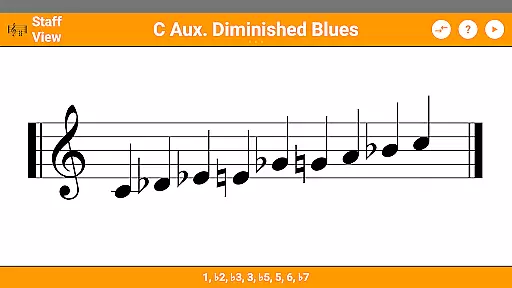
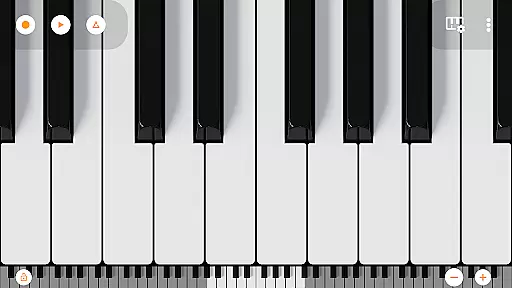
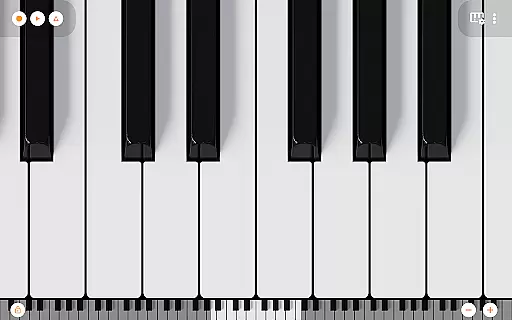
The 7-octave scrollable multitouch piano provides realistic sound playback, while the staff view helps users understand musical notation better. Additional features include inversion support, favorite chord saving, and the ability to record compositions as MIDI files. The inclusion of Mini Piano Pro adds extra value, giving users access to professional-grade virtual instrument capabilities within their mobile device.
KeyChord offers an extensive virtual library of musical knowledge, featuring over 50 chord types and 100 scale types. This vast collection ensures that musicians of all levels have access to a comprehensive reference for their practice and performance needs.
The app's content is carefully curated and verified, ensuring the highest level of copyright authenticity. Each chord and scale is accurately represented, providing users with reliable information they can trust while learning and composing music.
By including features such as reverse lookup and staff view, KeyChord goes beyond static e-books, offering dynamic interaction with the content. Users can explore different inversions, note names, and intervals, making it an invaluable tool for both study and creativity.
KeyChord excels in format compatibility by integrating a fully functional 88-key multitouch piano with 128 different sounds. This feature allows users to experiment with various musical tones and styles directly within the app, enhancing the learning experience.
In addition to its core functionalities, KeyChord supports MIDI recording, enabling musicians to capture their compositions and even set them as ringtones. This seamless integration of audio and digital formats makes the app versatile and adaptable to different user needs.
Whether you're a beginner or a professional musician, KeyChord's ability to handle multiple formatsu2014from simple chord charts to complex MIDI filesu2014ensures that all your musical ideas can be accurately expressed and preserved within the app.
Comprehensive chord library
Realistic piano simulation
Intuitive user interface
Reverse lookup functionality
MIDI recording capability
Steep learning curve
Occasional performance lag
Complex interface for beginners
Limited free content
High system requirements

Guide for dōTERRA® Products
 3.60
3.60
The Bible Audio Guide
4.80
This is the pro version King James bible Offline that we have
4.70
7 Languages, Google, Wiki, Vocabulary.com, Cambridge & Urban Dictionary!
4.50
Read popular romance books and web novels on the fantastic ebook reader
3.50
F9 Cookbook Mobile App
4.60
Read unlimited novels, audiobooks, stories & Unlock ebooks, fanfiction and more!
4.70
Discover, track, and share your reading with friends & our community of readers
4.60
ARC Raiders Companion: Map, Quests, ARC/Item Info. Track everything instantly!
4.00
Audiobook player with cross-device progress sync, playlists, and widget support.
4.80
Track your Star Wars book collection across Canon & Legends
4.80
8 Dr. Seuss short stories in 1 app!
4.70
Words spoken by native English speakers and full definitions.
4.60
Research your family history to explore ancestors and search for your heritage
4.50
Cute bedtime story for kids
4.30
Shop over 13 million new and used books at up to 80% off list price
4.20
KJV Bible works offline with Audio, Hebrew & Greek lexicon (concordance) & more!
4.20
WebNovel - Read Solo Leveling novel and comic
4.10
ISAIAH EXPLAINED with Avraham Gileadi Ph.D.
4.00



User Reviews