
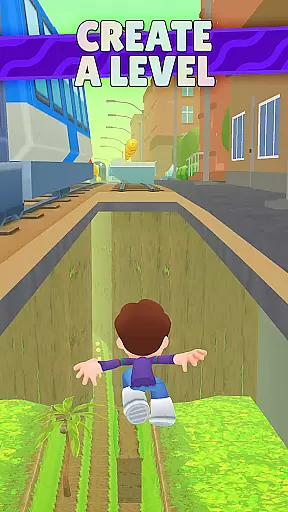
Kooply Run: Subway Craft is an innovative arcade game that combines endless running with a powerful level editor. Players can run, jump, dash, and slide through diverse themed levels while collecting rewards and power-ups. The game stands out with its intuitive map editor, allowing users to craft and publish their own runner levels, compete in daily challenges, and engage with a global community of creators.
With multiple game modes, high-definition graphics, and responsive controls, this game offers both casual and competitive experiences. Whether you're looking to enjoy user-crafted levels or become a top creator yourself, Kooply Run delivers endless possibilities for creativity and fun.
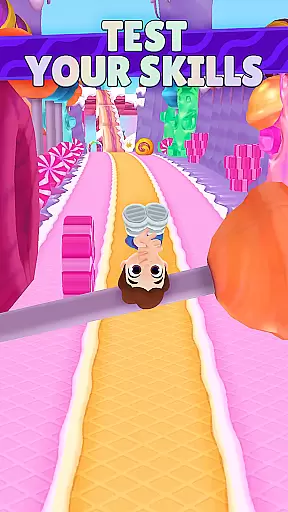
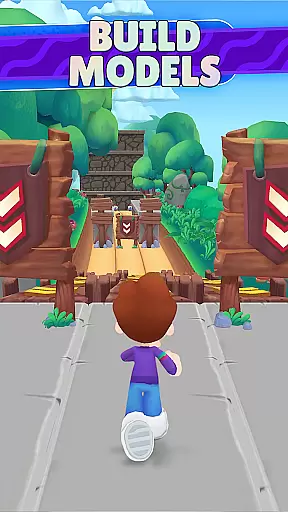
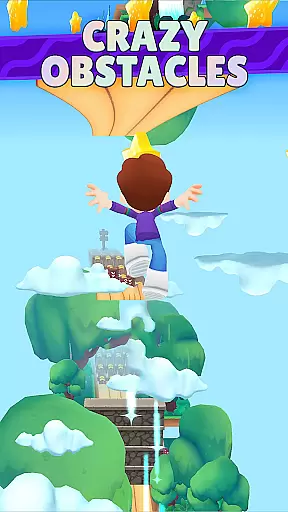
Kooply Run: Subway Craft boasts a rich set of features designed to maximize player engagement. The game includes multiple themes like Subway, Candyland, and Enchanted Forest, each offering unique environments for running challenges. Its standout feature is the easy-to-use level editor, which allows players to create custom endless runner maps using hundreds of elements.
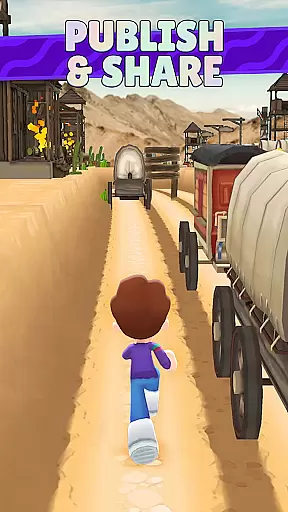
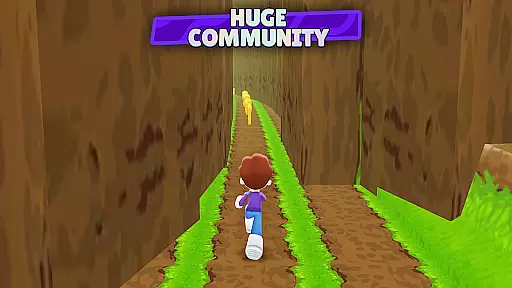
Players can publish their creations to a worldwide community, participate in daily leaderboards, and earn recognition as top creators. Additional features include avatar customization, various power-ups, and responsive touch controls. With millions of user-crafted levels to explore, daily challenges, and special rewards, the game ensures long-term replayability and creative freedom.
Arcade authenticity represents how well a game captures the essence of classic arcade experiences while providing modern enhancements. Kooply Run: Subway Craft excels in this area by blending traditional endless runner mechanics with innovative level creation features.
The game offers multiple themes such as Subway, Candyland, and Enchanted Forest, each bringing back nostalgic memories of classic arcade games but with a contemporary twist. These themes are not just visually appealing but also incorporate engaging gameplay elements that keep players hooked.
Players can enjoy various game modes and daily high score leaderboards, reminiscent of competitive arcade settings. The inclusion of responsive touch controls and vivid graphics ensures an immersive experience that honors arcade traditions while embracing current technology standards.
Control responsiveness is crucial in arcade games as it directly impacts player performance and enjoyment. In Kooply Run: Subway Craft, the developers have prioritized highly responsive screen touch controls to ensure smooth and accurate gameplay.
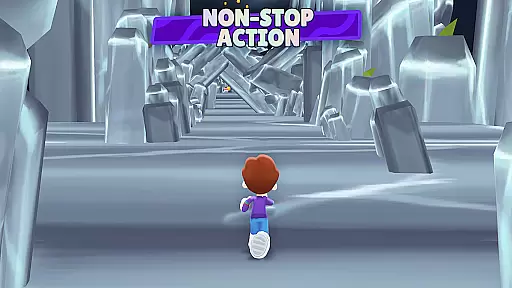
Players can execute actions like running, jumping, dashing, sliding, and dodging obstacles with precision thanks to the intuitive control scheme. This responsiveness allows for quick reflex actions necessary to navigate through the challenging levels crafted by the community.
Additionally, the game's control system supports complex maneuvers without lag, making it easier for players to collect rewards, upgrades, and power-ups efficiently. Such tight control feedback enhances the overall gaming experience, keeping players engaged and eager to improve their skills.
Highly customizable gameplay
User-friendly level editor
Vibrant HD graphics
Engaging community features
Free to play and create
Occasional bugs in custom maps
Ads between sessions
Steep learning curve for new creators
Limited offline functionality
Performance issues on older devices

Genesis, Mega Drive, Mega CD, Master System, Game Gear Emulator!
 4.20
4.20
Amid the vastness of the universe, you are a Black Hole about to be swallowed!
5.00
Flip and flail a rag doll through endless levels and plunge into outlandish fun!
4.60
Save the Galaxy from galaxiga alien - Classic arcade shooter game
4.60
This app is a very fast emulator
3.40
NEOGEO's masterpiece game is now available in the app!
4.10
Play all your favorite Playstation games in your android device!!
4.50
Jump and fly your way through danger in this rythm-based action platformer!
4.70
Addictive basketball game with challenging one-touch controls
4.50
R-TYPE game
4.60
Relax and catch fish for your aquarium while earning rewards in these tank games
4.40
The only Sega Saturn emulator for Android
4.40
Stack the blocks as high as you can!
4.30
It's quite possibly the world's hardest game!
3.90
Frenetic party game, pass the bomb to the other players!
3.80
Restore peace and order in the city
3.20
Monster Run its a game for relax.
4.2
Infinite Arcade
4.5
Infinite Arcade
4.2





User Reviews