
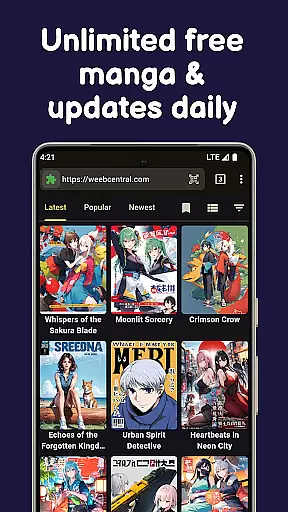
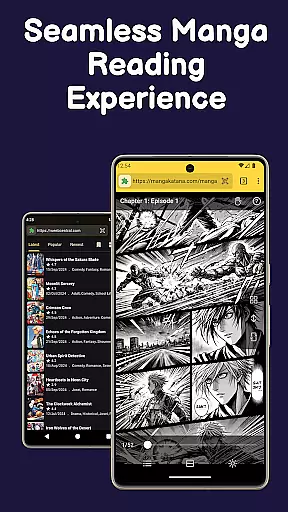
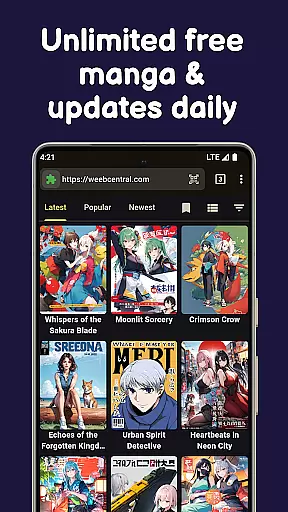
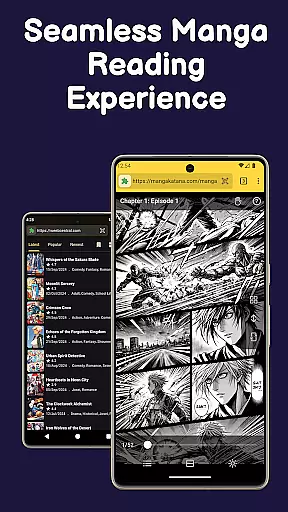
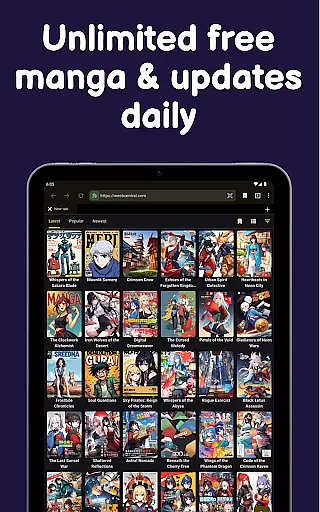
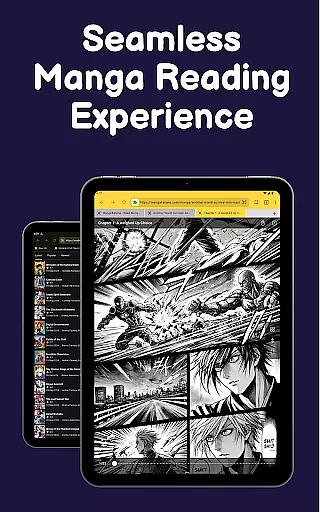
Manga Reader: Cookie Manga is a versatile app designed for manga enthusiasts, offering access to manga, manhwa, manhua, webtoons, and light novels. It functions as a fast browser with specialized features for seamless reading experiences.
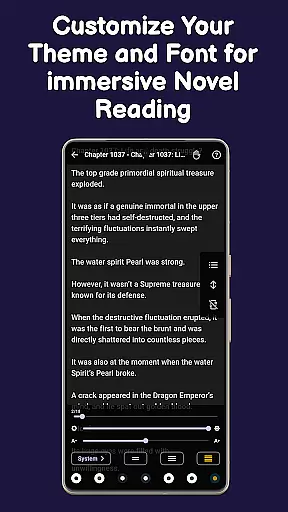
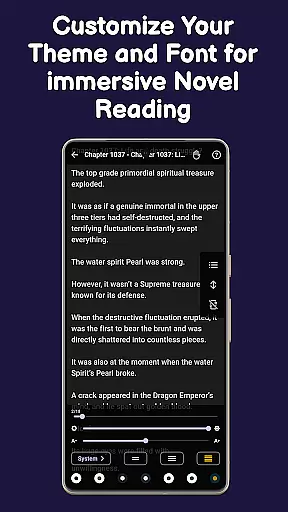
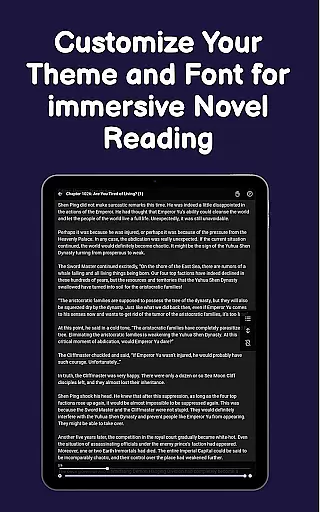
Users can enjoy an ad-free, distraction-free reading mode that supports various formats including comics. The app allows personalization of the reading experience through customizable themes and fonts, ensuring comfort and convenience.
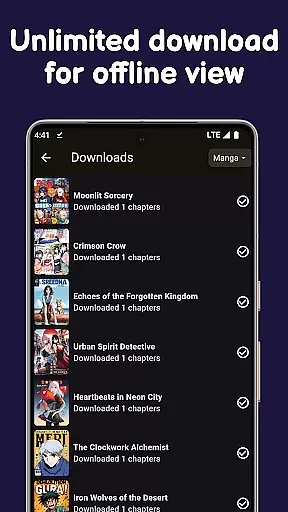
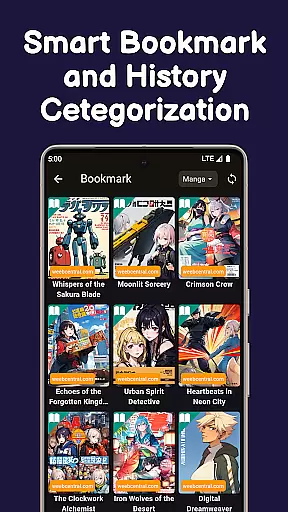
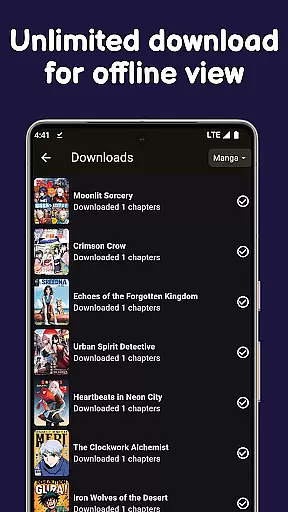
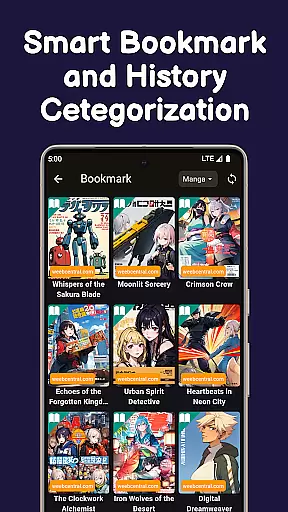
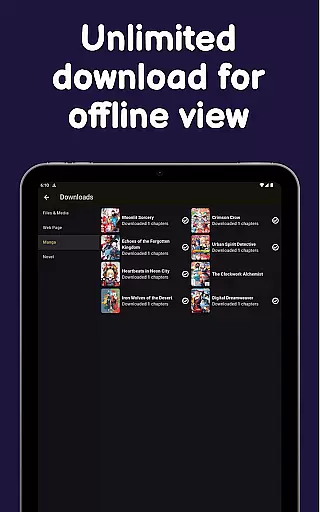
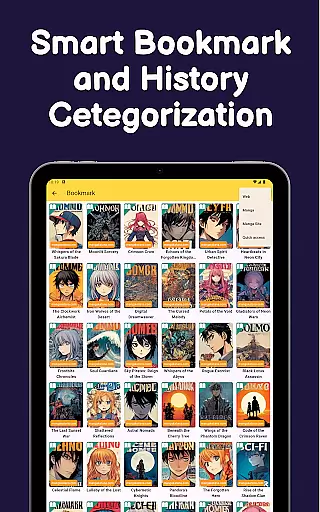
With offline download capabilities, users can save unlimited chapters and enjoy them without an internet connection, making it ideal for travel or areas with poor connectivity. Its powerful bookmarking system helps organize favorites and notifies users of updates, enhancing user engagement and satisfaction.
The app boasts an array of features tailored for manga lovers. Its built-in ad blocker ensures a clean, uninterrupted browsing experience while its lightweight design guarantees swift performance.
Cookie Manga stands out with its advanced bookmarking system, which not only saves favorite titles but also tracks reading progress and notifies users of new updates. This feature transforms the app into a personalized manga library.
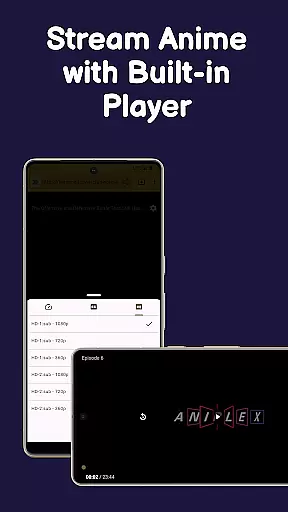
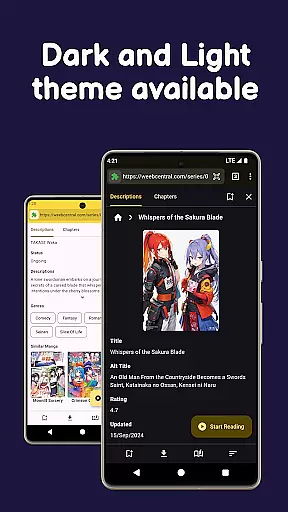
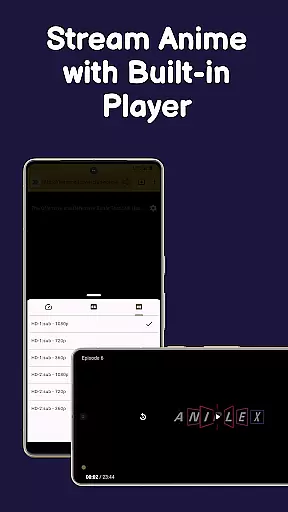
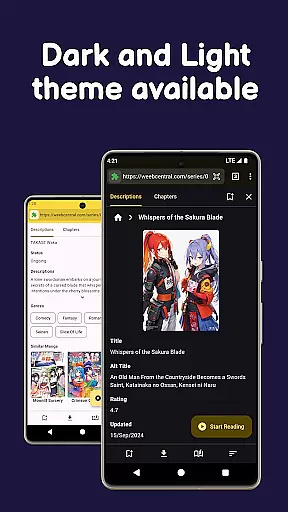
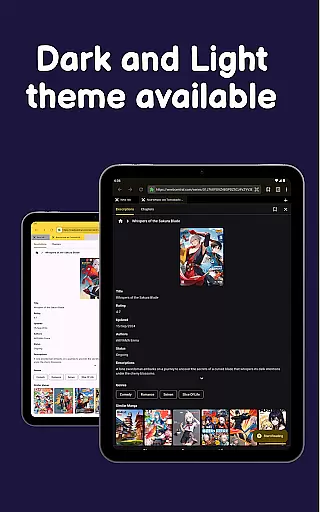
Customization options abound, allowing users to switch between light and dark modes, choose different fonts, and adjust themes for optimal readability. Additionally, the app's offline functionality lets users download chapters and videos effortlessly, providing flexibility and convenience.
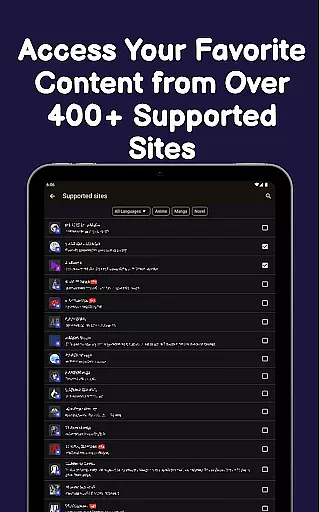
Manga Reader offers an extensive comic library that caters to a wide range of tastes and preferences. With access to manga, manhwa, manhua, webtoons, and light novels, users can explore content from various genres and sources.
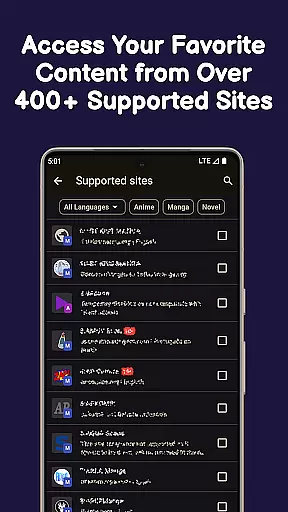
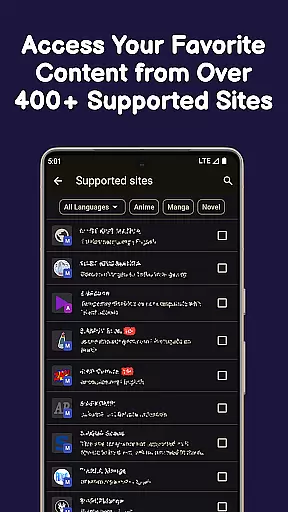
The app allows instant reading from favorite sites, ensuring that users have the latest chapters at their fingertips. Its powerful browsing capabilities make it easy to discover new series or follow ongoing ones without missing a beat.
By supporting multiple formats including manga pages and novel chapters, Manga Reader ensures that all types of comic enthusiasts find value in their offerings. This versatility enhances user engagement by providing diverse reading options tailored to individual interests.
Authenticity is key for any comic reader app, and Manga Reader excels in delivering genuine content directly from trusted sources. By enabling users to open any manga or webtoon site instantly, it guarantees that they are accessing original works legally hosted on these platforms.
In addition to offering legitimate content, Manga Reader also provides features like auto-checking for updates and notifications for bookmarked manga. These functionalities ensure readers stay informed about new releases while respecting copyright laws and licensing agreements.
With built-in ad blockers and a clean interface, the app creates a seamless experience free from distractions often associated with unauthorized distribution channels. Users can enjoy their favorite comics knowing they support creators through proper licensing practices.
User-friendly interface
Extensive customization options
Powerful bookmarking system
Offline reading capabilities
Built-in ad blocker
Limited to manga content
Occasional bugs reported
No multi-platform sync
Ads in free version
Some features require premium

A free paradise specially built for comic lovers. When you step into this comic universe full of surprises, it is like opening a door to endless joy. You are immediately immersed in the wonderful world brought by reading and enjoy the infinite charm of reading.
 4.2
4.2
Create your personalized cartoon comic strips & comic books.
3.20
Official digital-manga store. Quality translations that support artists.
3.10
Joke book collection with the funniest dad jokes and riddles for you to enjoy!
4.60
Free Comic Book Collection Management & Price Guide
4.60
The anime tv for fans Sud and Dub
4.20
Read and track manga across the web with ease
4.90
SQUARE ENIX's official Manga app!
4.40
Crunchyroll Manga—unlimited, uninterrupted reading with offline access & more!
4.50
Find free mangas in Spanish
4.70
Instant access to over 30,000 Marvel comics with new issues added every week.
4.70
Follow your favorite manga and get notifications for new chapters!
4.50
Scan comics instantly! Find comic value, price, and key collector details fast.
4.50
Comic Book Identifier Value - Scan comics & prices. Your comic book price guide!
4.50
Read latest manga with this minimal reader with NO ADS.
4.30
Kodansha official Manga app
4.30
The most powerful and fast image/comics viewer.
4.10
Your key to unlocking manga and webtoons on the go
3.50
+Not your everyday comic. Everyday.
3.50



User Reviews