
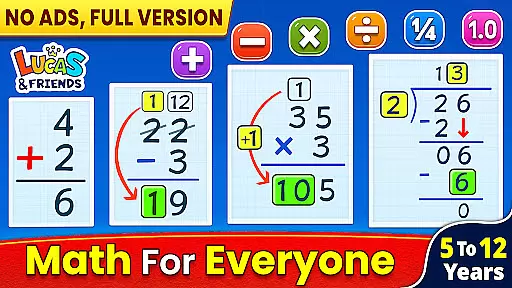
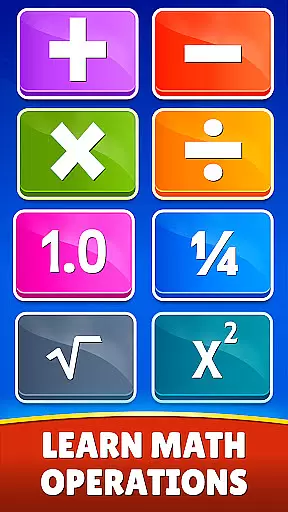
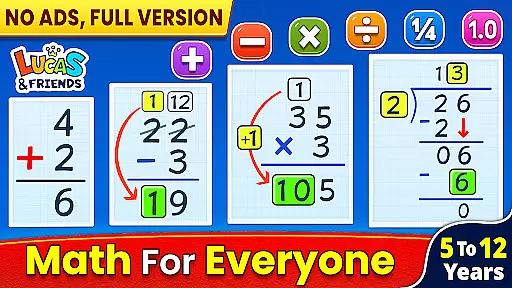
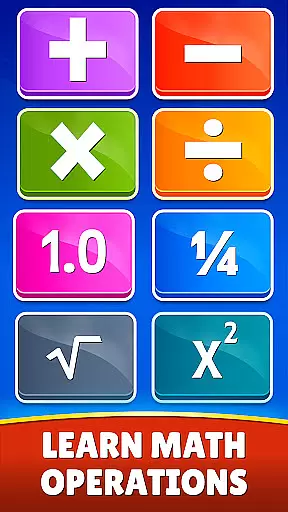
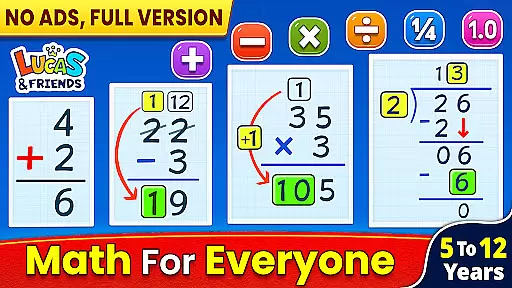
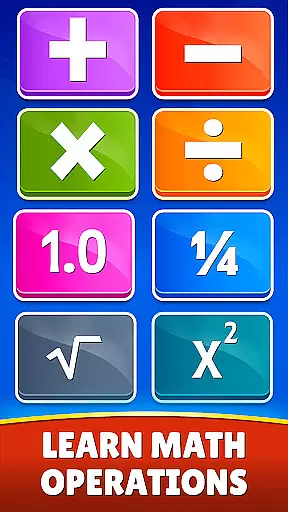
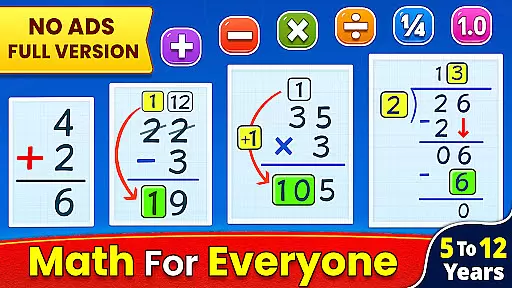
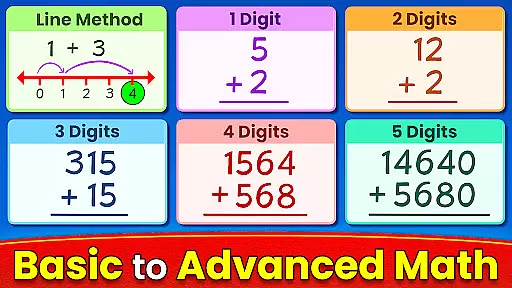
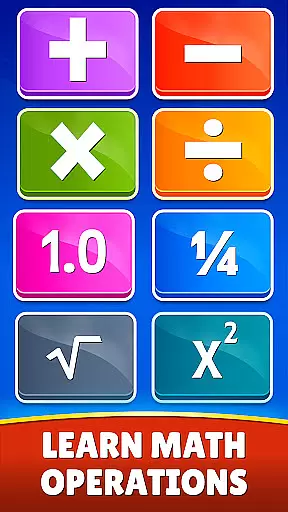
Math Games: Math for Kids is an educational app designed to make learning mathematics enjoyable and engaging for children. This app provides a variety of fun, free math games that cover basic arithmetic operations such as addition, subtraction, multiplication, and division. It also includes advanced topics like fractions, decimals, square roots, and exponents.
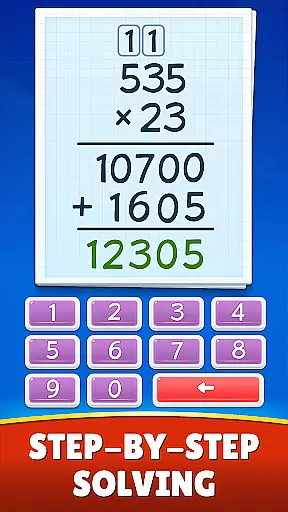
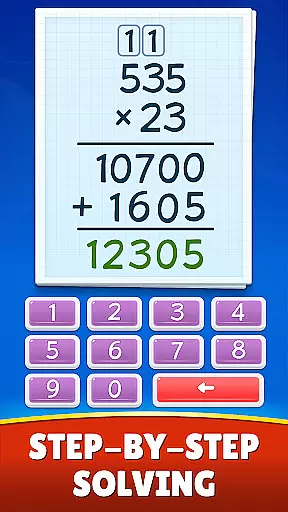
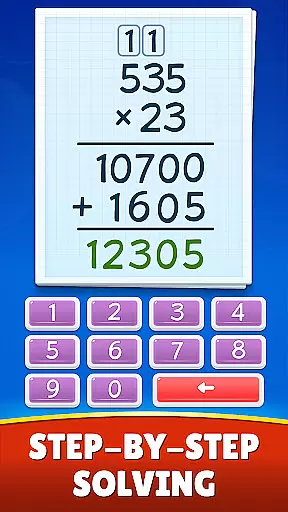
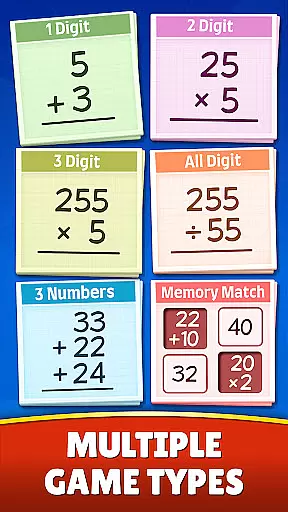
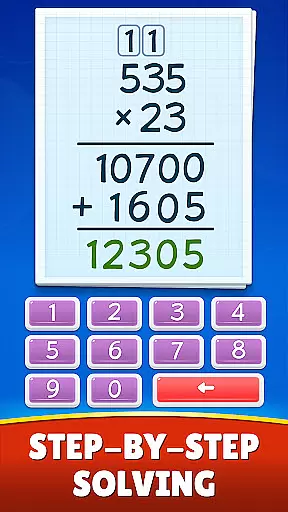
The app offers multiple game modes including Memory Match, Challenge Mode, and Dual Mode which cater to different learning styles and preferences. Suitable for all ages from kindergarten through 6th grade and beyond, this app helps users master essential math skills while having fun. With its step-by-step approach, it ensures that learners understand each concept thoroughly before moving on to the next level.
By using Math Games: Math for Kids, parents can help their children improve their math skills significantly. The interactive nature of the games keeps kids engaged and motivated to learn more. Moreover, the app's comprehensive coverage of various mathematical concepts makes it a valuable tool for both beginners and those looking to refine their existing knowledge.
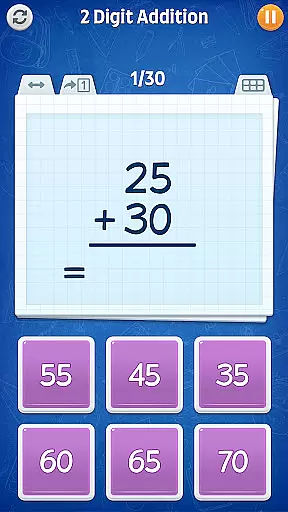
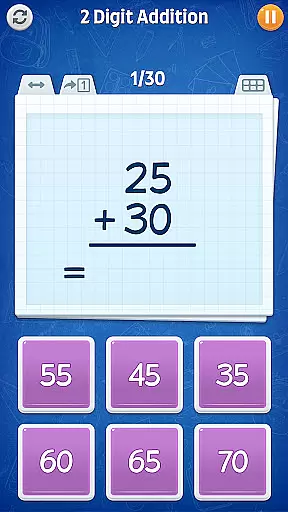
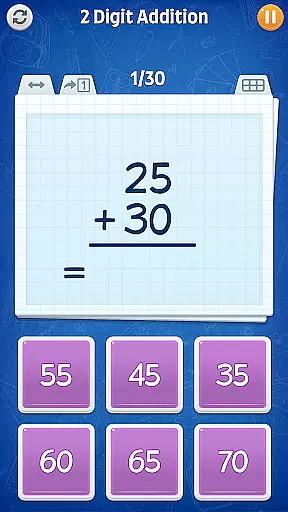
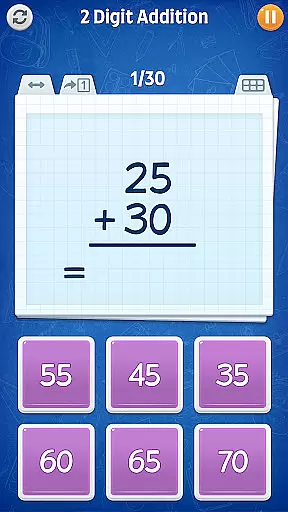
Math Games: Math for Kids stands out due to its diverse range of features tailored to enhance the learning experience. One key feature is the inclusion of numerous educational modes focusing on specific areas such as addition, subtraction, multiplication, and division. These modes offer varying levels of difficulty, ensuring that every child finds a challenge suited to their skill level.
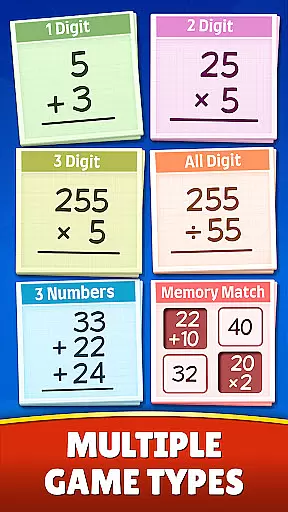
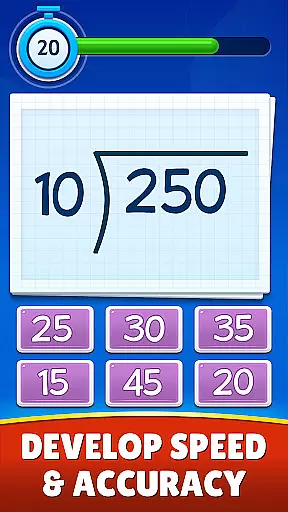
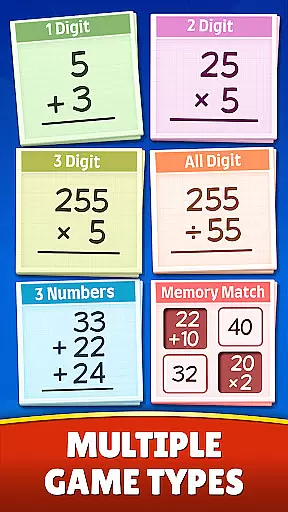
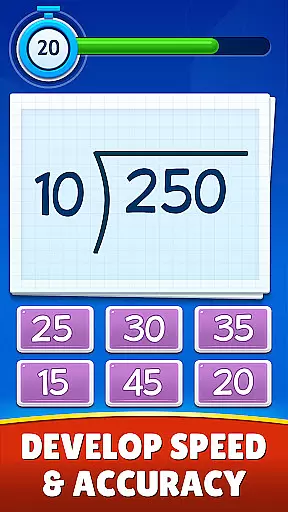
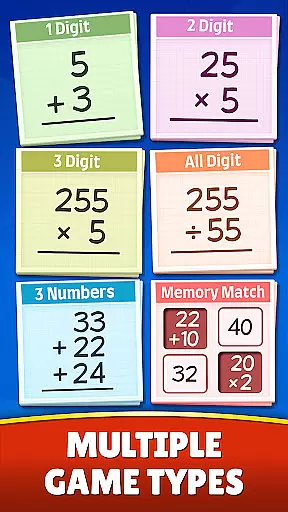
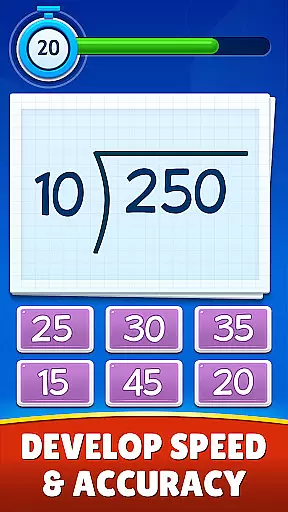
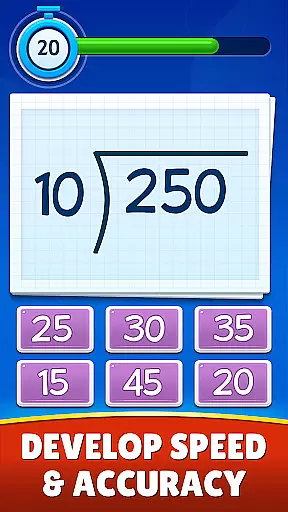
In addition to basic arithmetic, the app delves into more complex topics like fractions, decimals, and mixed operations. Each topic is presented in a fun and easy-to-understand manner, making even challenging concepts accessible to young learners. Furthermore, the app incorporates unique game modes like Memory Match, where players match answers to equations, and Challenge Mode, which tests speed and accuracy under time constraints.
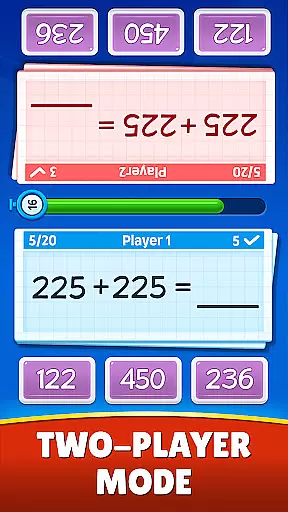
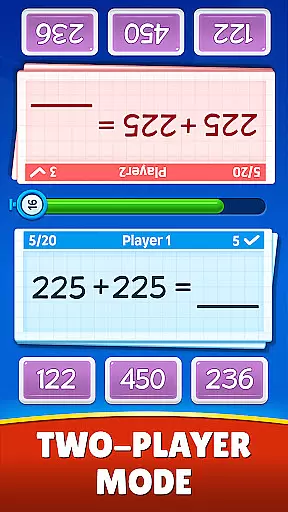
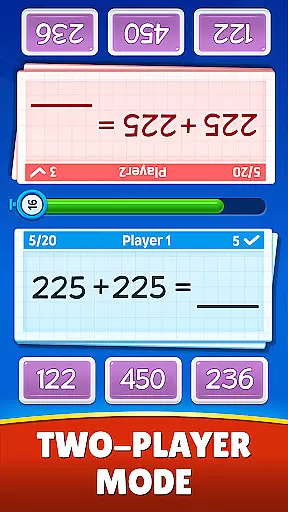
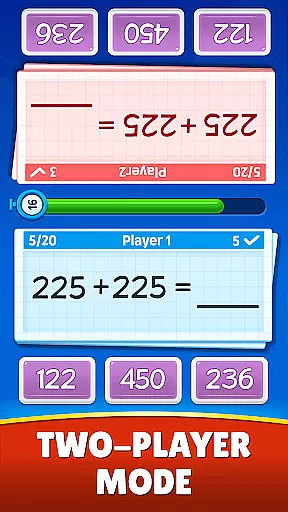
The dual-mode interface allows two players to compete or collaborate simultaneously, fostering social interaction and cooperative learning. Designed with love and tested on real children, Math Games: Math for Kids aims to provide endless practice opportunities through its extensive collection of math worksheets embedded within the games. This thoughtful design ensures continuous engagement and improvement over time.
When it comes to educational apps, content authority and curriculum alignment are crucial factors that determine the app's effectiveness. Math Games: Math for Kids is developed with strict adherence to educational standards, ensuring that the mathematical concepts presented are both accurate and age-appropriate.
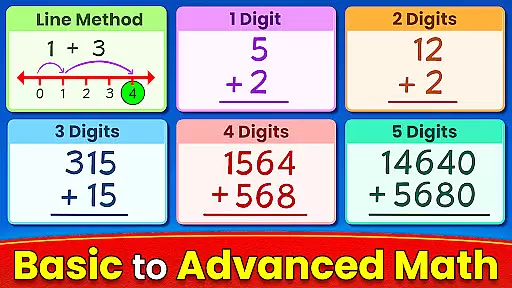
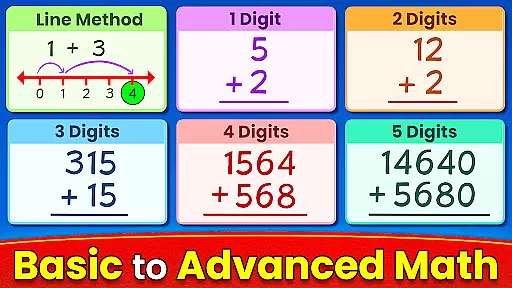
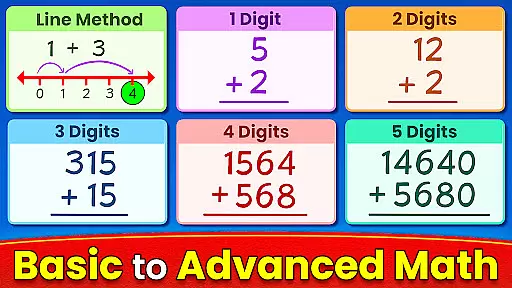
The app covers a wide range of math topics including addition, subtraction, multiplication, division, fractions, decimals, square roots, and exponents. Each topic is broken down into different levels of complexity, aligning with various grade-level curricula from kindergarten through sixth grade. This makes the app suitable not only for children but also for teenagers and adults looking to sharpen their math skills.
By engaging with Math Games, users can expect to learn math in a structured manner that complements traditional classroom teaching. The step-by-step approach helps learners grasp fundamental concepts before moving on to more advanced operations, thereby supporting a comprehensive understanding of mathematics.
Gamification has revolutionized the way we approach learning by integrating game-like elements into educational content. Math Games: Math for Kids leverages this technique to create an engaging environment where players can enjoy practicing math without feeling like they're studying.
The app offers multiple game modes such as Memory Match, Challenge Mode, and Dual Mode which provide diverse ways to practice arithmetic skills. These interactive features keep users motivated and invested in their progress while making learning fun and less intimidating.
Moreover, the competitive aspect of these games encourages repeated play, leading to increased retention and mastery over time. With its colorful visuals and entertaining challenges, Math Games successfully transforms what could be mundane exercises into exciting quests for knowledge, proving that gamified learning is indeed a powerful tool for education.
User-friendly interface
Wide variety of math topics
Engaging game modes
Suitable for all ages
Free to use
Limited advanced math topics
Ads may interrupt gameplay
No offline mode available
Graphics could be improved
Occasional bugs reported

This will quickly become your kids' favorite animals game!
 4.40
4.40
A game to memorize
4.4
Woof! The very first official Hey Duggee app for CBeebies' new favourite show.
3.70
Magical girl game where dreams come true. Collect & care for cute princesses!
3.80
Amazing toddler coloring games for 2+. Enjoy painting games
4.60
Discover the infinite cycles of the universe
4.4
Build your own BRIO railway!
4.30
Fun game for preschoolers to learn addition, subtraction, counting and math!
4.50
A fan of cute games? Try animal games & take care of fluffy virtual pets!
4.20
Tracing, phonics & spelling games for toddlers, preschool & kindergarten kids!
4.50
Creative beauty & fashion
4.50
Glow Doodle! Baby Coloring & Drawing games for toddlers: Color and Learn! NoAds!
4.40
Play and build with Bluey & friends in this fun LEGO® game!
4.40
Games, music, crafts and coloring with cats
4.10
The Squirrels have been learning how to look after animal, now it's your turn!
3.90
Daycare full of baby games! Take care of cute toddlers & play fun mini-games!
3.90
Safe, fun, ad-free games for kids! For babies, toddlers, & kids age 2-6
3.60
Explore & build the cute kitty city, create fun stories & discover surprises!
4.5
Draw shapes, mix colors, and dodge traps to defeat foes in the vibrant Art Zone!
4.0




User Reviews