
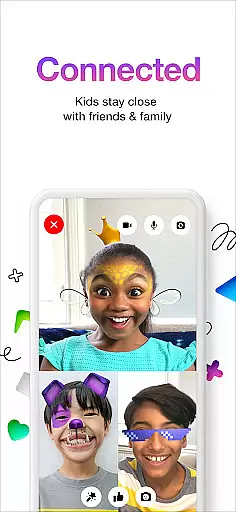
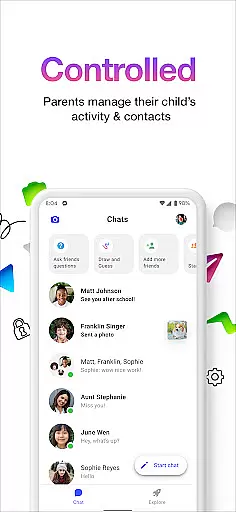
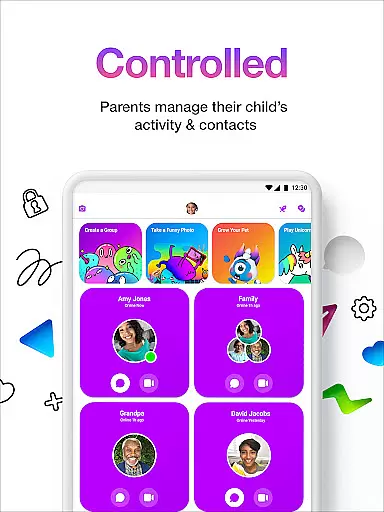
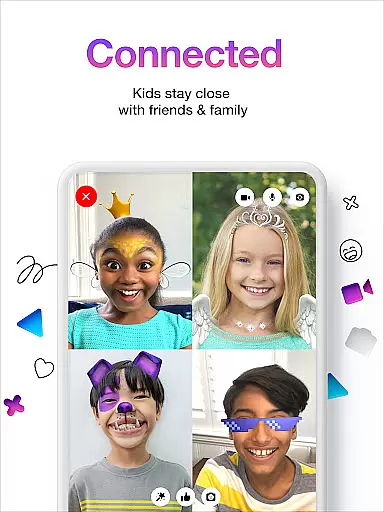
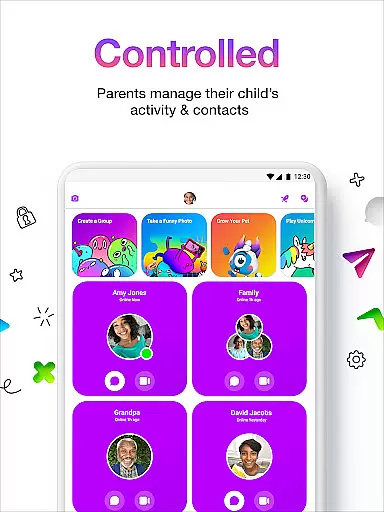
Messenger Kids is a communication app designed specifically for children, offering a safe and controlled environment for messaging and video calls. The app allows parents to manage their children's contact lists through a Parent Dashboard, ensuring secure interactions with friends and family.
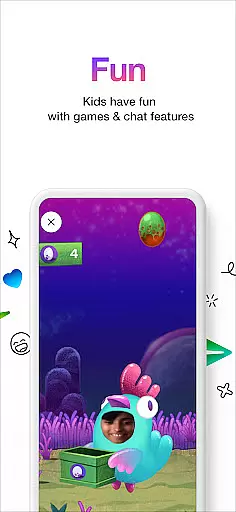
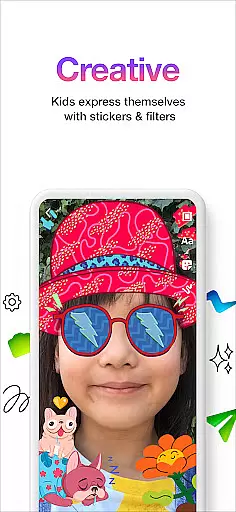
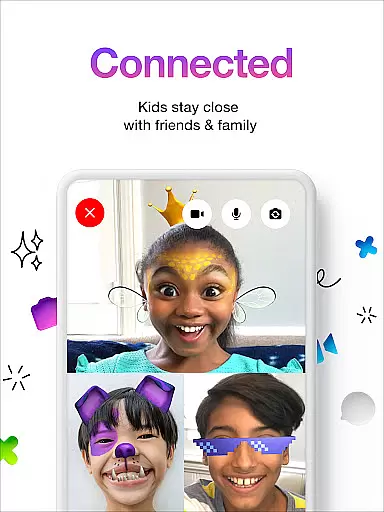
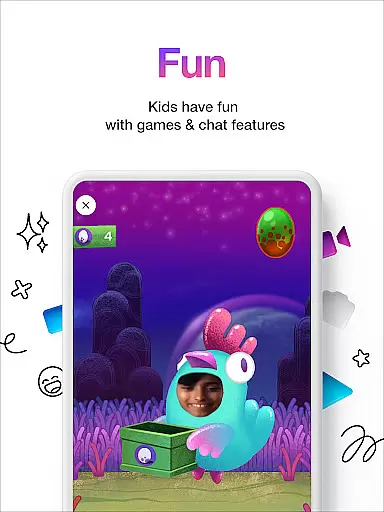
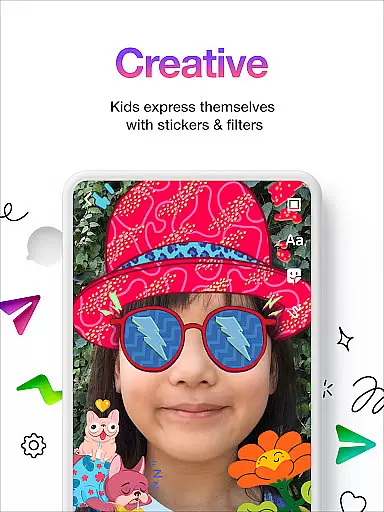
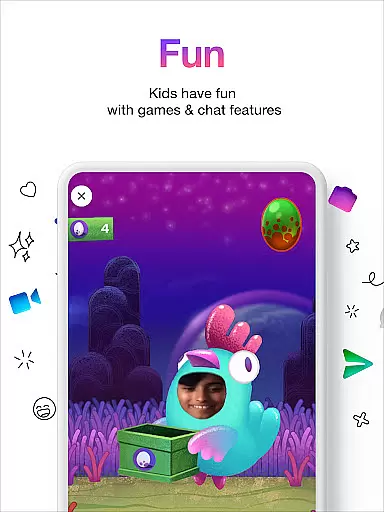
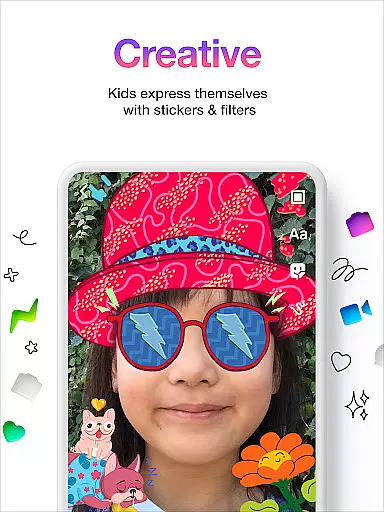
With fun filters, reactions, and sound effects, the app enhances video chats while creative tools like stickers, GIFs, emojis, and drawing features provide engaging ways for kids to express themselves during conversations. Additionally, Messenger Kids ensures worry-free usage by eliminating in-app purchases and ads, making it an ideal choice for parents seeking a secure digital space for their children.
Messenger Kids stands out with its robust parental controls that enable parents to oversee their children's messaging activities and set usage limits, especially useful during bedtime. The absence of phone numbers for account setup simplifies the onboarding process, allowing younger users to start using the app easily.
The app also incorporates kid-friendly filters and interactive elements such as sound effects, which make video chatting more entertaining. Moreover, creative conversation tools including stickers, GIFs, and emojis empower children to communicate in fun and expressive ways, fostering creativity while they chat with approved contacts.
Real-time messaging speed and reliability are crucial for a seamless communication experience, especially in apps designed for children like Messenger Kids. This app ensures that messages are delivered instantly, allowing kids to communicate with friends and family without delays.
Messenger Kids employs advanced technology to maintain stable connections even under varying network conditions. The app is optimized to handle high volumes of messages efficiently, ensuring that conversations remain fluid and uninterrupted.
Parents can rest assured knowing that their children's messages will be sent and received promptly, providing peace of mind. The reliable messaging system supports not only text but also stickers, GIFs, and emojis, enhancing the way kids express themselves.
Moreover, the appu2019s infrastructure is built to scale, accommodating spikes in usage during peak times without compromising on speed or reliability. This robust framework ensures that all users, regardless of location, enjoy a consistently high-quality messaging experience.
Media sharing support is an essential feature in modern communication apps, enabling users to exchange photos, videos, and other files effortlessly. Messenger Kids offers comprehensive media sharing capabilities, allowing children to share memorable moments with their contacts in a safe environment.
The app supports various file formats, ensuring compatibility across different devices and platforms. Whether itu2019s a funny selfie or a short video clip, kids can easily send and receive multimedia content, enriching their conversations and making interactions more engaging.
Parents appreciate the secure nature of media sharing within Messenger Kids. All shared content is screened to prevent inappropriate material from being exchanged, maintaining a child-friendly space. Additionally, there are no ads or in-app purchases related to media sharing, providing a worry-free experience.
With intuitive controls and straightforward navigation, young users find it easy to manage their media libraries and share content. This simplicity encourages creativity and self-expression while fostering meaningful connections among peers.
Parental control dashboard
No phone number required
Kid friendly filters
Ad free environment
Easy to use interface
Limited social media integration
Restricted app functionalities
Parental monitoring mandatory
No in app purchases
Age restricted audience

Fast and simple walkie talkie app
 4.20
4.20
Enables Plus features of Quick Search.
4.2
Save 10% automatically on your first international mobile top up.
4.60
Messages: Fast, simple SMS app with scheduling and smart features.
4.00
Manage BoostMobile Account
4.60
Fast Dialer & Contact Manager with Caller ID and Spam Protection
4.00
Faster version of Messages. Messenger for your contacts.
4.50
Call & Text Anywhere With A Canadian Number.
3.60
A browser that does more than load page, like keeping your privacy safe.
4.70
We’re taking the yada yada out of wireless—now we’ve taken it out of your app.
4.70
Messenger for SMS - texting message app, faster, simpler & safer, for you.
4.70
Connect and browse the internet with a fast VPN proxy server and IP blocker.
4.50
Simple tool for businesses to talk to their customers.
4.40
Messenger app for faster and simpler SMS text messaging, and personalized themes
4.10
Call Forwarding is easy and simple application to use.
3.80
SMS Messenger ensures that communication become effortless and accessible.
3.80
This app enables the phone to receive and send FT8 traffic!
3.80
Watchgram for Telegram: Experience seamless Telegram messaging on your watch
1.80
An app dedicated solely to marriage, not dating, and supported by a rigorous verification mechanism to ensure seriousness.
4.4






User Reviews