
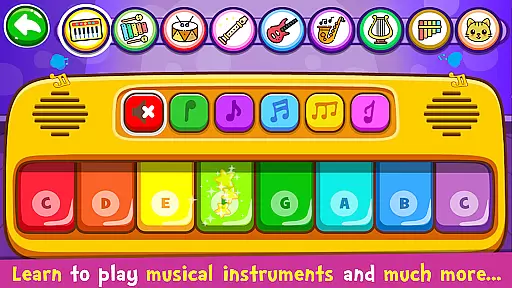
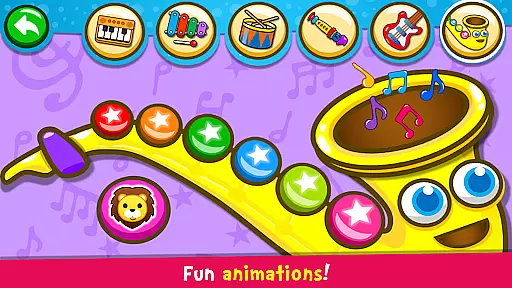
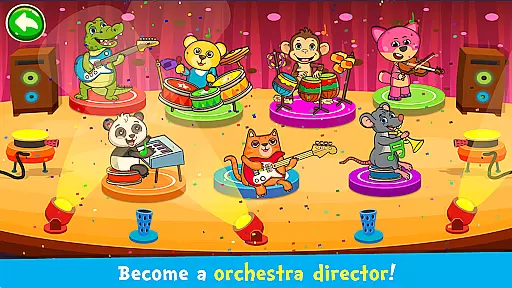
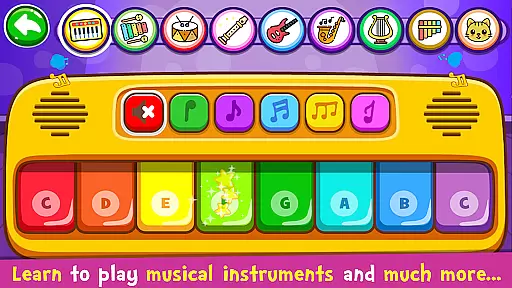
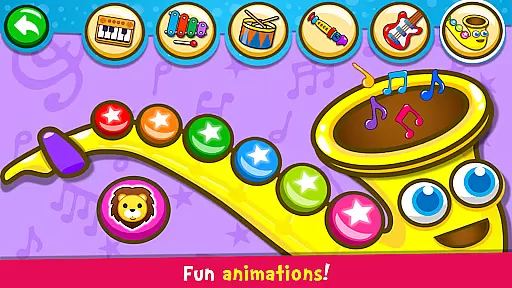
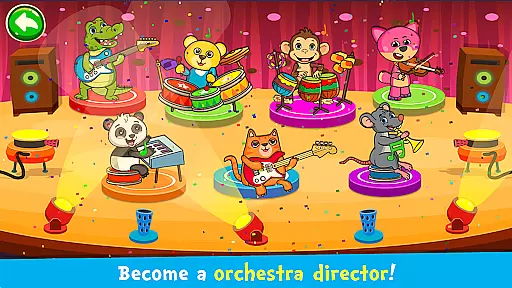
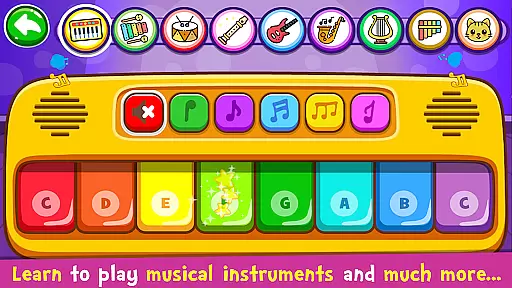
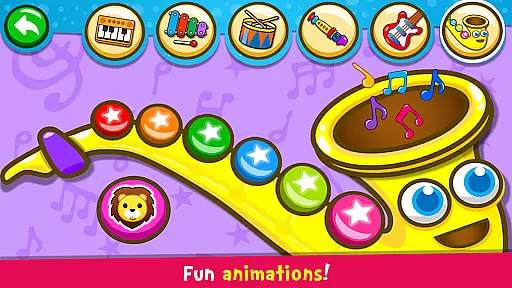
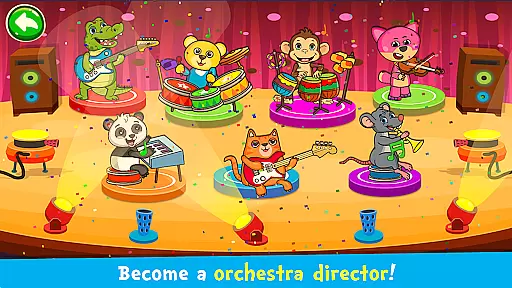
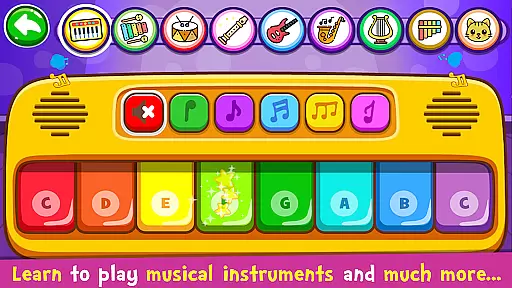
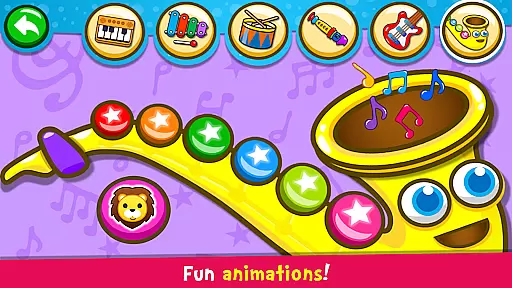
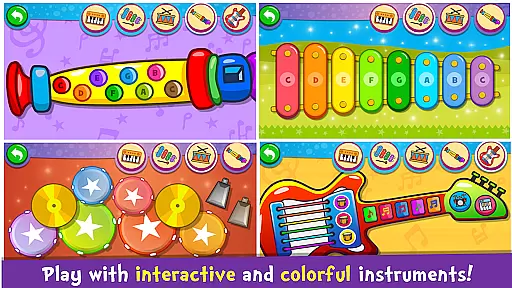
Piano Kids - Music & Songs is an engaging music education app designed specifically for children and parents to explore the world of musical instruments. This app offers a variety of colorful instruments including piano, xylophone, drum kit, saxophone, trumpet, flute, and electric guitar, all playable with simple touch controls. The interface is vibrant and appealing, making it an enjoyable learning experience for toddlers and kids.
Beyond just playing instruments, the app features four distinct modes: Instruments, Songs, Sounds, and Play. These modes help children develop not only musical skills but also memory, concentration, imagination, creativity, motor skills, intellect, sensory, and speech. With its diverse range of activities, Piano Kids provides a comprehensive platform for children to learn and grow through music.
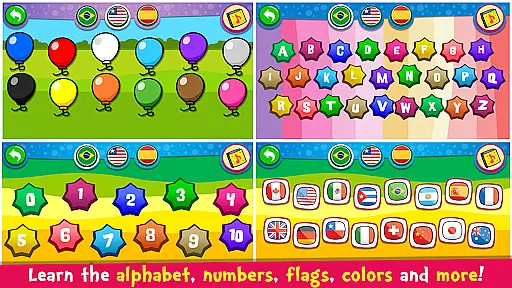
Parents can appreciate the educational benefits as children learn to pronounce colors, numbers, letters, and more in different languages. The app's ability to stimulate intellectual development and improve sociability makes it a valuable tool for early childhood education. Families can enjoy creating music together, fostering a collaborative and creative environment that benefits everyone involved.
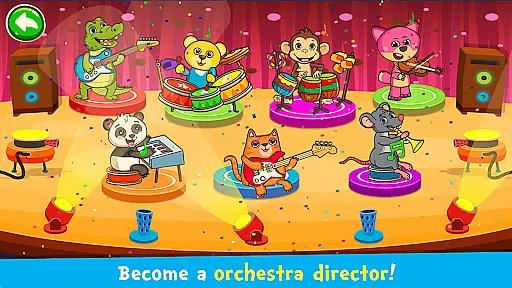
Piano Kids - Music & Songs stands out with its rich set of features tailored for young learners. The app includes four main game modes: Instruments, Songs, Sounds, and Play. In the Instruments mode, children can explore real sounds and representations of various instruments such as piano, electric guitar, xylophone, saxophone, drums, flute, harp, and panpipes. This allows them to compose their own melodies freely, enhancing their musical creativity.
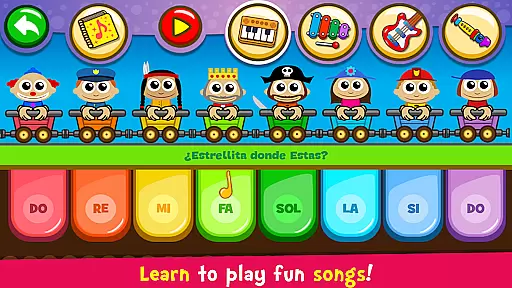
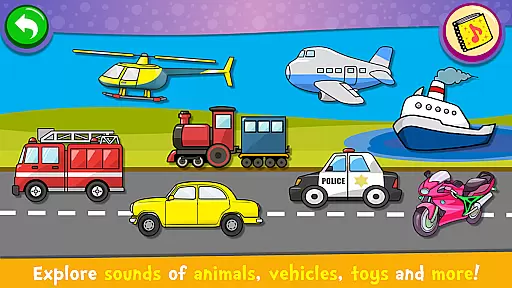
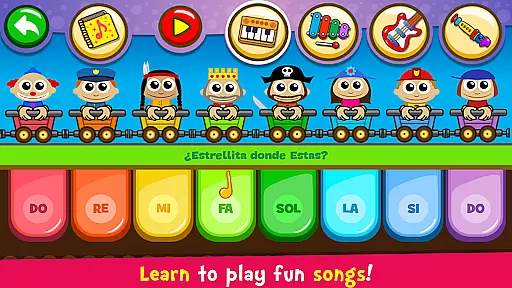
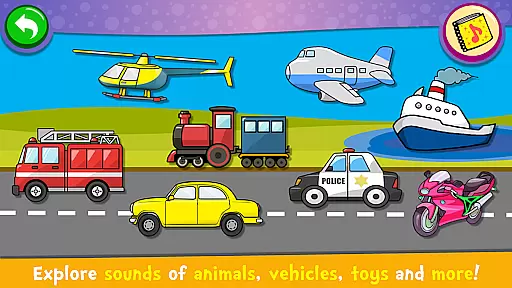
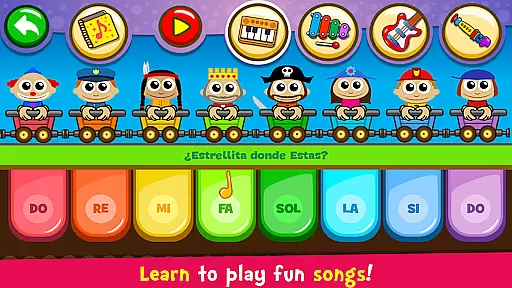
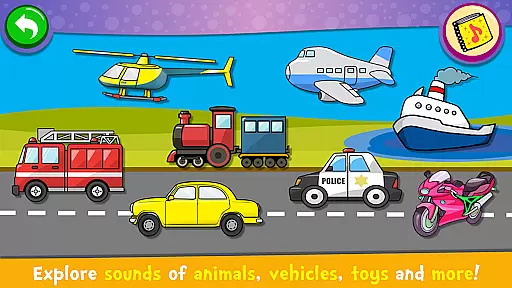
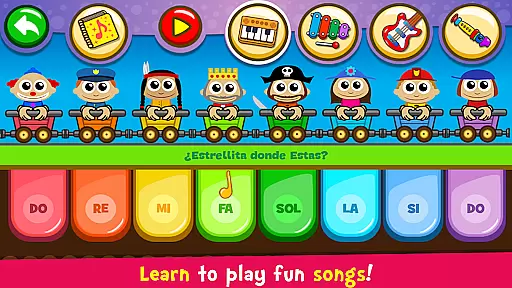
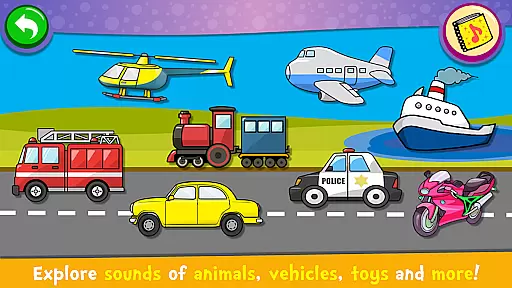
The Songs mode offers a unique learning experience where children can learn to play 30 famous songs. The Auto Play feature helps them grasp the melody before attempting to play it independently. Guided by fun characters, kids can choose from different instruments like piano, xylophone, guitar, and flute to practice these songs. The Sounds mode lets children explore collections of objects with corresponding images and sounds, familiarizing them with everyday sounds and aiding in language learning.
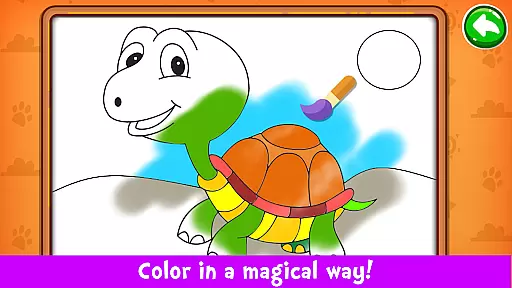
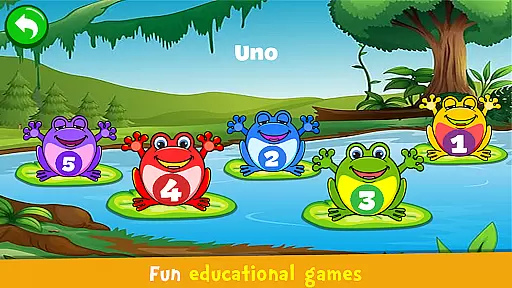
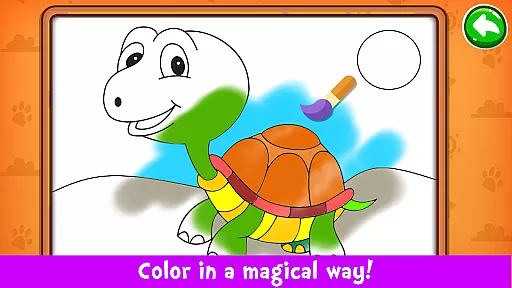
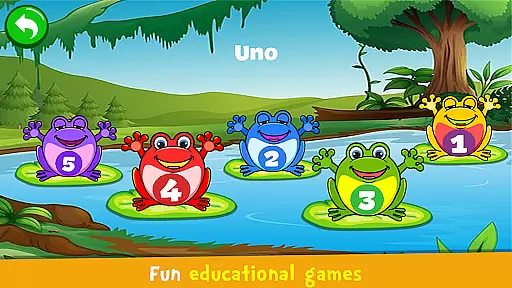
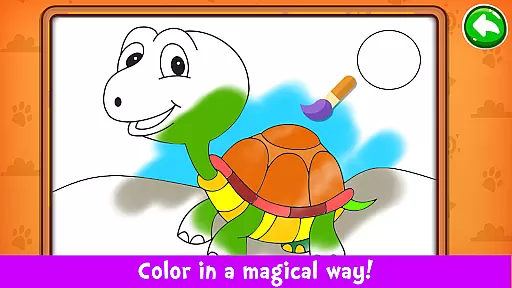
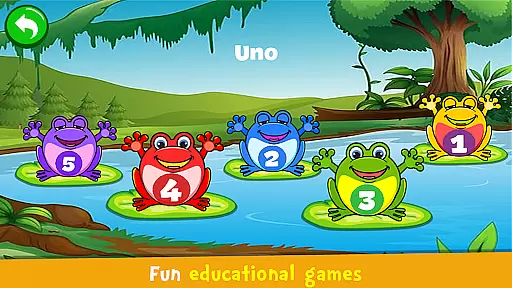
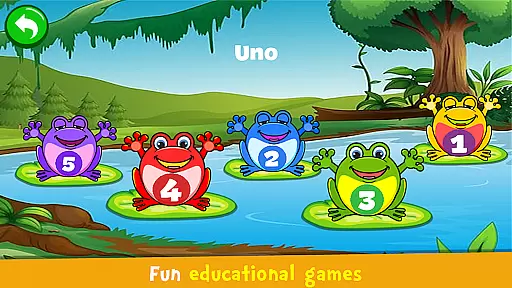
In the Games mode, children engage in fun activities that teach counting, the alphabet, melody creation, puzzle-solving, drawing, coloring, and more. High-quality instrument sounds and an intuitive interface make this app easy and enjoyable to use. Additional features include the option to select scales in DO-RE-MI or CDE formats, further customizing the learning experience. Overall, Piano Kids delivers a robust and interactive platform for musical exploration and skill development.
Piano Kids - Music & Songs offers exceptional rhythm judgment precision, ensuring that every note played by children is accurately captured and responded to. This accuracy is crucial for developing a child's musical timing and rhythm skills.
The app achieves this precision through high-quality sound sampling and responsive touch controls. Each instrument, from the piano to the xylophone, provides real-time feedback, allowing kids to learn the nuances of rhythm with authentic sound reproduction.
With this level of precision, children can effectively learn to follow melodies and understand musical patterns. The instant feedback helps them correct their timing, encouraging practice and refinement of their musical abilities.
Ultimately, the precise rhythm judgment empowers young learners to gain confidence in their musical skills, laying a strong foundation for their future musical journey.
The app boasts a diverse and high-quality music library, featuring 30 famous songs and various instruments like the piano, guitar, and flute. This variety ensures that children have access to a wide range of musical styles and sounds, enhancing their learning experience.
Each instrument in the app is crafted with meticulous attention to detail, providing realistic sound outputs that mimic actual instruments. This dedication to quality ensures an immersive and engaging musical exploration for kids.
Moreover, the inclusion of different musical genres and classic tunes enables children to appreciate various music forms while learning. The Auto Play mode further assists by teaching them how to play these songs step-by-step.
By offering such a rich and varied music library, Piano Kids not only entertains but also educates, fostering a deep appreciation for music among its young users.
User-friendly interface
Multiple learning modes
High-quality instrument sounds
Educational games included
Completely free to use
Limited advanced features
No offline mode available
Ads may interrupt gameplay
Occasional bugs reported
Graphics could be improved

Piano game with popular songs. Enjoy the fun of music games and K-pop games!
 4.50
4.50
Kawaii dog, cat, animals buddies duet. Fun relaxing game from Magic Tiles team.
4.30
Enjoy songs & crash same color blocks in a rhythm action surf, dash music game.
4.40
Ball jump tiles music game in 3D scene
4.10
Ride a sonic skateboard, slash beats, and master the rhythm!
4.40
Game of song, dual vocal, swipe, tap piano magic tiles pad & harmonize pop songs
3.70
Follow the music to slide the skateboard & wield the lightsaber
4.40
Non-stop rhythm action at your fingertips with the latest Hatsune Miku game!
4.50
Incredible funky Sprunki music game with all the popular mods!
4.70
Keep the music ball running and hopping on the color tiles! Ready? Game start!
4.70
Unlock your amazing rhythm beat & theme. Perfect for music lovers of all ages!
4.60
Play kpop music with favorite idols. Tap to the beat and unlock more kpop songs.
4.60
Classic cat music game! Experience pop piano songs and cute cat tiles.
4.60
Hop the kitty ball on color tiles with latest hits! Collect cute singing animals
4.50
Bounce the ball on music tiles to the beat of trending songs! Feel the magic!
4.50
Makeover yourself,Enjoy your dress&hair with rhythm!
4.40
The answer to all the questions, shall be Reborn through the sound of the piano.
3.90
Gameplay Powered by YOUR Music!
3.70
Tap the tiles! Feel the music in a fresh, fiery piano rhythm experience!
4.1



User Reviews