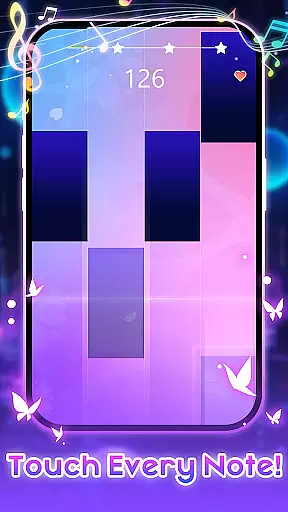
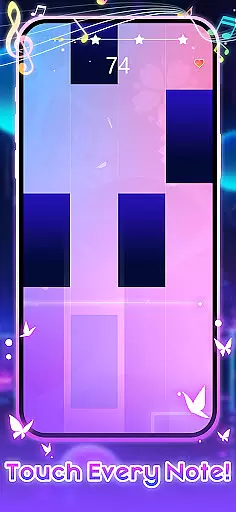
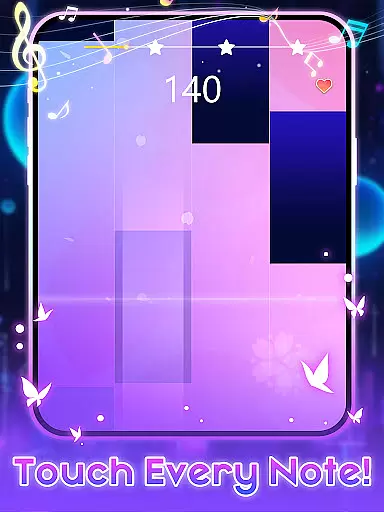
PIANO STAR is an engaging music rhythm game that allows players to experience the joy of playing piano with simplicity. The core gameplay involves tapping black tiles in sync with popular pop and classical piano songs, making it easy for anyone to perform beautiful melodies. With multiple modes including Endless and PVP, the app offers diverse ways to enjoy music while challenging your rhythm skills.
The application stands out with its extensive song library that receives regular updates, ensuring a fresh musical experience. Players can unlock new songs using in-game coins, which are generously provided for free. Whether you're a casual gamer or a music enthusiast, Piano Star delivers an immersive musical journey that combines entertainment with skill development.
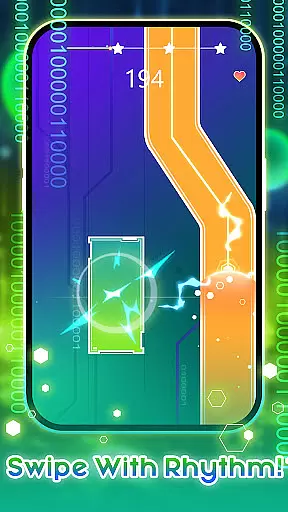
Piano Star boasts several distinctive features that enhance the overall gaming experience. The app's primary characteristic is its innovative tile-tapping mechanism, where players tap, hold, and quickly double-tap black tiles to create music effortlessly. This intuitive control scheme makes it accessible to users of all ages and skill levels.
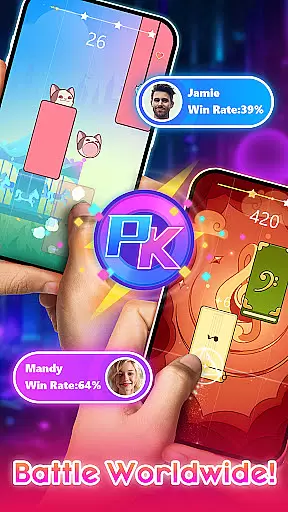
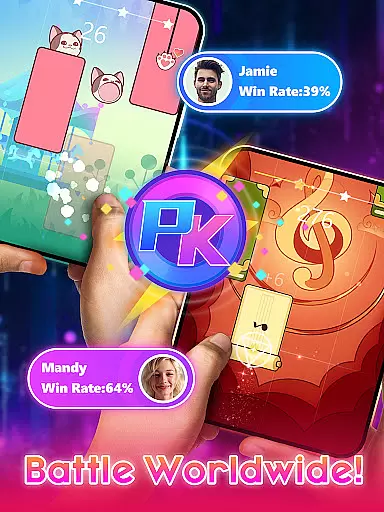
A key highlight is the diverse range of play modes available, including Endless mode for continuous challenges and PVP mode for competitive play against others. Additionally, an offline mode ensures uninterrupted enjoyment without internet connectivity. The developers regularly update the game with new piano songs every week, keeping the content fresh and engaging for the community of aspiring pianists.
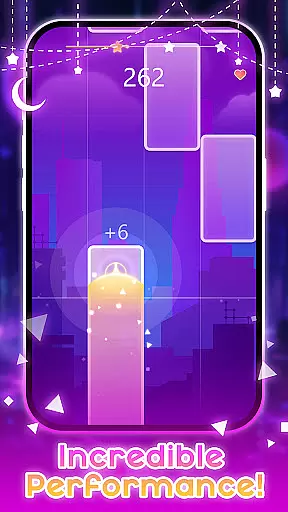
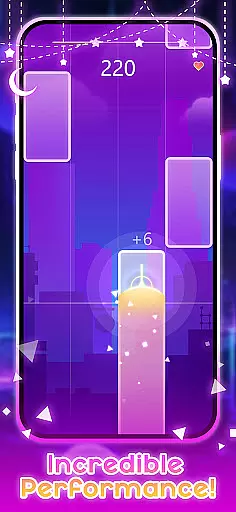
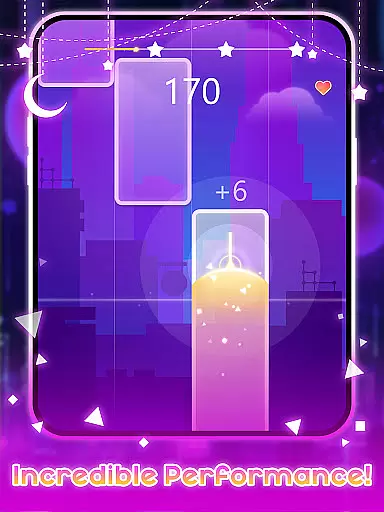
Piano Star offers an exceptional rhythm gaming experience by focusing on precise timing and accuracy. The game challenges players to tap black tiles in sync with the music, testing their ability to follow beats accurately.
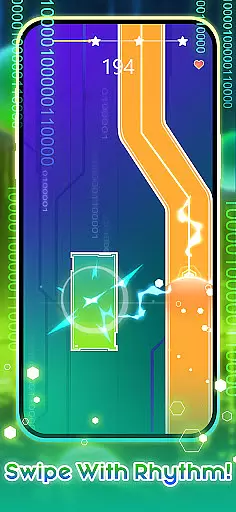
With various types of tiles including long tiles that require holding and double tiles for quick successive taps, the game ensures that players develop a keen sense of rhythm. This precision in rhythm judgment is crucial for progressing through levels and achieving high scores.
The benefit to users is a heightened sense of rhythm and timing, as they must tap in perfect harmony with the music to succeed. This not only makes gameplay more engaging but also enhances musical appreciation and performance skills.
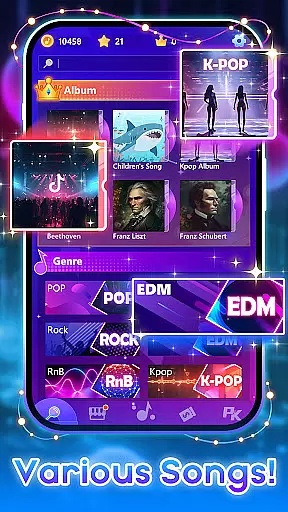
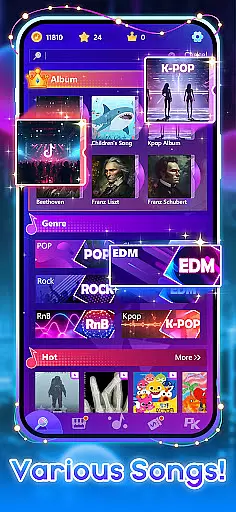
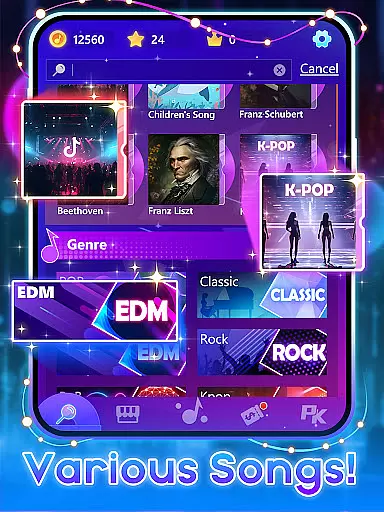
A diverse and high-quality music library is at the heart of Piano Star's appeal. Featuring a wide array of popular pop songs and classical piano pieces, the game caters to varied musical tastes and preferences.
New songs are added weekly, keeping the content fresh and players engaged. This constant update reflects the developers' commitment to quality and variety, ensuring there's always something new to play.
Players can enjoy performing their favorite tunes or discover new ones, all while experiencing the joy of creating music. The extensive selection of tracks provides endless entertainment and opportunities for musical exploration.
Intuitive controls
Regular song updates
Multiple play modes
Free coin rewards
Engaging gameplay
Limited visual customization
Occasional bugs
Ads between sessions
High difficulty spikes
Offline mode limitations

Drum set app with various lessons to help you learn to play the drums like a pro
 4.40
4.40
Immersive piano tiles rhythm game! Tap to the beats of Hip-Hop and EDM songs.
4.70
Tap Piano Cat Tiles will transport you to a world of fun in music games
4.60
Tap the tiles! Feel the music in a fresh, fiery piano rhythm experience!
4.5
Tap and slide the tiles to experience the pop music game together
4.70
Let's dance in the pool of thumping beats and electrifying rhythm with cool EDM
3.80
Thump to the rhythm and bounce to the beat with these fuzzy musical monsters!
4.70
Conduct an orchestra of musical Monsters from the hit game My Singing Monsters!
4.20
Create your own music with the help of a merry crew of beatboxers!
4.90
Beat rap and dance battle with Sprunki friends in funky nights!
4.80
The coolest rhythm game on this damn Play Store (respectfully)
4.80
Feel The Rhythm? Tap Tiles To Win! Enjoy The Ultimate Hit Playlist Only For You
4.70
Guide two orbiting planets along a winding path by tapping perfectly in rhythm
4.60
"Tap to the beat and challenge your fingers with cute cats in PopCat Tiles!"
4.50
Paradise of parkour & rhythm game — Muse Dash!
4.50
Tap to start and control the ball jump with beats in the hop-ball music game.
4.50
Rotate, rhythm, and soar through a cosmic music adventure.
4.30
Lowriders comeback 2 - Musical Game with dancing, hopping and freeride cruising
4.20
Fast & Furious! Race with rhythm to win more supercars!Beat Racer Rush for Glory
3.60





User Reviews