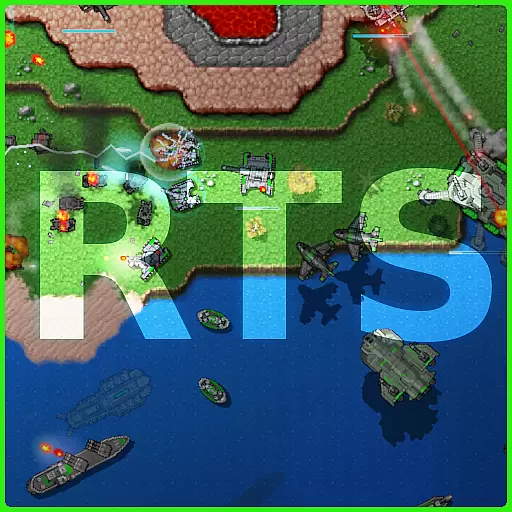
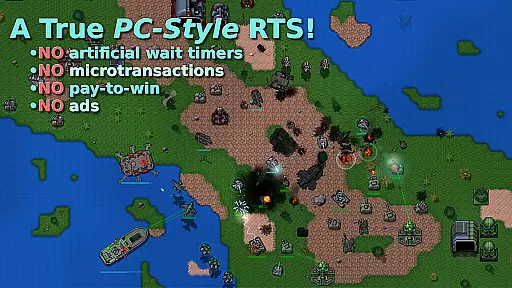
Rusted Warfare is a feature-rich real-time strategy (RTS) game that draws inspiration from classic titles like Total Annihilation and Command & Conquer. The app offers an immersive experience with its diverse range of units, strategic depth, and various gameplay modes. Players can enjoy both single-player campaigns and multiplayer battles, making it suitable for those who appreciate tactical combat scenarios.
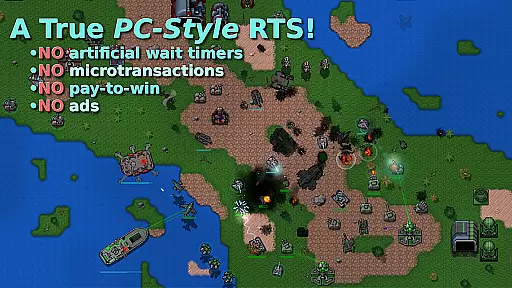
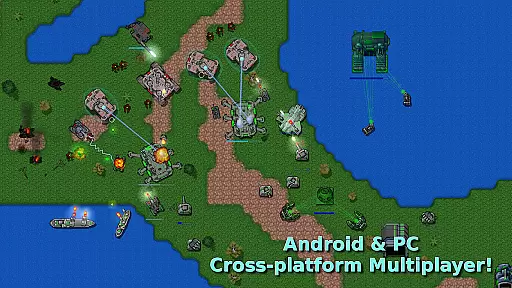
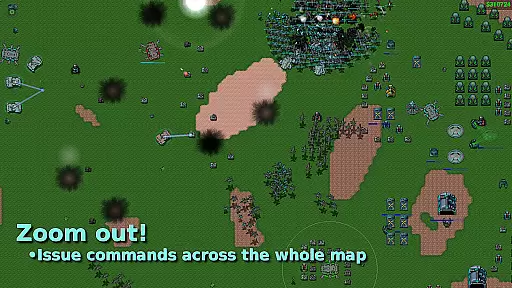
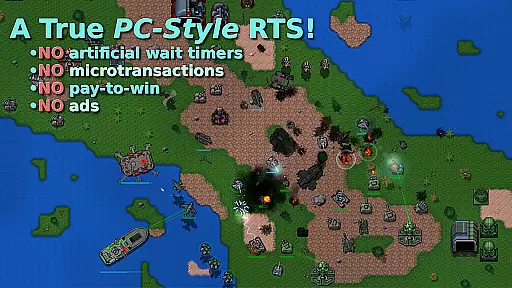
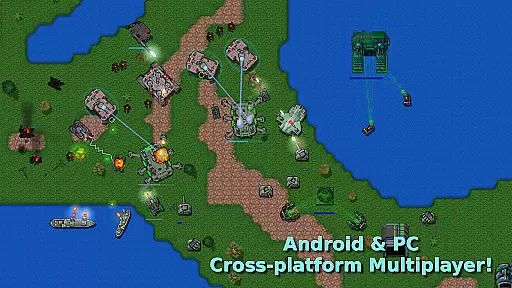
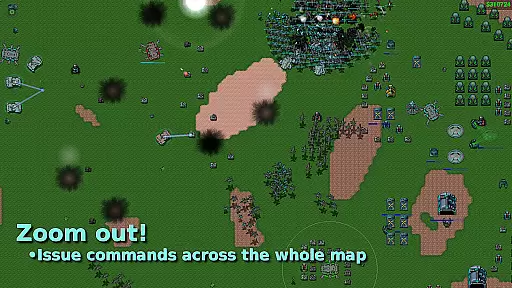
One of the standout features of Rusted Warfare is its commitment to providing a pure RTS experience without microtransactions. This ensures that players can focus on strategy and skill rather than pay-to-win mechanics. With over 40 unique units ranging from land vehicles to air and sea forces, the game delivers balanced and engaging gameplay. Its strategic zoom functionality allows users to manage large-scale battles effectively, while cross-platform multiplayer support lets friends connect and compete seamlessly.
The app's versatility extends to its compatibility with different devices, scaling smoothly from smartphones to tablets. Additionally, advanced input options such as USB keyboard and mouse support cater to hardcore gamers seeking precision control. Whether you're planning intricate military operations or simply looking for a quick match during lunch breaks, Rusted Warfare provides a comprehensive RTS package designed to satisfy strategy enthusiasts.
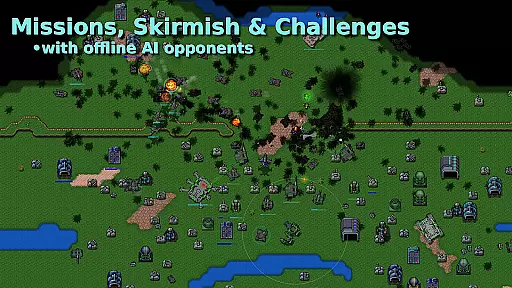
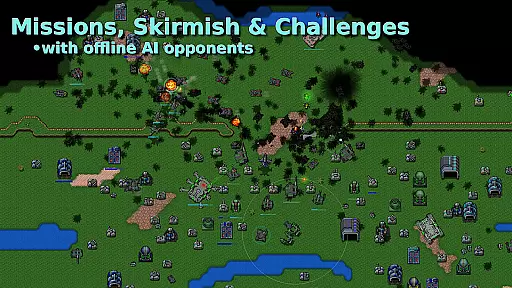
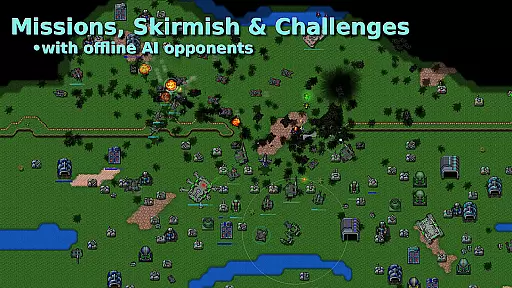
Rusted Warfare boasts an impressive array of features tailored for RTS fans. The game includes multiple mission types such as campaign, skirmish, survival, and challenge modes, all supported by full AI capabilities. These varied missions ensure that players have plenty of content to explore and master, keeping the gameplay fresh and engaging over time.
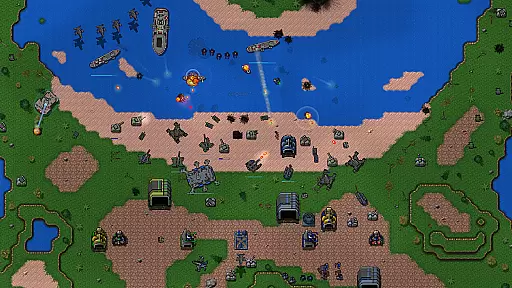
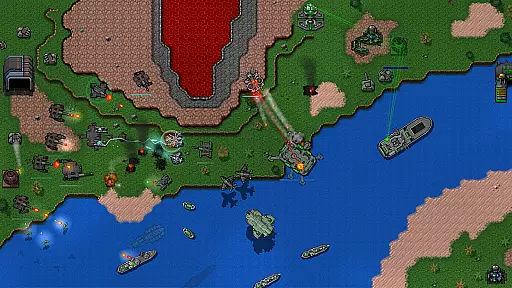
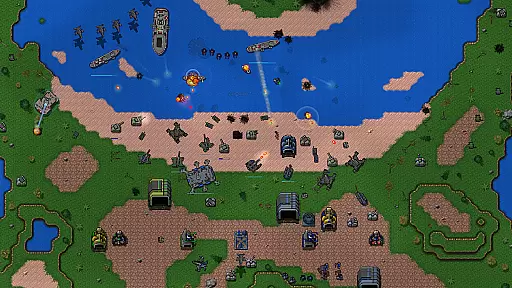
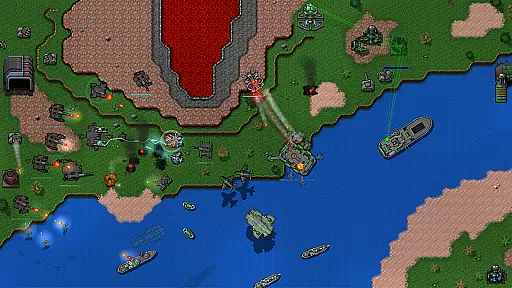
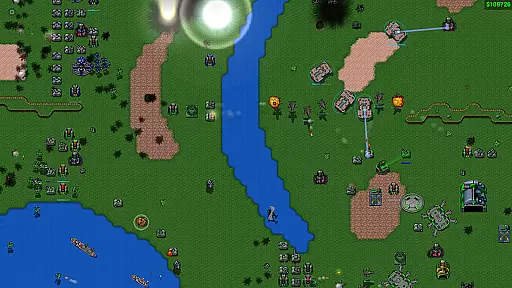
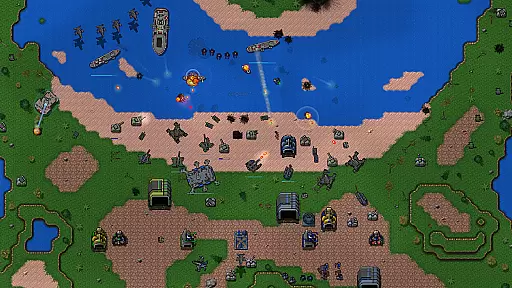
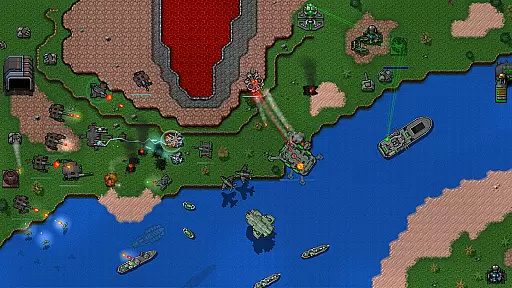
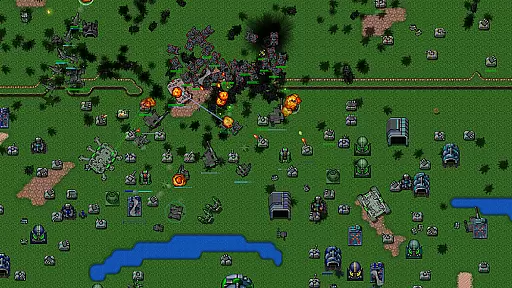
A key highlight is the extensive unit roster, featuring more than 40 unique units across land, air, and sea categories. Each unit type offers distinct tactical advantages, encouraging players to develop innovative strategies. Experimental units and nuclear missiles add excitement to endgame scenarios, allowing for dramatic shifts in battle dynamics. Unique units like flying fortresses, combat engineers, amphibious jets, shielded hovertanks, and laser defenses further enhance strategic possibilities.
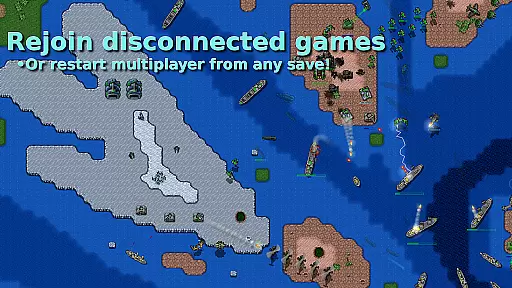
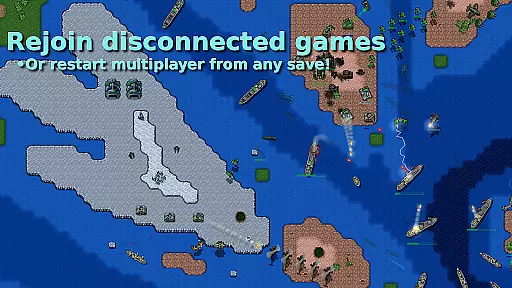
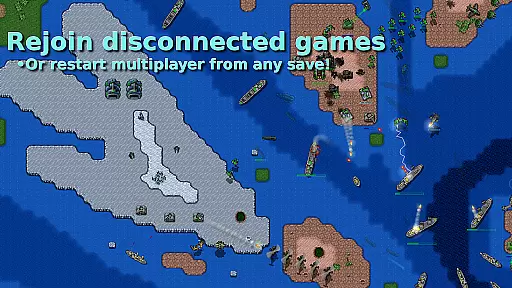
The user interface is designed for efficiency and ease of use. Players can issue commands through the minimap, utilize multi-touch gestures, organize units into groups, and set rally points. Strategic zoom enables oversight of entire battlefields at once, streamlining command execution. Moreover, robust save/load functionality supports resuming games later, even in multiplayer sessions. Custom level creation tools empower users to design their own maps, fostering community creativity and extending replay value significantly.
Rusted Warfare offers a rich strategic experience that draws inspiration from classic RTS games, ensuring a complex decision-making process throughout each match. The game features over 40 unique units, ranging from amphibious jets to shielded hovertanks, each providing distinct tactical advantages.
Players must carefully consider their choices in unit deployment, resource management, and technology upgrades. The inclusion of experimental units and nuclear missiles adds another layer of strategy, especially in the endgame phase where high-stakes battles unfold.
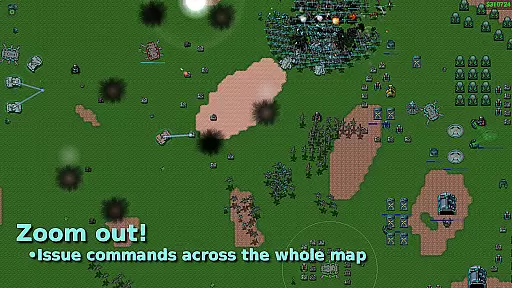
The strategic zoom feature allows commanders to issue orders across the entire battlefield, maintaining control even in the most chaotic engagements. This comprehensive strategic depth ensures that every decision can significantly impact the outcome of the game.
Achieving balance between factions and units is crucial for fair gameplay, and Rusted Warfare excels in this aspect. Each of the 40+ units, whether land, air, or sea-based, has been meticulously designed to offer unique strengths and weaknesses, promoting diverse strategies.
Special units like flying fortresses and combat engineers require players to adapt their tactics, ensuring that no single strategy dominates the game. The game's AI provides a challenging opponent in skirmish and survival modes, further testing the player's ability to counter various unit compositions.
Regular updates and refinements from the developers ensure that faction and unit balance remains an ongoing priority, offering a consistently fair and competitive experience for all players.
No microtransactions
Over 40 unique units
Strategic zoom feature
Multiplayer support
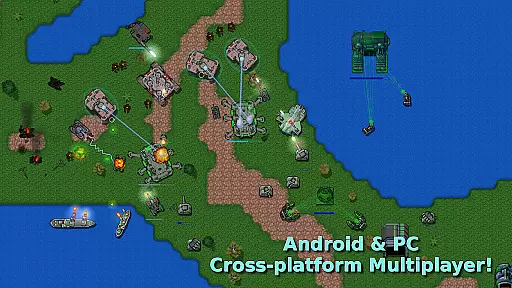
Cross-platform play
Complex for beginners
Requires internet
Occasional bugs
Steep learning curve
Limited tutorials
Easy Tactics, Hard to Quit-Strategic Building and Defense in Your Hands
 4.60
4.60
Turn-based tactical team battle RPG set in the Warhammer 40k universe!
4.50
Become Portallini's primo pasta chef in Papa's Pastaria To Go!
4.60
A beautifully hand-crafted real-time micro strategy with Vikings.
4.40
Learn the way of the Sword, Spear, Archer, and Mage. Only you can save Inamorta!
4.80
Seize the city's crown.
4.50
Wage MMORPG battles in this strategy game! Conquer kingdoms to build an empire!
4.50
Lead grand campaigns and massive battles in the Napoleonic Wars.
3.80
Forge Your Legacy in the Untamed Frontier!
4.50
Slice and serve delicious sushi in Papa's Sushiria To Go!
4.60
Take command in World War II, now with online multiplayer.
4.60
No place to run, and exactly one place to hide.
4.60
Race against other players to explore Valhalla and conquer Midgard!
4.50
Official Avatar 4x Strategy Game - Collect Your Favorite Characters
4.40
Protect your planet in an epic cosmic battle!
4.40
Ride, shoot & survive in fun epic offline cowboy and west sniper shooting games.
4.40
Bake and decorate delicious cupcakes on the go!
4.30
Star Trek: Fleet Command. Strategy MMO set in the official Star Trek universe.
4.10
Play the classic strategy board game on the go! Team up with friends or go solo!
3.10



User Reviews