
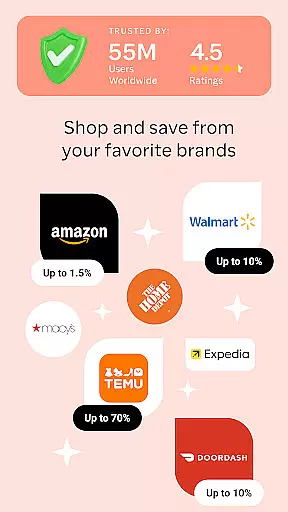
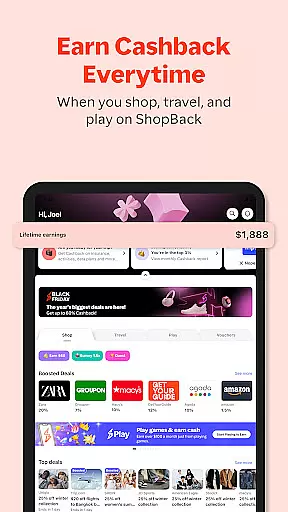
ShopBack is a premier shopping application designed to help users shop smarter while maximizing savings. The app partners with thousands of online stores globally, offering users the opportunity to earn cashback on their purchases. Available in multiple countries across Asia-Pacific and beyond, ShopBack provides a seamless shopping experience combined with attractive rewards.
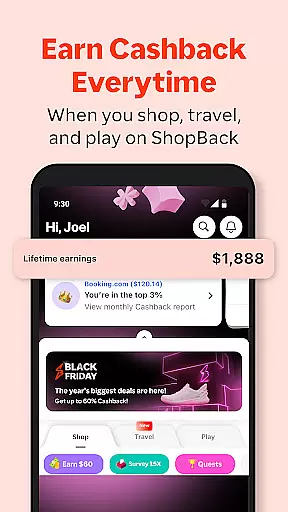
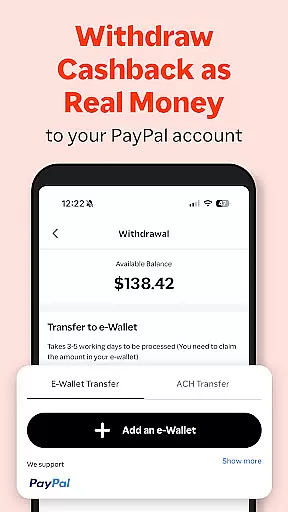
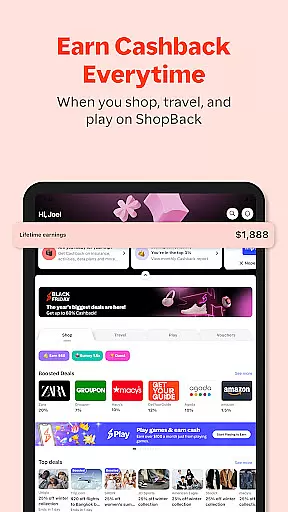
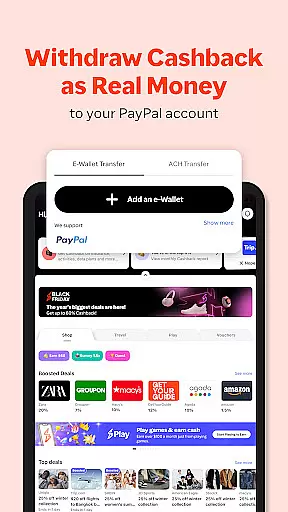
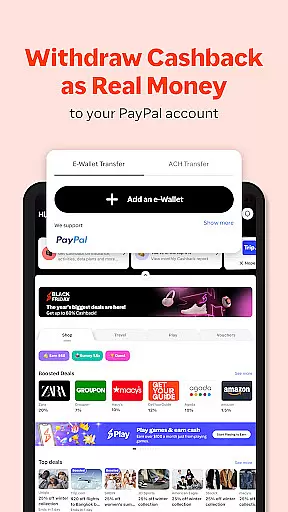
The app's core functionality revolves around its cashback system. Users can browse through a wide selection of partner merchants, ranging from fashion to electronics, and earn a percentage of their spending back as cashback. This innovative approach not only helps users save money but also enhances their overall shopping experience. With easy withdrawal options through PayPal or bank accounts in supported regions, ShopBack ensures that users can conveniently access their earned rewards.
Whether you're an avid online shopper looking for extra savings or someone who enjoys discovering new deals, ShopBack caters to various shopping needs. Its user-friendly interface and valuable rewards make it an essential tool for modern shoppers seeking both convenience and financial benefits.
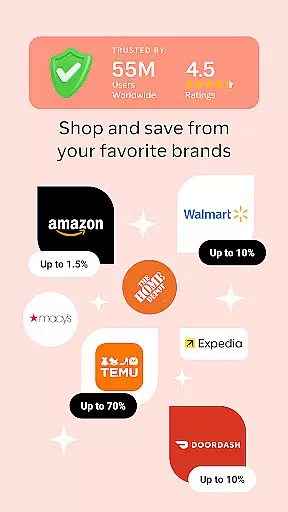
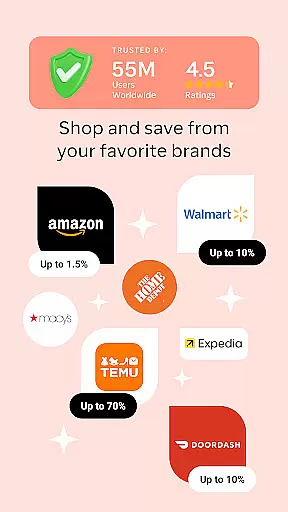
ShopBack boasts an array of features that set it apart in the competitive shopping app market. One of its standout features is the extensive network of partner stores, numbering over 3,500 globally, each offering unique cashback opportunities. This vast selection allows users to find deals across different categories and brands, ensuring there's something for everyone.
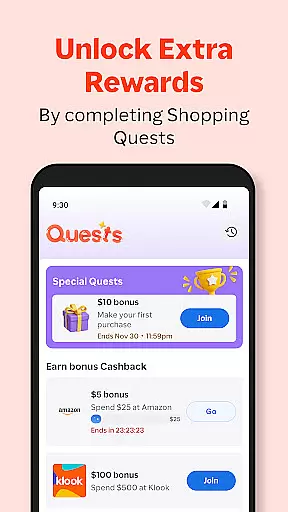
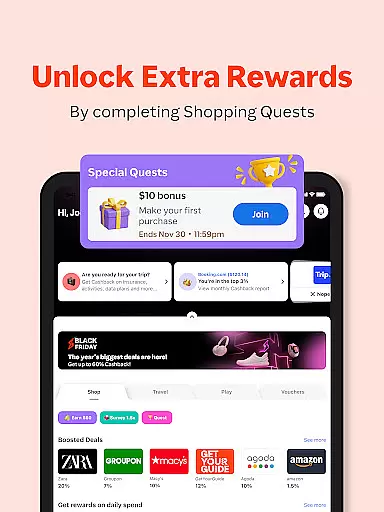
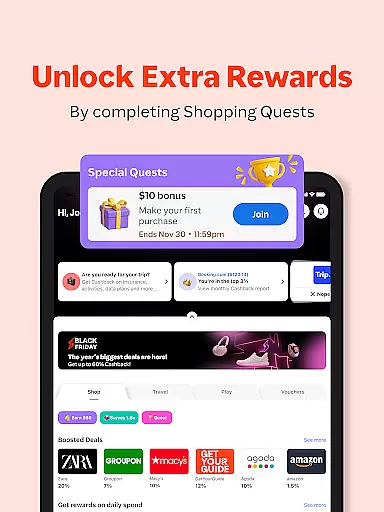
In addition to traditional online shopping, ShopBack extends its services to include offline payments through ShopBack Pay in select markets. This feature enables users to earn extra cashback when making purchases at physical outlets, bridging the gap between digital and real-world shopping experiences. Furthermore, the app offers limited-time shopping quests that provide bonus cashback, adding an element of gamification and encouraging active participation.
For those who frequently use web browsers for shopping, ShopBack provides a browser extension compatible with Chrome. This tool automatically finds the best cashback deals and discounts, streamlining the shopping process. With additional options like gift voucher purchases and comprehensive purchase tracking, ShopBack creates a holistic shopping ecosystem that benefits both casual and frequent shoppers alike.
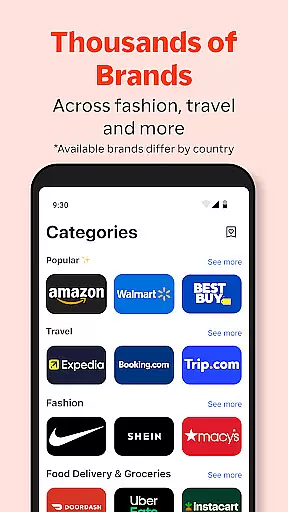
ShopBack offers an extensive selection of over 3,500 stores globally, ensuring a wide product variety for every shopper's needs. The app's well-structured categorization makes it easy to navigate through different shopping categories, simplifying the search process.
The platform's organization allows users to quickly find deals and products that match their preferences. By grouping stores into specific categories, ShopBack enhances the shopping experience, saving users time and effort in locating desired items.
Moreover, the availability of coupon codes, loyalty programs, and credit card miles within these categories adds extra value to each purchase. This thoughtful arrangement not only boosts savings but also encourages smarter shopping decisions across various product types.
With such a diverse range of shopping options, users can maximize their Cashback earnings while enjoying a seamless browsing experience. The app's categorization system truly empowers shoppers to make informed choices while exploring numerous shopping opportunities.
ShopBack maintains exceptional pricing transparency by clearly displaying Cashback rates and available discounts for each store. Users can easily compare prices across different merchants, making informed decisions about where to shop and how much they can save.
The app's competitive pricing structure is evident in its partnership with thousands of stores worldwide. By offering exclusive Cashback deals and limited-time shopping quests, ShopBack ensures users access the best possible prices in the market.
Furthermore, the platform's integration with offline and online payment systems (ShopBack Pay) in select markets provides additional opportunities for price optimization. This feature enables users to earn extra Cashback while maintaining full visibility of their spending.
The combination of clear pricing information, exclusive deals, and multiple earning opportunities creates a highly competitive shopping environment. ShopBack's transparent approach to pricing empowers consumers to maximize their savings while enjoying a trustworthy shopping experience.
Earn cashback
Wide store range
Easy withdrawal
User-friendly
Global access
Limited regions
Verification wait
Occasional bugs
Withdrawal fees
Complex T&C

With the IKEA app, you can explore, shop for furniture, and check out—simply.
 4.70
4.70
Buy shoes, apparel, and luxury items. Shop and discover the latest sneakers!
4.40
The deals you love & beyond!
4.50
Scan receipts, earn gift cards & fetch rewards with CoinOut receipt scanner app.
4.30
Create wishlists and share with family. Claim gifts for any occasion!
4.80
wholesale stores
4.10
Shop sports wear, sneakers & apparel from Nike, Adidas, Hoka, NewBalance & more
4.90
Shop. Earn. Redeem. Repeat!
4.30
Lowe’s Knows Home Improvement
4.70
Earn cash back and rewards from games, surveys, receipts and more
4.70
Shop the latest items & unique used goods. Sell pre-loved items and earn money.
4.70
Earn rewards when you shop, play games, and order online. Live rewarded.
4.70
One app for easy journeys.
4.60
World’s simplest mobile payment solution for machines.
4.50
NCPMobile is the easy and intuitive way to scan and transmit your purchases!
4.50
Shop online now, pay later. Flexible payments made to fit your budget.
4.50
Get paid to shop groceries & more when you become an Instacart shopper.
4.20
Shop fashion, shoes, home, designer handbags, beauty & more on the Belk app.
4.00
Smiles found here
3.90






User Reviews