
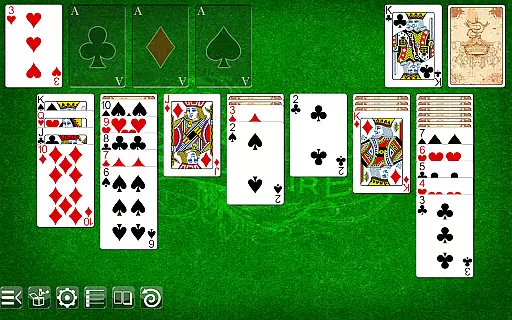
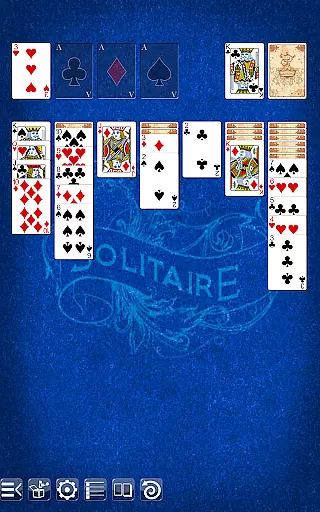
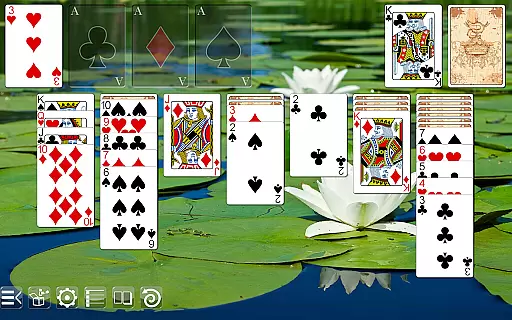
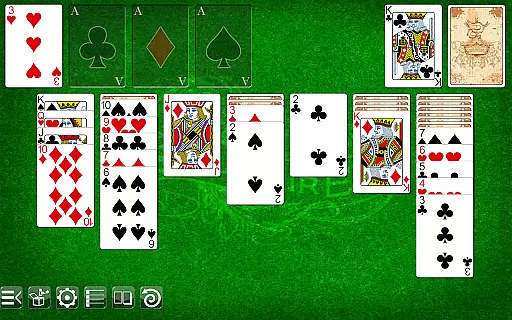
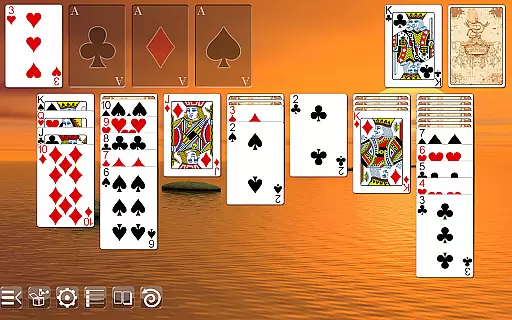
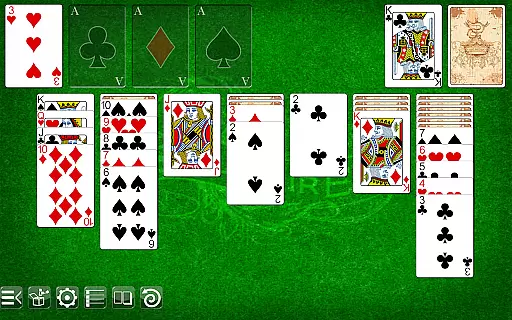
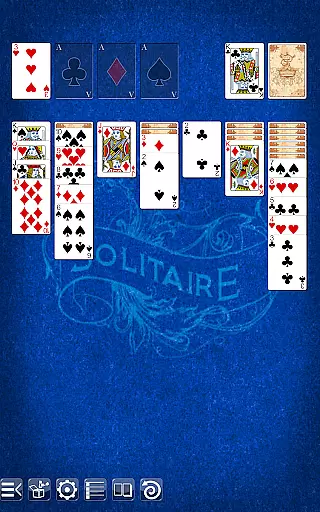
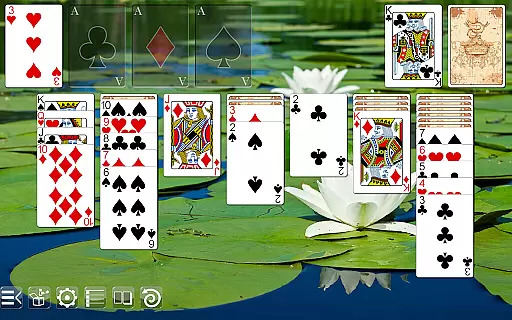
Solitaire is a classic card game that brings timeless entertainment to your mobile device. With intuitive gameplay mechanics and visually appealing graphics, this app offers an authentic card-playing experience. The self-adjusting layouts ensure optimal display across various screen sizes, from smartphones to high-definition tablets.
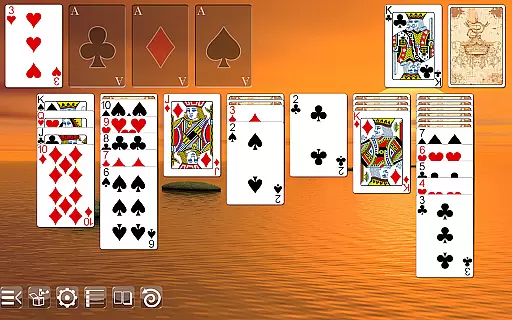
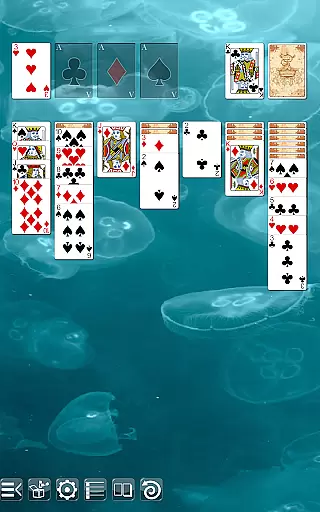
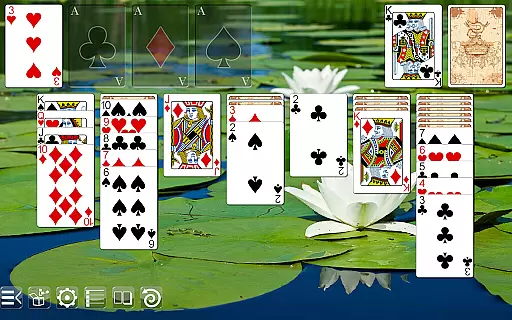
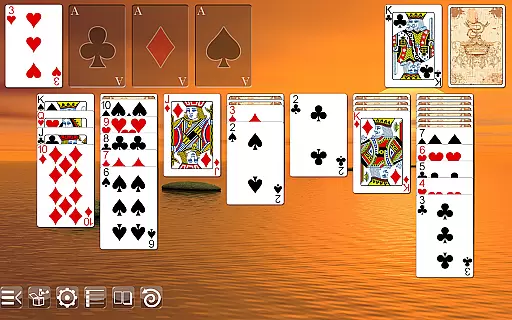
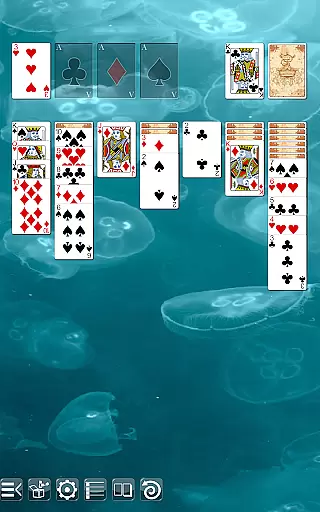
Players can personalize their gaming environment by choosing from multiple table backgrounds and card designs. Supporting both drag-and-drop and tap-to-place functionality, the game caters to different play styles. Whether you call it Solitaire, Patience, or Klondike, this app delivers an exceptional card game experience without interruptions from ads.
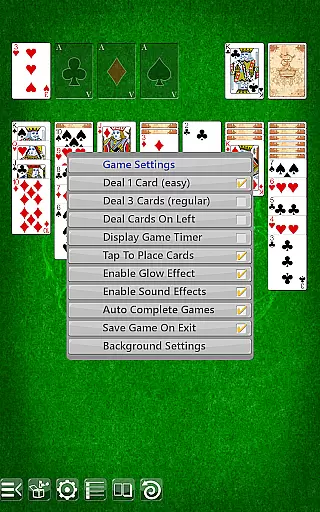
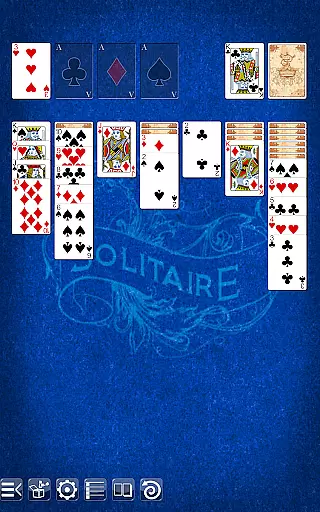
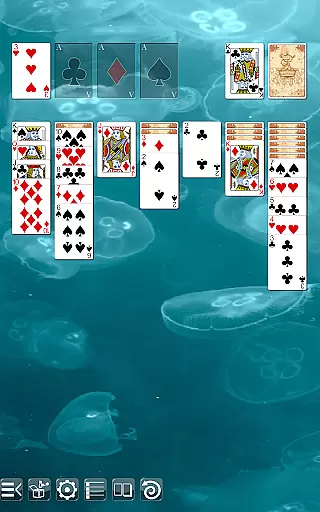
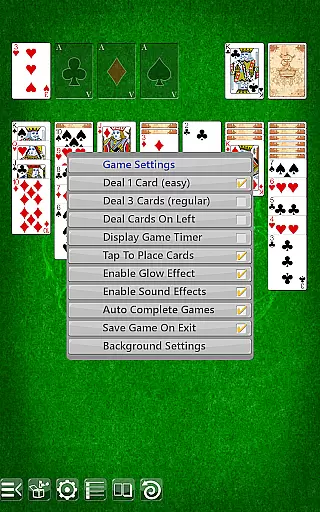
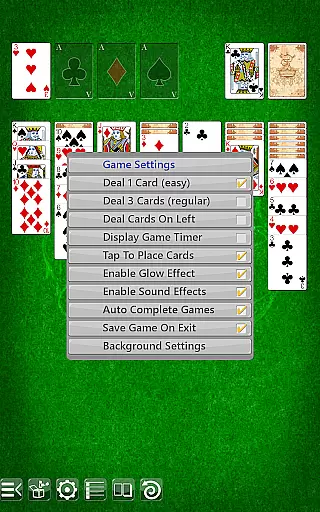
This Solitaire app stands out with its versatile features designed for an enhanced user experience. It supports both portrait and landscape modes, allowing flexible gameplay orientations. The undo function provides room for corrections, while players can choose between drawing one or three cards per turn.
The game interface is highly customizable, offering options to deal cards on the left or right side. Players can select between regular and ornate face cards, two different card backs, and various table backgrounds. These customization options, combined with the absence of ads and unnecessary permissions, create a focused and enjoyable gaming environment.
Random Number Generation (RNG) is crucial in card games to ensure that the shuffling and dealing of cards are genuinely random and fair. Solitaire leverages advanced RNG algorithms to maintain this integrity, providing a certified and unbiased gaming experience.
The application employs industry-standard cryptographic techniques to generate card sequences, ensuring that each game starts with a unique and unpredictable shuffle. This commitment to RNG fairness guarantees that no two games are alike, enhancing replayability and trust.
Players benefit from knowing that every move and strategy relies purely on skill and chance, as the game does not manipulate outcomes. This transparency fosters a loyal user base who can rely on the authenticity of each game session.
Control fluidity and input latency are vital for an optimal user experience in mobile gaming. Solitaire excels in delivering smooth and responsive controls, allowing players to focus on their strategies without being hindered by technical glitches.
The app supports both drag & drop and tap-to-place gameplay, catering to different user preferences. These intuitive control schemes are optimized for various devices, ensuring minimal delay between player actions and in-game responses.
By prioritizing low input latency, Solitaire ensures that every touch and movement translates instantly into game actions. This seamless interaction keeps players engaged and immersed, elevating the overall enjoyment and satisfaction derived from the game.
User-friendly interface
Customizable visuals
Ad-free experience
Versatile gameplay options
Crisp graphic display
Limited social features
No multiplayer mode
Basic tutorial
Few background choices
Occasional bugs

Decked Builder is the premium deck building app for Magic the Gathering (MTG)
 2.90
2.90
The Conquian made with 100% Mexican talent.
4.40
The official Android version of the card game Wizard
3.00
GWENT: Rogue Mage is a single-player expansion to GWENT: The Witcher Card Game
3.50
Collect and play the original CCG on Arena. Magic is now on your phone!
4.10
Train your brain with relaxing classic solitaire game and have endless fun!
4.70
Swipe left, swipe right, be the King.
4.50
A game of apocalypse and yearning. Experiment. Die. Ascend.
4.60
Defeat your landlord in this slot machine roguelike deckbuilder!
4.60
Large Card Solitaire Games: Play the addictive solitaire classic card games now!
4.90
Card-Based Farkle Fun
4.80
Classic Solitaire game you love! Offline, easy, and relaxing!
4.80
Play and Master the Fun Classic Card Game Online & Offline
4.70
Easy play. Relax with daily solitaire fun!
4.60
Learn how to play BlackJack, when to Hit, Stand, Split, Double or Surrender.
4.60
Classic Solitaire Game - Play Original Klondike Solitaire Card Games to Relax
4.60
Lyric Party tests your knowledge of your favorite hit songs.
4.20
Shards of Infinity is the follow up deckbuilder to Ascension.
3.40
Build a squad of gnomes and embark on a roguelike adventure with card battles!
4.2



User Reviews