
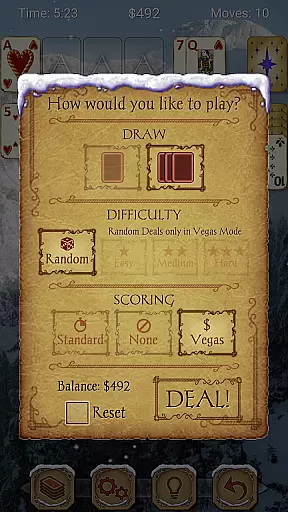
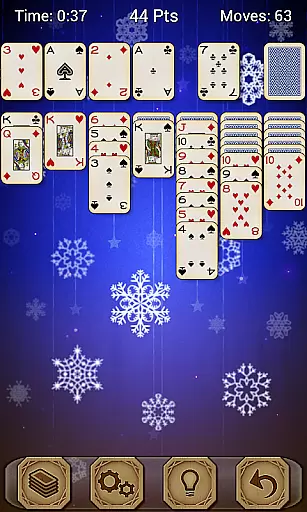
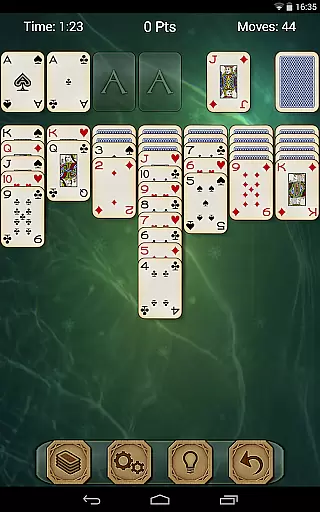
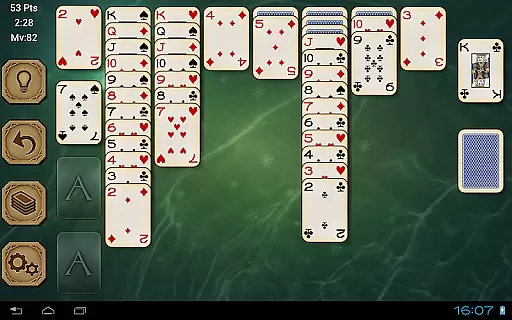
Solitaire Pro is a premium card game app that brings the classic Solitaire experience to mobile devices. Developed by AI Factory, this app offers multiple play options including 1 or 3 card draw modes and various scoring systems. With features like undo, hints, and adjustable difficulty levels, it caters to both casual players and enthusiasts.
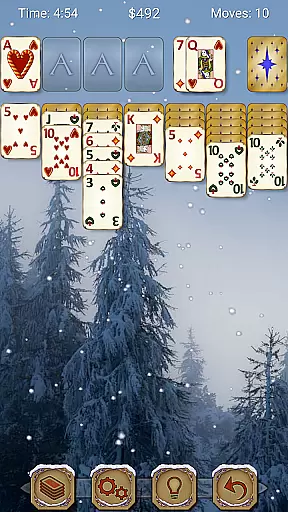
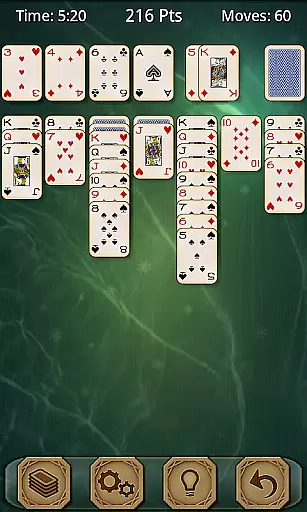
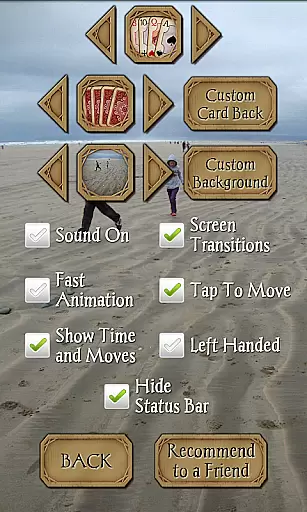
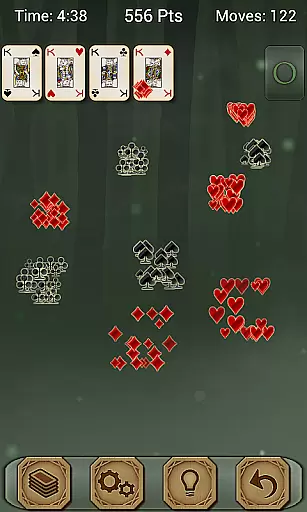
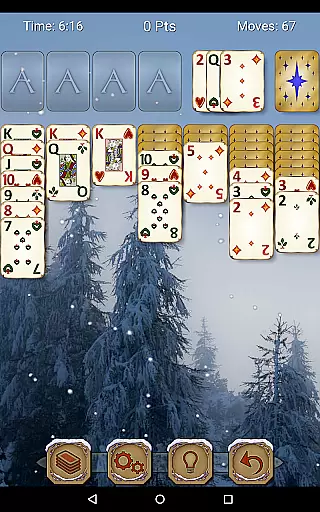
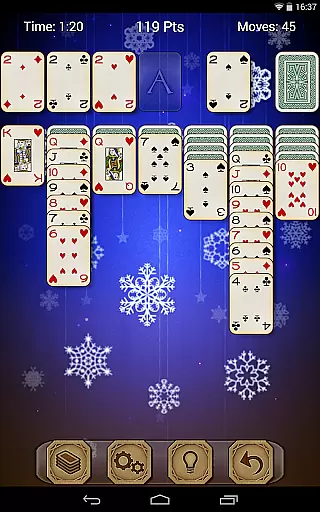
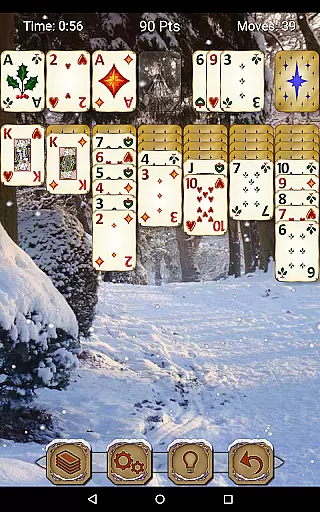
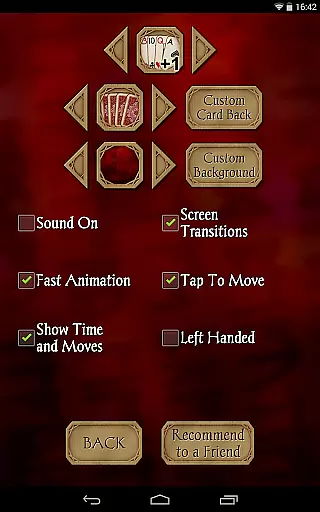
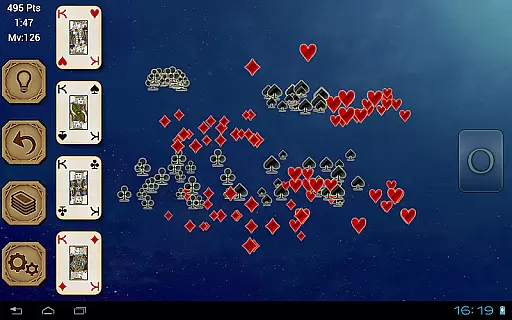
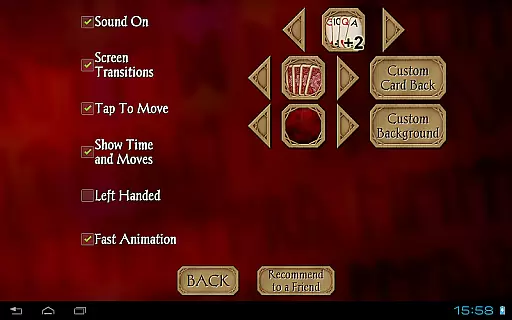
The app provides an immersive experience with customizable graphics, allowing users to select from different card sets, backgrounds, and even use personal photos. Supporting both landscape and portrait orientations, Solitaire Pro ensures optimal gameplay on various devices, making it a versatile choice for Solitaire lovers.
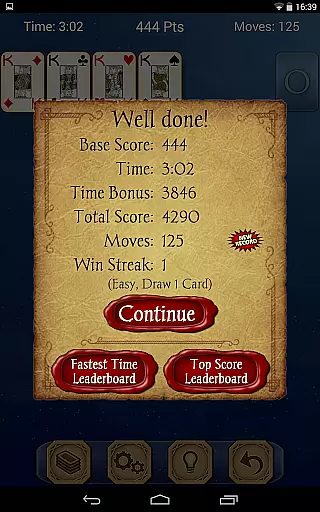
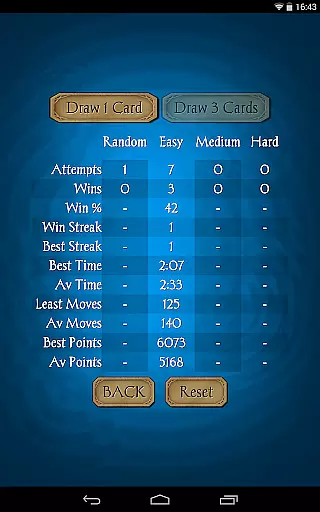
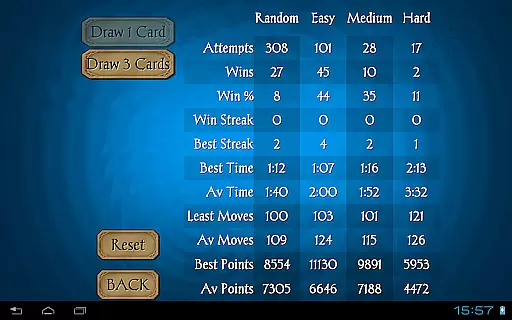
Solitaire Pro stands out with its rich feature set tailored for an enhanced gaming experience. The app includes random, easy, medium, and hard difficulty levels, catering to players of all skill levels. It integrates with Google Play Games, offering achievements and leaderboards to foster a competitive community.
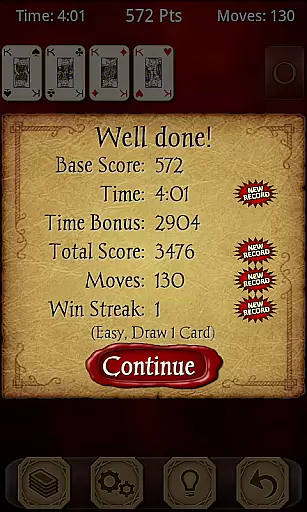
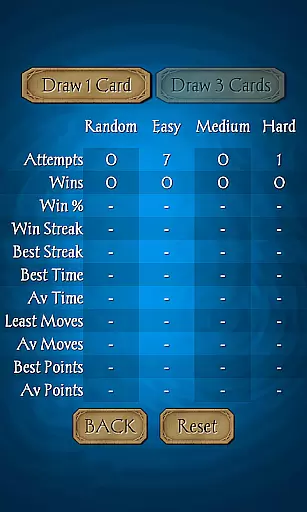
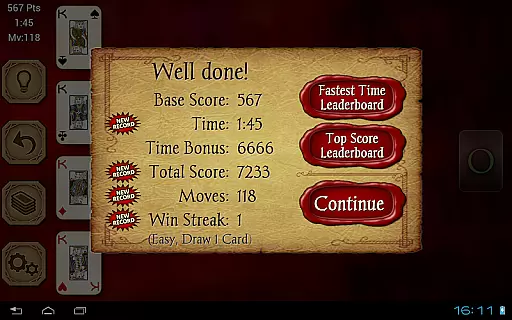
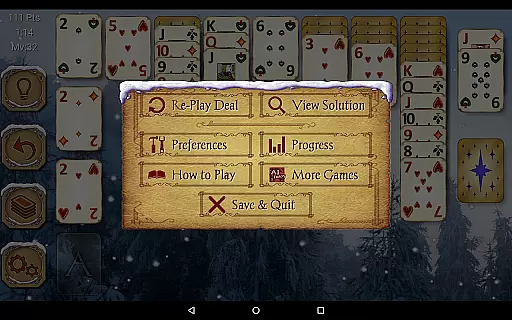
One of the unique aspects is the ability to view solutions for non-random games, aiding strategic play. The app also supports standard and Vegas scoring systems, along with comprehensive statistics tracking. With undo and hint functionalities, players can refine their strategies while enjoying customizable visual elements and intuitive tap-to-move controls.
Random Number Generation (RNG) fairness is crucial in card games like Solitaire Pro to ensure every game starts with a unique and unpredictable shuffle. This randomness guarantees that each session remains challenging and engaging without any predictable patterns.
Solitaire Pro employs advanced algorithms to generate random deals, providing players with an authentic experience akin to shuffling a physical deck. The game offers multiple difficulty levels, including Random, Easy, Medium, and Hard, ensuring diverse gameplay scenarios driven by fair RNG processes.
Players benefit from this commitment to RNG fairness through enhanced replayability and engagement. With no two games ever being the same, users can enjoy countless hours of strategic play while honing their skills in a truly randomized environment.
Control fluidity and input latency are vital for maintaining a seamless gaming experience in digital card games. These factors determine how responsive the game feels when interacting with cards on screen, directly impacting player satisfaction and performance.
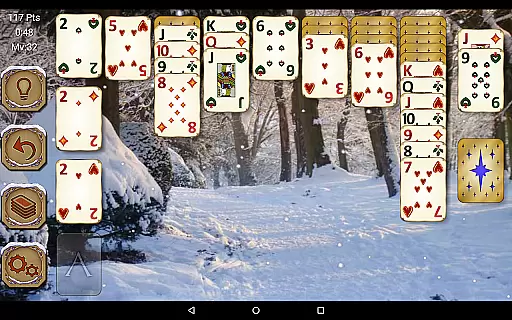
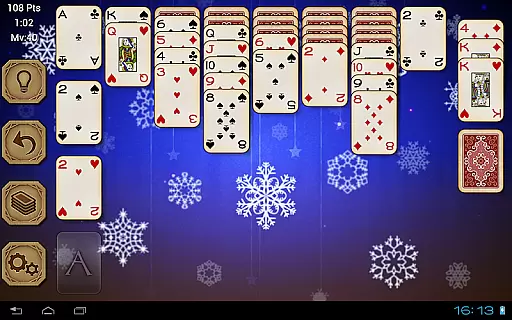
In Solitaire Pro, controls have been meticulously optimized for smooth interactions. Players can tap to move cards effortlessly across the tableau, whether using one-card or three-card draw modes. The intuitive interface supports both landscape and portrait orientations, catering to various device preferences and ensuring consistent responsiveness.
This focus on control fluidity enhances user immersion and enjoyment. By minimizing input delays and offering precise touch controls, Solitaire Pro delivers a satisfyingly tactile experience reminiscent of handling real cards, making it accessible and enjoyable for all skill levels.
User-friendly interface
Customizable visuals
Variety of difficulty levels
Integrated social features
Comprehensive stats tracking
No free version available
Limited offline functionality
Occasional performance lags
Ads in free version
Complex for beginners

Lyric Party tests your knowledge of your favorite hit songs.
 4.20
4.20
Become a hero or a villain as you make choice in the fairy Middle Ages!
3.50
Relax and unwind with Solitaire: Card Games.
4.70
Play Solitaire card game and experience pure brain training.
4.50
Strategy and luck combine in our favorite partnership card game.
4.4
Large Card Solitaire Games: Play the addictive solitaire classic card games now!
4.90
Play Blackjack and and earn gift cards
4.50
Classic Rummy 500 with large cards, smart AI, and smooth, clean gameplay.
4.80
Cozy Thanksgiving moments plus relaxing offline solitaire games.
4.60
Euchre Offline! Master strategy fun, install and play NOW!
4.70
When Poker Meets Solitaire
4.70
The Fox in the Forest is a beautifully illustrated trick-taking card game.
4.50
Swipe left, swipe right, be the King.
4.50
World Series of Poker: Texas Hold em, Video Poker & Omaha Poker Card Games!
4.20
Build a dice pool to purify Astrea's corruption and save the Star System.
4.10
Kill the monsters & grab the loot in the classic card game!
3.70
Shards of Infinity is the follow up deckbuilder to Ascension.
3.40
Enjoy 4 classic solitaire card games : Klondike TriPeaks Spider & Pyramid cards
4.4
Fishing, the card game that combines trick-taking strategy with deck-building
4.1



User Reviews