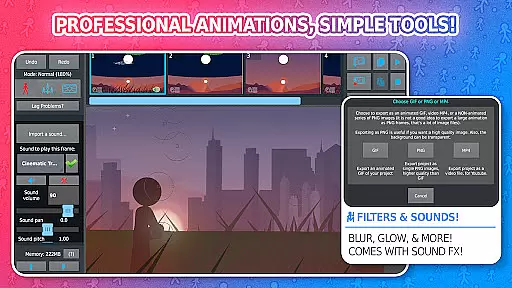
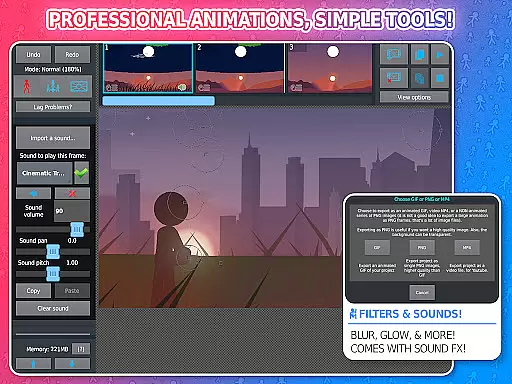
Stick Nodes Pro is a premier stickman animation application tailored for mobile devices, offering advanced features for creating professional-quality animations. Inspired by Pivot Stickfigure Animator, this app allows users to design intricate stick-figure movies and export them as GIFs or MP4 videos. The Pro version enhances the experience with ad-free startup, watermark-free exports, sound effects per frame, and additional filters.
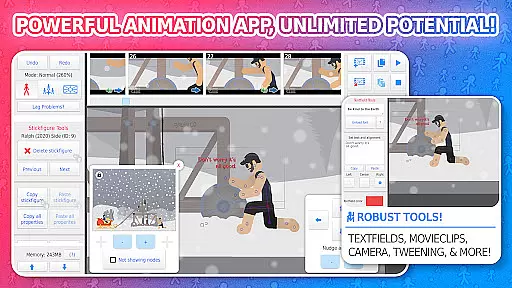
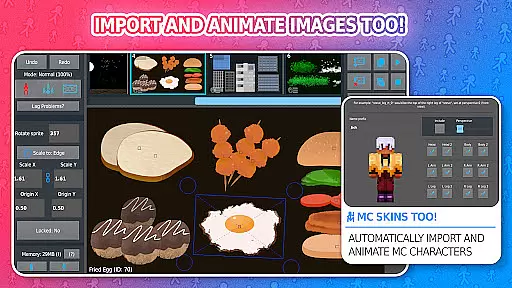
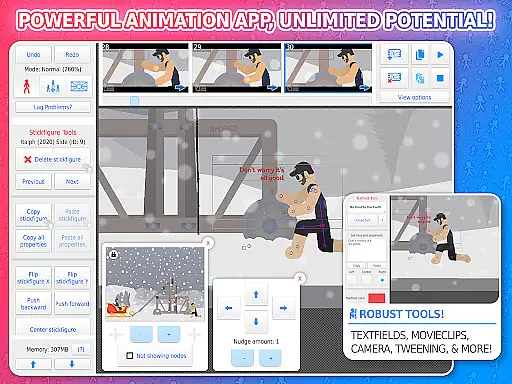
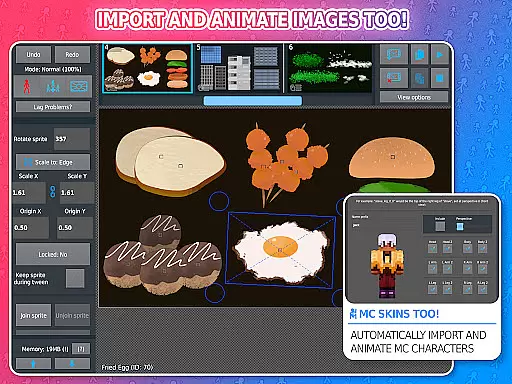
This versatile tool supports importing images, automatic frame-tweening for smoother animations, and includes a virtual camera for dynamic scene manipulation. With movieclips for reusable animations, customizable shapes, text fields, and sound effects, it caters to both novice animators and skilled professionals. Its compatibility with Minecraft skins and Pivot files, alongside an active community and vast library of stick figures, makes it an essential app for creative expression.
Stick Nodes Pro boasts an array of sophisticated features that elevate the animation process. Users can import and animate images, utilize customizable frame-tweening to refine their work, and employ a virtual camera for panning, zooming, and rotating scenes. Movieclips enable the creation of reusable animation loops within projects, while diverse shape customization options allow for detailed stick figure designs.
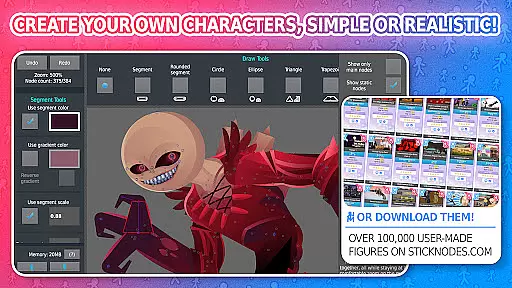
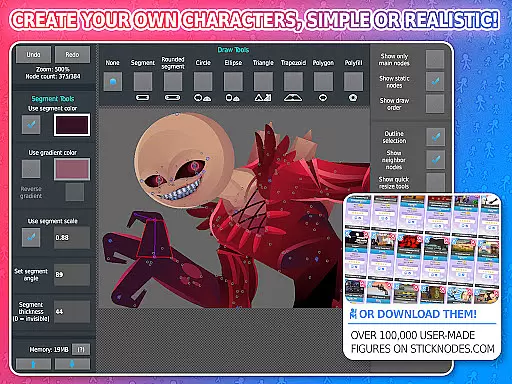
The app provides extensive creative control with text fields for dialogue, sound effect integration, and various filters like transparency, blur, and glow. Animators can join stick figures to simulate interactions and access over 30,000 downloadable stick figures from its website. Export options include high-quality GIFs and MP4 videos, ensuring broad sharing capabilities. These features collectively empower users to produce complex animations effortlessly.
Stick Nodes Pro offers an impressive range of content that ensures users have everything they need to create dynamic animations. With over 30,000 stickfigures available for download and the ability to import custom images, animators can access a vast library of resources.
The app supports various creative elements such as shapes, gradients, text fields, and sound effects, which contribute to the diversity of animations users can produce. These features allow for endless possibilities in crafting unique animated movies.
Moreover, regular updates and compatibility with pre-3.0 Pivot stickfigure files ensure that the content remains fresh and relevant. Animators can continually explore new tools and stickfigures, keeping their creations up-to-date with current trends.
By providing frequent updates and maintaining a thriving community, Stick Nodes Pro fosters an environment where creativity thrives, ensuring that users always have fresh material to work with.
User engagement is a key strength of Stick Nodes Pro, thanks to its comprehensive feature set designed to captivate animators. The app's robust animation tools, including automatic customizable frame-tweening and a simple camera system, encourage users to spend more time perfecting their animations.
With the ability to save, open, and share projects, along with the option to export animations as GIFs or MP4 videos, users are motivated to complete and showcase their work. This functionality not only enhances user retention but also promotes sharing within the animator community.
Furthermore, the thriving community and large repository of stickfigures provide ongoing inspiration and resources, prompting users to return to the app regularly. The social aspect of sharing animations and collaborating with others adds another layer of engagement.
Stick Nodes Pro's continuous updates and improvements demonstrate a commitment to user satisfaction, ensuring that animators remain engaged and loyal to the platform over time.
Ad-free startup
Watermark-free exports
Advanced filters
MP4 video export
Sound effects per frame
Paid pro features
Complex for beginners
Limited free resources
High device requirements
Occasional bugs

Watch whatever you want, whenever you want, wherever you want.
 3.30
3.30
Create, chat & bond with AI souls who truly listen.
4.50
Air Horn - Siren Sounds Prank, Fun way to wake up your Friends and Family
4.4
Triple A is a highly complex, kinetic, and interactive visualizer.
4.50
Catalog & tracker of your DVD, Blu-ray & Digital Movie and TV Collection Library
4.80
Stream videos to VIDAA & VEWD TVs from Hisense, Sharp, Skyworth, Vestel & TiVo
3.00
Your choice of 350+ networks plus movies and full TV series on-demand.
3.70
Official KennysGifs Stickers
4.20
Play casual games to get gift cards and money. More playing, more earning.
4.70
Colorful flows will relax and calm you down, or get you trippy and creative!
4.90
Stories that spark in seconds.
4.80
Fun brain twisting challenge with trending Whirlpool Filter.
4.70
Your Avatar, Endless Fun
4.60
Create melty bead designs by numbers, photos or your imagination
4.40
Real ghost box scanner with echo, reverb, EMF, & multi-stream channels.
3.80
Necrophone is spirit box ghost hunting app made for spirit communication.
3.70
Binaural Brainwave Doses for Every Imaginable Mood
3.60
Ultimate VR movie player for android mobile videos
4.0
Control your AWTRIX 3 easily
4.1




User Reviews