
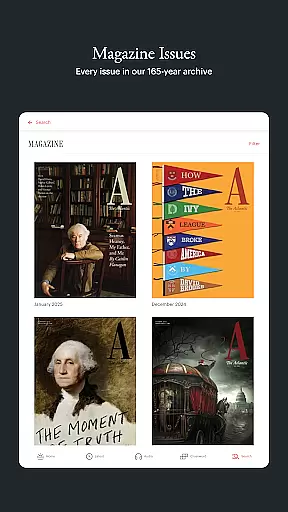
The Atlantic app delivers comprehensive coverage of politics, technology, culture, and more, offering readers in-depth reporting and bold perspectives from trusted journalists. Designed for curious minds, the app provides a beautiful reading experience with features like offline access, audio content, and a dedicated games section.
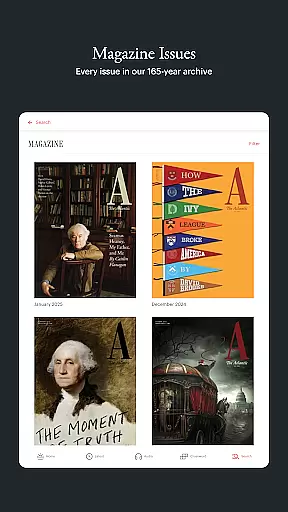
With unlimited access through a subscription, users can explore magazine features, save articles, and engage with The Atlantic's thought-provoking content on any device. Whether you're looking to stay informed or challenge your assumptions, this app is an essential tool for deep thinkers and lifelong learners.
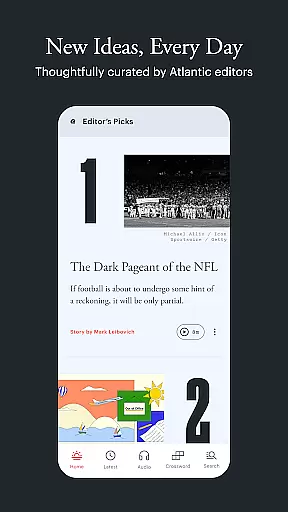
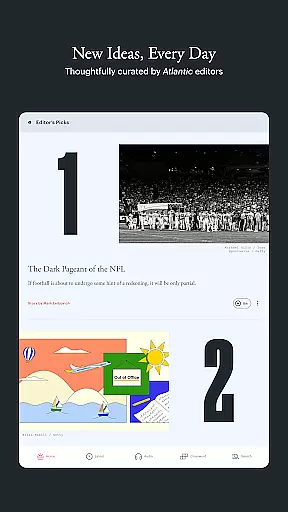
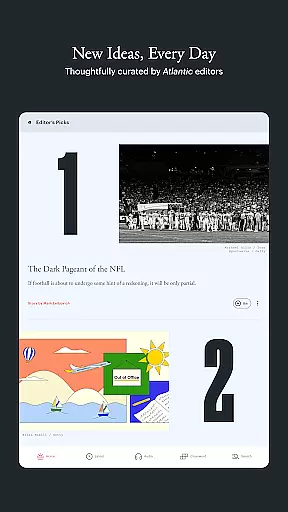
The Atlantic app boasts a variety of standout features designed to enhance your reading experience. Enjoy daily curated stories in the "TODAY" section, browse the latest articles across all categories, and take advantage of the in-app audio hub for narrated content and podcasts.
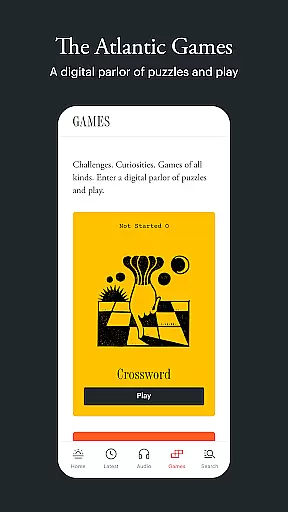
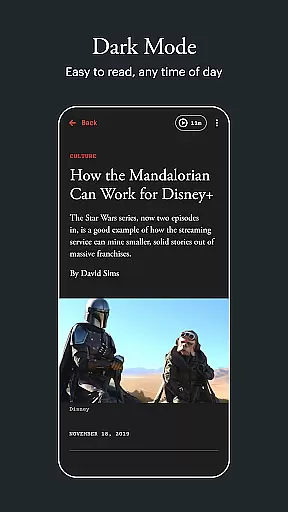
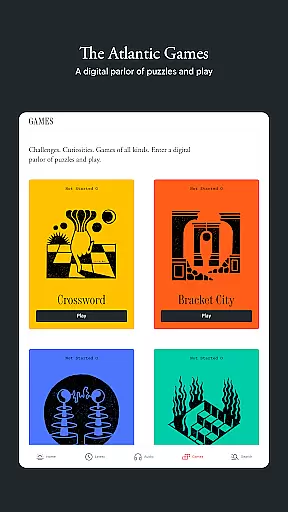
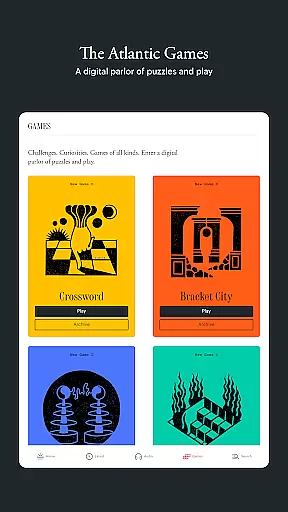
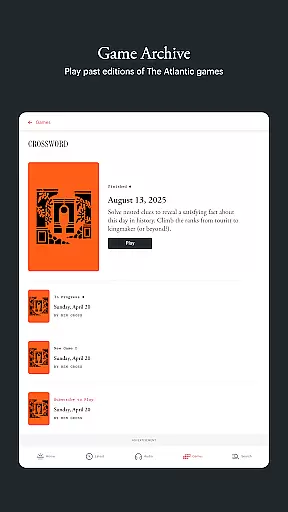
Additional highlights include offline reading capabilities, unlimited access to all journalism via subscription, and a sleek design optimized for readability, including Dark Mode. The Atlantic Games section offers fun challenges with puzzles like crosswords and more, making it a versatile app for both news enthusiasts and casual readers alike.
In today's digital age, the credibility and diversity of news sources are more crucial than ever. The Atlantic app addresses this by aggregating stories from a wide range of topics including politics, technology, and culture. This ensures that users are not only exposed to varied perspectives but also receive information that is thoroughly researched and verified.
The app's commitment to journalistic integrity is evident in its 'TODAY' feature, where editors curate a selection of thought-provoking stories exclusive to the app. These pieces often challenge conventional thinking, offering readers bold arguments and big ideas from trusted Atlantic journalists. By prioritizing depth and accuracy, The Atlantic app becomes a reliable tool for those seeking well-rounded news coverage.
Furthermore, the inclusion of an in-app audio hub enhances accessibility, allowing users to listen to narrated articles and podcasts. This feature caters to different learning styles and preferences, making credible journalism available to an even wider audience. Whether through quick listens or in-depth explorations, users can engage with high-quality content on their own terms.
Accuracy in reporting is the cornerstone of trustworthy journalism, and The Atlantic app excels in this area by providing meticulously fact-checked articles. Each piece undergoes rigorous scrutiny by experienced journalists, ensuring that readers receive information that is both precise and reliable. This dedication to factual correctness helps maintain the publicationu2019s reputation as a credible news source.
One notable aspect of the app is its 'LATEST' section, which allows users to browse recently published stories across all sections. Here, readers can save articles for later reading, knowing they have been vetted for accuracy. Additionally, the ability to download stories for offline reading means users can access verified content anytime, anywhere, without needing an internet connection.
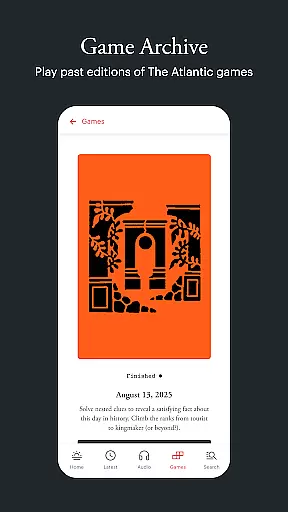
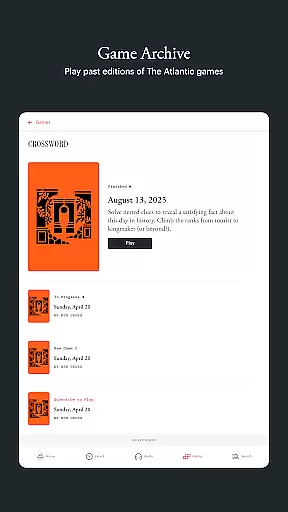
The app also features 'THE ATLANTIC GAMES,' a unique blend of puzzles and games designed to engage and entertain. While these offerings differ from traditional news articles, they still reflect the same commitment to quality and precision. By integrating such diverse elements, The Atlantic app demonstrates its holistic approach to delivering accurate, engaging content that appeals to a broad spectrum of interests.
Thought-provoking journalism
In-app audio hub
Offline reading mode
Beautiful, clean design
Dedicated games section
Subscription required
Limited free content
No live updates
Occasional bugs
Ads in free version

World News On Finance, Business, Economics, Stock Market & Investment Portfolio
 4.00
4.00
CGTN: See the difference
4.30
Get real-time local news, weather alerts, and essential updates in your area.
4.50
Stay informed with latest world & local news personalized for your interest
4.00
Quora is a place to share knowledge and better understand the world
4.20
400+ News Channels. Local, Live & World Coverage. All the News in Just One Click
4.30
Breaking News delivers real-time updates, personalized content, and local news.
4.60
Watch the latest daily US & world reports live, with national & global updates
3.20
Live radar, daily & hourly weather forecast, latest local & international news.
4.50
Follow the latest world news, headlines and developing stories with live alerts.
4.80
See every side of every story
4.70
Read millions of expert stories on business, tech, design, and current events
4.70
Stream & watch 3000+ live channels, TV shows, series, movies, news & sports
4.60
Movies, music, games & much more apps for Chromecast, Google Cast and Android TV
4.50
Discover Taiwan Through News, Entertainment & Culture
4.50
Never miss a beat! Get local & US breaking news on your phone, ultra-fast.
4.50
Stay informed on the day’s breaking news, live updates, and headlines with CNN.
4.40
Watch Local News & Weather
4.30
China's national English language newspaper under the People's Daily.
4.20














User Reviews