
The 21 Day Slimple app is a comprehensive fitness tracking tool designed to help users monitor their workouts, nutrition, and overall progress during the 21 Day Program. With features like schedule tracking, meal planning, and progress reports, it offers everything needed for a successful fitness journey.
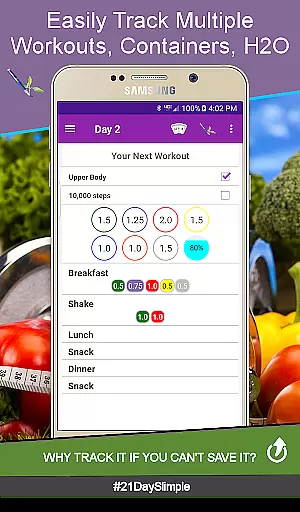
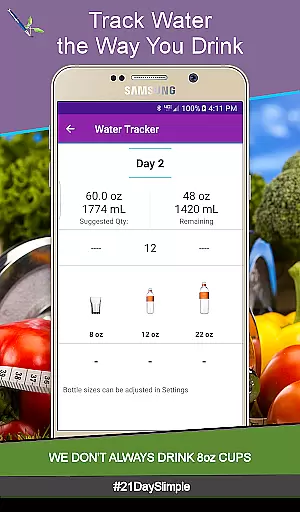
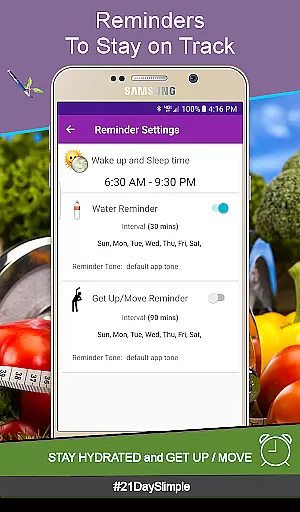
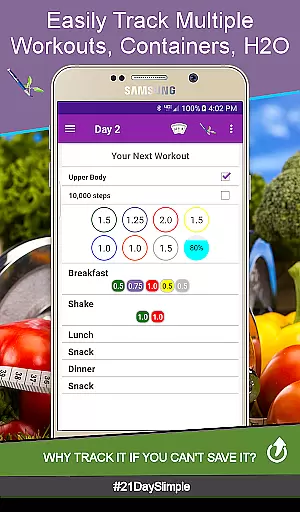
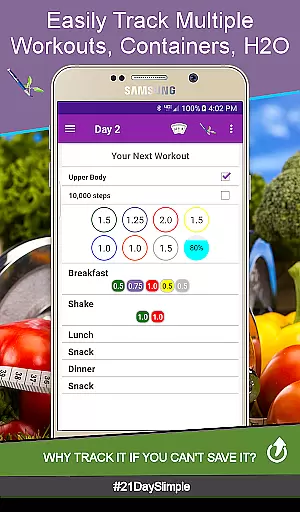
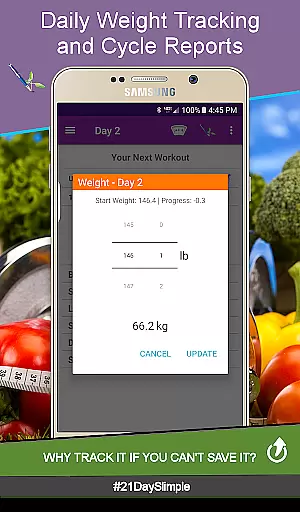
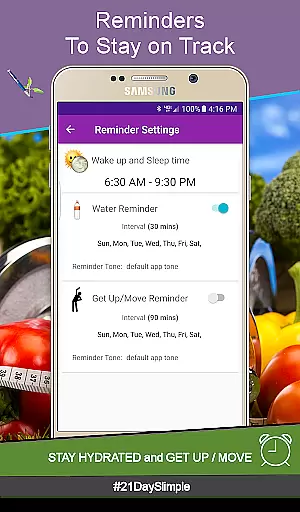
Users can track daily workouts, water intake, and food consumption with detailed analytics. The app also supports before-and-after photo comparisons, weight tracking, and personalized reminders, making it an essential companion for anyone committed to improving their health.
Whether you're following the base or extreme program, this app provides the tools necessary to stay on track and achieve your fitness goals efficiently.
One of the standout features of the 21 Day Slimple app is its ability to switch between different workout schedules seamlessly. Users can choose from the base 21 Day schedule, extreme schedule, or even the Bring the Heat - Country/Deluxe (30 day) schedule, allowing for flexible training options.
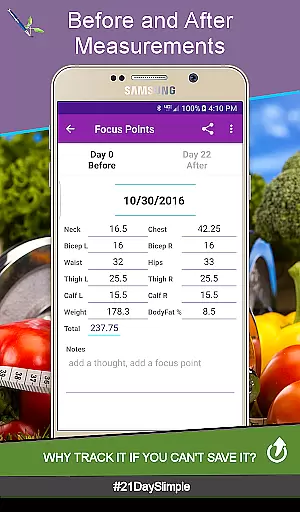
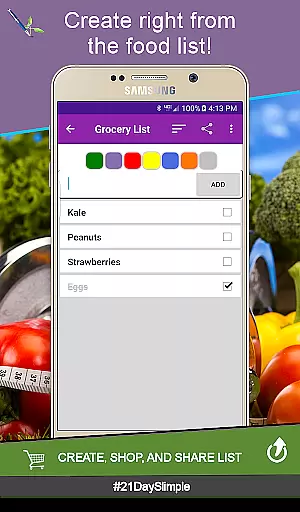
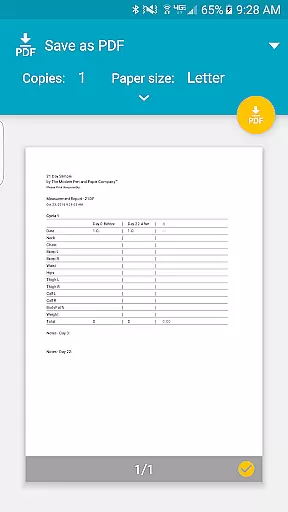
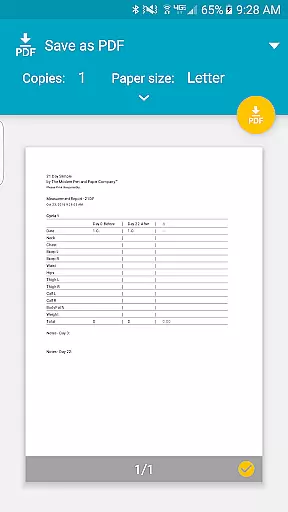
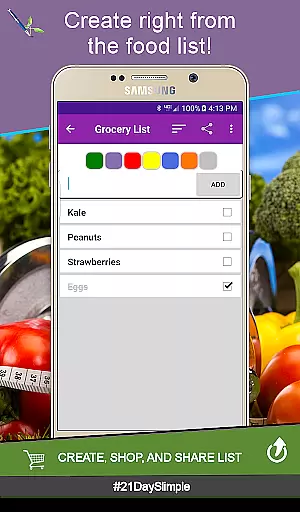
The app includes advanced tracking capabilities such as weight and measurement reports, customizable meal plans, and hydration reminders. These features ensure that users have all the information they need at their fingertips to make informed decisions about their health.
Additionally, the Cycle Manager allows users to start new cycles without losing previous data, providing continuity and long-term tracking possibilities. This feature-rich app truly empowers users to take control of their fitness journey.
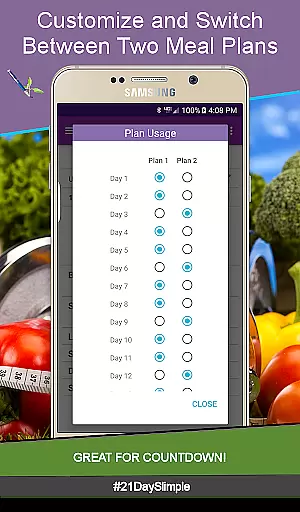
Personalized planning is a cornerstone of the 21 Day Slimple app, designed to cater specifically to individual fitness journeys. This feature allows users to customize their workout schedules and meal plans according to personal preferences and goals.
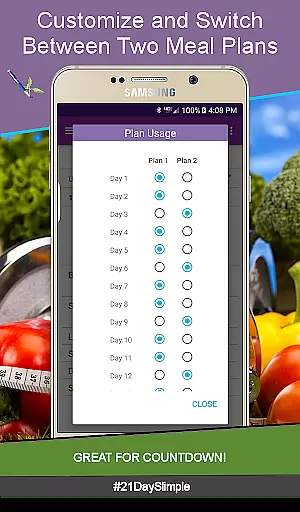
The app offers two distinct 21-day programs, enabling users to switch between cycles seamlessly. Whether you're following the base schedule or opting for an extreme challenge, the flexibility ensures that your plan evolves with your progress.
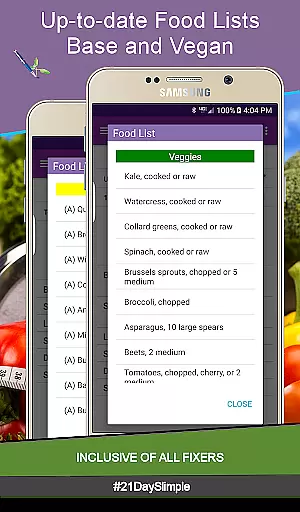
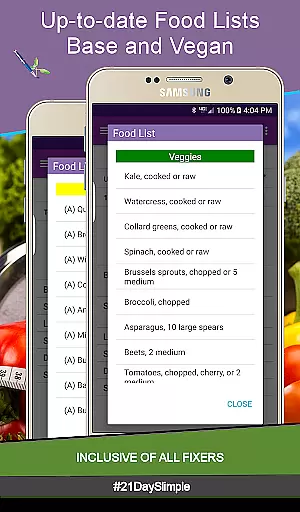
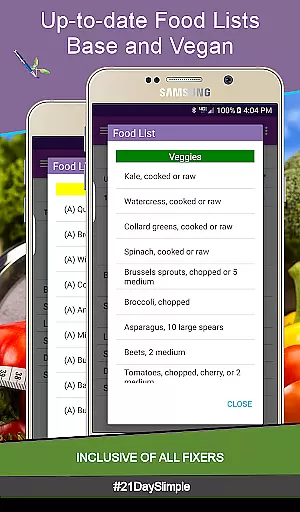
With options like Bring the Heat - Country/Deluxe (30 day) schedule and the ability to add multiple workouts per day, users can tailor their routines precisely. The inclusion of vegan food lists and portion increments further enhances this customization, making each plan truly unique.
Ultimately, personalized planning in 21 Day Slimple empowers users by providing adaptable tools that align with diverse lifestyles and objectives, ensuring sustained motivation and visible results.
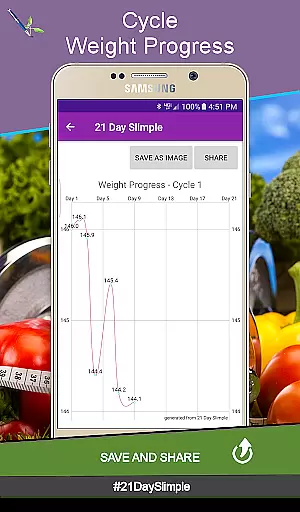
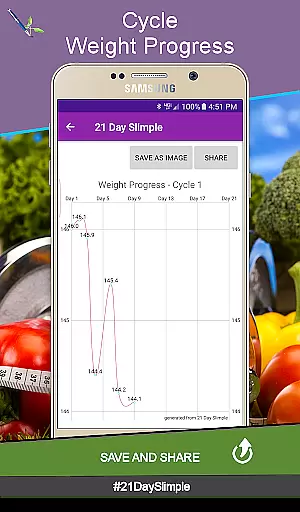
Progress visualization is a pivotal aspect of the 21 Day Slimple app, transforming abstract data into tangible achievements. By integrating weight tracking, measurement reports, and visual charts, the app provides clear insights into user advancements throughout their fitness journey.
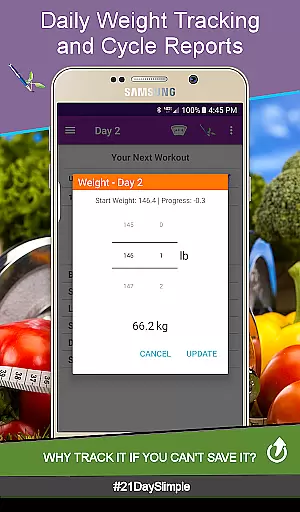
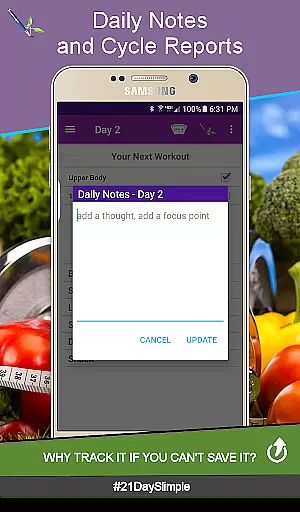
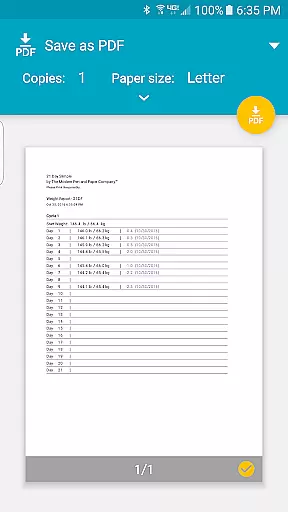
Users can track daily weights and generate comprehensive reports that highlight trends over time. These reports are not only informative but also shareable, allowing individuals to celebrate milestones with their community.
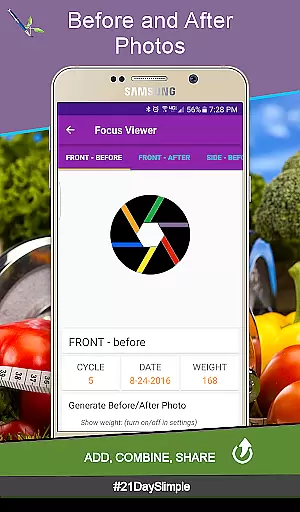
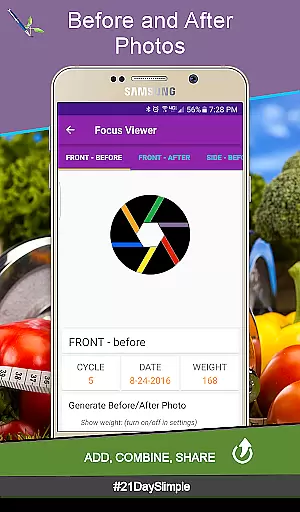
A standout feature is the before-and-after photo comparison tool. This innovative functionality lets users capture and juxtapose images, offering a powerful visual representation of physical transformations. Combining these photos creates compelling narratives of progress.
By emphasizing progress visualization, 21 Day Slimple motivates users through evidence-based feedback, reinforcing commitment and enhancing overall satisfaction with their fitness endeavors.
User-friendly interface
Comprehensive tracking
Customizable meal plans
Detailed progress reports
Seamless cycle management
No offline mode
Limited customization
Occasional bugs
Requires storage permission
Premium version needed

App to stop smoking slowly or now with a motivational badges and helpful tips
 4.80
4.80
For Absolute Novices to Strength Training. Simple. Effective.
4.40
Build Healthy Habits!
4.60
Period Tracker, the easiest way to track your periods!
4.50
Mind on steroids - relaxation, productivity, meditation and sleep!
4.60
Measure real-time wrist & ambient temperature with your Galaxy Watch (Wear OS)
3.20
Load the bar with this barbell & plate calculator. It's leg day, not brain day!
4.70
Pilates, Calisthenics, Yoga
4.50
Scan food & cosmetic products and evaluate their impact on your health
4.80
sobriety counter app to help and motivate people to stop drinking alcohol.
4.90
Show your support for the development of FitNotes - Gym Workout Log
4.90
When the night comes, we prepare your eyes for deep, sweet dreams
4.70
Walk. Earn: Get rewarded for every step! Walk, move, and earn real rewards.
4.70
Drink water reminder app. Track water intake. Smart simple hydration tracker.
4.70
The most accurate heart rate app to monitor and track your heart rate & pulse.
4.40
Your personal BP tracking companion, focus on helping you achieve wellness goal.
4.10
Your Health Has Met Its App (℠)
3.90
GloryFit is a companion app for the smart bracelet.
3.60
Live Heart Rate Pro - Real Time Heart & Workout Data For Wear OS & Bluetooth BLE
3.20




User Reviews