
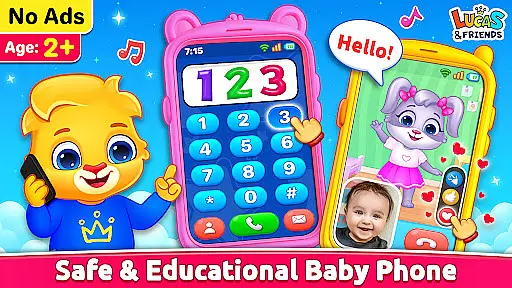
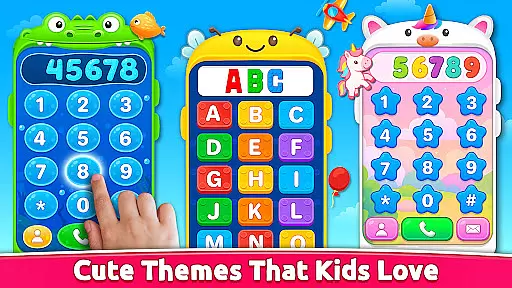
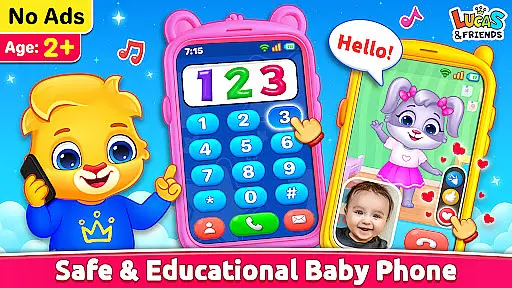
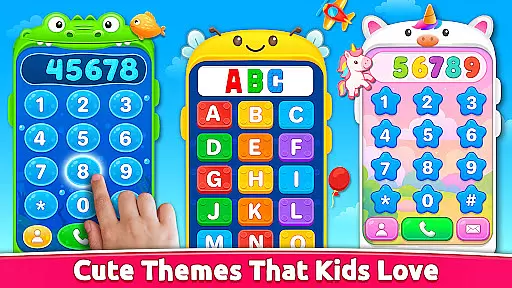
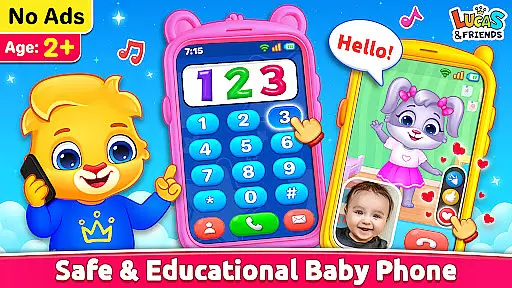
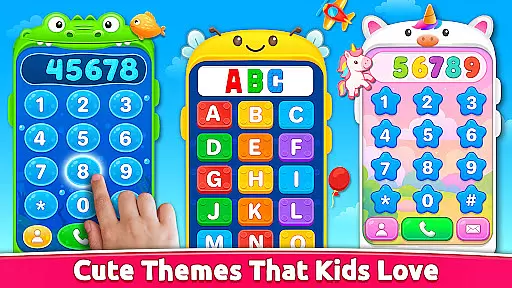
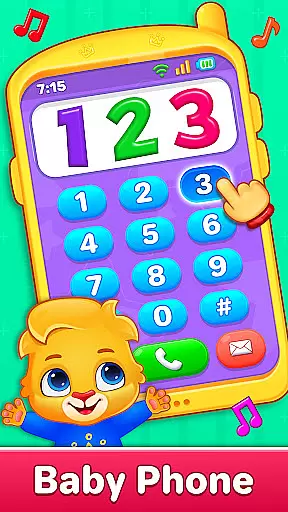
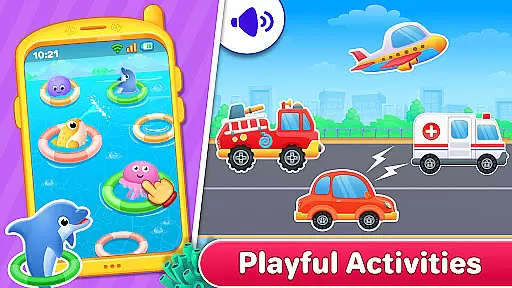
Baby Phone & Kids Games is an innovative educational app designed specifically for toddlers aged 1 to 5, turning screen time into a meaningful learning experience. The app features interactive phone calls and video chats with adorable characters like Lucas, Ruby, Lilly, and Brody, providing both entertainment and social interaction. With built-in coloring activities, ABC and 123 phonics learning modules, and engaging vehicle sounds, it creates a complete learning environment.
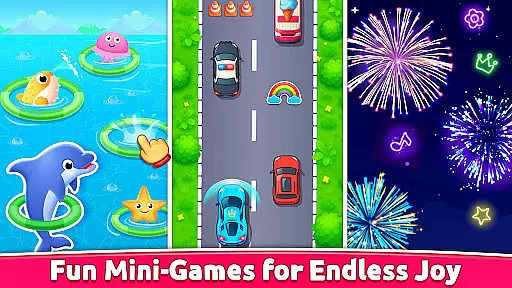
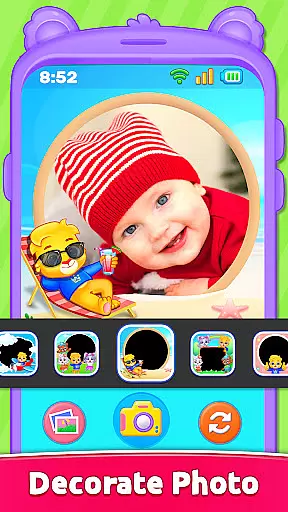
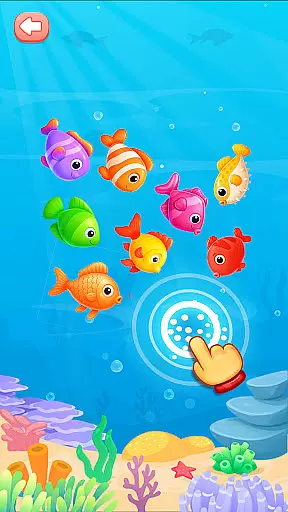
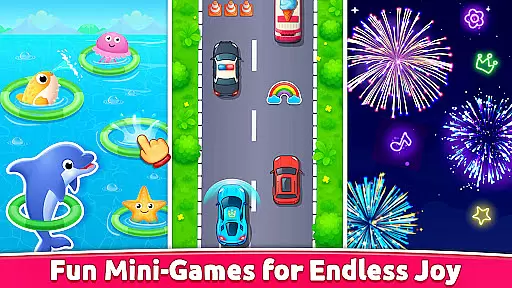
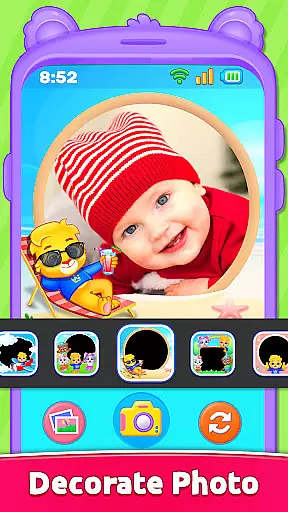
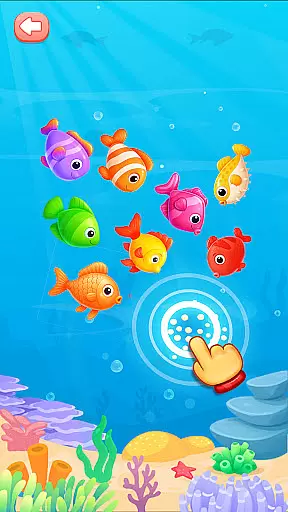
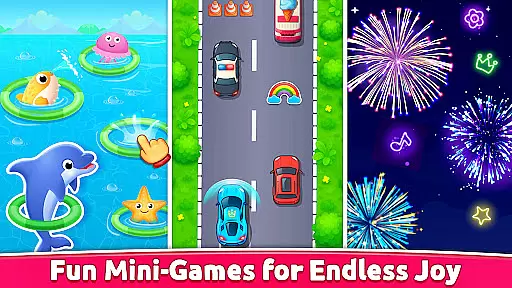
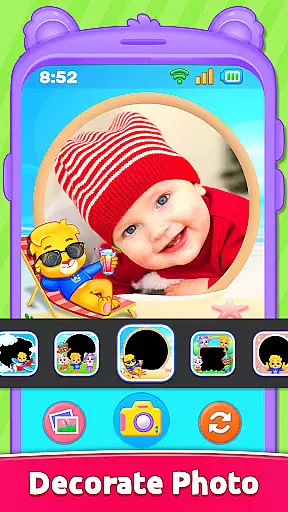
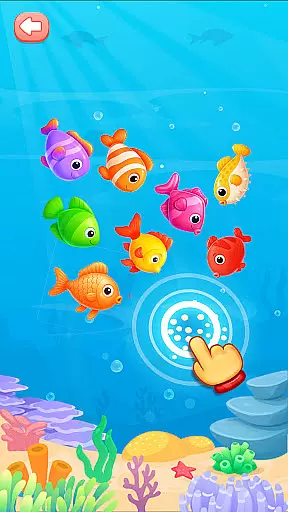
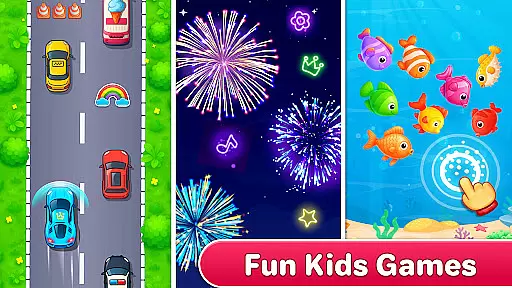
The app also includes creative photo frames, toddler-friendly video scrolling, and a delightful fireworks mode that bursts colorful patterns on touch. Its intuitive design features easy tap controls, large buttons, and bright visuals, making it perfect for young children. Completely ad-free and supporting offline play, Baby Phone & Kids Games offers a safe digital space where toddlers can explore, learn, and have fun in a structured yet playful manner.
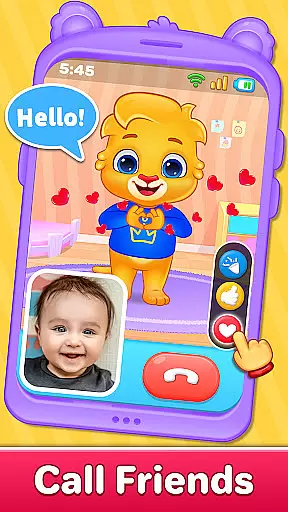
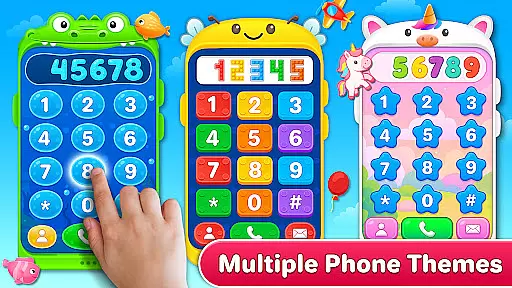
Baby Phone & Kids Games stands out with its diverse range of interactive features tailored for early childhood development. One of the key highlights is the virtual phone call feature, allowing toddlers to engage in pretend conversations with animated characters who respond with cute voices and expressions. This not only fosters imaginative play but also helps develop communication skills in a fun way.
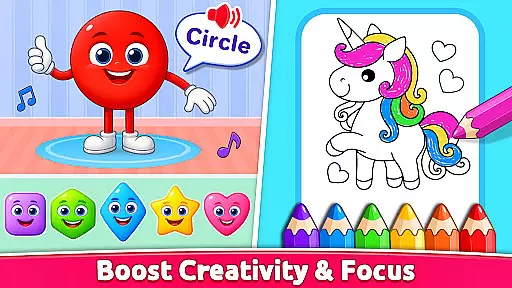
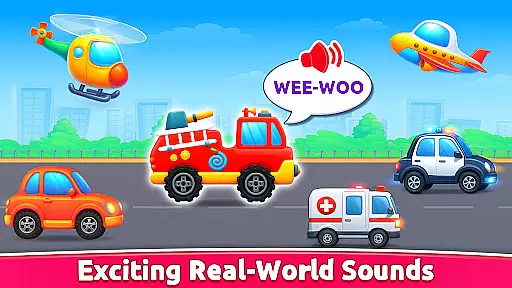
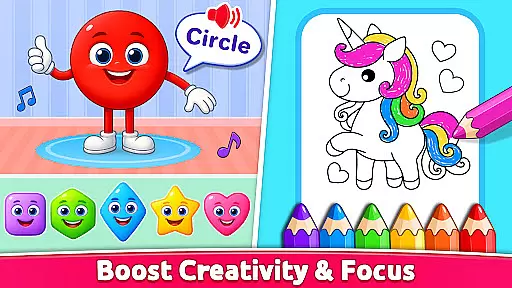
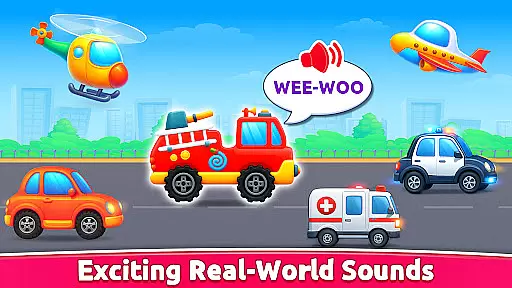
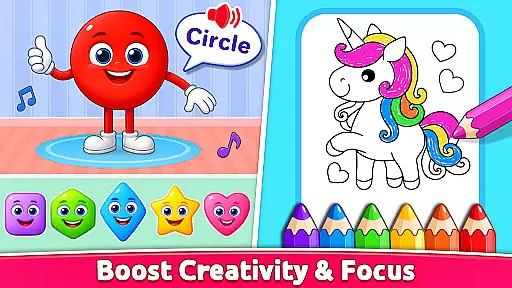
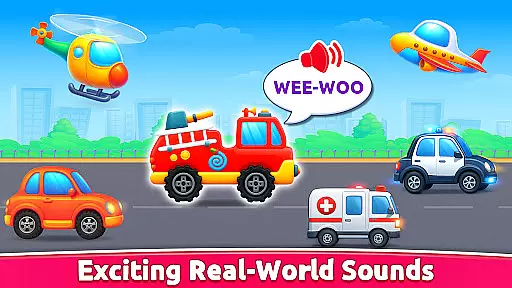
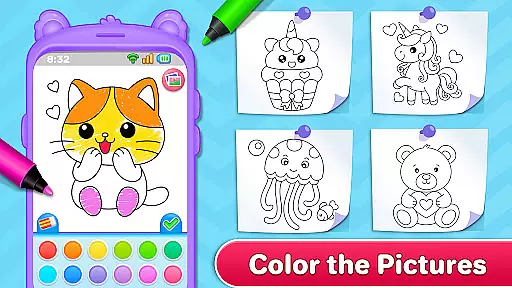
In addition to phone calls, the app offers an interactive coloring section filled with animals, shapes, and characters from Lucas and Friends, promoting creativity and fine motor skills. The ABC and 123 phonics module provides a distraction-free learning environment, while the vehicle sound exploration enhances sensory development. Each feature is thoughtfully designed to be simple yet engaging, ensuring that toddlers remain captivated while learning essential concepts through play.
Parents will appreciate the app's commitment to safety and usability. With no ads, offline functionality, and an interface created specifically for young kids, Baby Phone & Kids Games ensures a secure and seamless experience. These elements make it an ideal choice for parents seeking educational apps that combine fun with foundational learning.
In the realm of educational applications, content authority and curriculum alignment are paramount. Baby Phone & Kids Games excels in this area by offering a suite of activities that align with early learning objectives. The app's ABC & 123 Phonics Learning section provides a structured approach to literacy and numeracy, ensuring that toddlers are introduced to essential concepts through sound pedagogical methods.
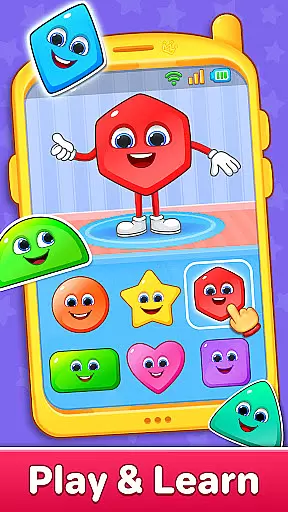
Furthermore, the Learn Colors & Shapes Through Play feature is meticulously crafted to aid cognitive development. By engaging in hands-on activities, children can explore and identify various colors and shapes, which lays a solid foundation for their understanding of the world around them. This careful attention to curriculum-relevant content ensures that screen time is not only enjoyable but also enriches the child's learning journey.
The app's commitment to authoritative content is evident in its design, which has been tailored to support the developmental milestones of toddlers aged 1 to 5. With input from educational experts, each game within the app serves as a building block for critical thinking, creativity, and social interaction skills. Parents can trust that their children are engaging with material that is both age-appropriate and educationally sound.
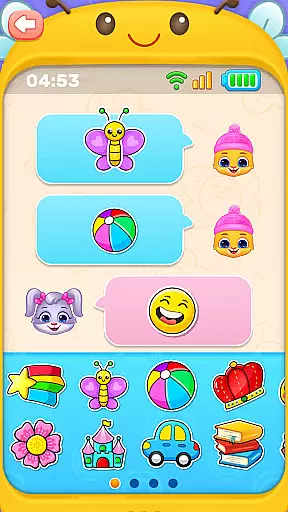
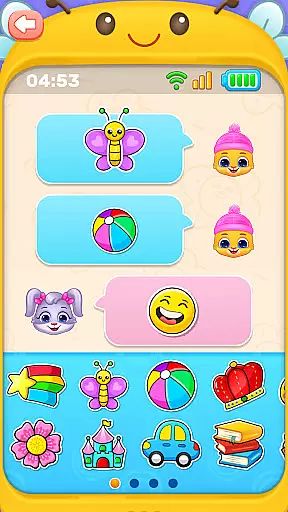
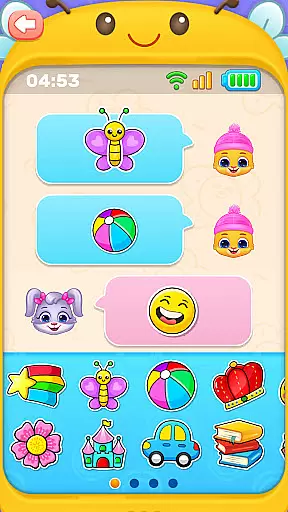
Gamification-learning integration represents the fusion of entertainment and education, transforming traditional learning into an engaging experience. Baby Phone & Kids Games leverages this concept by incorporating playful elements such as pretend calls, emoji chats, and interactive video call modes with characters like Lucas and Friends. These features captivate young minds while simultaneously promoting social interaction and communication skills.
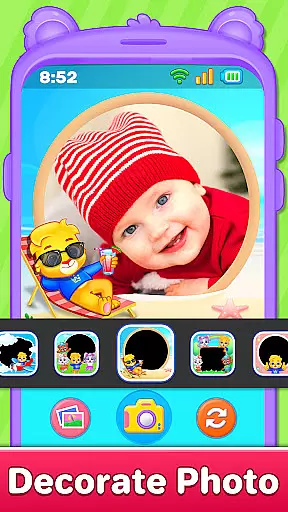
Moreover, the app includes creative activities such as toddler coloring fun and photo frames, which encourage artistic expression and personalization. Such gamified experiences are instrumental in maintaining a child's interest and motivation, leading to prolonged engagement with educational content. By intertwining these enjoyable activities with learning objectives, the app ensures that children remain invested in their educational pursuits.
The seamless blend of gaming and learning within Baby Phone & Kids Games creates an environment where play and education coexist harmoniously. As children navigate through the app's diverse offerings, they are rewarded with entertaining interactions that reinforce their learning outcomes. This innovative approach not only makes acquiring new knowledge exciting but also helps inculcate a lifelong love for learning.
Ad-free environment
Offline play capability
Engaging characters
Educational content
Safe for toddlers
Limited advanced features
No multi-language support
Basic parental controls
Repetitive for older kids
Few customization options

Get points, learn Spanish, repeat. Speedrun your way to knowledge.
 4.2
4.2
Fun drawing games with coloring book, glow and paint by numbers! Color for kids.
4.20
Preschool learning games: 123 numbers game for kids, abc learning for toddlers
4.70
Fun baby care game for kids with dinosaur friends. Enjoy the fun kids game.
4.00
Learn numbers, letters, and shapes playing toddler balloon pop games ►NoAds◄
4.60
Find Carmen - Play the classic detective game, stop VILE and find Carmen
4.10
Expert-designed fun interactive learning games to prep kids (2-5) for preschool.
4.00
Games, music, crafts and coloring with cats
4.10
Create, customize & explore your Toca Boca story! Endless fun & creativity await
4.30
Pro Doctor Dentist for PetsGame
4.60
Play educational games for preschool toddlers—plus more to discover ►AdsFree◄
4.60
Kids coloring games for boys! Fun drawing, painting & learning book for kids.
4.60
Glow Doodle! Baby Coloring & Drawing games for toddlers: Color and Learn! NoAds!
4.40
A cube building game for small (and large) builders.
4.40
Find the hidden Numberblocks, add them together and see what happens.
3.50
Play pretend & explore at the doctor's & school in Daniel Tiger's Neighborhood.
3.30
Explore & build the cute kitty city, create fun stories & discover surprises!
4.2
Creating emotional connections
4.2
Fun step-by-step drawing & coloring app to learn and create art!
4.4




User Reviews