
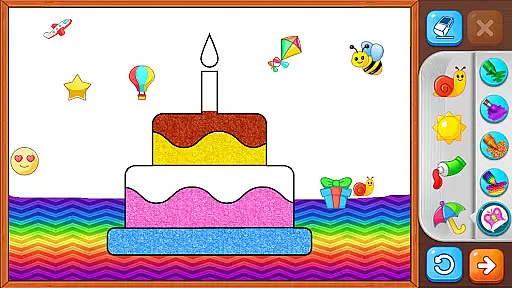
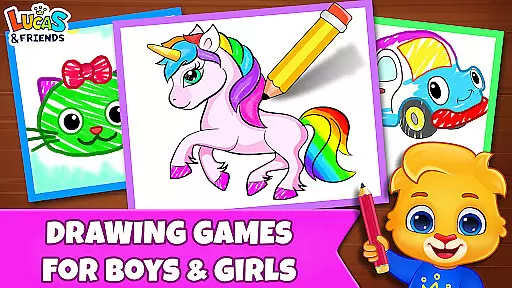
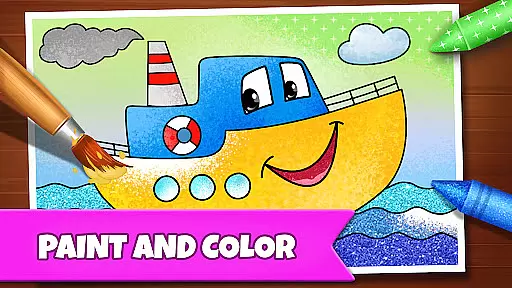
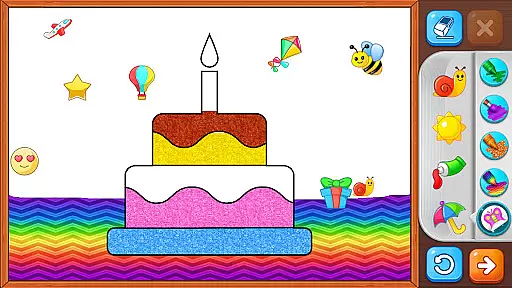
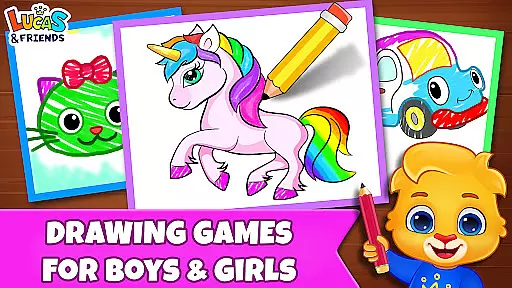
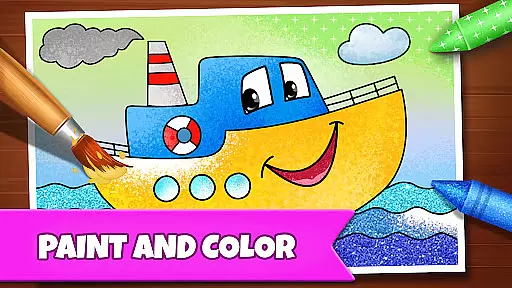
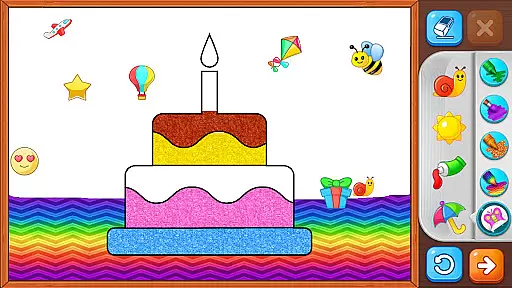
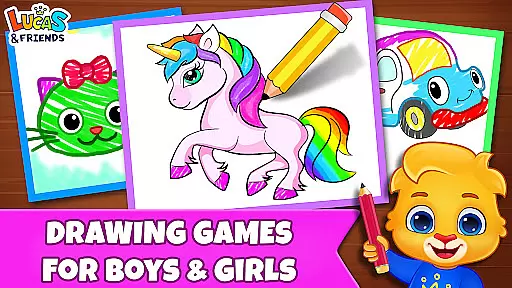
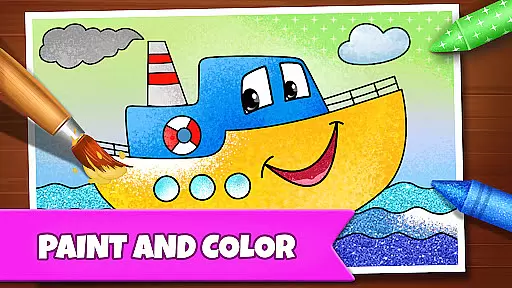
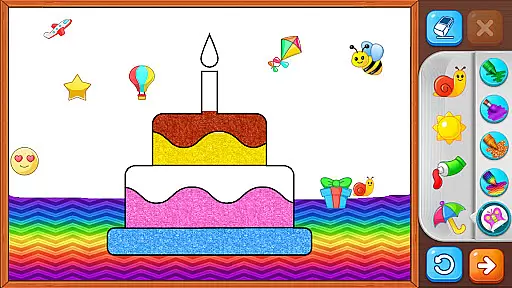
Drawing Games: Draw & Color is an educational app designed to engage children in creative learning through various drawing and coloring activities. The app offers multiple modes such as Learn to Draw, Auto Draw, Connect & Color, Connect the Dots, Memory Drawing, and Glow Paint, providing a comprehensive platform for kids to develop their artistic skills while learning shapes, numbers, and picture recognition.
With its interactive approach, this app ensures that toddlers, preschoolers, and kindergartners can all find something enjoyable and educational. It combines fun with education seamlessly, allowing children to express emotions and build confidence through painting and coloring. The absence of in-app purchases and ads makes it a safe and distraction-free environment for young learners.
Parents will appreciate how Drawing Games: Draw & Color merges entertainment with educational value, offering a free resource that keeps children engaged for hours. Whether it's connecting dots or experimenting with glowing paints, each activity is crafted to enhance cognitive abilities and fine motor skills, making it an ideal choice for early childhood development.
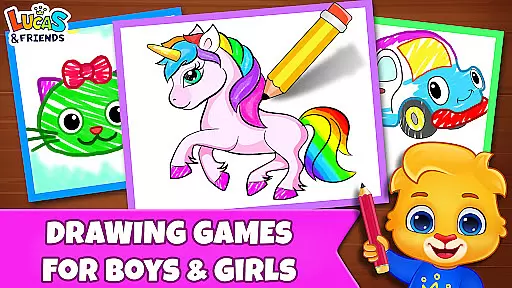
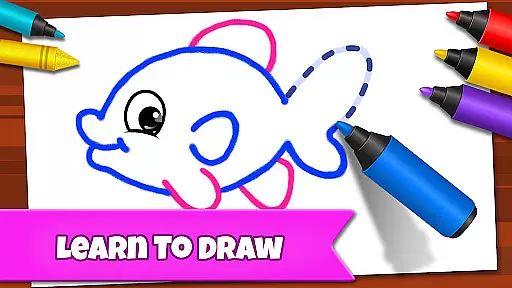
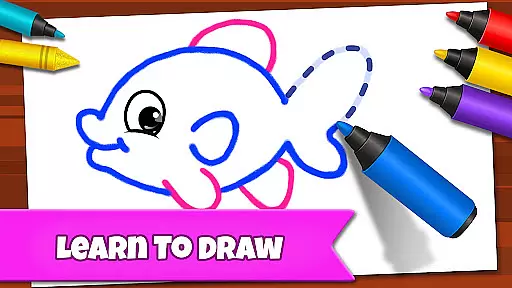
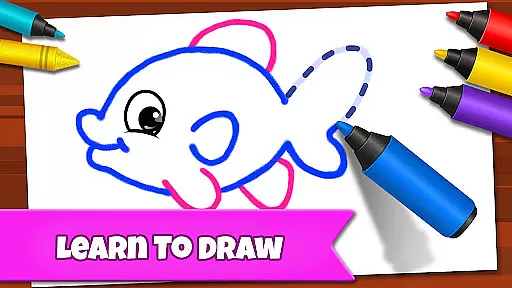
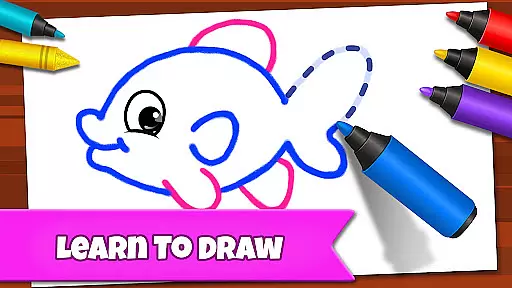
The app boasts a variety of features tailored to stimulate creativity and learning among children. One standout feature is the step-by-step Learn to Draw mode, which guides kids through the process of creating pictures, enhancing their understanding of shapes and forms. Another highlight is the Auto Draw mode, perfect for younger toddlers who can watch as images are painted and colored automatically.
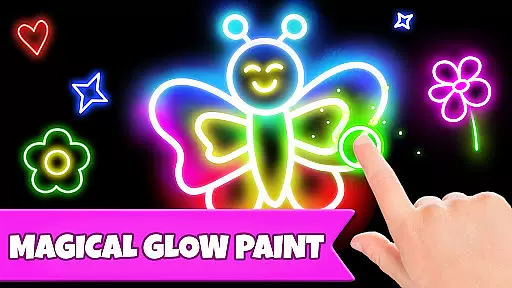
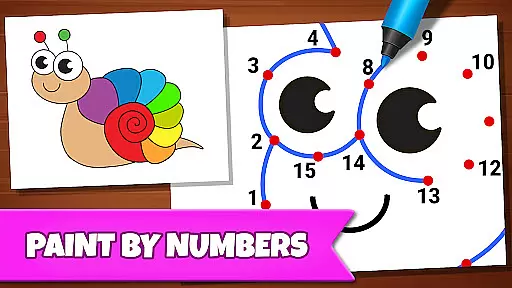
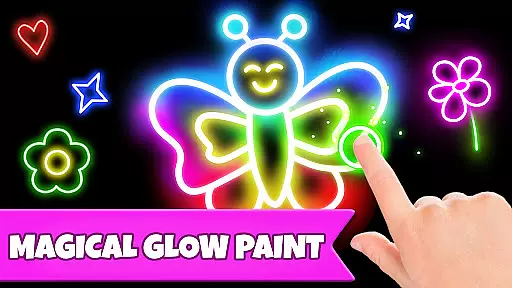
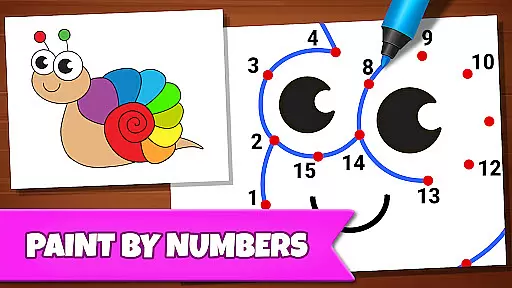
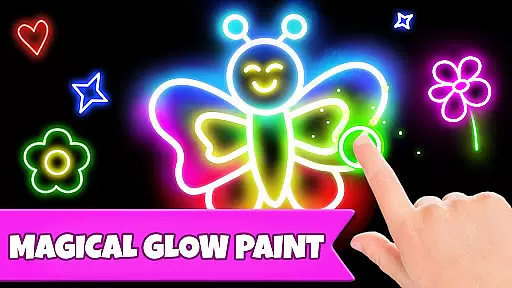
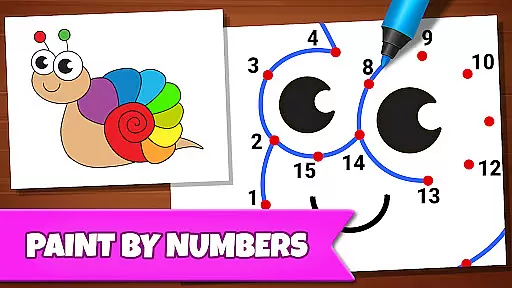
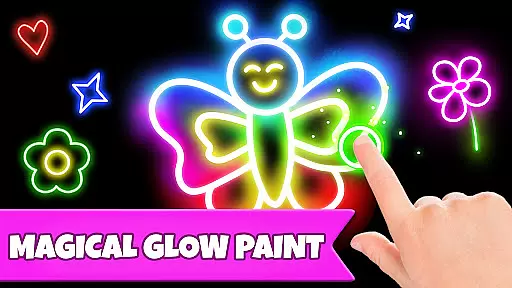
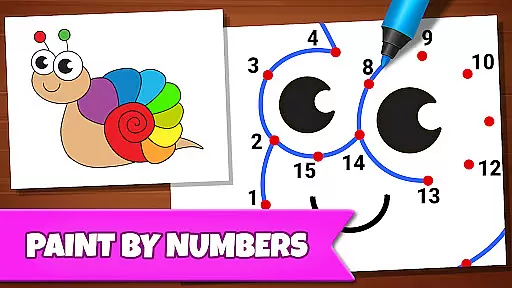
Connect & Color and Connect the Dots modes offer classic games reinvented for digital platforms, helping improve hand-eye coordination and number recognition. Meanwhile, Memory Drawing challenges children’s recall abilities by having them replicate lines from memory. Lastly, Glow Paint provides a vibrant canvas for imaginative expression using luminescent colors.
All these features come together to create an immersive experience where kids can explore different artistic techniques without any interruptions from ads or hidden costs. This enriches their playtime while ensuring they gain valuable skills in a secure setting.
In educational apps, content authority and curriculum alignment are crucial for ensuring that children receive accurate and relevant learning experiences. Drawing Games: Draw & Color excels in this area by providing a variety of modes that teach essential skills such as picture recognition, shapes, and numbers.
The app's Learn to Draw mode guides children step-by-step through the process of drawing, reinforcing their understanding of shapes and spatial relationships. This methodical approach aligns with educational standards that emphasize foundational art and cognitive skills.
Furthermore, the Connect the Dots and Memory Drawing features help develop number recognition and memory retention, both of which are key components of early childhood education curricula. By integrating these elements into an interactive coloring book format, the app ensures that learning objectives are met in a fun and engaging way.
Parents can feel confident that their children are not only entertained but also gaining valuable knowledge that complements their formal education, all within a safe and ad-free environment.
Gamification in educational apps transforms traditional learning methods into interactive and enjoyable experiences. Drawing Games: Draw & Color successfully integrates gamification elements to enhance the learning process, making it more appealing to young users.
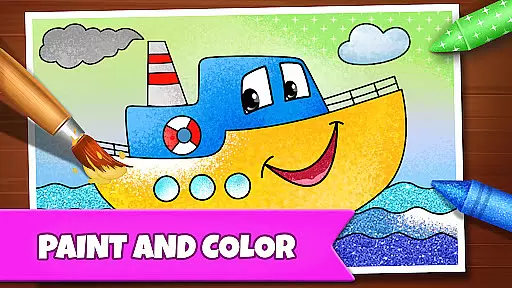
Through various game modes like Glow Paint and Auto Draw, the app encourages creativity while subtly incorporating educational tasks. For instance, the Connect & Color mode combines the classic connect-the-dots game with coloring activities, promoting both fine motor skills and cognitive development.
The app's use of vibrant stickers, crayons, and glowing pens serves as motivational tools, rewarding children for completing tasks and thereby increasing their engagement and willingness to learn. These incentives mimic the positive reinforcement strategies used in classroom settings.
By removing in-app purchases and ads, Drawing Games maintains a focused learning environment where children can freely explore and benefit from the gamified content without interruptions, leading to sustained educational growth and enjoyment.
User-friendly interface
Educational content
No in-app purchases
Variety of drawing tools
Engaging activities
Limited advanced options
Basic color palette
Occasional bugs
Simple graphics
Offline only

A logic puzzle game for 1 - 3 players
 4.4
4.4
A must-have sequel to our Learn Letter Sounds with Carnival Kids app
4.30
Play educational games for preschool toddlers—plus more to discover ►AdsFree◄
4.60
Toddler Learning Games, Learn: Colors, Shapes, Puzzles, ABC ... ►NoAds!◄
4.50
Cure the patients to create your hospital story!
3.90
Learn numbers, letters, and shapes playing toddler balloon pop games ►NoAds◄
4.60
Endless runner fun packed with animal facts, exciting wildlife, & adventure.
4.10
Find Carmen - Play the classic detective game, stop VILE and find Carmen
4.10
Kids age 2-8 can create, explore, and play Toca Boca games their way!
3.50
Puzzles, Cats and Programming
4.80
Tons of kids safety games, cartoons, and stories are included in one kids app!
4.70
Fun educational jigsaw puzzles for kids and preschoolers.
4.50
Creative beauty & fashion
4.50
Enjoy coloring with wide variety of 1000+ coloring games for kids & drawing game
4.50
Fun educational game: Learn, imagine, create, draw and color!
4.20
A fan of cute games? Try animal games & take care of fluffy virtual pets!
4.20
Baby Phone Game for Kids & Toddlers to Learn Sounds, Numbers, ABCs, Phone Calls
3.80
Safe, fun, ad-free games for kids! For babies, toddlers, & kids age 2-6
3.60
Learn and practice multiplication and division
4.1




User Reviews