
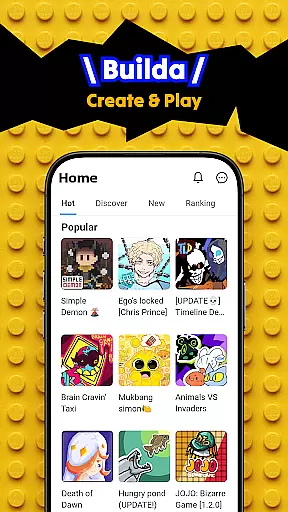
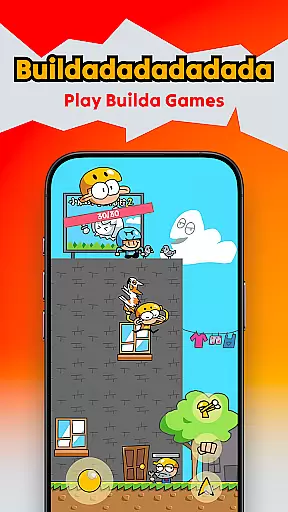
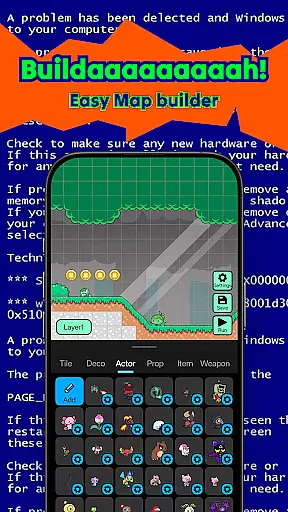
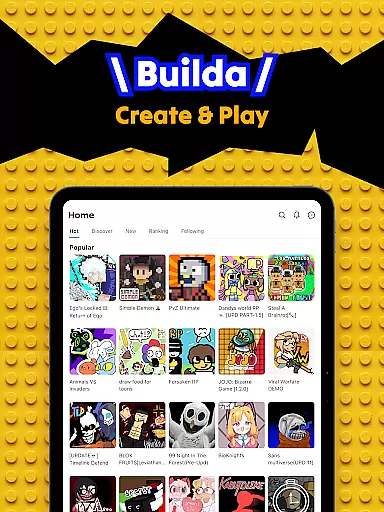
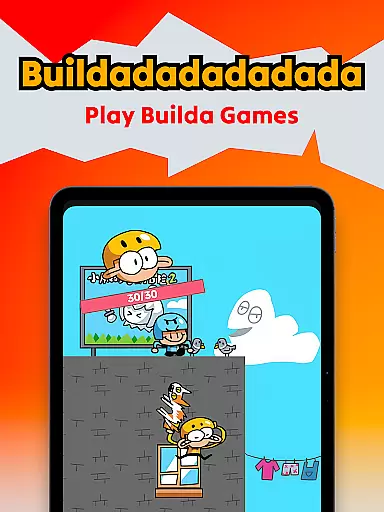
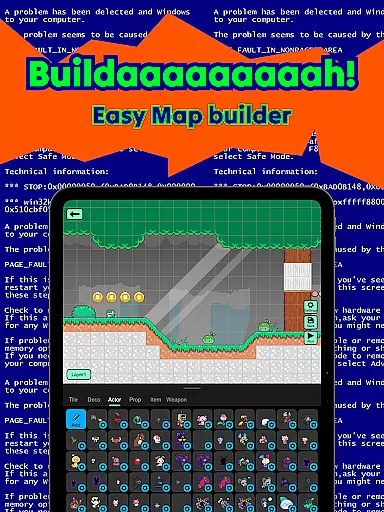
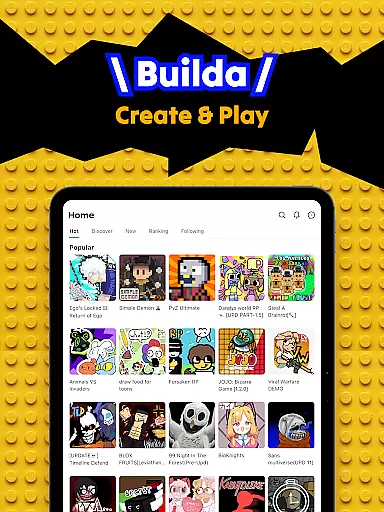
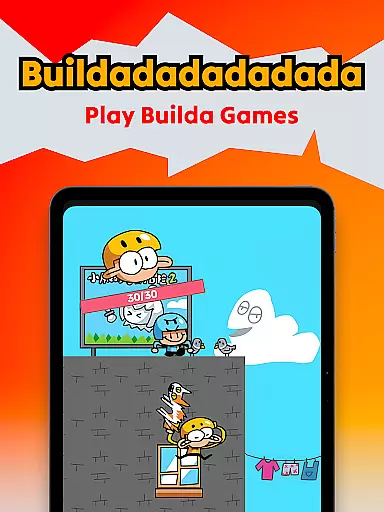
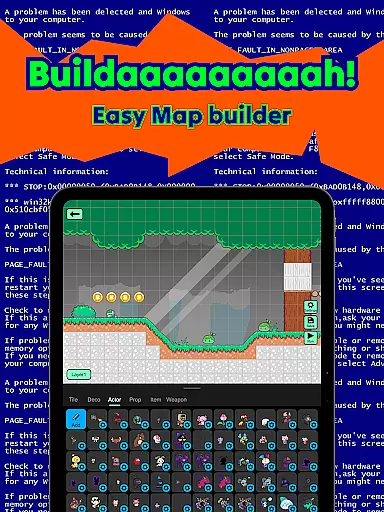
Builda is an innovative educational platform that combines game creation with social interaction, empowering users to design and play games without any programming knowledge. The app offers a comprehensive suite of creative tools including drawing, animating, and block coding features that allow users to bring their ideas to life.
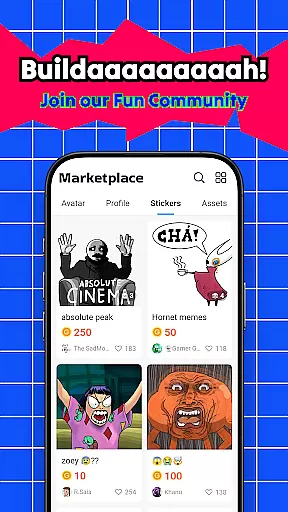
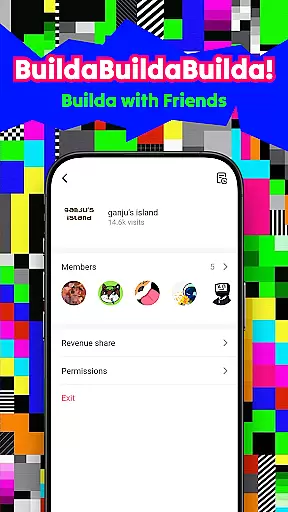
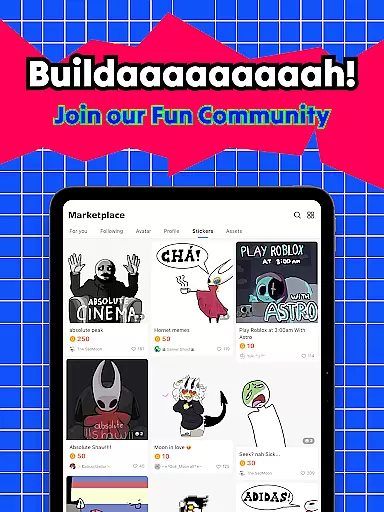
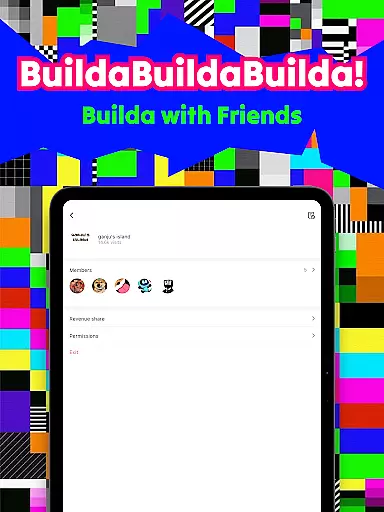
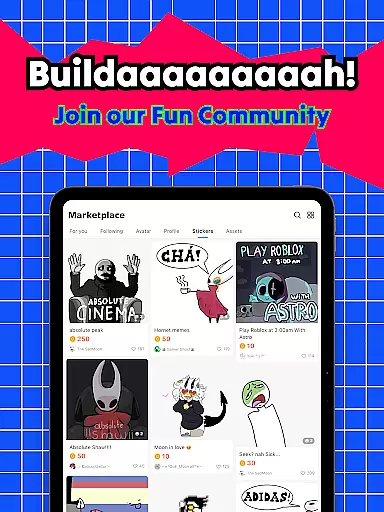
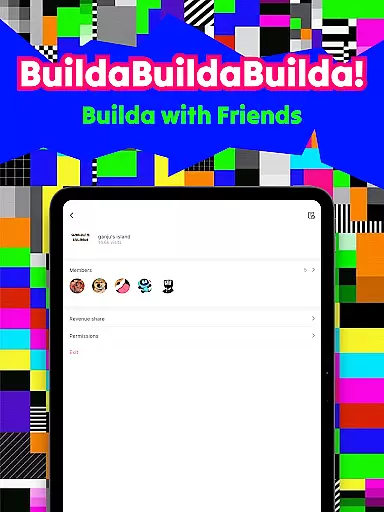
With its collaborative environment, Builda enables teams to work together on game projects, while the built-in social media functionalities foster a worldwide community where creators can share their work, exchange feedback, and make friends. Whether you're looking to create your own characters, develop unique game mechanics, or simply enjoy content made by others, Builda provides the resources and community support to facilitate learning through creativity and play.
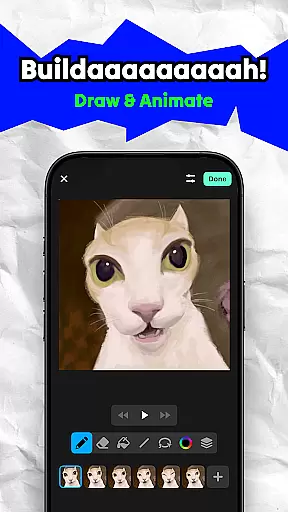
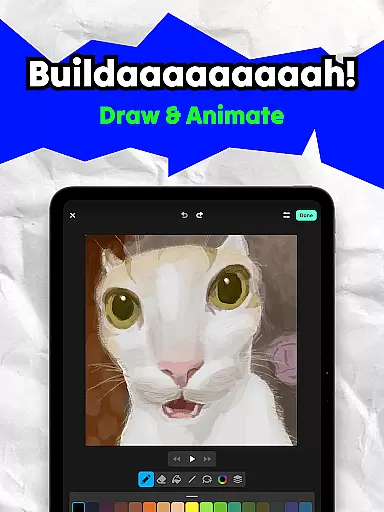
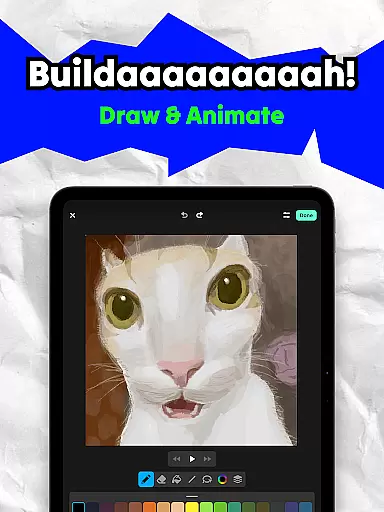
Builda stands out with its diverse feature set tailored for both game creation and social engagement. The platform supports real-time collaboration, allowing multiple users to contribute to a single project simultaneously. Its intuitive drawing and animation tools provide creators with the flexibility to produce high-quality visuals in various styles, enhanced by an onion skinning feature for precise animations.
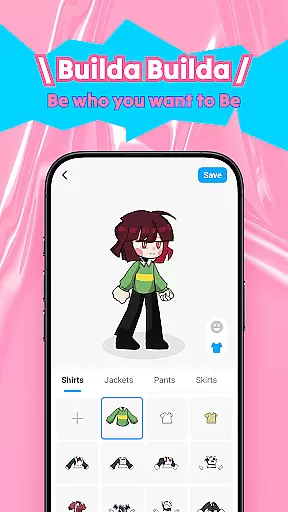
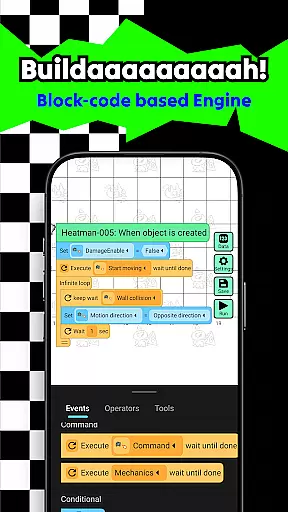
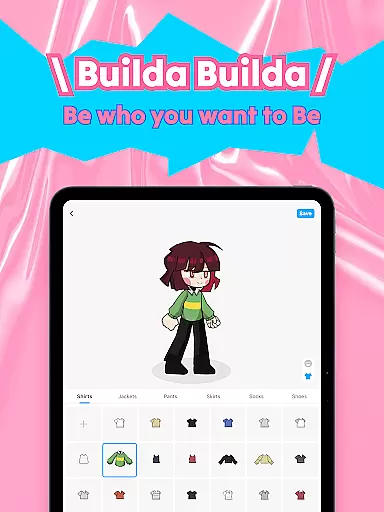
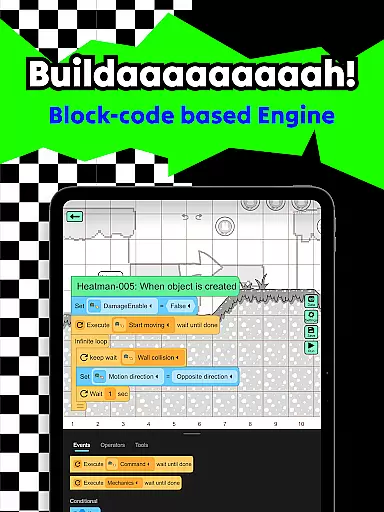
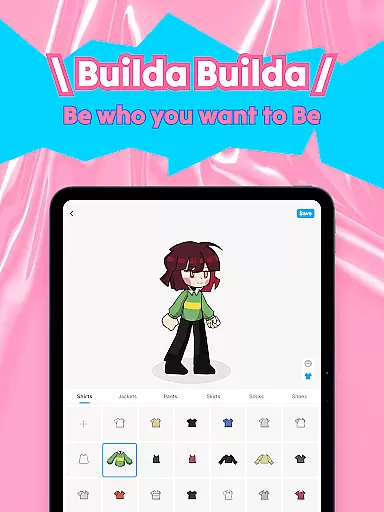
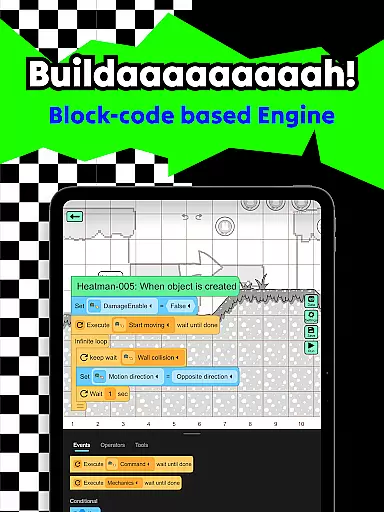
Another key aspect is the easy-to-use block coding system, which democratizes game development by removing the need for traditional programming skills. This makes it accessible for users of all experience levels to implement complex game mechanics. Additionally, the app's social components, such as customizable avatars, chat functions, and group creation capabilities, cultivate a vibrant community where users can connect, share, and grow together.
In the realm of educational tools, content accuracy is paramount. Builda ensures that all game mechanics and creative elements adhere to factual correctness. The platform provides an intuitive block coding system that allows users to create games without traditional programming knowledge.
Each feature, from character animation to scene creation, undergoes rigorous testing to maintain high standards. This meticulous attention to detail guarantees that users engage with reliable information as they craft their unique gaming experiences.
The authority of Builda's content stems from its vibrant community of creators who contribute diverse ideas while maintaining educational integrity. By enabling users to draw, animate, and code, Builda fosters a learning environment where creativity thrives within structured guidelines.
Builda offers personalized learning paths by allowing users to tailor their creative processes according to individual preferences. With features like custom character drawing and animation editors, learners can explore various artistic styles at their own pace.
This flexibility extends to game creation, where users can choose complexity levels suitable for their skill sets. Whether itu2019s through simple doodles or intricate sprite designs, each user crafts a unique journey through Builda's expansive toolkit.
Moreover, collaborative projects encourage peer-to-peer learning, enhancing personal growth. As users team up with friends or join global communities, they gain insights from different perspectives, enriching their educational experience on Builda.
User-friendly interface
Creative freedom
Strong community focus
No coding required
Collaborative environment
Limited advanced tools
Occasional bugs
Learning curve for new users
Dependent on community content
Mobile-only platform

Test prep for Indiana students
 4.4
4.4
Bebefinn and Baby Shark educational, animated videos & games for kids
3.40
Perform physics experiments with your phone. (by the RWTH Aachen University)
4.70
Pickleball guide complete with illustrated Pickleball drills and helpful info
4.0
Master the NRP with 700+ questions, rationales, and updated NREMT scenarios.
3.00
Hasbro's Classic Board Game - Make Cavity Sam better or get the buzzer!
3.50
An aviator’s preparation, study and test tool for FAA Knowledge Exams.
4.30
Snap a dog photo to identify its breed instantly. Fast, accurate and easy to use
3.40
Fun, personalized math learning games that adapt to your child’s needs.
4.40
The best way to study for your amateur radio license exam.
4.90
Universe simulator: Find & explore planets system, outer space, astronomy events
4.60
SkyView®, an augmented reality space app, brings stargazing to everyone!
4.40
For medical training - Visualize complex vein maps and structures in real-time.
4.10
Your guide to thousands of satellites and spacecraft in orbit around Earth!
3.90
FAR/AIM, FAR for Flight Crew and FAR for Aviation Maintenance Technicians
3.80
A must-have app for mastering Japanese verb/adjective conjugations.
3.60
A collection of favorite stories from Daniel Tiger's Neighborhood
2.00
AR planetarium app that brings the solar system to you via XREAL Glasses.
4.2
Animals pop up and make sounds—learn names and noises in Peekaboo Barn!
4.0




User Reviews