
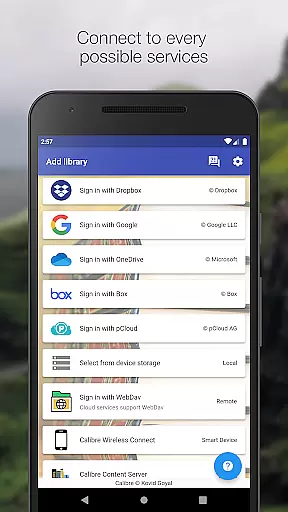
Calibre Sync is a comprehensive solution for managing and accessing your Calibre libraries across multiple cloud services. The app supports popular platforms like Google Drive, Dropbox, OneDrive, and more, allowing users to browse, sort, search, and read books directly from their devices. With its wireless connectivity feature, it transforms your device into a smart emulator that connects effortlessly to Calibre.
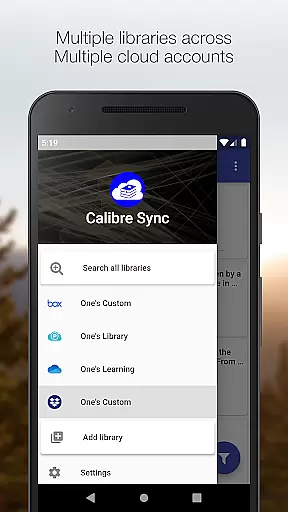
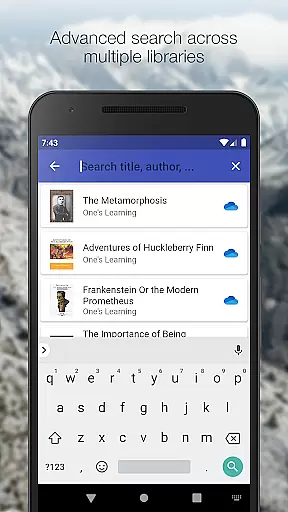
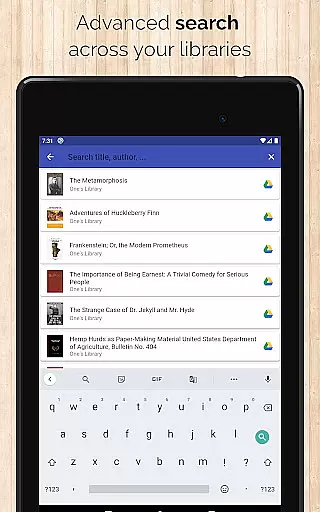
One of the standout features of Calibre Sync is its ability to handle unlimited Calibre libraries across various accounts simultaneously. This makes it an ideal tool for avid readers who need to manage extensive collections. Whether you're searching by title, author, or even comments, the app provides robust filtering and sorting options. Its support for custom columns and different book list layouts ensures a personalized reading experience tailored to individual preferences.
The app's value extends beyond just accessing libraries; it offers practical tools like library statistics, file size viewing, and quick sharing options. Users can also enjoy additional conveniences such as dark/light themes and zoomable book covers. By moving your Calibre library to supported cloud services, you can seamlessly integrate your digital book collection into your daily routine, enhancing both accessibility and convenience.
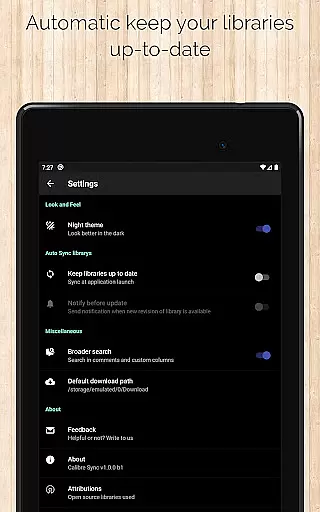
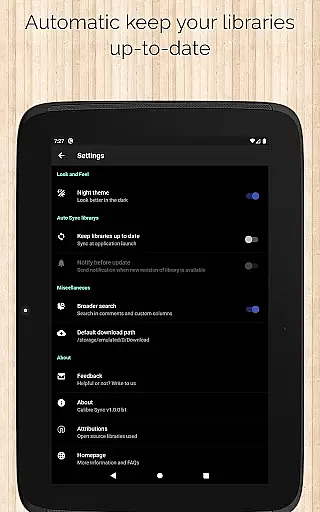
Calibre Sync stands out with its rich set of features designed to optimize the management of digital libraries. The app allows users to connect wirelessly to Calibre as a smart device, supporting unlimited libraries across multiple cloud accounts. This flexibility is enhanced by automatic library checks and updates upon launching the app, ensuring that your library is always up-to-date without manual intervention.
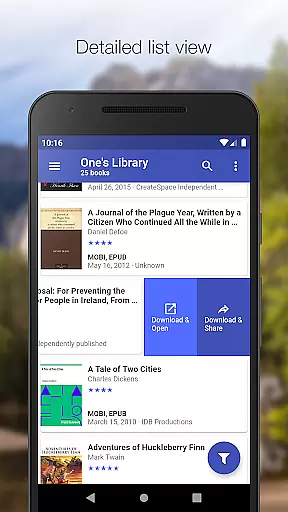
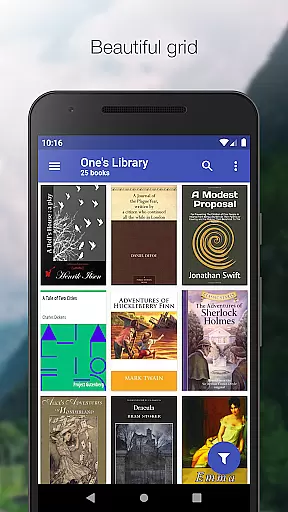
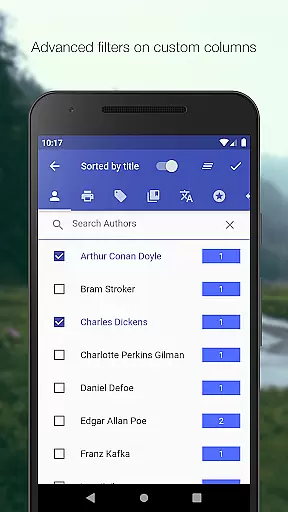
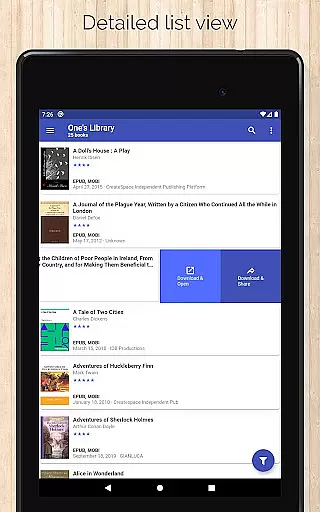
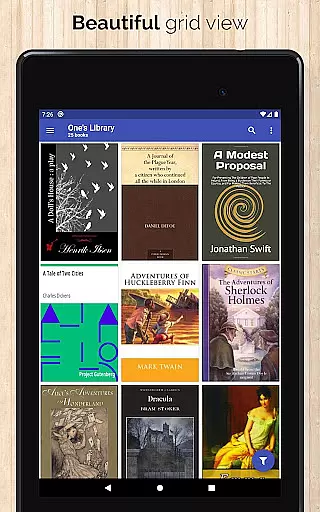
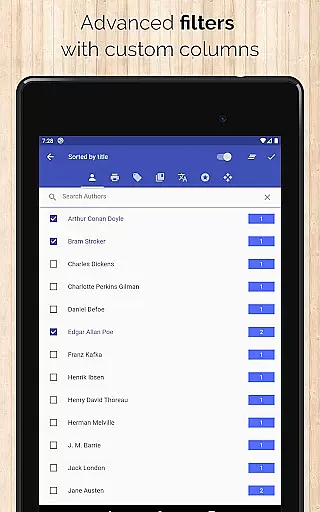
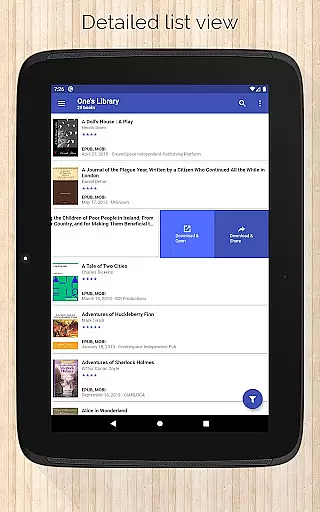
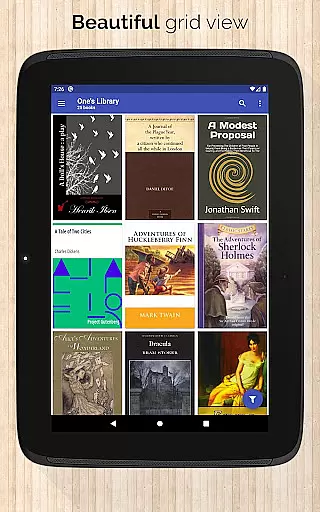
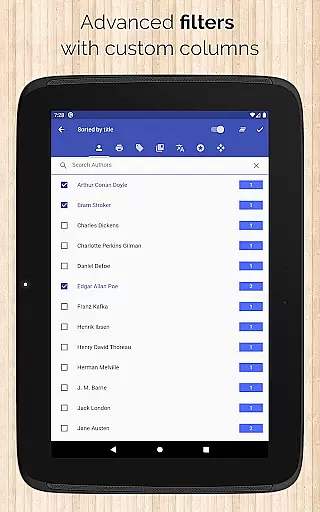
Among its many capabilities, Calibre Sync offers diverse book list layouts including List, Grid, and Carousel views. It also provides advanced search functionalities that allow filtering by authors, series, tags, language, publishers, formats, and custom columns. Sorting options are equally robust, enabling users to organize their libraries by title, author, ratings, and various date options in both ascending and descending orders. These features collectively ensure that users can tailor their library browsing experience to their specific needs.
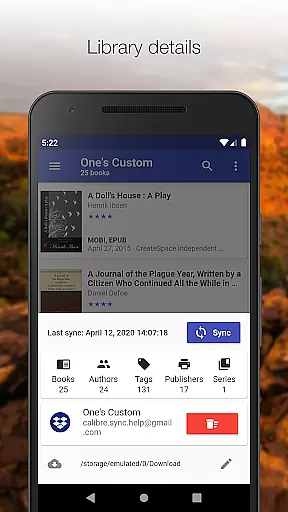
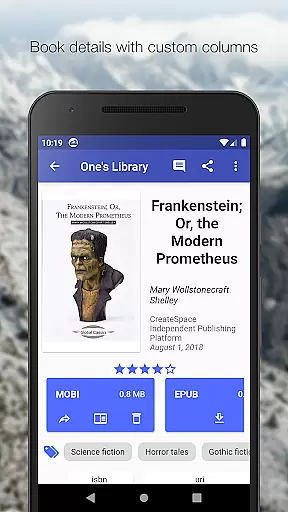
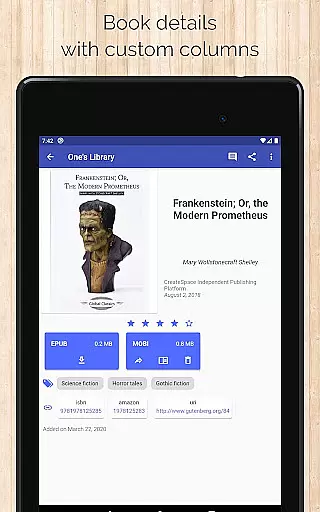
Additional notable features include the ability to view library statistics, filter downloaded books, and configure download locations for each library. The app also supports custom columns in book details, quick access to downloads via slideable list views, and zoomable book covers. Practical sharing options like emailing or sharing book copies further enhance user convenience. With its focus on performance and usability, Calibre Sync delivers a seamless and efficient way to manage extensive digital libraries.
Calibre Sync offers an impressive e-book library solution by allowing users to access unlimited Calibre libraries across multiple cloud services. This includes popular platforms like Google Drive, Dropbox, and Microsoft OneDrive, ensuring a vast repository of reading materials.
The application guarantees the authenticity of its content by enabling direct synchronization with Calibre libraries, which are known for their robust metadata management and copyright compliance. Users can be confident that the books they access are legitimate and properly sourced.
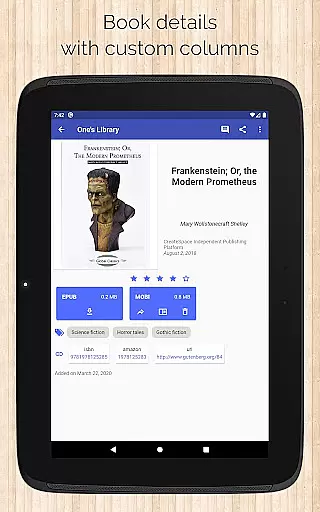
With support for custom columns and detailed book information, including ISBN and links to sources like Amazon and Google Books, Calibre Sync provides a transparent and trustworthy e-book experience. This ensures users have access to accurate publication details and can verify the authenticity of each book in their library.
One of Calibre Sync's standout features is its exceptional format compatibility. The app supports various book list layouts such as detailed lists, grids, and carousels, catering to different user preferences and ensuring an optimal reading experience.
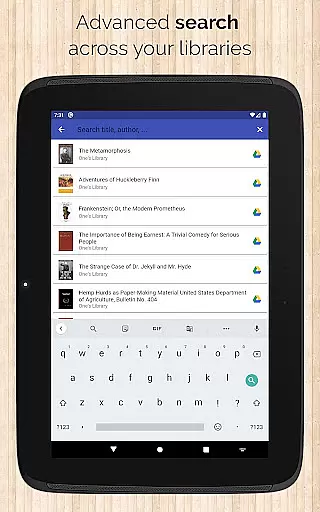
Users can search and filter books not only by title and author but also through comments and custom columns. This flexibility allows for comprehensive management of diverse book formats and personalized organization of one's digital library.
Additionally, Calibre Sync enables readers to view file sizes of each book format and open downloaded books in their preferred reader applications. This seamless integration with other reading apps highlights the app's commitment to providing extensive format support and enhancing user convenience.
User-friendly interface
Extensive cloud support
Advanced search options
Customizable layouts
Regular updates
No built-in reader
Limited OneDrive support
Requires storage permission
Case-sensitive file system needed
Write permission for Box API

The Psalms for singing
 4.0
4.0
7 Languages, Google, Wiki, Vocabulary.com, Cambridge & Urban Dictionary!
4.50
Shop over 13 million new and used books at up to 80% off list price
4.20
Read the romance stories on the go. Take my breath away, The Spoiled Girl
4.30
KJV Bible works offline with Audio, Hebrew & Greek lexicon (concordance) & more!
4.20
Unlock more features in Lithium and show your support. Expand for details.
4.00
Daily Prayer, personalized Bible Study, AI-guided Insights, and Spiritual Growth
4.80
The Apostolic Lutheran Church hymnal
4.1
ARC Raiders Companion: Map, Quests, ARC/Item Info. Track everything instantly!
4.00
Flora of Virginia Project (www.floraofvirginia.org)
5.00
Universal Zoom, learn about sizes & distances of the universe and microcosmos
4.80
Liturgy of the Hours totally off-line
4.80
Translate into 100+ languages with the world’s most accurate AI translator.
4.70
Powerful Bible study tools linked to every verse in an easy-to-use Bible reader!
4.60
Build family tree & discover DNA, family history heritage, origins and ancestors
4.60
“It is fun to have fun, but you have to know how!”
4.40
Improve your vocabulary and grammar with the 15 biggest Oxford Dictionaries.
4.30
Provides location information of vehicle Shift Interlock releases.
4.30
Essential Technical Rescue Field Operations Guide 6, the Industry Standard Guide
4.20




User Reviews