
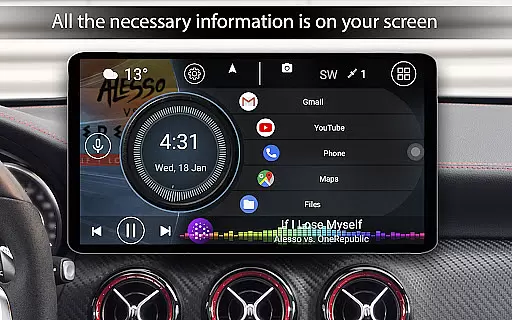
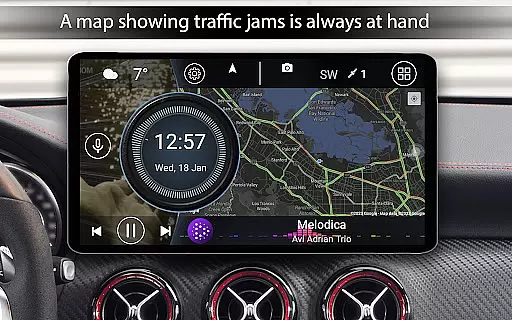
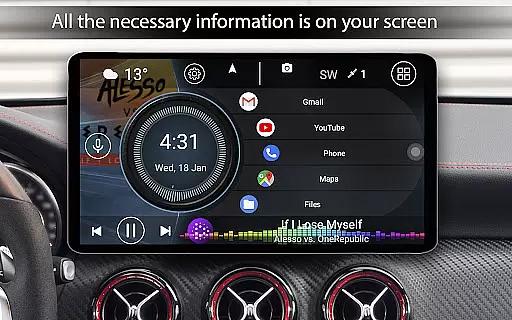
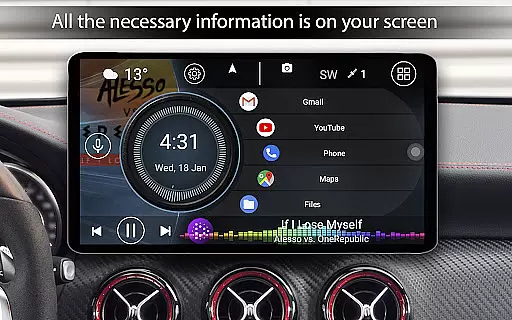
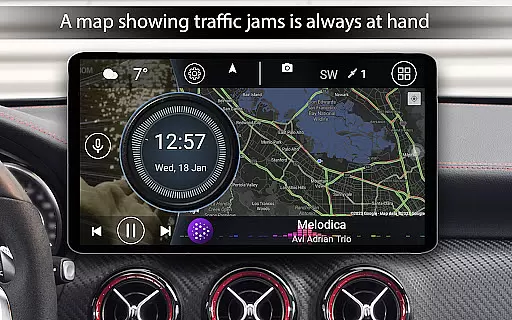
Car Launcher Pro is a specialized application designed for automotive use, functioning seamlessly on both phones and Android-based car stereos. It combines an intuitive app launcher with an onboard computer that tracks driving metrics based on GPS data. The app allows users to customize their experience by setting it as the default launcher, organizing apps into folders, and displaying real-time speed on the home screen.
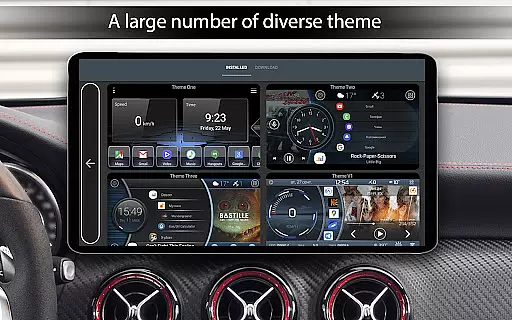
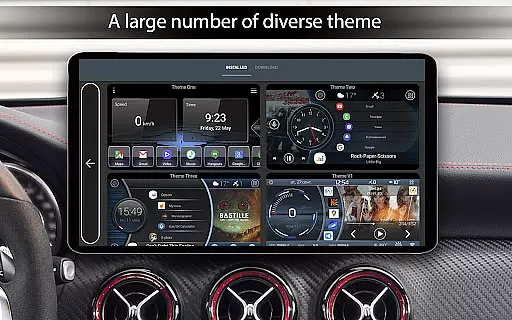
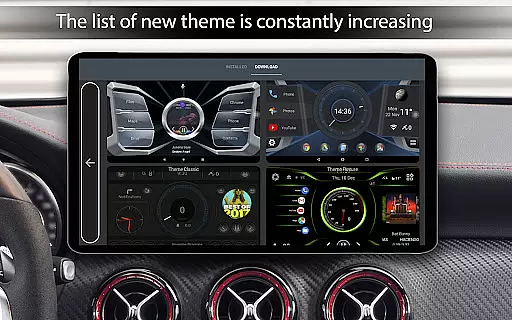
This versatile tool also features an extensive menu that slides out for access to various functions such as trip data, maximum speeds, and acceleration times. Users can configure display settings, switch between metric and imperial units, and personalize themes and wallpapers. With support for third-party plugins and widgets, Car Launcher Pro offers a comprehensive solution for drivers looking to enhance their in-car interface.
Car Launcher Pro boasts a wide array of features tailored for vehicle use. One of its standout capabilities is the ability to transform the user's device into a dedicated car interface, complete with quick-launch icons and folders for apps. This feature streamlines the process of accessing navigation, music, or communication apps while driving.
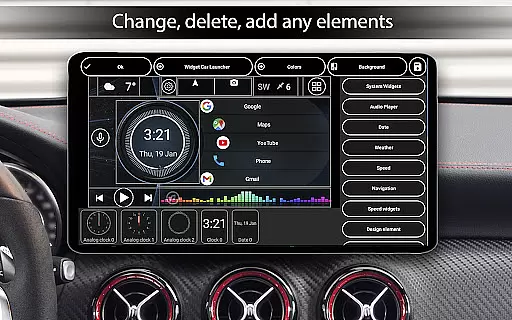
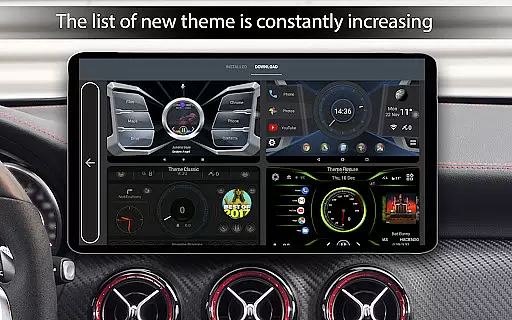
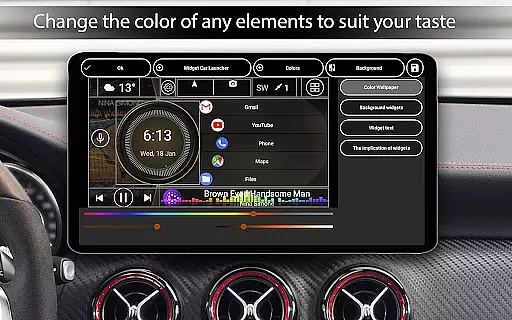
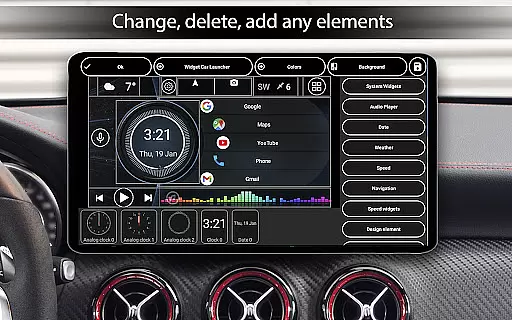
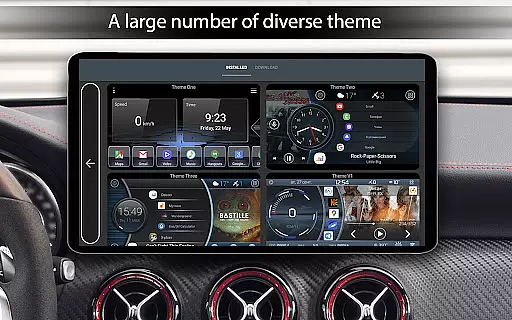
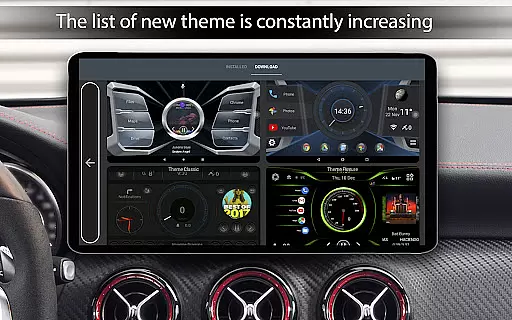
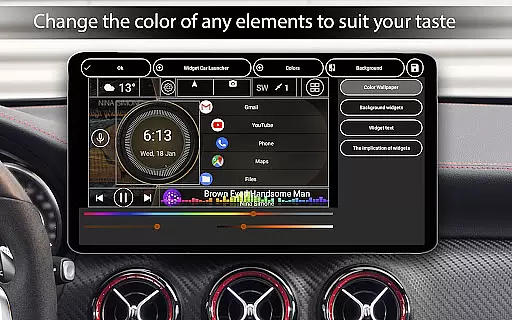
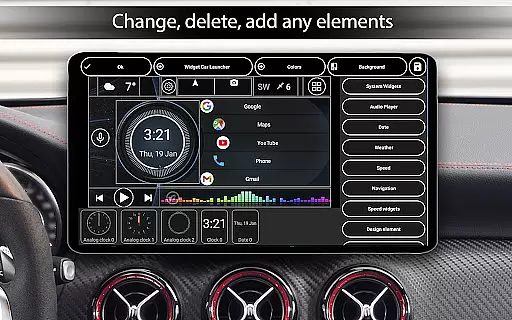
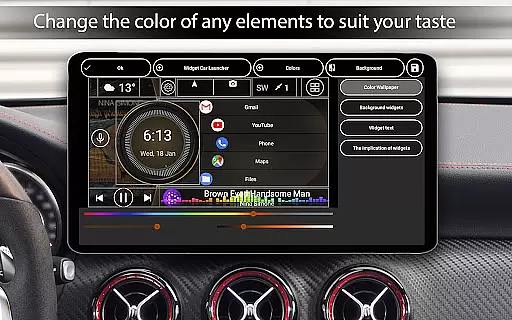
The app includes an onboard computer function that provides detailed statistics like average speed, total mileage, and acceleration benchmarks. These metrics are accessible via a slide-out menu and can be reset for each trip. Additionally, users can enjoy advanced customization options such as theme selection, color adjustments, and widget management, ensuring that the launcher fits their specific needs and preferences.
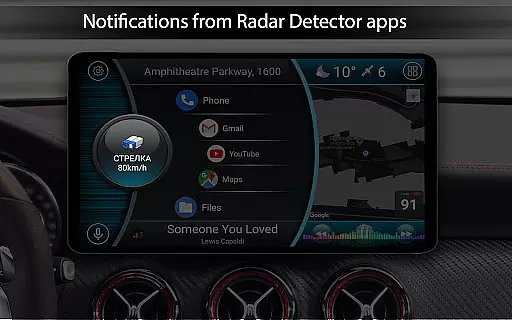
Furthermore, Car Launcher Pro supports system widgets and third-party add-ons, allowing for expanded functionality. Drivers can enable automatic brightness control, set up a screensaver with numerous configurations, and even integrate weather updates directly onto the home screen. Such features make this app not only practical but also adaptable to different driving conditions and personal tastes.
Car Launcher Pro provides comprehensive vehicle data through its advanced GPS-based system. This feature allows drivers to access real-time speed readings, distance traveled, and average speed calculations for various time periods.
The application's onboard computer functionality goes beyond basic metrics by offering detailed performance statistics. Users can view maximum speed records, acceleration times from 0 to 60/100/150 km/h, and quarter-mile performance results, all calculated using precise GPS data tracking.
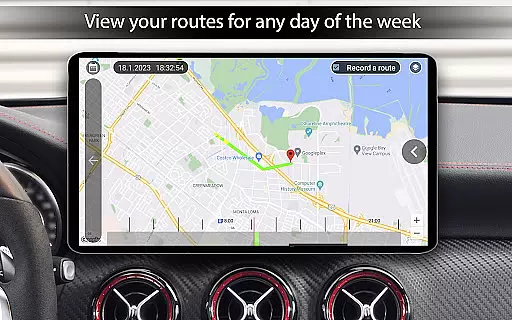
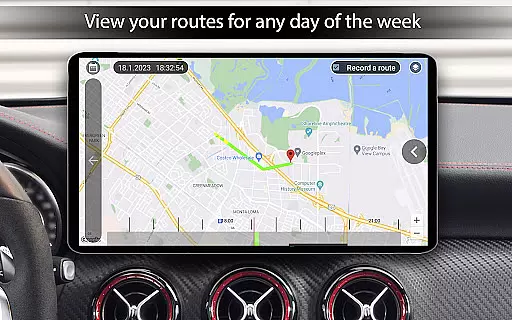
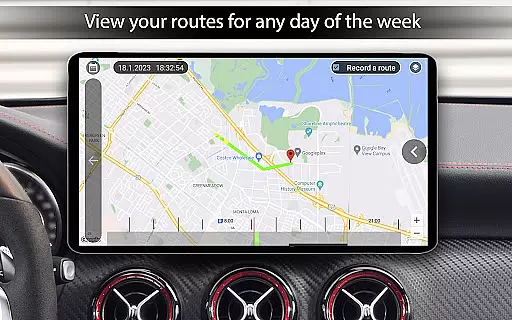
What sets this vehicle information system apart is its customizable display options. Drivers can choose to view data for specific time frames including current trip, daily, weekly, or monthly periods, with the ability to reset statistics at any point.
This detailed vehicle monitoring system proves invaluable for both casual drivers and automotive enthusiasts who want to track their vehicle's performance while maintaining safe driving practices through easily accessible information.
Car Launcher Pro offers a clear pricing structure through its free and premium versions. The basic version provides essential launcher functions and vehicle data tracking without any cost, making it accessible for users who need fundamental car interface features.
For advanced users seeking more sophisticated functionality, the PRO version unlocks additional capabilities. These include unlimited folder creation for application organization, enhanced customization options, and extended widget functionalities that cater to power users' needs.
The application maintains complete transparency regarding its premium features. Users can preview all available PRO functionalities within the app interface before making any purchasing decisions, ensuring they understand exactly what they are paying for.
This straightforward approach to pricing ensures that users can select the version that best suits their requirements without worrying about hidden costs or unexpected charges during use.
User-friendly interface
Customizable themes
Real-time speed display
Extensive widget support
Comprehensive trip data
Limited free version
Background GPS drains battery
Complex setup required
Premium features costly
Occasional bugs reported

On the CarShield app, you can view contracts, make payments, & request roadside.
 4.40
4.40
OBD diagnostics, Live Data, DPF regeneration for BMW
4.00
Monitor specific TOYOTA parameters by adding this plugin to Torque Pro.
2.00
Autolist - The Largest Selection of Local Used Cars and Trucks
4.50
Discover new and used cars in Syria easily! Browse ads and connect with sellers.
3.70
Oil change service & coupons for car maintenance at Valvoline Instant Oil Change
4.70
Monitor your behind-the-wheel behavior to become a safer driver and save.
4.10
DMV practice test 2025: Driver License permit test & written test for all states
4.70
Shop, finance, or sell today.
4.80
Browse millions of cars, track vehicle listings or sell your car today
4.70
Get price alerts, vehicle history details and more for cars near you!
4.50
A smarter way to park and reserve your spot ahead of time.
4.40
myAudi offers users services and Audi connect services for Audi drivers
4.10
The Smarter Way Forward
3.30
O'Reilly Pro will streamline your parts lookup and ordering process!
3.20
Earn and save with Fuel Rewards®
3.20
Theme for Car Launcher
4.4
DIY Vehicle Wheel Alignment
4.0
Theme for Car Launcher
4.5




User Reviews