
ComicScreen is a versatile comic reader and manager designed for comic enthusiasts. This app supports various compressed file formats including zip, rar, cbz, cbr, and pdf, making it easy to access your favorite comics in one place. With support for multiple image formats such as jpg, png, gif, bmp, tiff, webp, and avif, users can enjoy high-quality visuals without compatibility issues.
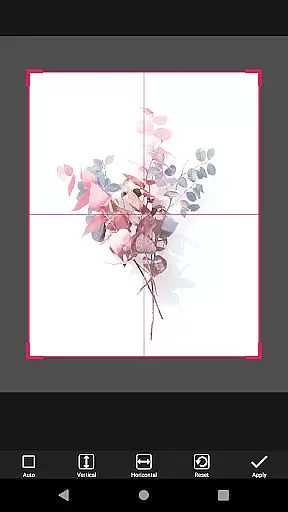
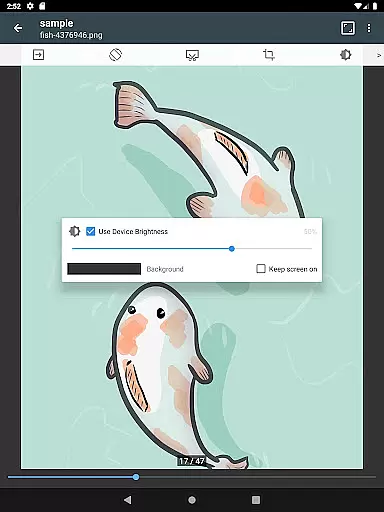
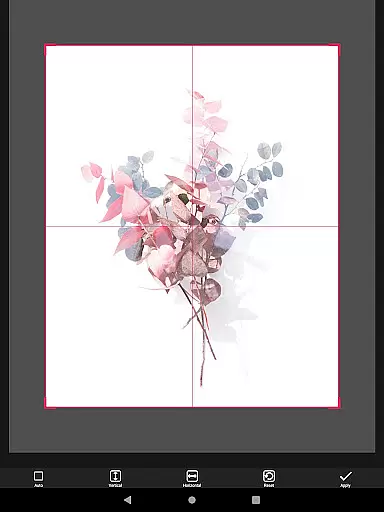
The app offers advanced features like smooth image scrolling, bookmark previews, and page move previews, ensuring an optimal reading experience. Its intuitive interface includes horizontal and vertical view modes, automatic page sorting, and margin cutting. ComicScreen also provides practical tools for file management, such as folder and file explorer functions, USB-OTG drive support, and network connectivity options like SMB and FTP.
Whether you're organizing your digital library or immersing yourself in a good comic, ComicScreen delivers both functionality and convenience. The app's comprehensive feature set makes it an ideal choice for managing and enjoying your comic collection on the go.
ComicScreen stands out with its extensive list of features tailored for comic readers. One of its key strengths is the ability to handle various file types effortlessly. Users can open compressed files such as zip, rar, cbz, cbr, and pdf directly within the app, eliminating the need for external extraction tools. Additionally, the support for diverse image formats ensures that all your comic files will display correctly, regardless of their original format.
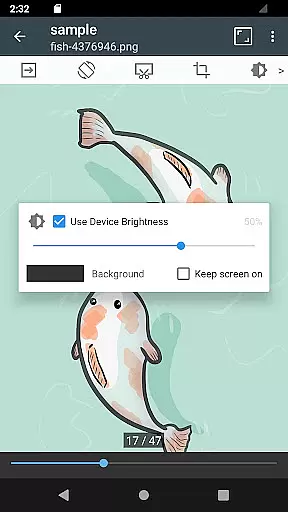
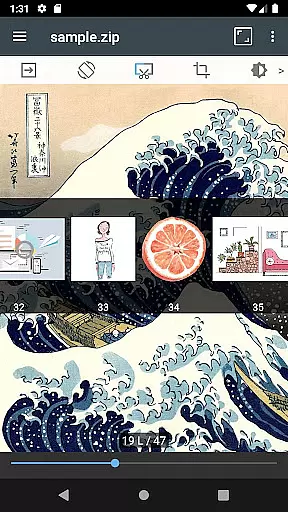
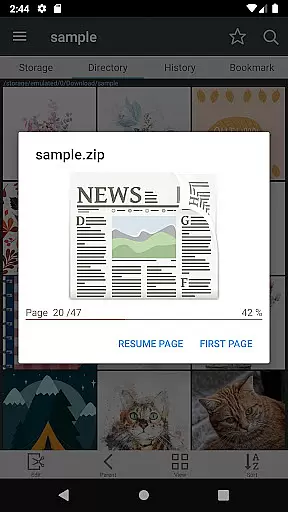
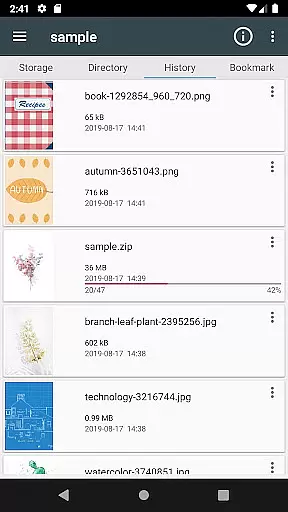
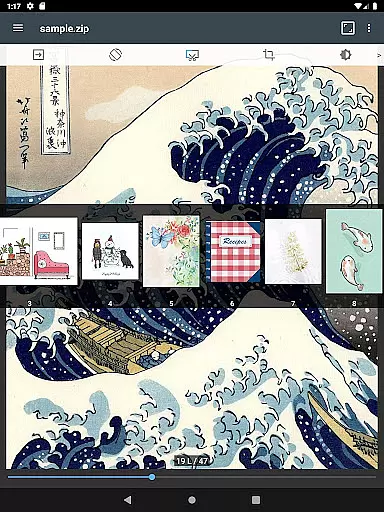
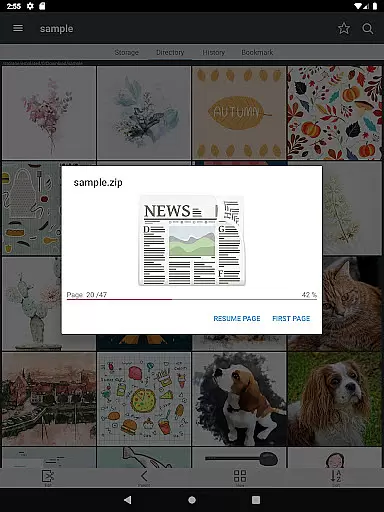
The app provides several innovative viewing options. For instance, the horizontal view mode allows readers to see two pages at once, mimicking a real book experience. The vertical view mode focuses on single-page viewing, which is perfect for detailed panels. Features like smooth image scrolling, automatic page resorting, and hardware key navigation enhance the overall reading experience. The bookmark preview and zip file quick view options make it easy to jump back into your reading without losing your place.
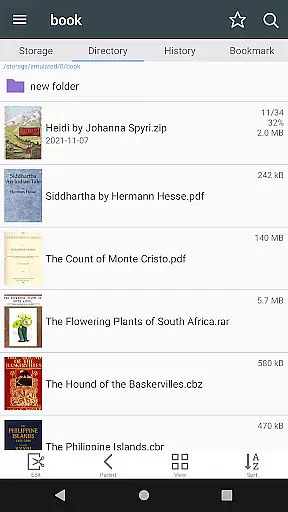
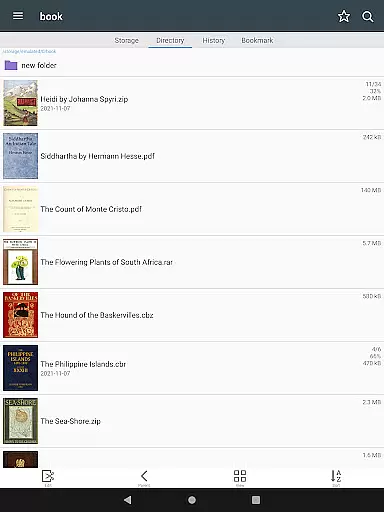
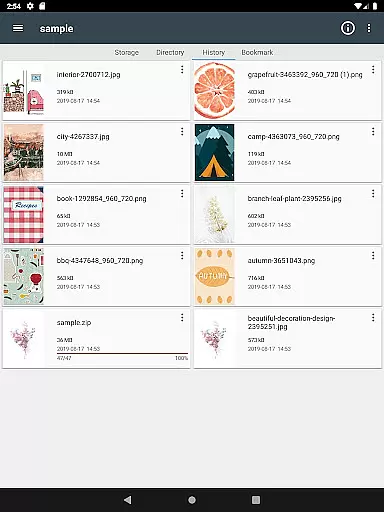
ComicScreen also excels in file management capabilities. The built-in folder and file explorer lets users search, rename, and delete files directly from the app interface. With USB-OTG support and network connectivity through SMB and FTP, accessing files across different devices and locations becomes seamless. These features collectively ensure that ComicScreen is not just a comic reader but a complete comic management solution.
ComicScreen offers an extensive and versatile comic library that supports multiple file formats including zip, rar, cbz, cbr, and pdf. This ensures users can access their favorite comics in various compressed formats, providing flexibility and convenience.
In addition to supporting different file types, the app is compatible with numerous image formats such as jpg, png, gif, bmp, tiff, webp, and avif. This wide-ranging support allows users to enjoy high-quality visuals without worrying about format compatibility issues.
The application's comprehensive features like folder and file explorer, USB-OTG drive support, and network functionalities via smb and ftp make it easy for users to manage and access their comic collection. These tools ensure seamless navigation and organization of files, enhancing the overall user experience.
While ComicScreen does not host any images or compressed files directly within the app, it provides robust tools for users to manage and display their legally acquired content. The emphasis on personal file management respects user ownership and copyright laws.
By focusing on functionality rather than content provision, ComicScreen ensures that all displayed materials are authentic and properly licensed by default. Users can be confident that they are viewing their legitimate purchases or creations without any risk of copyright infringement.
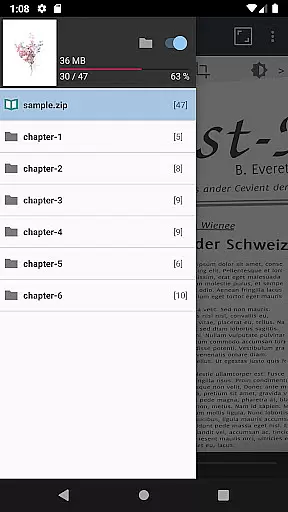
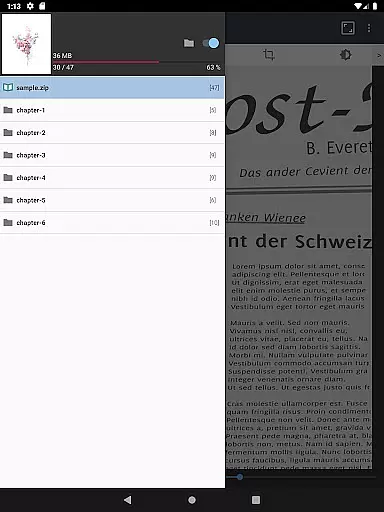
The app's features such as bookmark preview, automatic page resort, and chapter drawer support help maintain the integrity of the original content structure. These functions enable readers to enjoy their comics in the intended format while preserving the creator's artistic vision.
User-friendly interface
Extensive file support
Advanced viewing modes
Efficient file management
Network connectivity options
Limited social features
No cloud sync
Occasional bugs
Heavy on storage
Ads in free version

Read manga, comics, and manhwa
 4.0
4.0
TMOLector is an app to read all kinds of manga and stories!
4.50
Create your personalized cartoon comic strips & comic books.
3.20
Comic reader app: open ZIP, RAR, CBZ, CBR, and PDF files
3.00
Find free mangas in Spanish
4.70
Comic Scanner - Book Value - Identify and sell your comic collection with AI.
3.80
100k comics, manga & webcomics, including Batman, Invincible, Hellboy & more
4.60
Get the latest manga chapters daily, released simultaneously with Japan.
3.10
The largest manga, comics, and manhwa community with millions of fans!
4.50
The pure application on the Manga SWAT website
4.80
Dive into the App for Premium Comics, Webtoons and Manga!
4.80
Dive into creative online comics, short video, graphic novels and web novels!
4.60
Browse and read all your comics and mangas from YACReaderLibrary
4.20
Read webcomics & webnovels
4.20
MangaRise - Your Manga and Manhwa Companion
3.90
Anime TV App: Watch all anime online,anime tv subtitles online with big anime tv
3.80
from HipComic: Value Your Comic Book Collection with Just the Snap of a Photo.
3.80
More fun from BOM! Hurry up and do the following self-test, if you meet more than one item, come and experience the brand new world of comics!
3.40
Experience the largest selection of DC comics anywhere with DC UNIVERSE INFINITE
3.40



User Reviews