
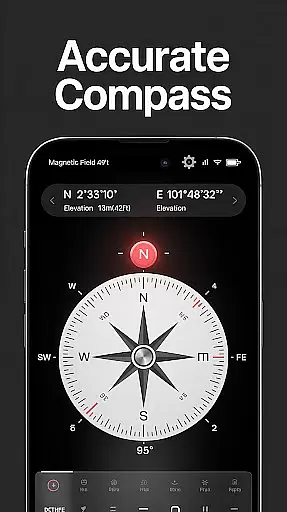
Compass - Directional Compass is a top-tier navigation app designed to provide accurate directional guidance for various activities. Whether you are hiking in the wilderness, traveling to new cities, or exploring uncharted territories, this app ensures you always know your way. The app offers real-time precision in locating cardinal directions and includes advanced features like GPS coordinates and magnetic field detection.
In addition to its core navigational abilities, Compass - Directional Compass also provides versatile functionalities such as map integration and tilt meter tools. These features make it suitable not only for outdoor adventures but also for professional applications like maritime navigation and Feng Shui direction assessments. With an intuitive user interface and customizable themes including night mode, users can enjoy seamless navigation regardless of their environment.
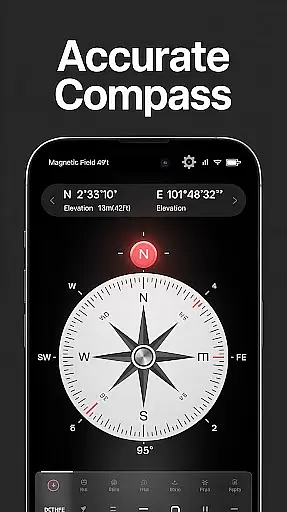
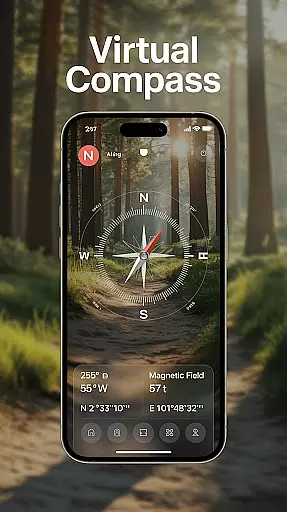
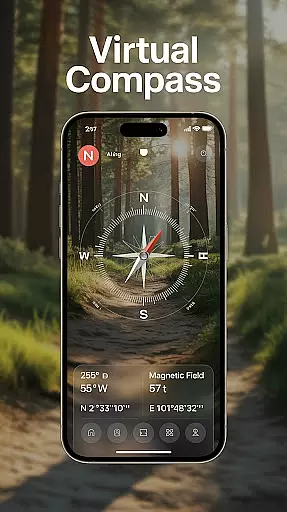
Compass - Directional Compass stands out with its comprehensive feature set tailored for both casual users and professionals. The app's real-time digital compass operates in both traditional and modern modes, ensuring smooth and precise navigation. It also incorporates GPS functionality, providing exact latitude, longitude, and altitude readings which are crucial for accurate positioning in unknown terrains.
For enhanced usability, the app detects magnetic interference, ensuring reliable readings even in challenging environments. Additional features include map integration for route planning, a built-in inclinometer for measuring tilt and angles, and offline capabilities allowing use without an internet connection. Customizable themes and night mode further enhance user experience by adapting to different lighting conditions.
Map accuracy is essential for reliable navigation and location tracking. Compass - Directional Compass ensures precision by utilizing advanced GPS technology to provide real-time latitude, longitude, and altitude data.
The app's digital compass mode offers smooth and accurate directional guidance, whether you're determining North, South, East, or West. This level of accuracy is crucial for outdoor activities like hiking, camping, or maritime navigation.
Users benefit from the magnetic field detection feature, which alerts them to potential interference that could affect readings. This ensures that the displayed directions remain consistent and trustworthy in various environments.
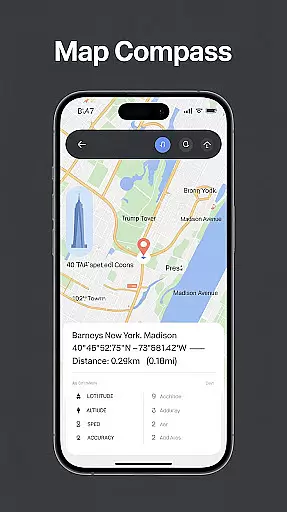
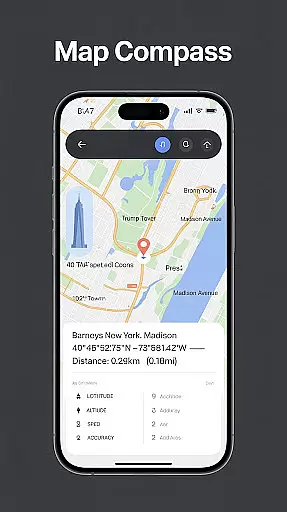
Effective route planning is vital for successful travel and exploration. Compass - Directional Compass enhances this process by integrating map functionality with its precise compass features.
With real-time location information and traditional compass modes, users can plan their routes more effectively. The tilt and level meter further assists in understanding terrain angles, making it ideal for complex navigation scenarios.
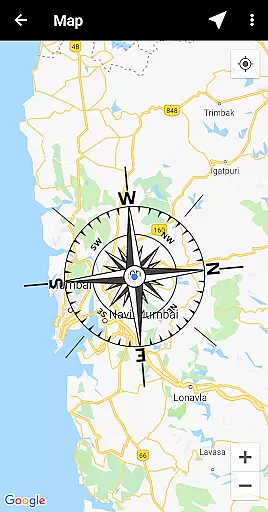
This app allows users to combine compass readings with maps for better orientation and decision-making on the go. Whether on a remote trail or in unfamiliar urban areas, these tools ensure efficient and accurate route planning.
User-friendly interface
Highly accurate navigation
Real-time GPS data
Offline functionality
Customizable themes
Limited augmented reality
No voice-guided directions
Occasional calibration needed
Ads in free version
Drains battery quickly

Discover over 800 points of interest along the canal.
 3.70
3.70
Number locator, real connection map
4.10
Use GPS maps or search by property owner, address or parcel to view parcel data
4.30
Parcel map, property lines, owner, acres, land use, zoning and more from Regrid.
4.60
Phone Tracker and GPS Location Sharing
4.20
Affordable rides and food delivery with incredible discounts in just one app.
4.50
ParkWhiz, an Arrive Mobility brand, part of the Arrive Network
4.30
Use GPS Maps and GPS Voice Navigation to find your way and get directions
4.10
Navigation, weather, offline maps & tools for smarter, safer travel planning.
4.00
Ride or drive at YOUR price
4.70
Neshan: map & navigation app with 20M+ monthly active users
4.50
The fastest and most convenient way to pay for parking on our lots.
4.40
Plan routes, share locations, and set custom alert zones
4.40
Route Planner is travel map to get turn by turn navigation & driving directions
3.90
Get real-time bus and train schedules for easy, hassle-free city transportation.
3.90
Drive safe with real-time speed camera radar, police, and traffic alerts
3.80
Explore Live Earth Map with 3D World Map & locate cites, mountains real time.
3.80
Offline maps for phone and smart watch: topographic maps, satellite images...
3.30
Fully offline 1:50k New Zealand topographical map North Island
4.0



User Reviews