
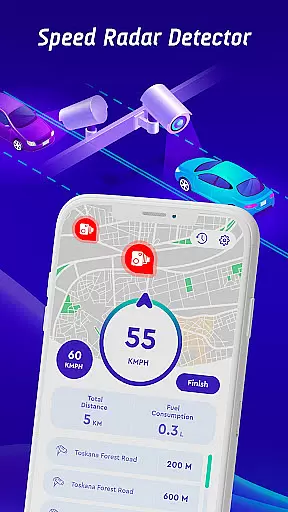
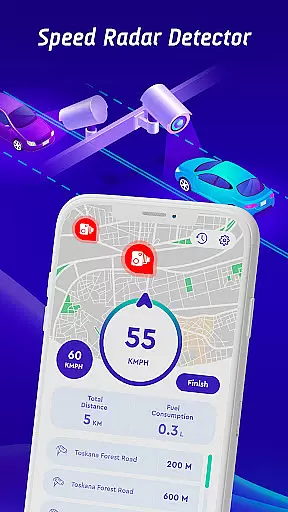
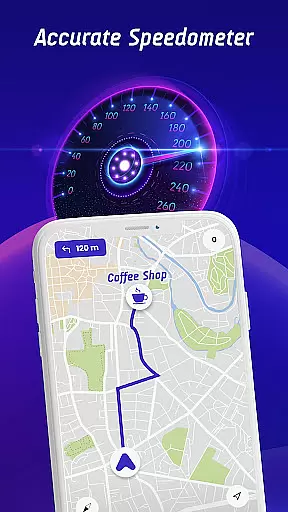
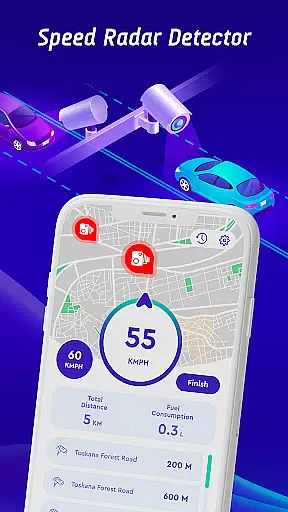
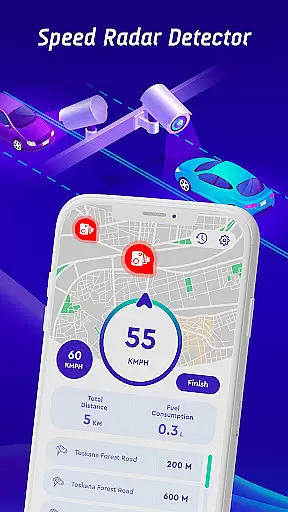
Offline Maps, GPS, Speedometer is a comprehensive driving companion app that combines multiple essential features for safe and informed journeys. The app provides real-time alerts for speed cameras, traffic lights, and other potential hazards through its advanced radar detection system. With an integrated head-up display (HUD), users can access crucial information like speed limits and traffic alerts directly on their windshield without distraction.
In addition to its safety features, the app offers offline map navigation, allowing drivers to use GPS functionalities without an internet connection. This makes it particularly useful in areas with poor network coverage. The inclusion of live world cameras lets users view real-time video streams from iconic global locations, adding an element of exploration to your travels. Whether commuting daily or embarking on long road trips, this app ensures you stay within speed limits while enjoying a safer driving experience.
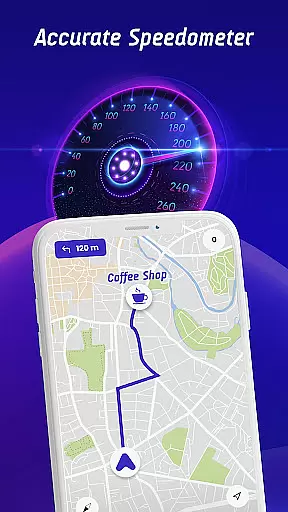
The app stands out with its diverse feature set tailored for various driving scenarios. One of its key innovations is the vehicle-specific speed limit alerts, which cater to cars, bikes, and trucks individually. This customization ensures that each driver receives relevant notifications based on their specific vehicle type. Additionally, the crowdsourced speed camera reporting feature empowers users to contribute to a community-driven database of speed checks, enhancing accuracy and timeliness.
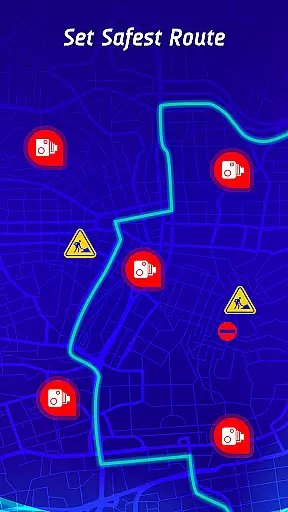
Another notable aspect is the travel history functionality, which allows users to review past trips, analyze speed patterns, and track encounters with speed traps. This data-driven approach helps drivers improve their habits over time. The safest route recommendation engine takes into account real-time traffic conditions, active hazard points, and speed camera locations to suggest optimal paths. These features collectively create a robust ecosystem designed to make every drive as safe and efficient as possible.
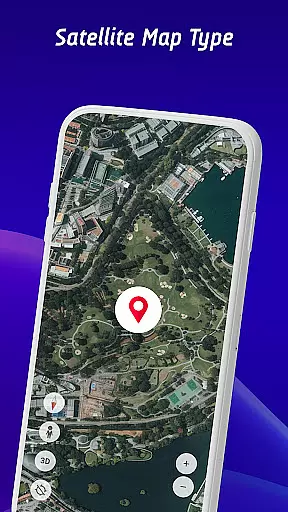
Map accuracy is essential for any navigation app, and the Offline Maps, GPS, Speedometer app excels in this area. The app combines real-time data from various sources to provide users with the most accurate maps possible. This includes information on speed cameras, traffic lights, and other potential hazards.
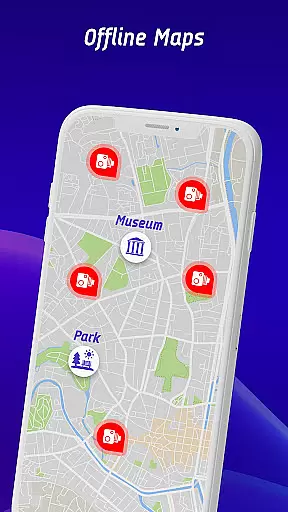
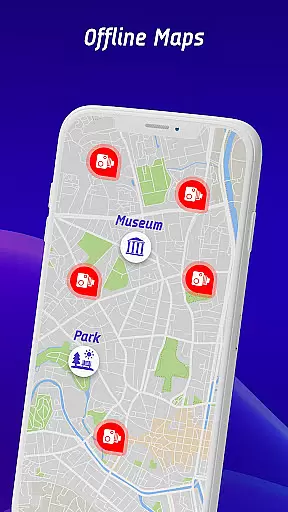
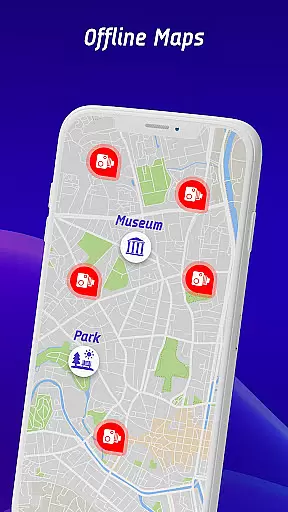
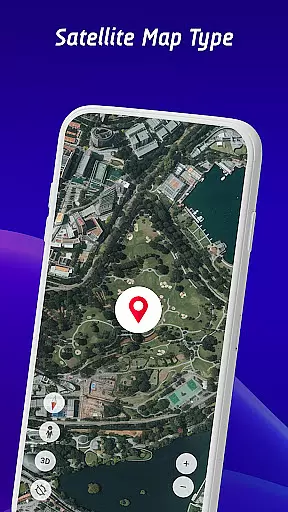
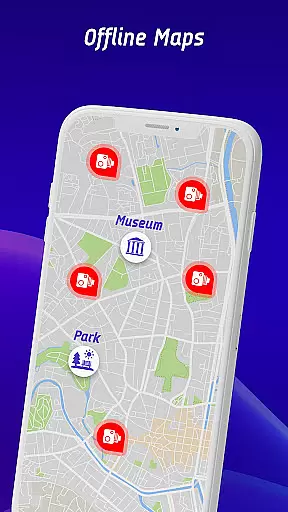
The app's offline maps feature ensures that users can access accurate map data even without an internet connection. This is particularly useful when traveling in areas with poor connectivity or when wanting to conserve mobile data. Users can download maps for specific regions and enjoy precise navigation regardless of their location.
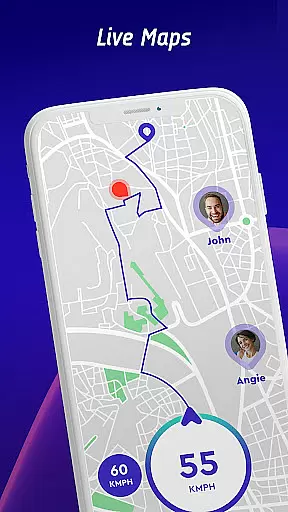
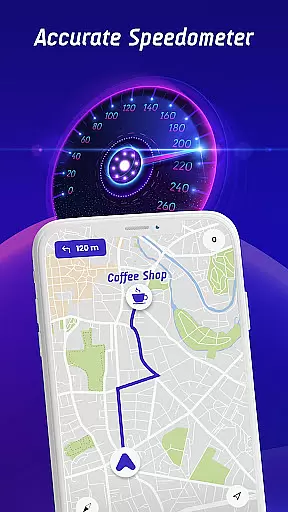
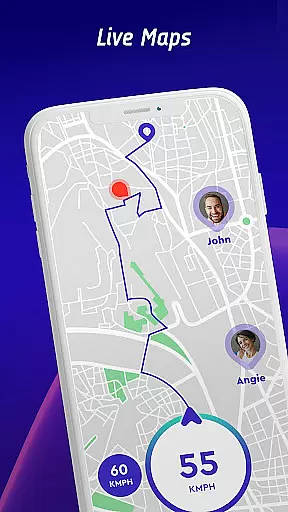
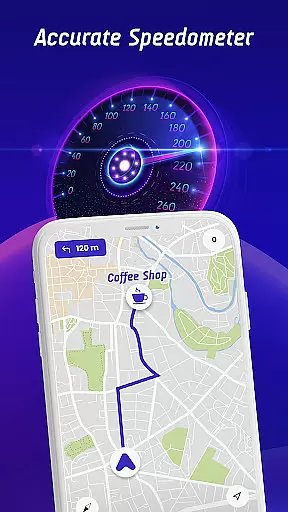
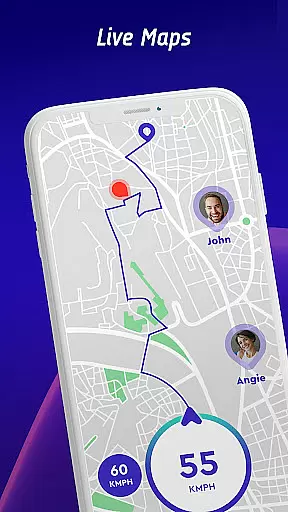
By integrating GPS functionality, the app offers real-time location tracking and route guidance. Whether driving in a city or exploring remote areas, users can rely on the app to deliver accurate directions and up-to-date map information. This level of precision helps drivers stay informed about their surroundings and make safer decisions on the road.
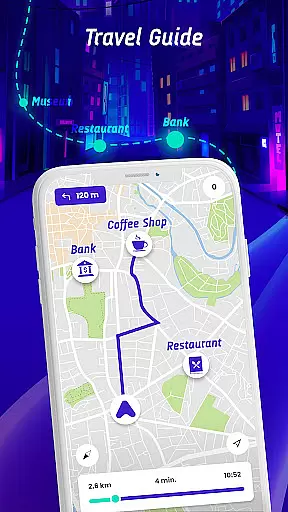
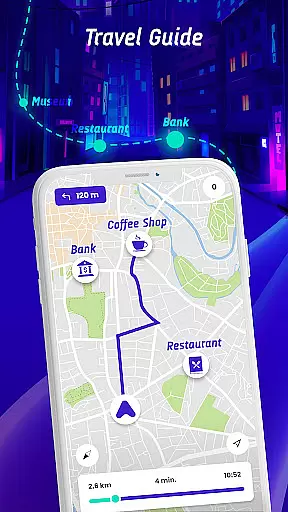
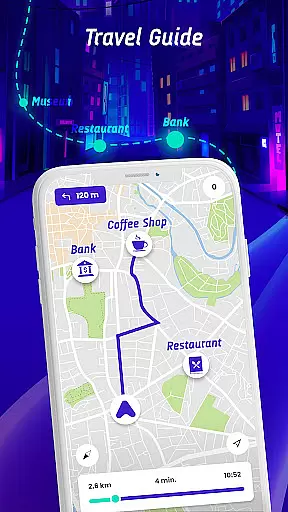
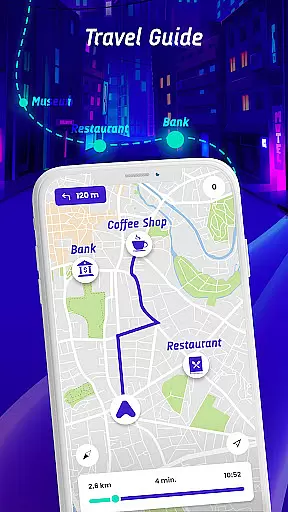
Effective route planning is a core feature of the Offline Maps, GPS, Speedometer app, designed to enhance the driving experience. The app provides multiple route options based on real-time traffic conditions, speed camera locations, and user preferences. This ensures that drivers can choose the safest and fastest paths to their destinations.
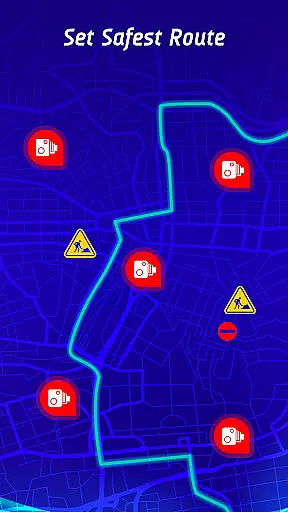
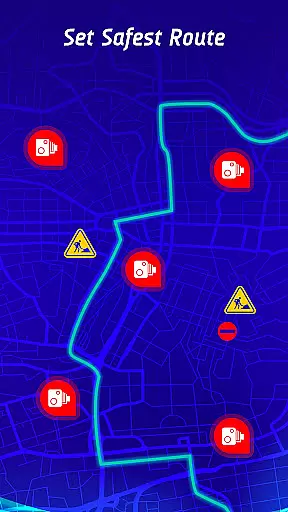
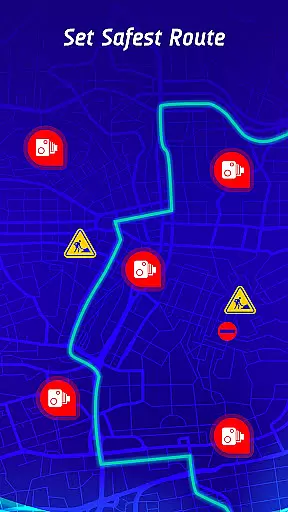
In addition to standard route planning, the app offers a unique safest route feature. By analyzing active hazards and points of interest (POIs), it recommends routes that minimize risks and ensure a smoother journey. Drivers can avoid areas with heavy traffic, frequent speed checks, or other potential dangers.
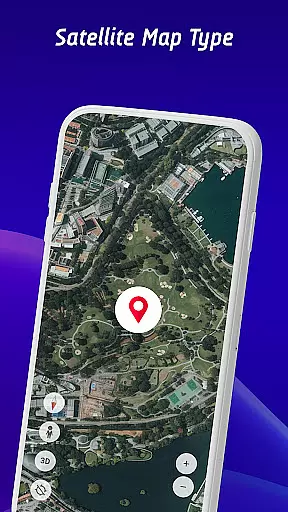
The integration of live world cameras adds another layer of utility to route planning. Users can view real-time video streams from iconic locations worldwide, allowing them to make informed decisions about their travel plans. With these comprehensive tools, the app empowers drivers to navigate confidently and efficiently, no matter where their journeys take them.
User-friendly interface
Real-time hazard alerts
Offline map support
Vehicle-specific warnings
Crowdsourced updates
Occasional false alarms
Drains battery quickly
Limited free features
Requires frequent updates
Complex setup process

Compass is an accurate compass and a great tool for any outdoor activities
 4.2
4.2
Find AI powered cameras, ALPRs, and other surveillance infrastructure near you
4.70
All of NHSA's trail information at your fingertips for the 2025-2026 season
4.4
Parcel map, property lines, owner, acres, land use, zoning and more from Regrid.
4.60
Your real-time window to the world. Explore anywhere, anytime.
3.30
Explore Live Earth Map with 3D World Map & locate cites, mountains real time.
3.80
Route Planner is travel map to get turn by turn navigation & driving directions
3.90
Avoid delays. Get real-time GPS navigation, safety alerts and live traffic.
4.10
Rideshare, taxi cabs, and more for your airport travels and everyday trips.
4.50
Ride or drive at YOUR price
4.70
Find EV & Tesla charging stations with PlugShare
4.70
Navigate with your watch and keep the phone in your pocket!
4.60
Complete offline 1:50k South Island topo map including DOC Hunting Permit Areas
4.60
CamSam PLUS - The speed and red light camera warning system!
4.40
Explore a light pollution map to find suitable dark sky locations for observing.
4.30
Phone Tracker and GPS Location Sharing
4.20
Navigate seamlessly with Real-Time Traffic, Offline Maps, and Voice Navigation.
4.10
Explore the world with Live Satellite View, 3D Maps, GPS Navigation & Earth Map.
2.90
Fully offline 1:50k New Zealand topographical map North Island
4.4







User Reviews