
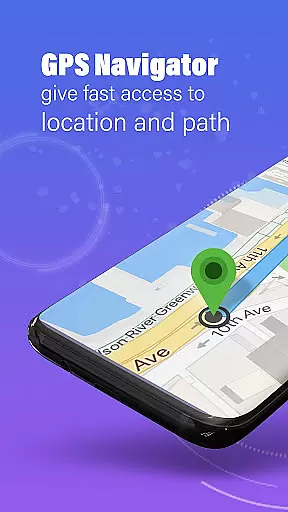
GPS, Maps, Driving Directions is a comprehensive navigation app designed to cater to all your travel needs. Whether you are driving, walking, or cycling, this app provides accurate navigation, real-time traffic data, and turn-by-turn directions to ensure you reach your destination quickly and efficiently. With features like offline maps, location sharing, and voice navigation, it offers a seamless travel experience.
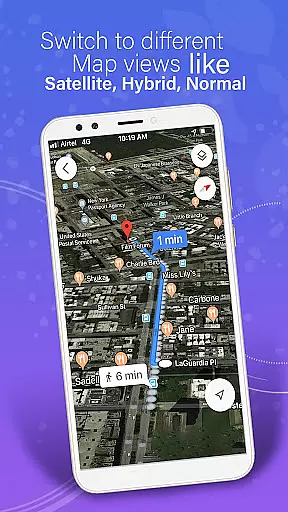
The app stands out with its detailed maps, precise GPS navigation, and customizable routes that match your travel preferences. It also includes advanced tools such as a built-in compass, weather alerts, and automatic rerouting, making it perfect for daily commuting, road trips, or exploring new places. The ability to download offline maps ensures uninterrupted navigation even without an internet connection.
For users who prioritize safety and coordination, the app allows real-time location tracking and sharing with friends and family. Its private circles feature enables you to track members in real time, ensuring peace of mind during travels. Overall, GPS, Maps, Driving Directions is a versatile tool that combines accuracy, convenience, and safety, making every journey stress-free.
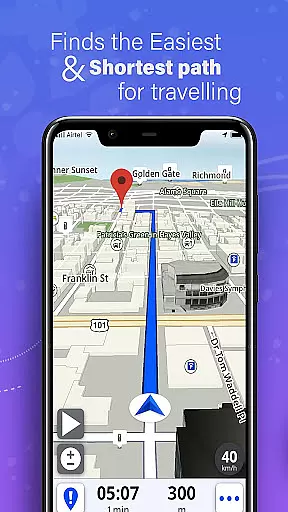
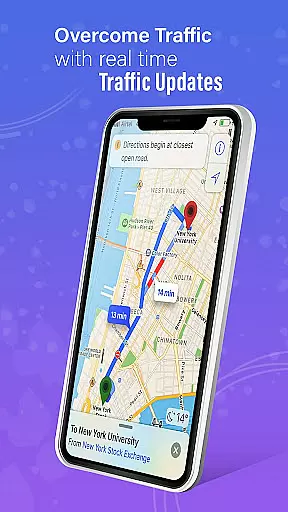
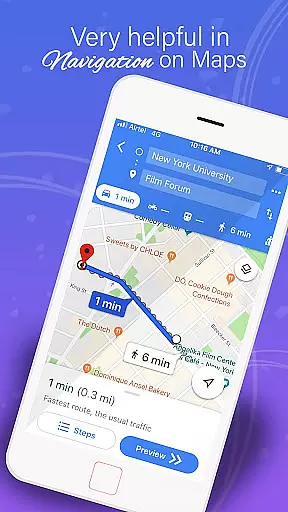
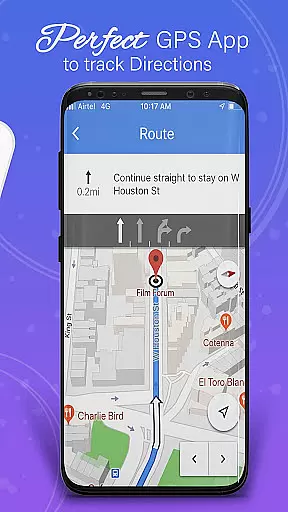
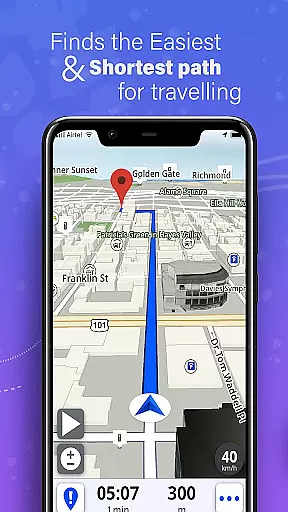
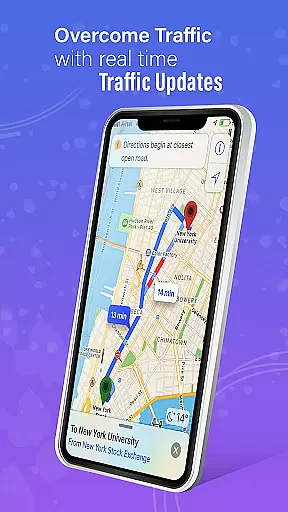
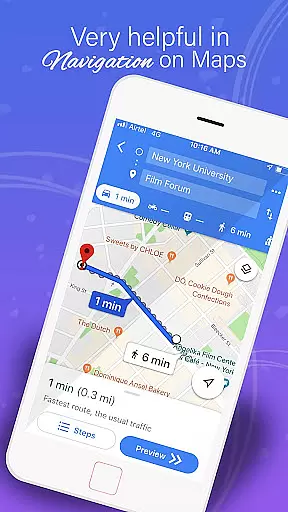
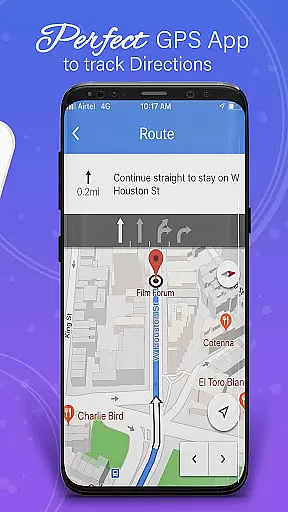
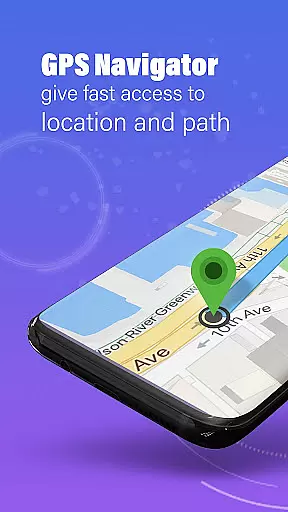
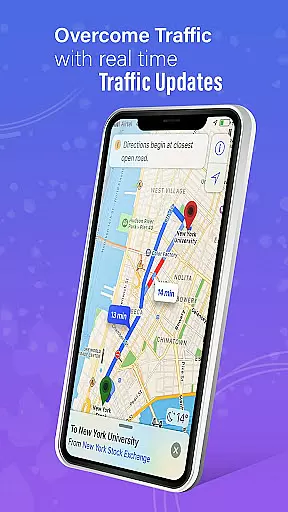
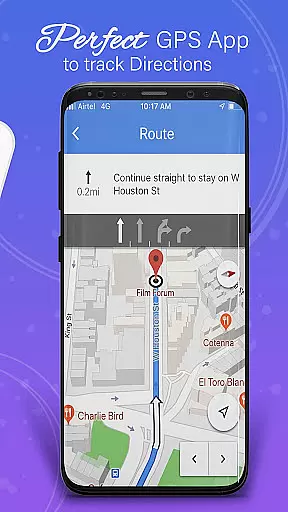
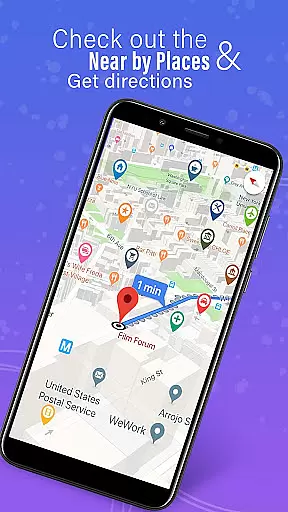
One of the standout features of GPS, Maps, Driving Directions is its robust set of navigation tools. The app provides highly detailed maps and precise GPS navigation, ensuring seamless travel experiences both on and off-road. Users can access turn-by-turn navigation, voice guidance, and real-time traffic updates, which help avoid congestion and find the fastest route available.
In addition to its online capabilities, the app supports offline navigation through downloadable maps. This feature is particularly useful for long trips in areas with spotty internet coverage. The built-in compass and GPS route finder further enhance the user experience by keeping travelers on track, while customizable routes allow users to plan their trips according to their preferences, whether they seek the shortest distance, scenic paths, or toll-free routes.
Another significant advantage is the app's focus on safety and coordination. It offers real-time location tracking and sharing, enabling users to keep their loved ones informed about their whereabouts. The private circles feature adds another layer of security by allowing users to track circle members in real time. These innovative features make GPS, Maps, Driving Directions not just a navigation app but a comprehensive travel companion.
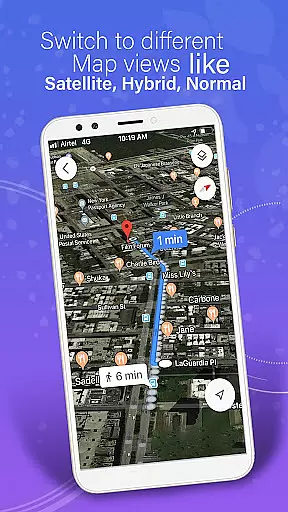
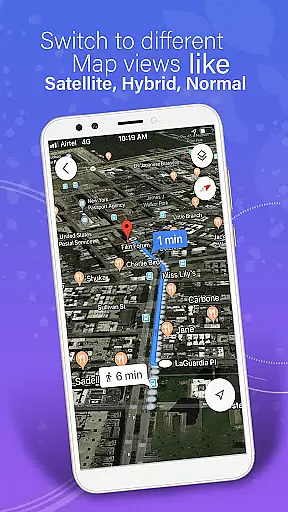
Map accuracy is a fundamental aspect of any navigation application, ensuring users reach their destinations efficiently and without unnecessary detours. The GPS, Maps, Driving Directions app leverages highly detailed maps and precise GPS navigation technology to deliver accurate location data for both on-road and off-road travels. This meticulous attention to detail in mapping ensures that users can trust the app's directions whether they are driving through city streets or exploring remote trails.
The app's commitment to accuracy extends to its offline functionality as well. Users can download offline maps, which retain the same level of precision even when internet connectivity is unavailable. This feature is particularly beneficial for travelers venturing into areas with limited network coverage, providing them with reliable navigation tools regardless of their location. With offline directions powered by a robust GPS route finder, users maintain access to accurate guidance at all times.
In addition to static map data, the app incorporates dynamic elements such as real-time traffic updates and weather alerts. These features enhance map accuracy by accounting for current road conditions, congestion, accidents, and environmental factors that may impact travel routes. By delivering instant updates on these variables, the app empowers users to make informed decisions about their journeys, ultimately leading to safer and more efficient travels.
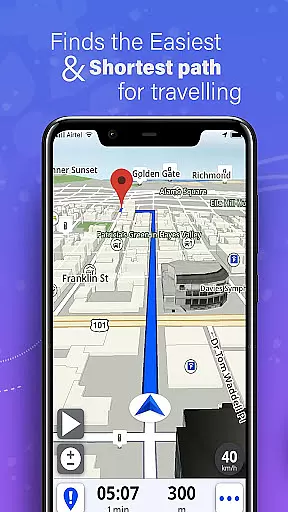
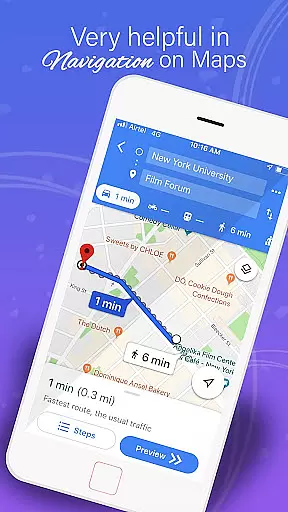
Route planning is an essential feature for anyone looking to optimize their travel experience, and the GPS, Maps, Driving Directions app excels in this area by offering a comprehensive suite of tools designed to streamline trip preparation. At its core, the app provides an easy-to-use route planner that helps users identify the most efficient paths available, taking into account various preferences such as speed, scenery, or avoiding tolls. This flexibility ensures that each journey can be tailored to individual needs and desires, enhancing overall satisfaction with the travel process.
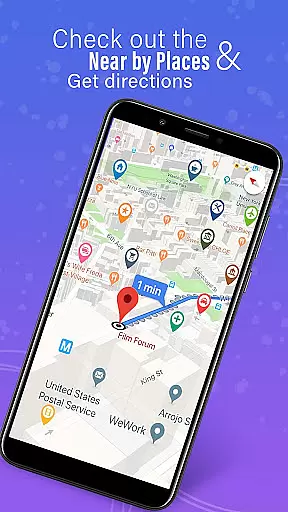
Beyond basic route selection, the app includes advanced capabilities like multi-stop navigation with route optimization. This circuit route planner allows users to input multiple destinations and automatically calculates the optimal order for visiting each stop, saving time and reducing travel fatigue. Whether planning a daily commute, a cross-country road trip, or an urban exploration adventure, these sophisticated planning tools ensure that every outing is as smooth and enjoyable as possible.
The app further distinguishes itself through customizable route options and automatic rerouting features. Users can adjust their planned routes based on real-time information, such as traffic congestion or unexpected road closures, with the system quickly adapting to provide alternative suggestions. Even when operating in offline mode, the app maintains its ability to recalculate routes using pre-downloaded map data. This combination of customization, automation, and reliability makes the GPS, Maps, Driving Directions app an invaluable companion for any traveler seeking to maximize their efficiency while minimizing stress during their journeys.
User-friendly interface
Accurate GPS navigation
Offline map availability
Real-time traffic updates
Voice-guided directions
Occasional GPS inaccuracies
Heavy battery consumption
Limited public transport info
Ads in free version
Complex settings menu

Route schedules, maps, and real-time tracking of MTA buses in New York City.
 4.20
4.20
Find 93 Octane Gas: Locate Gasoline Stations Selling Premium 93 Octane or Higher
4.1
Explore with GPS Navigation with GPS offline, voice GPS, speed camera radar
4.60
Bolt is a ride-hailing app for requesting fast, safe, and affordable transport
4.80
Truck Safe GPS Navigation & Maps: Parking, Fuel, Diesel, Weight Station
4.80
Gas Station & Fuel Rewards Points
3.70
Simple & easy to use a compass app. Get accurate directions.
4.20
Lets explore the world's famous places by using Live Cams, GPS & Satellite View.
4.20
GPS phone tracker, family locator, secure location sharing app
4.20
Track friends in real-time and explore worldwide live cameras.
4.60
GPX Viewer PRO shows tracks, routes and waypoints from gpx and kml files.
4.60
The fastest and most convenient way to pay for parking on our lots.
4.40
Use GPS maps or search by property owner, address or parcel to view parcel data
4.30
Use GPS Maps and GPS Voice Navigation to find your way and get directions
4.10
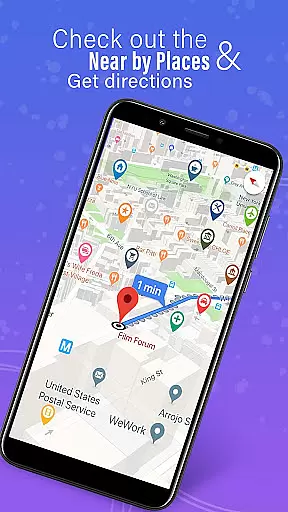
Get route, find shortest path, near by places and weather update
3.90
Explore Live Earth Map with 3D World Map & locate cites, mountains real time.
3.80
Explore offline maps with radar, satellite view, and real-time alerts.
3.60
Off-Roading Navigation App With Trails, Public Lands, & Private Property Info
3.30
Compass is an accurate compass and a great tool for any outdoor activities
4.2






User Reviews