
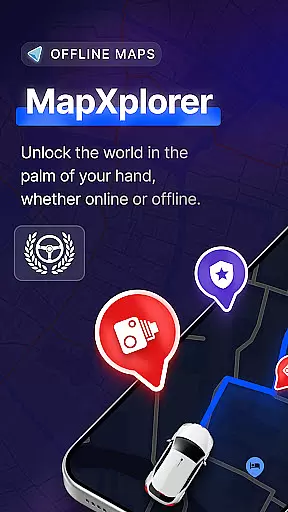
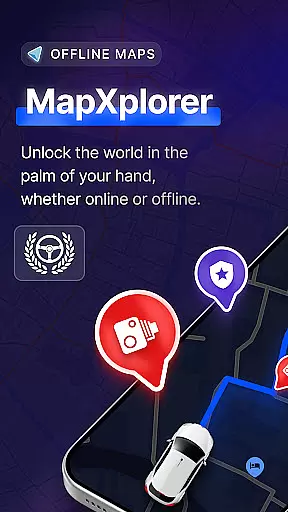
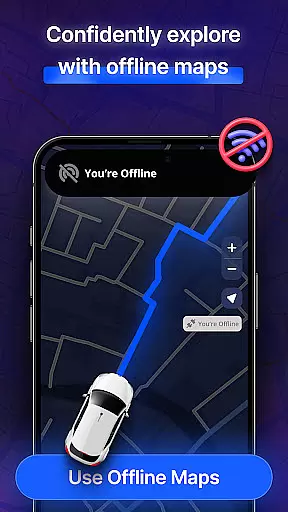
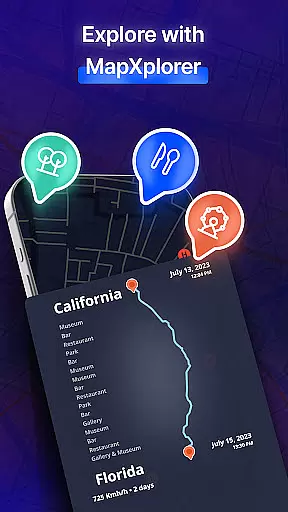
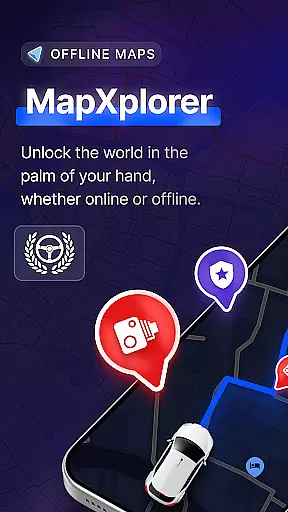
MapXplorer is a cutting-edge offline 3D map application designed to enhance your travel experience through advanced navigation features. The app offers an extensive range of functionalities including offline maps, radar systems, and AI-driven co-pilot assistance. These tools collectively ensure that users can navigate efficiently even without an internet connection.
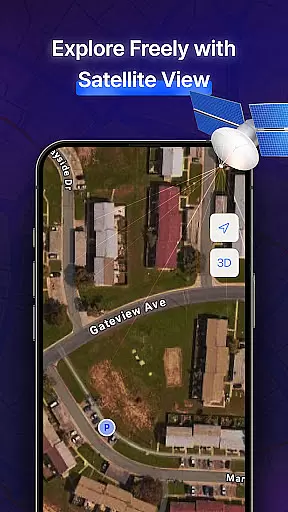
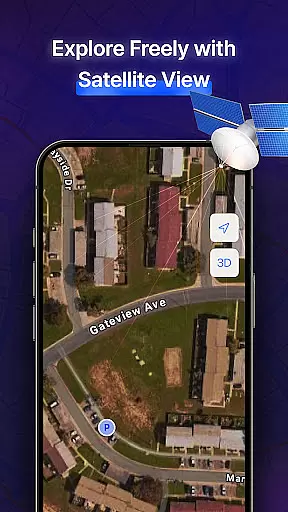
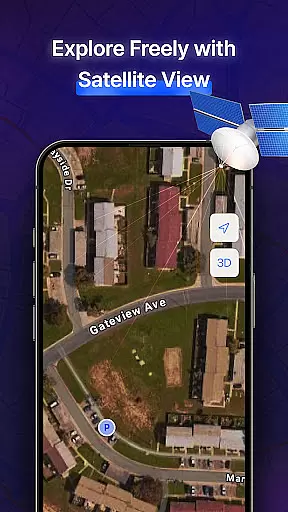
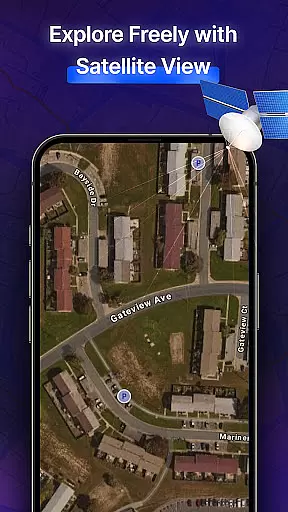
One of the standout features of MapXplorer is its ability to provide realistic 3D and satellite views, allowing users to explore cities and terrains with remarkable detail. Additionally, the inclusion of real-time alerts for road hazards and speed checks ensures a safer journey. Whether you're traveling in urban areas or remote locations, MapXplorer equips you with all the necessary tools to make your trips seamless and secure.
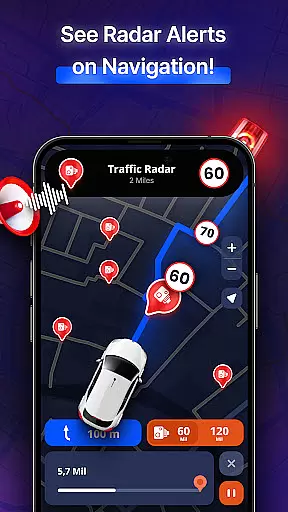
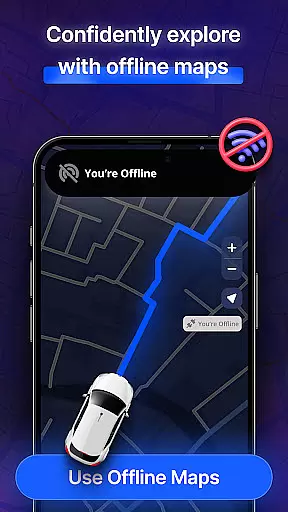
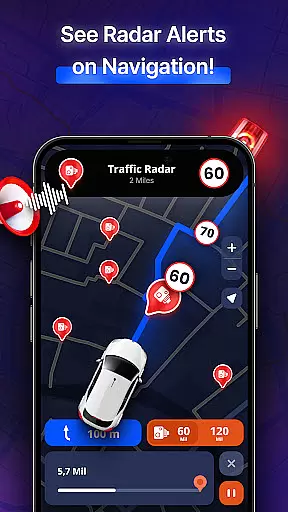
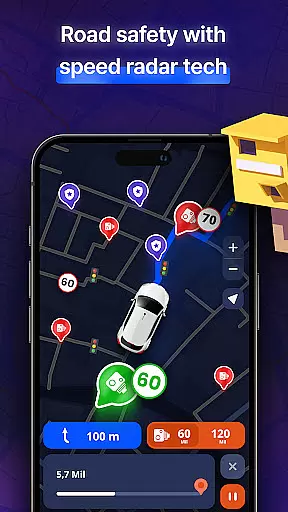
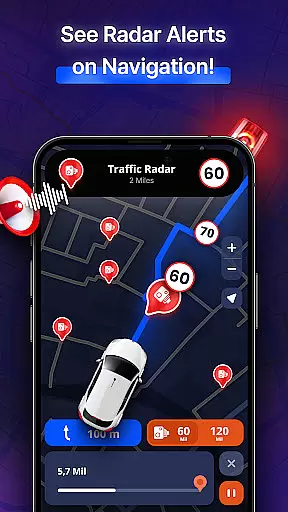
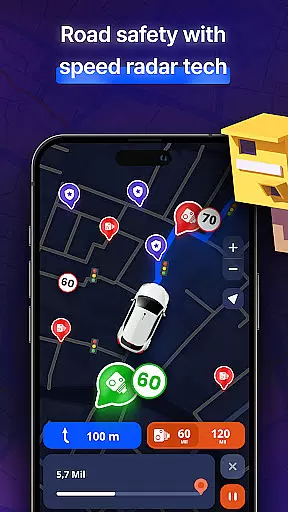
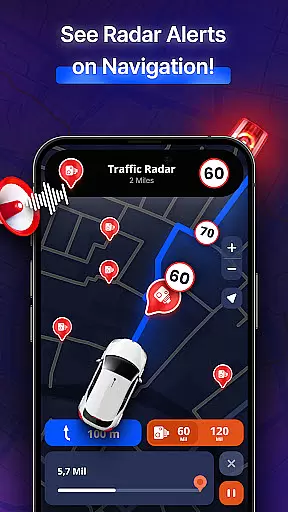
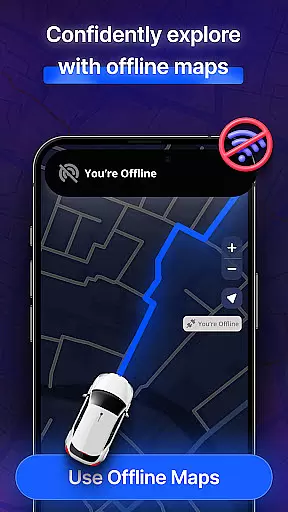
MapXplorer stands out due to its comprehensive feature set tailored for modern travelers. The offline map functionality allows users to download maps and access them without an internet connection, making it ideal for use in areas with poor connectivity. The radar system provides real-time information about nearby points of interest and potential road hazards, ensuring that drivers are always aware of their surroundings.
The AI Co-Pilot feature elevates the driving experience by offering real-time voice guidance and smart route recommendations. This personalized assistant adapts to individual driving styles, providing tailored tips to enhance safety and efficiency on the road. Furthermore, the app's user-friendly interface simplifies navigation, enabling users to search locations, save favorites, and smoothly pan and zoom across detailed maps. With reliable security measures in place, MapXplorer ensures that user data remains private and protected.
Map accuracy is a cornerstone of MapXplorer's functionality, ensuring users can rely on precise location data for their travels. The app offers detailed 3D and satellite views that provide realistic representations of cities and roads, enhancing the navigation experience.
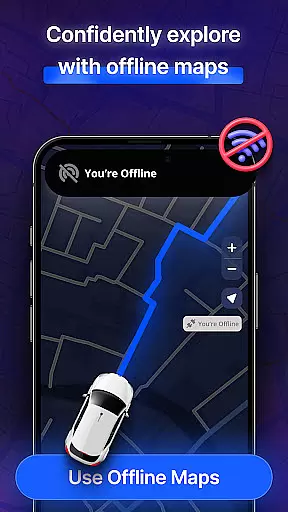
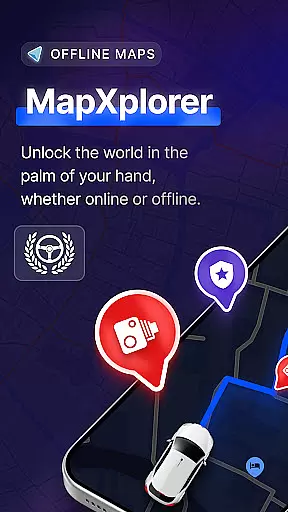
With offline maps as a key feature, MapXplorer allows users to download high-fidelity maps for use without an internet connection. This ensures that even in areas with poor connectivity, travelers have access to reliable mapping information, which is crucial for both urban exploration and remote adventures.
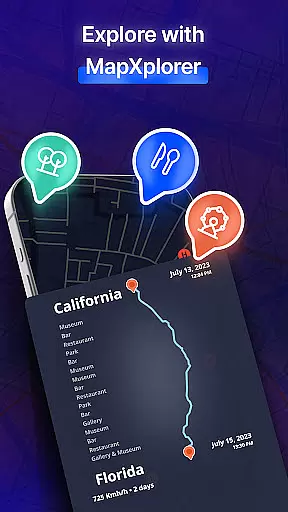
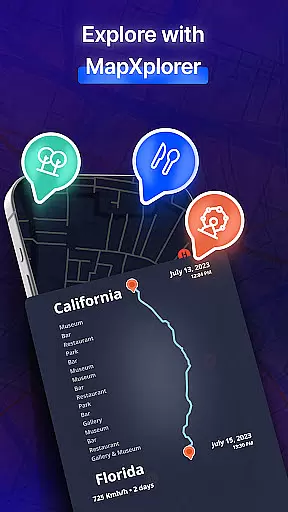
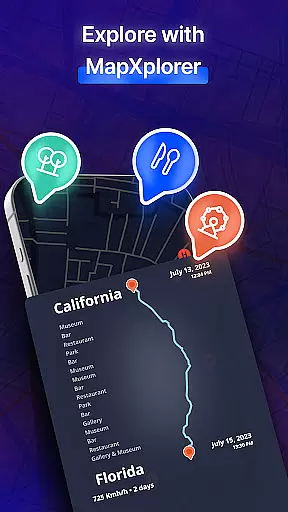
The application's dedication to accuracy extends to its points of interest (POI) database, which is populated with current and relevant locations. Users can discover nearby amenities and attractions with confidence, knowing that each POI is accurately represented on the map.
Overall, MapXplorer's commitment to map accuracy empowers users to navigate with assurance, whether they're on a city road or exploring off the beaten path. The precision in mapping not only aids in efficient travel but also enriches the journey by unveiling the world's details at the user's fingertips.
Route planning is an essential feature of MapXplorer, designed to make journeys as efficient and stress-free as possible. With smart tools like AI Co-Pilot, users receive real-time voice guidance and personalized driving tips, adapting to individual driving styles for a safer trip.
The app supports various vehicle types including cars, trucks, and motorcycles, allowing for tailored route suggestions that consider the specific needs of each vehicle. Whether it's navigating through bustling city traffic or plotting a course for a serene countryside ride, MapXplorer provides optimal paths.
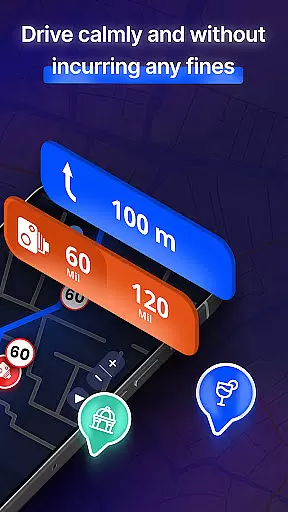
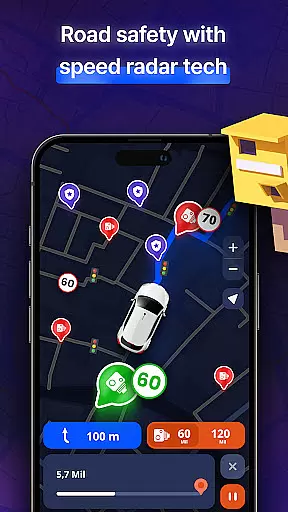
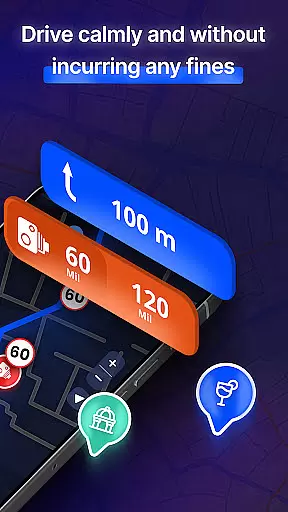
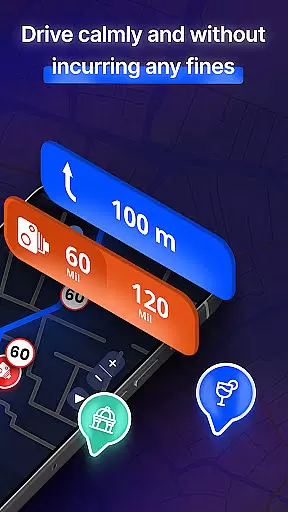
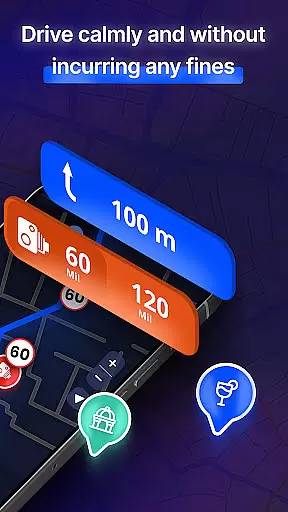
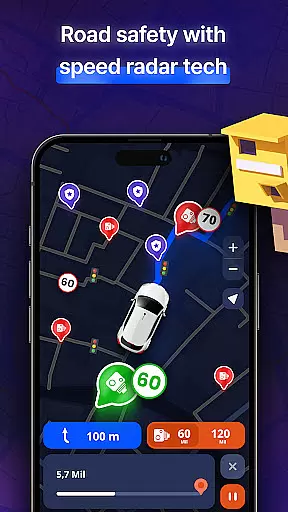
In addition to vehicle-specific routing, MapXplorer keeps drivers informed about potential road issues with real-time alerts. Warnings for traffic jams, accidents, mobile radars, and other hazards ensure that users can adjust their routes promptly, avoiding delays and maintaining safety.
By integrating advanced technology with user-centric design, MapXplorer's route planning transforms the way people travel. It simplifies the process of getting from point A to B while offering peace of mind through comprehensive support and adaptability to real-world driving conditions.
Offline map access
AI-driven navigation
Real-time alerts
User-friendly design
Comprehensive POI database
Premium subscription required
Occasional ads in free version
Limited free features
High storage usage
Complex settings for beginners

This app is military GPS coordinate systems helper. (MGRS, UTM & DMS Maps)
 4.80
4.80
Discover over 800 points of interest along the canal.
3.70
Play in the outdoors with Android as your Handheld GPS and offline topo maps!
3.50
All of NHSA's trail information at your fingertips for the 2025-2026 season
4.2
Get route map navigation with 3D satellite view, and live earth camera streaming
3.70
GPS navigation offers route finder, compass, translator, currency converter, etc
4.30
Find radar, speed camera, flight tracker. Use hud, location tracker, speedometer
4.20
Lets explore the world's famous places by using Live Cams, GPS & Satellite View.
4.20
Navigation, weather, offline maps & tools for smarter, safer travel planning.
4.00
Airport parking, with airport shuttle (TPS shuttle), reservations, and Spot Club
4.80
Find shortest way and save energy . Distance and area calculator.
4.70
Find EV & Tesla charging stations with PlugShare
4.70
Navigate confidently with our precise Digital Compass app & Direction Compass!
4.70
Find trails, organize your locations and navigate with offline maps.
4.60
Track friends in real-time and explore worldwide live cameras.
4.60
Affordable rides and food delivery with incredible discounts in just one app.
4.50
Route Planner is travel map to get turn by turn navigation & driving directions
3.90
Explore the world with Live Satellite View, 3D Maps, GPS Navigation & Earth Map.
2.90
Find 93 Octane Gas: Locate Gasoline Stations Selling Premium 93 Octane or Higher
4.5







User Reviews