
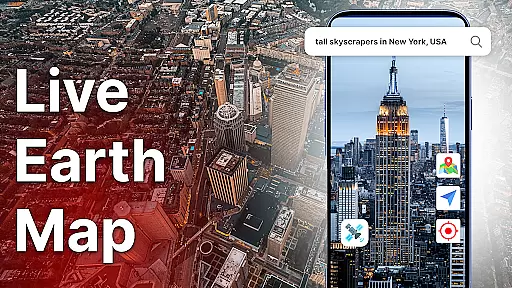
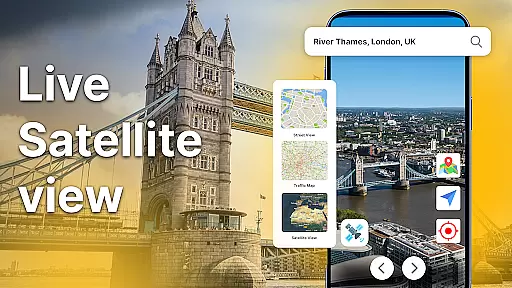
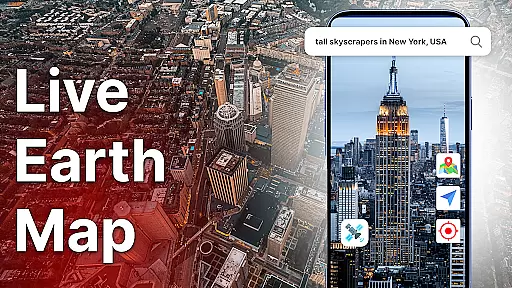
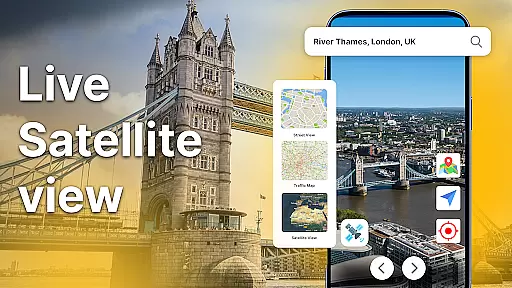
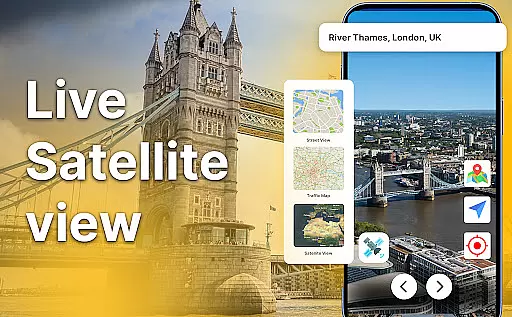
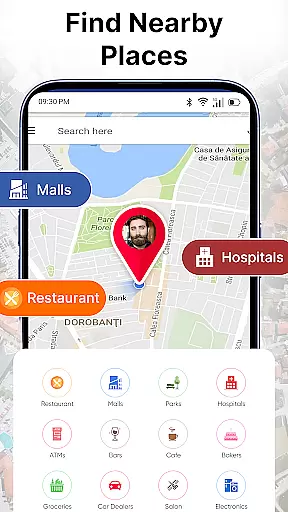
Live Earth Map: Satellite View is a comprehensive mapping application that allows users to explore the world through real-time satellite imagery and GPS navigation. The app provides detailed views of any location on Earth, offering both 2D and 3D map perspectives. Users can zoom into specific regions for virtual tours or global discovery, making it an ideal tool for travelers, students, and geography enthusiasts.
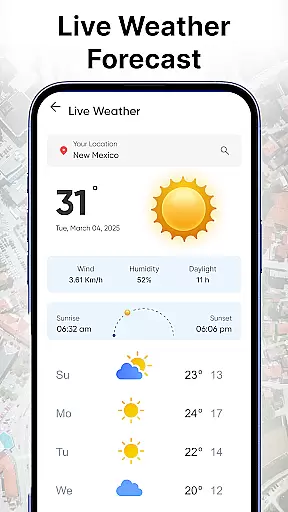
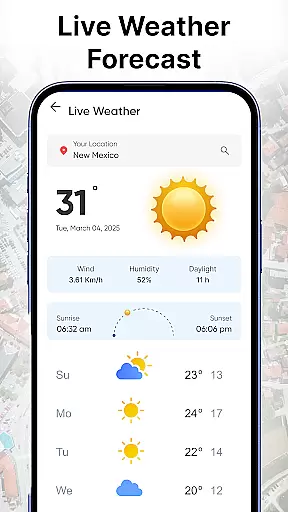
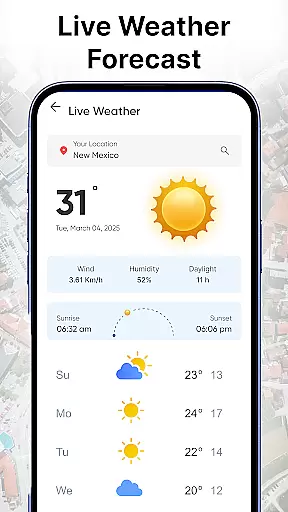
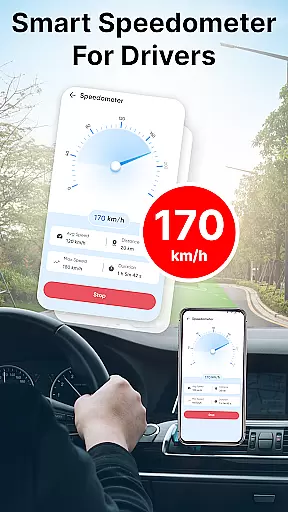
In addition to its mapping capabilities, the app includes advanced features such as live traffic updates, speedometer readings, and environmental tools like live weather updates and altitude measurements. These functionalities enable users to plan journeys effectively, avoid traffic congestion, and gather valuable information about their surroundings. Whether you're navigating unfamiliar roads or simply satisfying your curiosity about our planet, Live Earth Map delivers an immersive experience that brings the world to your fingertips.
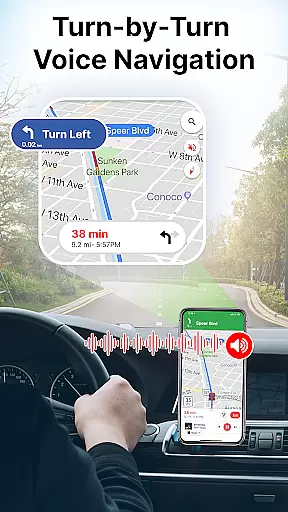
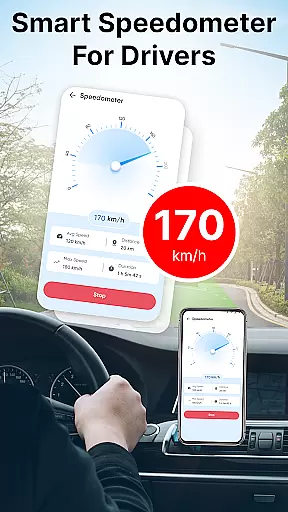
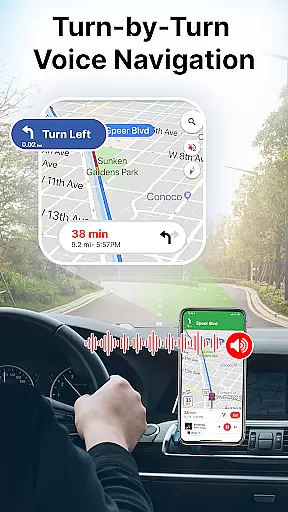
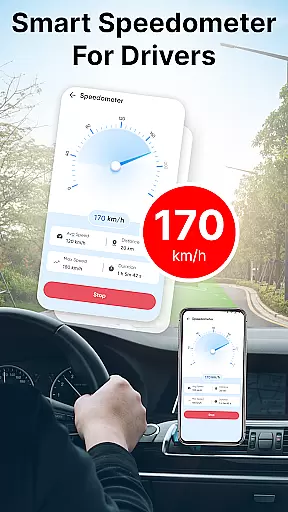
One of the standout features of Live Earth Map is its powerful GPS navigation system. This functionality not only helps users find optimal routes to their destinations but also provides voice-guided directions for safer driving experiences. The inclusion of a built-in speedometer ensures drivers can monitor their current speed while navigating various terrains.
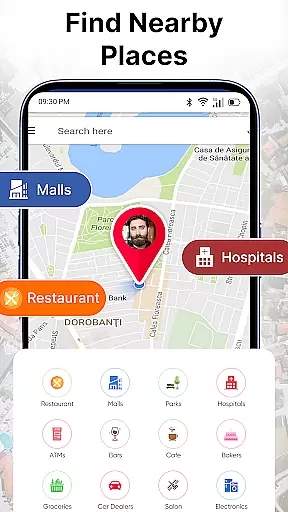
The app's environmental and analytical tools further enhance its utility by providing essential data points such as oxygen levels at different locations, precision level meters, area calculations, and altitude height measurements. Additionally, users have access to live cams worldwide, allowing them to witness real-time street views from across the globe. With these innovative features combined, Live Earth Map offers a multifaceted approach to exploring our planet – whether you're planning international travel or conducting academic research on geographical phenomena.
Map accuracy is essential for any navigation application, and Live Earth Map: Satellite View excels in this area. The app offers real-time satellite imagery that allows users to zoom into any region with precision. This feature is crucial for virtual tours or global discovery, ensuring that the images displayed are up-to-date and clear.
The app's powerful GPS navigation system works hand-in-hand with its accurate mapping capabilities. Users can explore the world with confidence, knowing that the detailed earth maps provided are reliable for planning journeys or satisfying curiosity from their device. Whether you're looking at a broad view of the continents or a close-up of your neighborhood, the map data is consistently refreshed to reflect current conditions.
Live Earth Map stands out by providing not only standard 2D views but also 3D map options, enhancing the user experience when exploring different terrains. This dual functionality allows for better spatial understanding and more immersive exploration. With these tools, users gain a new perspective on Earth, seeing it through high-quality, real-time satellite visuals.
Ultimately, the map accuracy offered by Live Earth Map: Satellite View ensures that whether you're traveling or at home, you have access to precise location information. This empowers users to make informed decisions about routes, discover new places, and understand geographic layouts with confidence, making every global journey an informed one.
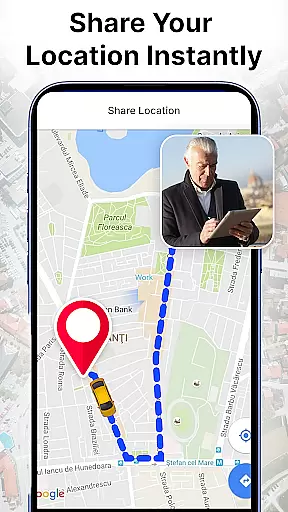
Route planning is a critical component of the Live Earth Map: Satellite View app, designed to help users find the best paths to their destinations efficiently. By leveraging smart GPS world map routing, the app provides accurate navigation support that helps avoid delays and ensures faster arrival times. This feature is particularly beneficial for drivers and travelers who require reliable directions.
The route finder tool within the app takes into account real-time traffic updates, ensuring that users are aware of congestion on roads and can choose alternative routes if necessary. This dynamic approach to navigation means that users always have access to the most efficient path available. Additionally, the integration of live cams and traffic alerts further enhances the ability to plan routes effectively.
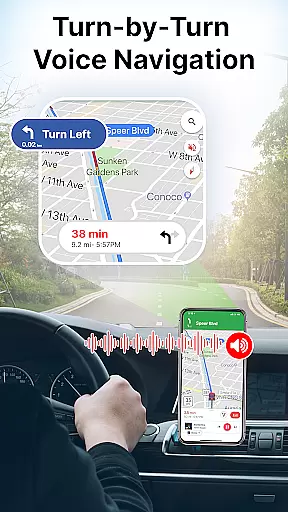
Voice navigation adds another layer of convenience to the route planning process. Offering clear, hands-free directions, this feature is ideal for those who prioritize safety and simplicity while driving. Users can focus on the road while receiving step-by-step guidance, reducing the likelihood of errors or missed turns during travel.
Overall, the comprehensive route planning capabilities of Live Earth Map: Satellite View ensure that users can navigate with ease and confidence. Whether commuting daily or embarking on long-distance trips, having a trustworthy route planner makes all the difference in achieving seamless travels and reaching destinations without unnecessary hassle.
User-friendly interface
Real-time satellite visuals
Voice navigation support
Comprehensive environmental tools
Global information database
Limited offline functionality
Occasional loading delays
Subscription fees apply
High data usage
Complex settings menu

Find AI powered cameras, ALPRs, and other surveillance infrastructure near you
 4.70
4.70
Start your next adventure confidently using our Accurate Compass App
3.70
Offline maps for phone and smart watch: topographic maps, satellite images...
3.30
Route schedules, maps, and real-time tracking of MTA buses in New York City.
4.20
Find 93 Octane Gas: Locate Gasoline Stations Selling Premium 93 Octane or Higher
4.3
Phone Tracker and GPS Location Sharing
4.20
Explore with GPS Navigation with GPS offline, voice GPS, speed camera radar
4.60
ParkWhiz, an Arrive Mobility brand, part of the Arrive Network
4.30
Neshan: map & navigation app with 20M+ monthly active users
4.50
Park in Chicago, NYC, Boston, SF, Houston & more!
4.70
GPX Viewer PRO shows tracks, routes and waypoints from gpx and kml files.
4.60
Find trails, organize your locations and navigate with offline maps.
4.60
Use GPS maps or search by property owner, address or parcel to view parcel data
4.30
Simple & easy to use a compass app. Get accurate directions.
4.20
TACNAV-X: Precision MGRS navigation, built specifically for the military.
4.00
Route Planner is travel map to get turn by turn navigation & driving directions
3.90
Ride CTA, Metra & Pace: Manage your fares, buy Metra tickets, get arrivals.
3.00
Turn your tablet or Android powered unit into a full blow Android Auto headunit.
2.30
Fully offline 1:50k New Zealand topographical map North Island
4.1







User Reviews