
GPS Waypoints Navigator is a comprehensive navigation app that transforms your smartphone into a powerful GPS tool. Designed for outdoor enthusiasts, mariners, and urban explorers alike, this app provides reliable navigation even in areas without network coverage. With access to over 400 offline maps, users can confidently explore trails, waterways, and cityscapes while recording their journeys and organizing key locations.
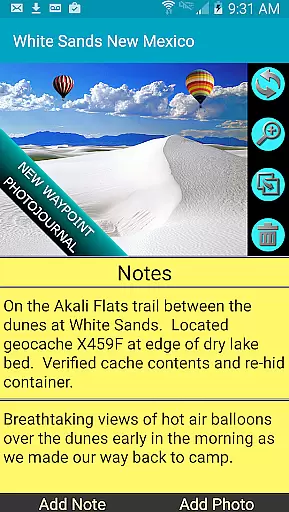
The app's standout feature is its versatility across various activities such as hiking, geocaching, hunting, and maritime navigation. By offering advanced tools like waypoint management, trail recording, and coordinate-tagged photos, GPS Waypoints Navigator ensures users can document and share their adventures seamlessly. Whether you're an avid explorer or a casual traveler, this app equips you with everything needed for accurate and enjoyable navigation.
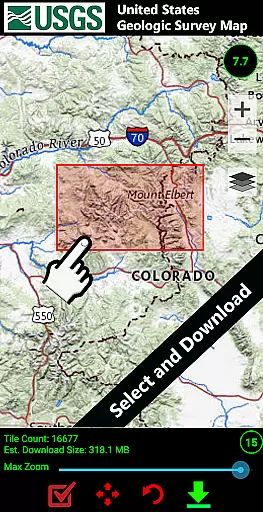
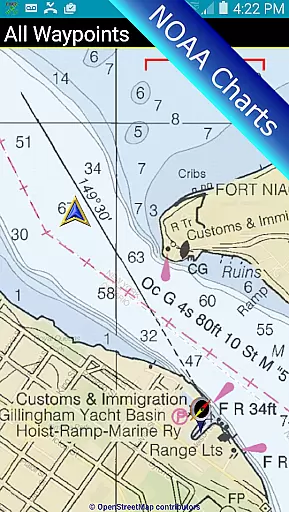
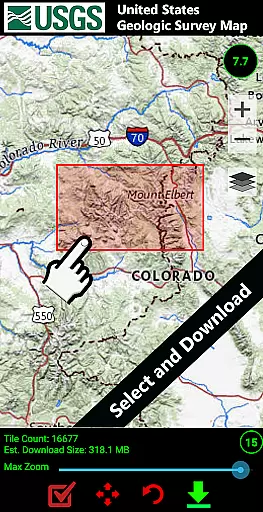
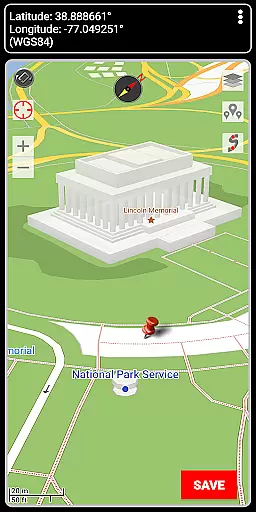
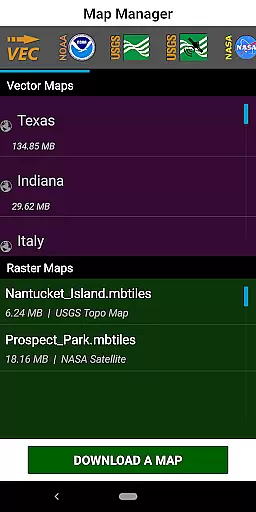
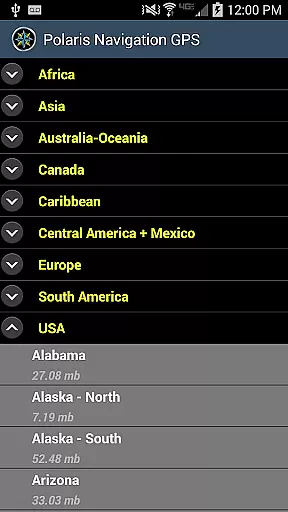
GPS Waypoints Navigator boasts an impressive array of features tailored to enhance any navigation experience. One of its core strengths is the extensive map library, which includes over 400 downloadable vector and raster maps compatible with offline use. These maps cover multiple formats such as Topo Maps, Satellite Maps, and Nautical Charts, ensuring users have the right map for every environment.
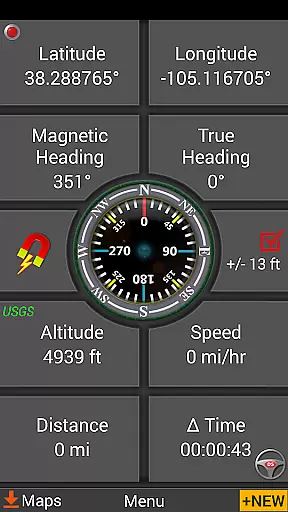
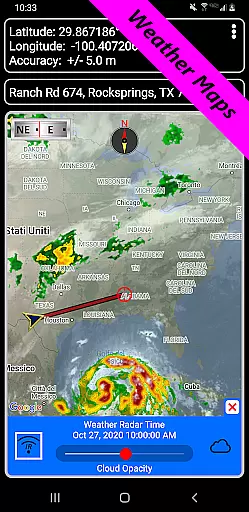
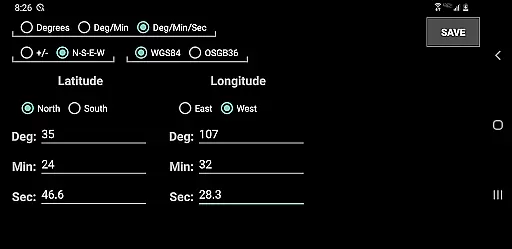
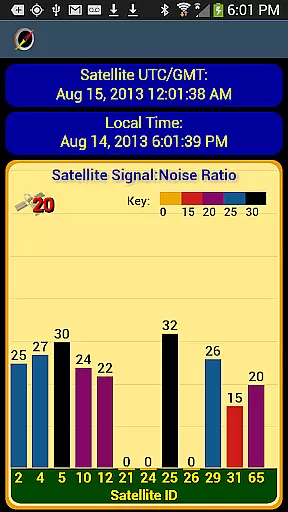
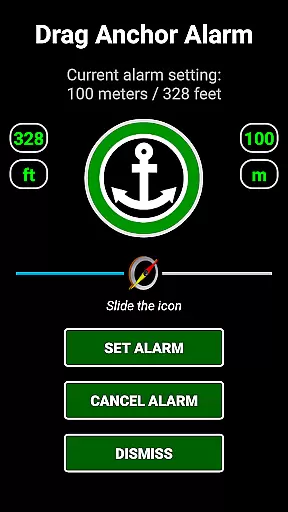
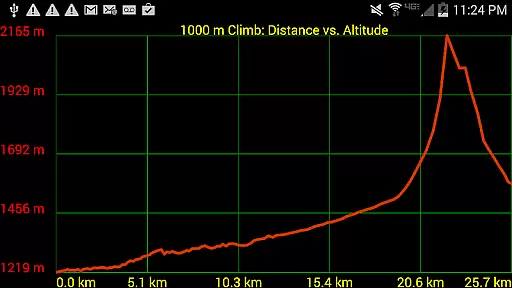
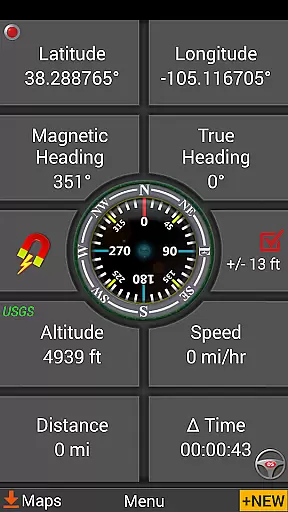
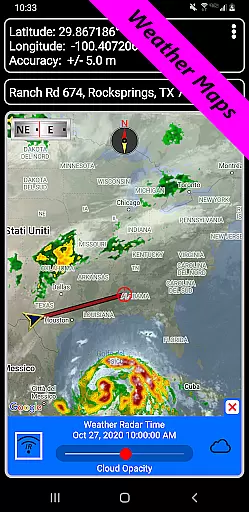
In addition to its mapping capabilities, the app offers specialized tools like dynamic waypoint compasses, military-grade coordinate finders, and drag anchor alerts for marine navigation. Users can import and export data in KML, GPX, and KMZ formats, making it easy to integrate with platforms like Google Earth. The inclusion of live weather maps, altitude profiles, and measurement tools further solidifies its position as a top-tier navigation solution.
Map accuracy is essential for reliable navigation, and GPS Waypoints Navigator excels in this area. The app offers access to a vast library of over 400 maps, including offline options, ensuring users have precise location data even without network coverage. These maps are sourced from multiple providers, such as Google Maps, OpenStreetMaps, and specialized charts like NOAA Nautical Charts.
The application supports various map types, including vector and raster maps, topographic maps, satellite imagery, and specialized maps for activities like cycling and maritime navigation. This diversity ensures that users can select the most appropriate map type for their specific needs, whether they are hiking in the wilderness or navigating urban environments.
Users benefit from the ability to download maps for offline use, which is particularly useful in areas with limited connectivity. Additionally, the app allows map data to be stored on an SD card, optimizing device memory usage while maintaining access to detailed and accurate mapping information.
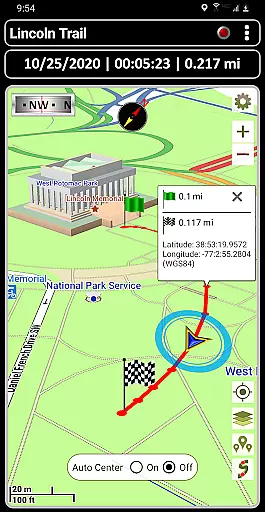
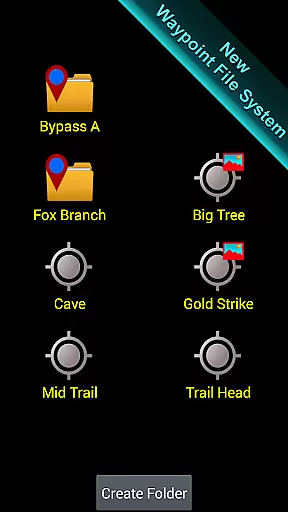
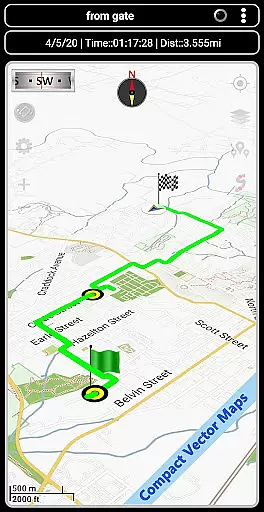
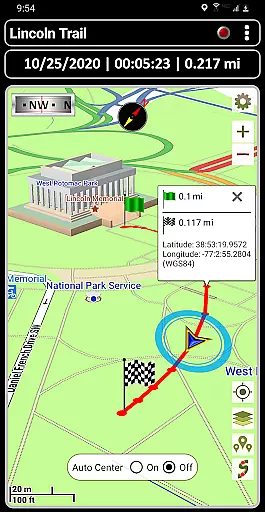
Effective route planning is a cornerstone of successful navigation, and GPS Waypoints Navigator provides robust tools for this purpose. Users can create and organize waypoints, record trails, and utilize advanced features like drag anchor alerts and proximity notifications. These functionalities enable adventurers to plan their routes meticulously and adapt to changing conditions in real-time.
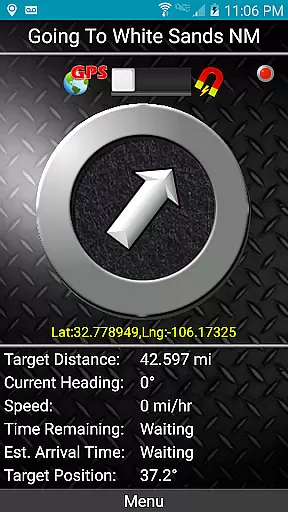
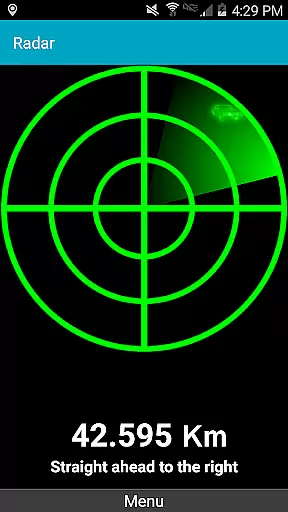
The app includes specialized guidance systems, such as dynamic waypoint compasses and pseudo-radar displays, which assist users in maintaining course towards their destination. Furthermore, the trail recording and drawing board features allow explorers to document their journeys and make necessary adjustments to their planned paths.
For those engaged in marine activities, GPS Waypoints Navigator offers nautical charts and reporting tools that enhance safety and efficiency on the water. Overall, these comprehensive route planning capabilities empower users to navigate diverse terrains confidently, making every trip more manageable and enjoyable.
User-friendly interface
Offline map support
Comprehensive feature set
Multi-language support
Excellent customer service
Steep learning curve
High battery consumption
Limited free maps
Occasional GPS lag
Large app size

Offline maps & GPS for hiking, travel, fieldwork & outdoor adventures
 4.70
4.70
Fully offline 1:50k New Zealand topographical map North Island
4.3
All of NHSA's trail information at your fingertips for the 2025-2026 season
4.0
Turn your tablet or Android powered unit into a full blow Android Auto headunit.
2.30
Parcel map, property lines, owner, acres, land use, zoning and more from Regrid.
4.60
Explore with GPS Navigation with GPS offline, voice GPS, speed camera radar
4.60
Find radar, speed camera, flight tracker. Use hud, location tracker, speedometer
4.20
Off-Roading Navigation App With Trails, Public Lands, & Private Property Info
3.30
Get matched with a nearby driver — you’ll be on your way in minutes.
4.30
Find EV & Tesla charging stations with PlugShare
4.70
Navigate with your watch and keep the phone in your pocket!
4.60
CamSam PLUS - The speed and red light camera warning system!
4.40
Maps, Driving Directions & GPS navigation using directions app & GPS App
4.30
Easy, Moderate and difficult offroad adventures.
4.00
Get route, find shortest path, near by places and weather update
3.90
Navigate via GPS Maps of GPS Voice Navigation, driving directions to find routes
3.60
Your guide to the recreational opportunities of the Bureau of Land Management!
3.40
Your real-time window to the world. Explore anywhere, anytime.
3.30
Compass is an accurate compass and a great tool for any outdoor activities
4.3




User Reviews