
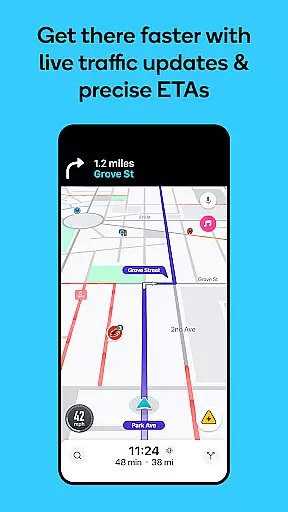
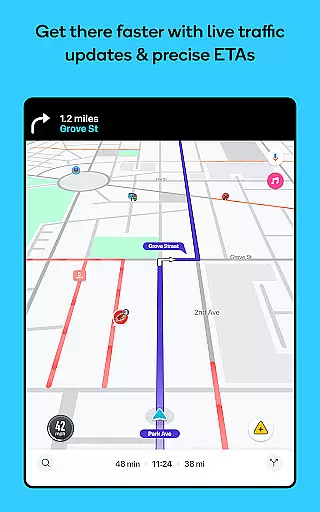
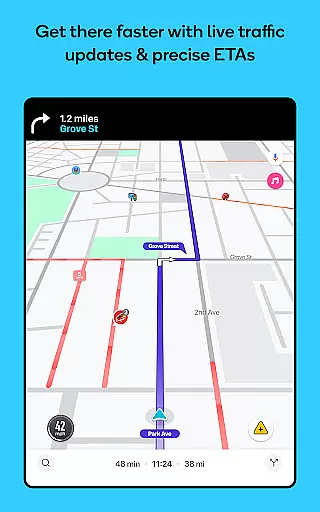
Waze Navigation & Live Traffic is a cutting-edge GPS navigation app that leverages real-time data from millions of drivers worldwide. This innovative mapping solution provides users with live traffic updates, detailed road safety alerts, and precise estimated times of arrival (ETAs). The app's core functionality revolves around creating a more predictable and stress-free driving experience by offering automatic rerouting based on current road conditions, incidents, and closures.
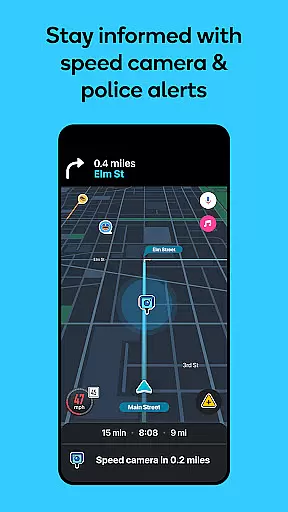
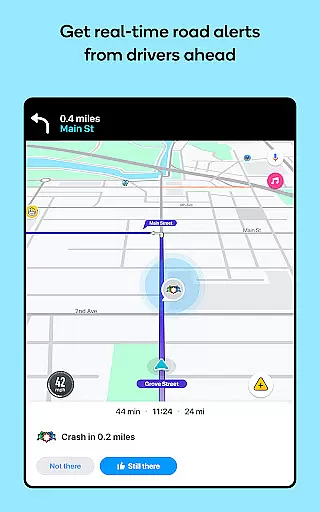
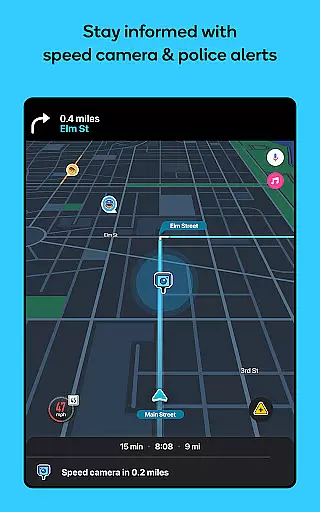
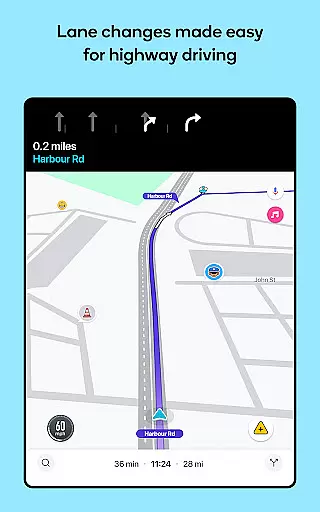
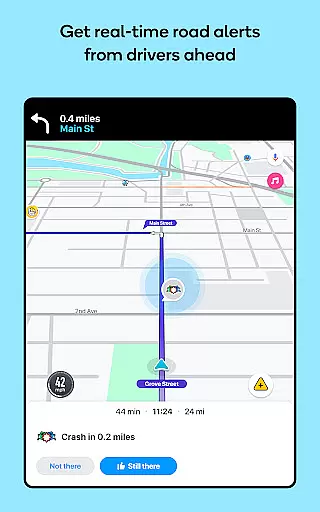
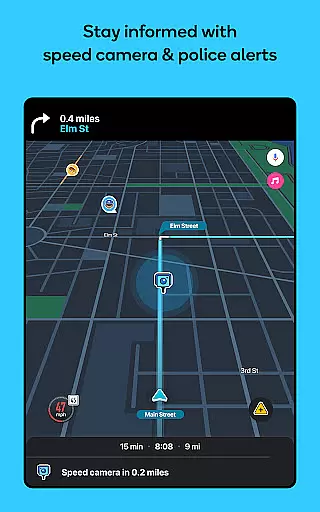
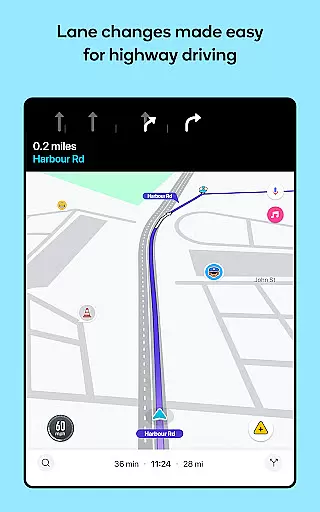
Beyond basic navigation, Waze distinguishes itself through its comprehensive safety features and community-driven approach. Drivers can access real-time alerts about accidents, roadworks, police presence, and various road hazards. The app also includes practical tools such as multi-lane guidance, speed limit notifications, and toll price information. These features make Waze particularly valuable for daily commuters and frequent travelers who want to optimize their driving routes and stay informed about road conditions.
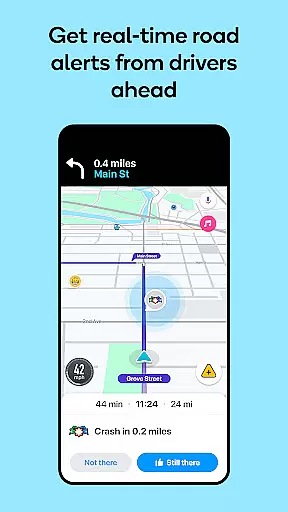
What sets Waze apart is its extensive array of intelligent features designed to enhance the driving experience. The app's real-time traffic monitoring system automatically calculates the fastest routes while considering current incidents and road closures. Its community-based reporting feature allows drivers to share live updates about road conditions, creating a dynamic network of user-generated safety alerts.
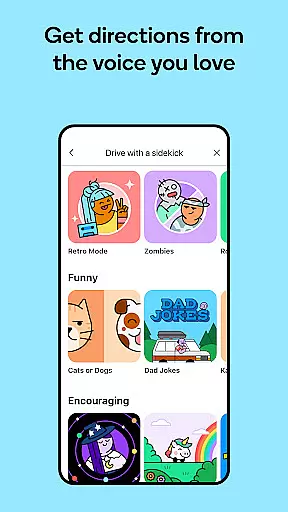
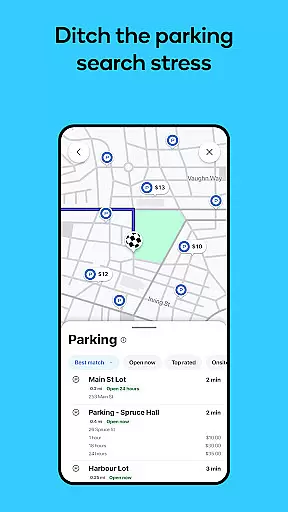
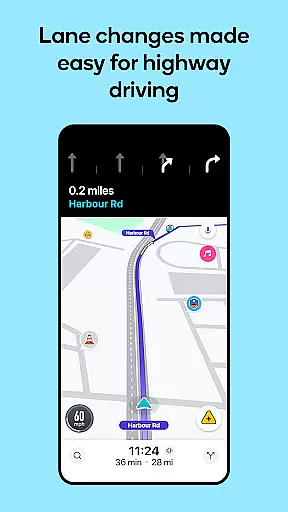
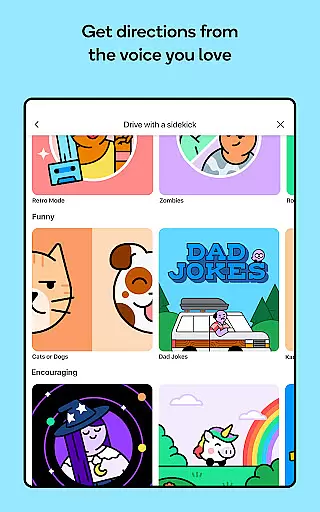
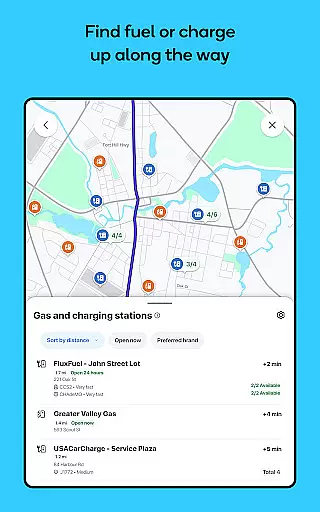
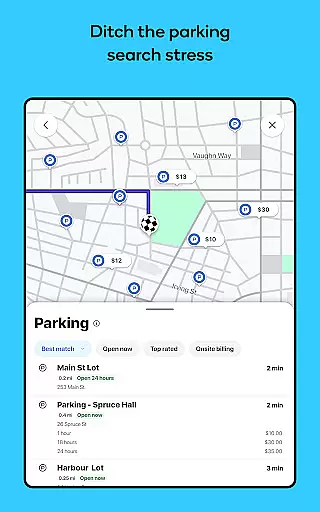
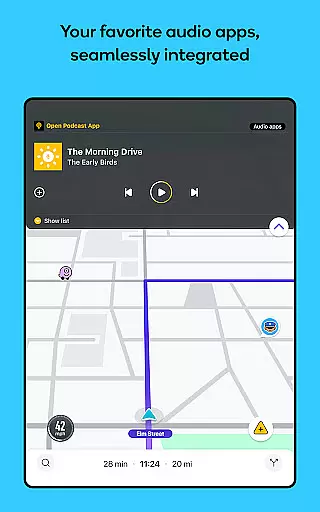
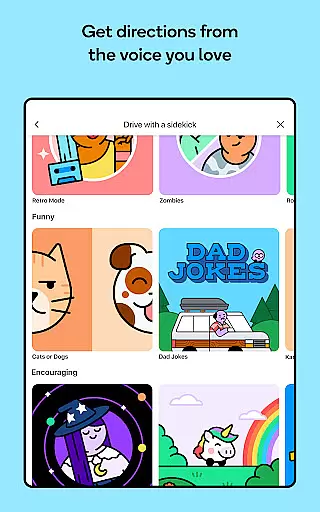
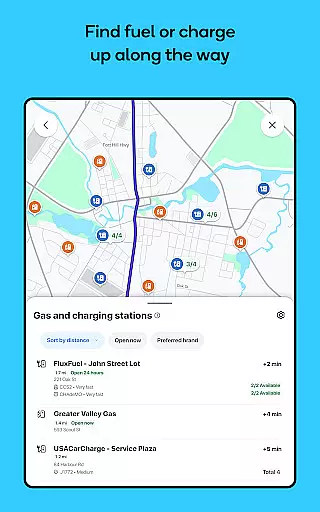
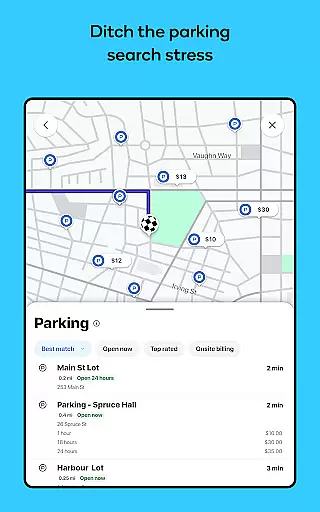
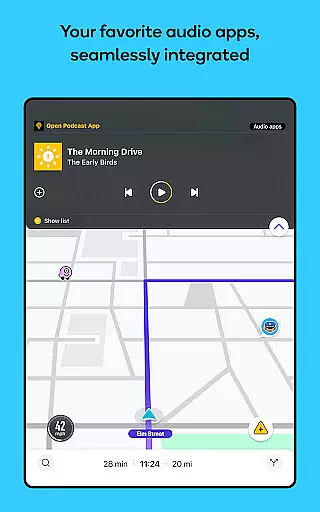
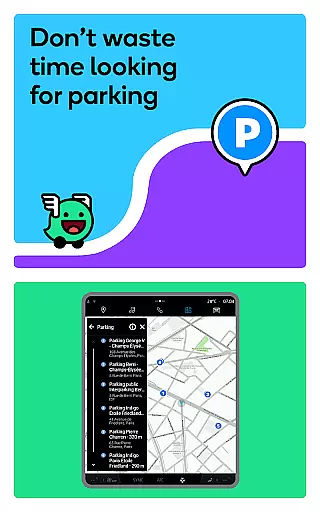
Waze incorporates several advanced functionalities including multi-lane guidance for complex intersections, voice-guided navigation in multiple languages and accents, and integration with popular audio apps for entertainment during drives. The app also provides practical tools such as speed limit monitoring, toll pricing information, and parking assistance near destinations. These features work together to create a comprehensive navigation solution that not only helps drivers reach their destinations efficiently but also keeps them informed and safe throughout their journeys.
Map accuracy is essential for any navigation app, and Waze excels in this area by providing real-time data powered by its vast community of drivers. The app constantly updates its maps based on user reports, ensuring that drivers have the most current information about road conditions, closures, and other critical updates.
Waze's strength lies in its ability to harness local knowledge from millions of users worldwide. This crowd-sourced data ensures that even newly constructed roads or temporary roadblocks are quickly reflected in the app's mapping system. Drivers can confidently navigate knowing that the information they receive is continuously refreshed and validated by fellow motorists.
The benefits of Waze's accurate mapping extend beyond just reaching destinations efficiently. It helps users avoid potential hazards like accidents, roadworks, and weather-related obstacles, making each journey safer. Additionally, features such as lane guidance, speed limit alerts, and hazard notifications further enhance the precision of the driving experience.
Ultimately, Waze's commitment to map accuracy transforms how people interact with their daily commutes. By delivering reliable, up-to-the-minute data, it empowers drivers to make informed decisions, saving both time and stress while fostering a more predictable travel experience.
Route planning is a core feature of Waze, designed to help drivers reach their destinations faster and more efficiently. By leveraging live traffic updates, incident reports, and road closure notifications, Waze provides dynamic routing options tailored to current conditions on the road.
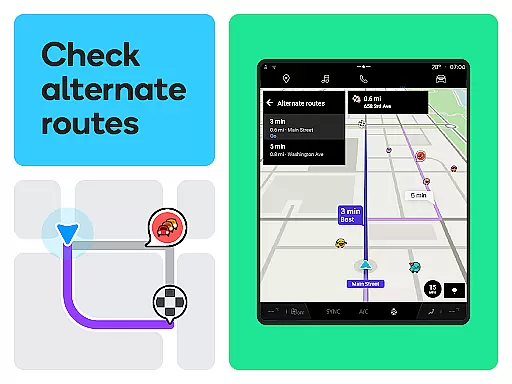
One of the standout aspects of Waze's route planning is its automatic rerouting capability. If an unexpected delay occursu2014such as an accident or constructionu2014the app instantly recalculates the best alternative path. This ensures minimal disruption to the driveru2019s schedule while maintaining accuracy in estimated arrival times (ETAs).
Moreover, Waze offers advanced tools to optimize journeys further. Users can view toll pricing, select routes that avoid tolls, and even plan future trips by checking ETAs for specific departure or arrival times. These features give drivers greater control over their travel plans, allowing them to choose the most cost-effective or time-efficient options available.
By combining cutting-edge technology with real-world insights from its active user base, Waze delivers a superior route-planning experience. Its intuitive interface and customizable settings ensure that every trip is not only well-planned but also adaptable to changing circumstances, offering peace of mind to drivers everywhere.
User-friendly interface
Real-time traffic updates
Community-driven alerts
Voice-guided navigation
Multi-lane guidance
Limited offline functionality
Feature availability varies
Requires data connection
Interface can be cluttered
Occasional inaccurate ETAs

Play in the outdoors with Android as your Handheld GPS and offline topo maps!
 3.50
3.50
CamSam PLUS - The speed and red light camera warning system!
4.40
Instant diesel discounts - save big with each fill up!
4.40
Get directions, Maps, GPS navigation & GPS Maps using GPS App
4.10
Your real-time window to the world. Explore anywhere, anytime.
3.30
GPS Navigation: Get map directions and find the shortest routes to avoid delays!
4.00
Explore Earth with live GPS, satellite view & street navigation
3.60
Live Satellite view app for find GPS navigation Direction and live location map
3.70
Get route, find shortest path, near by places and weather update
3.90
Truck Safe GPS Navigation & Maps: Parking, Fuel, Diesel, Weight Station
4.80
Find EV & Tesla charging stations with PlugShare
4.70
GPS Speedometer & Odometer: Track car, bike, truck speed & distance in real-time
4.70
Track friends in real-time and explore worldwide live cameras.
4.60
Navigate MTA, NJ Transit, MBTA, SEPTA, BART, MARTA, CTA & 900+ cities
4.60
GPS navigation offers route finder, compass, translator, currency converter, etc
4.30
GPS phone tracker, family locator, secure location sharing app
4.20
Drive safe with real-time speed camera radar, police, and traffic alerts
3.80
MapQuest is your go-to app for maps, GPS, voice navigation & live traffic.
3.80
Your guide to the recreational opportunities of the Bureau of Land Management!
3.40




User Reviews