
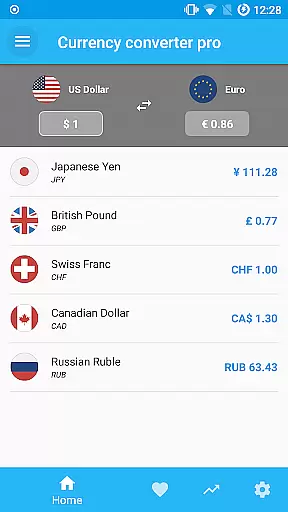
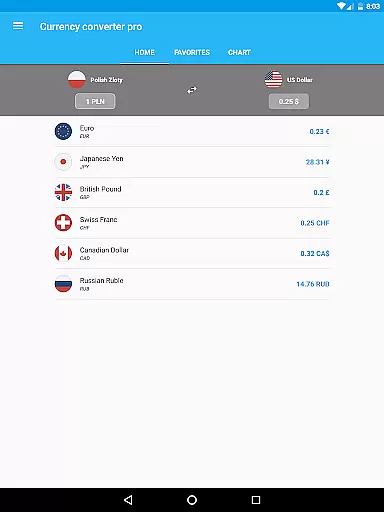
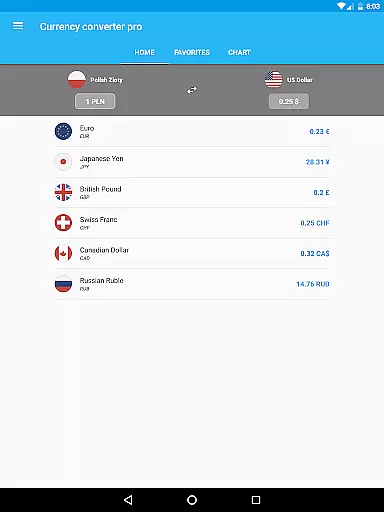
Currency Converter Pro is a powerful financial tool designed for seamless currency conversion across over 180 global currencies, including popular cryptocurrencies like Bitcoin and Ethereum. With its offline functionality, users can access updated exchange rates without an internet connection, avoiding roaming fees while traveling.
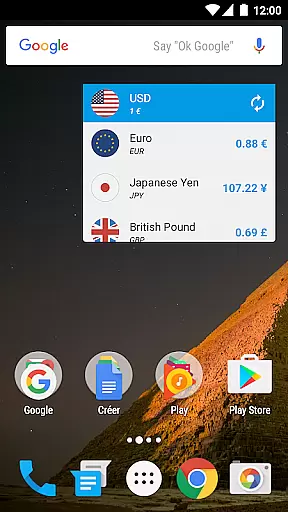
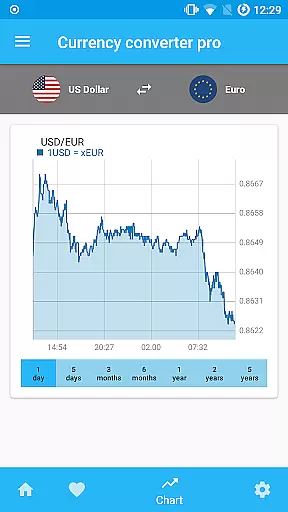
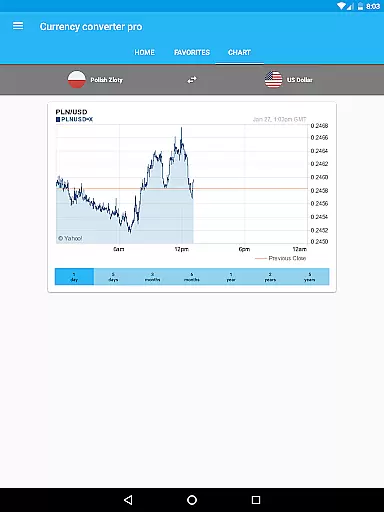
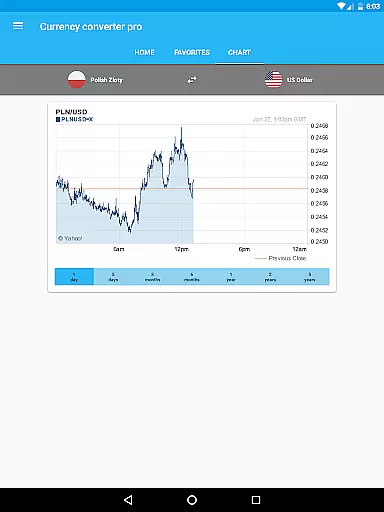
The app stands out with its customizable widget, live and historical exchange rate data, and interactive charts spanning up to five years. Whether you're managing international transactions or tracking currency trends, this app provides accurate and reliable data tailored to both casual users and finance professionals.
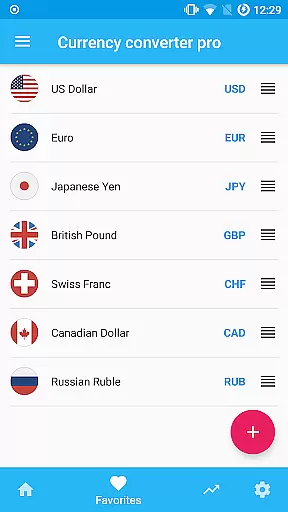
Currency Converter Pro offers a comprehensive suite of features that cater to various financial needs. Its quick update system ensures users receive fresh exchange rates consistently, while the offline mode guarantees uninterrupted access to previously saved rates. The app's material design delivers a sleek, user-friendly interface that simplifies navigation.
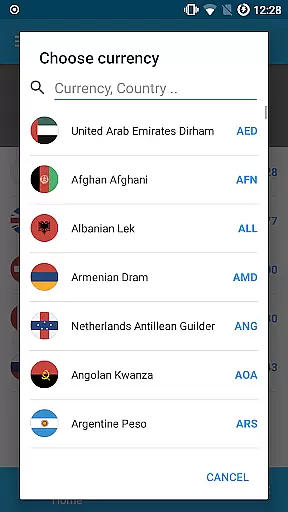
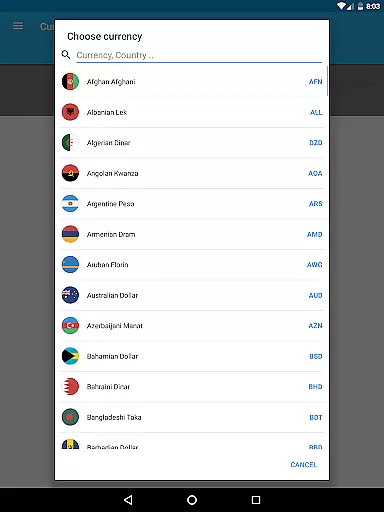
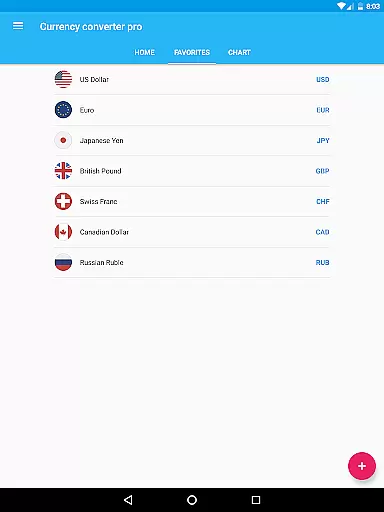
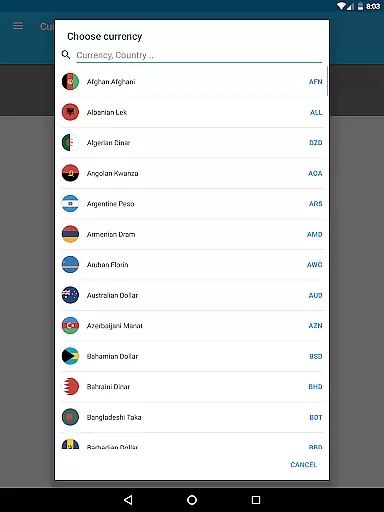
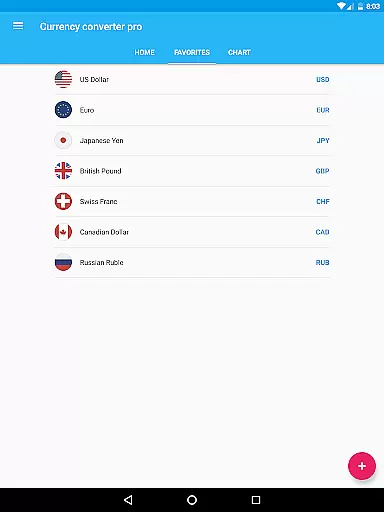
Additional functionalities include a search feature for adding currencies by country name, a favorites list for personalized tracking, and detailed historical charts for in-depth analysis. These tools collectively empower users to make informed decisions based on real-time and historical currency performance.
In the realm of finance applications, security is paramount. Currency Converter Pro ensures account and fund security through its robust offline mode functionality. This feature guarantees that users can access their financial data without an internet connection, thus reducing exposure to online threats.
The application employs updated exchange rates which are saved locally on the device at every update. This not only provides convenience but also enhances security as sensitive operations are conducted without transmitting data over potentially insecure networks.
Furthermore, the absence of ads within the app eliminates the risk of malicious advertisements that could compromise user data or device integrity. Users can confidently manage and convert over 180 currencies with peace of mind, knowing their transactions and data exchanges are secure from common digital threats.
Currency Converter Pro offers a seamless transaction experience by providing quick and reliable currency conversions for over 180 currencies. The application's user-friendly interface allows for easy navigation and swift access to exchange rates, ensuring that users can perform conversions efficiently.
With customizable widgets, users have the ability to follow their favorite currencies closely, allowing for a personalized and expedited transaction process. The inclusion of popular cryptocurrencies like Bitcoin and Ethereum further expands the scope of transactions, catering to a modern and diverse financial landscape.
Moreover, the app's offline mode and storage of the last updated rates ensure that users can conduct transactions without the need for constant internet connectivity. This feature is particularly beneficial in avoiding roaming fees and maintaining functionality in areas with poor connectivity, thus enhancing the overall transaction experience.
Offline functionality
Updated exchange rates
User-friendly design
Customizable widgets
Historical data access
Premium version cost
Limited free features
No portfolio tracking
Occasional sync delays
Ads in free version

Bitcoin gpu app helps you remote mine using your cell phone easily .
 3.60
3.60
Bill Manager is a simple app to help you keep track of your upcoming bills.
4.0
Need help before payday? Get cash advances with no interest or credit checks.
4.60
The DailyPay app lets you access earned wages before your next payday.
4.70
Manage your prepaid cards and add to Google or Samsung Wallet.
4.60
Early payday & cash advances with no-fee mobile banking!
4.60
Manage and cancel subscriptions, lower bills, track expenses, create budgets.
4.60
Registration of your debts and Mdionatk and assembled, as well as a significant reports
4.30
Venmo is the fun and easy way to pay and get paid.
4.10
Simple & secure international money transfers - for personal & business needs.
4.80
Keep track of your subscriptions with no limitations
4.80
Pay rent on your schedule.
4.70
Money transfer made easy. Send money to friends and family with great rates.
4.70
Money App - Earn Cash back, Fast Cash Advance, Personal Loan Offers, Banking
4.70
Pay, bank & build credit.
4.70
Earn cash & save money daily. Access instant cash advances* - no credit check!
4.50
Car Insurance Made For You.
4.50
Change the way you money with Credit Genie
4.30
SuperQi, Your all-in-one Super App.
1.30



User Reviews