
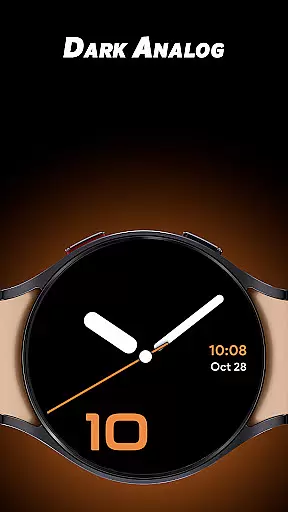
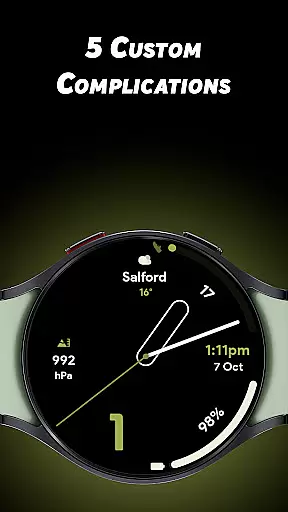
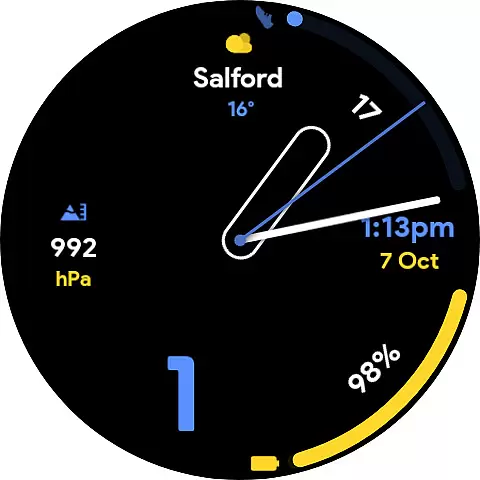
Dark Analog is a distinctive watch face app designed specifically for Wear OS devices. This application allows users to customize their smartwatch's appearance with a unique dark analog aesthetic. Featuring 30 stunning color options, 5 distinct watch hand styles, and 5 customizable complications, it offers a personalized experience that combines style with functionality.
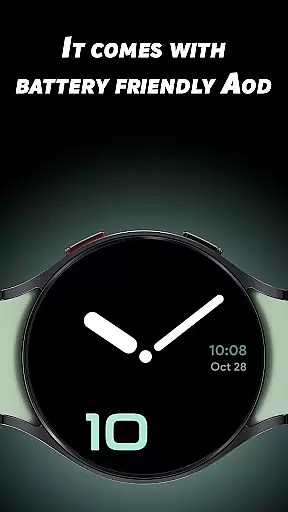
The app stands out through its battery-friendly Always-On Display (AOD) mode, ensuring both aesthetics and power efficiency. Whether you want to monitor your fitness stats or display weather information, Dark Analog provides the flexibility to showcase the data most relevant to you at a glance.
Ideal for users seeking both fashion and utility, this watch face transforms your Wear OS device into a sophisticated accessory that matches your personal style while delivering essential information seamlessly.
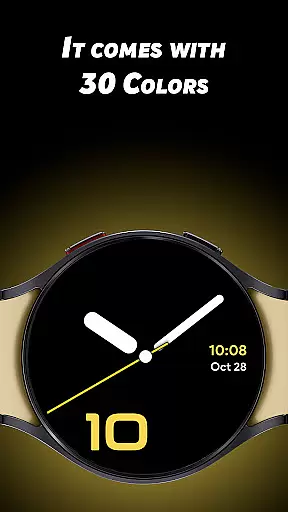
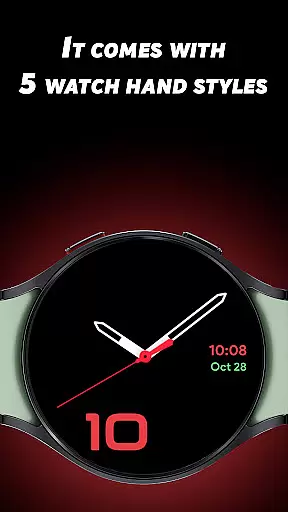
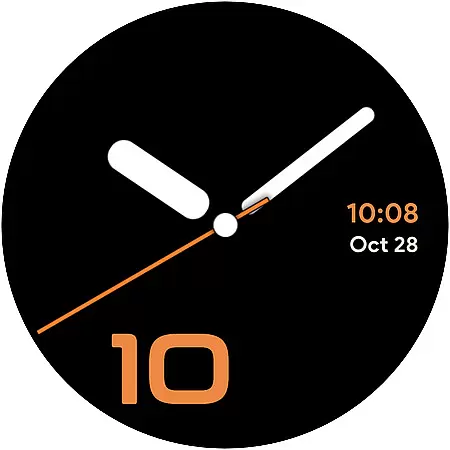
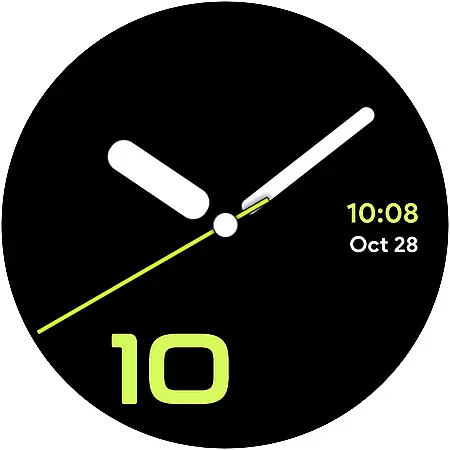
Dark Analog distinguishes itself through an impressive array of customization features. With 30 unique color options, users can select the perfect hue that matches their mood or outfit. The 5 watch hand styles range from classic to modern designs, allowing for further personalization of the timepiece's look and feel.
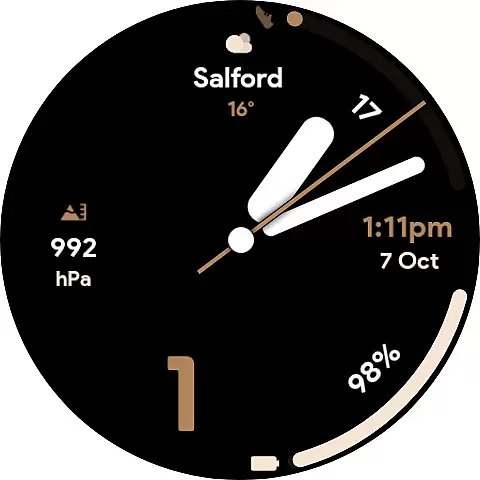
In addition to visual customizations, the app includes 5 custom complications that enable users to display various types of information directly on their watch face. These might include weather updates, step counts, heart rate monitoring, or calendar events. The app's battery-friendly AOD ensures that these features remain accessible without compromising device performance.
This combination of aesthetic versatility and functional utility makes Dark Analog a standout choice among lifestyle apps for Wear OS users who value both form and function in their wearable technology.
Dark Analog watch face offers extensive lifestyle category coverage by providing users with a highly customizable experience tailored to their personal preferences.
The app includes 30 unique color options, allowing users to match their watch face with various outfits or moods, making it suitable for both casual and formal settings.
With five different watch hand styles and custom complications, it caters to diverse tastes and functional needs, ensuring that users can access the most relevant information at a glance.
This level of customization ensures that whether you're at work, in a social setting, or engaging in recreational activities, Dark Analog adapts to your lifestyle seamlessly.
When it comes to content authenticity and expert credibility, Dark Analog stands out by offering genuine and high-quality features developed with user satisfaction in mind.
Each of the 30 colors and 5 watch hand styles has been carefully designed to provide not only aesthetic appeal but also optimal readability under different lighting conditions.
The inclusion of five custom complications is backed by expertise in wearable technology, ensuring that data displayed is both accurate and useful for everyday scenarios.
Furthermore, the battery-friendly Always-On Display (AOD) feature demonstrates a commitment to practicality and reliability, enhancing user trust in the application's performance over extended periods.
Highly customizable
Battery efficient
Stylish design
Versatile complications
User friendly
Limited to Wear OS
Few hand styles
No digital option
Premium cost
Complex settings

Unique informative Dial with Live Moon Phase at a glance!
 3.60
3.60
Duo Watch Face (animated)
4.0
A daily quote for success
4.2
Use your device sensors to detect energy and convert it into spoken words.
4.10
Unique "Isometric" style digital watch face for Wear OS
4.50
Colorful selection floral watch face with gyro for Wear OS
4.60
A smart Siddur with halachic times
4.50
Retro animated weather with hourly forecast Watch Face for Wear OS
4.60
AAA Mobile provides on-the-go access to the services you know and trust.
4.60
Play. Earn. Repeat. Get rewarded for playing mobile games. Welcome to Mobius!
4.80
Have your Tehillim with you at all times
4.70
Earn points with every purchase with Moe Rewards.
4.20
Do you want to communicate with spirits?
3.80
Going above and beyond known spirit communication
3.60
Creativity and savings for kids, beginners and experts in arts and crafts
3.50
Falling Fruit is a massive collaborative map of food in our cities.
3.20
The Miracle Box includes methods used by Steve Huff of Huff Paranormal.
3.20
Designed to delight, impress and energize your festive spirit every single day
4.1
A uniquely designed isometric digital watch face made for Wear OS
4.5




User Reviews