
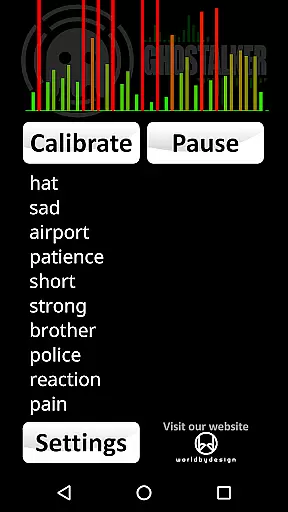
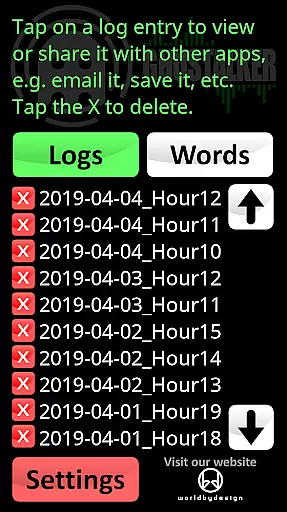
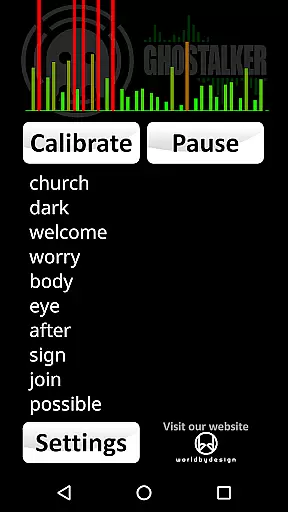
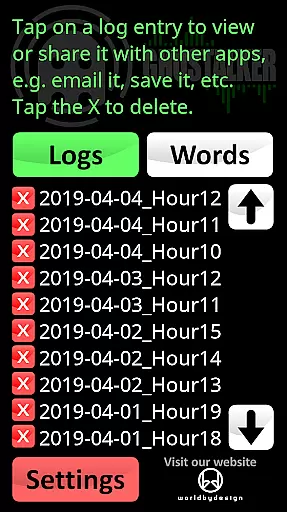
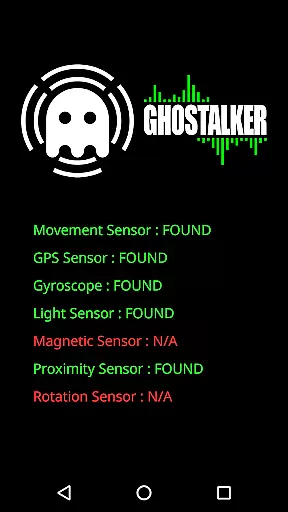
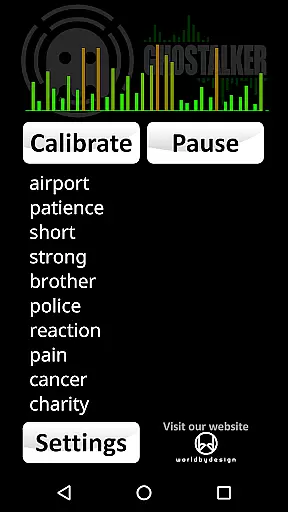
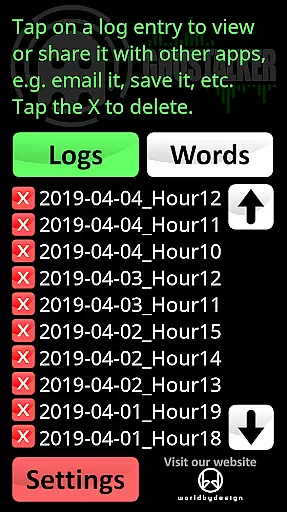
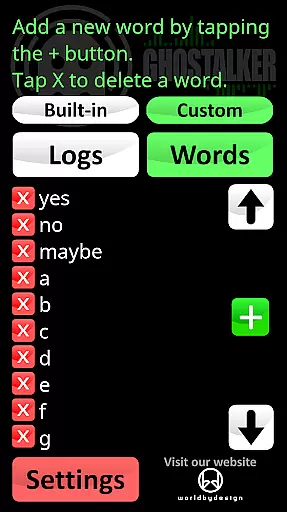
Ghostalker is a unique paranormal investigation app designed to convert environmental energy into spoken words, functioning as a digital 'Spirit Box'. With over a thousand commonly used words in its database, the app utilizes all available sensors on your device - including vibration, rotation, GPS, gyroscope, light, magnetic fields, and proximity - to detect minute changes in energy and translate them into meaningful words. This full version offers advanced logging features, allowing users to save, view, email, or delete spoken word logs for future reference. The app also supports custom dictionaries of up to 10,000 words, enabling personalized response lists.
The application's sophisticated sensor management system allows individual sensor control to prevent interference issues, while its offline functionality ensures usability in remote locations. Ghostalker caters to both professional paranormal investigators and casual users seeking an authentic spirit communication experience. Whether you're conducting serious investigations or exploring the paranormal realm for entertainment, this app provides a comprehensive toolset for connecting with the unknown.
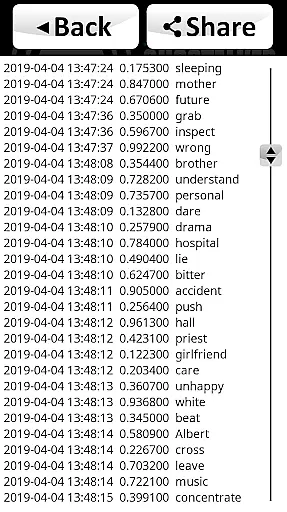
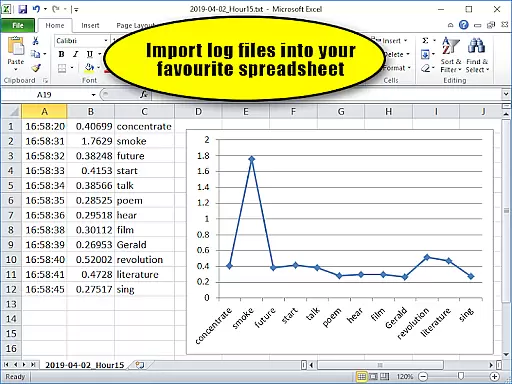
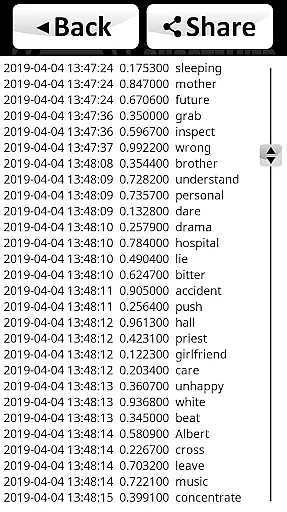
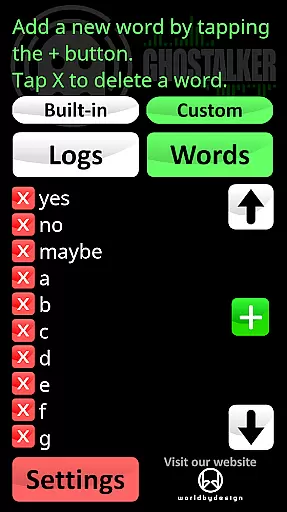
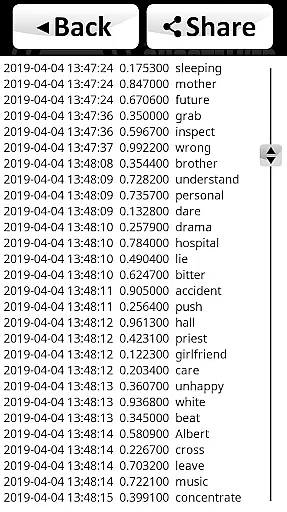
Ghostalker distinguishes itself through its comprehensive sensor utilization and advanced customization options. The app employs raw sensor data rather than random word selection, ensuring more authentic responses. Its logging system maintains detailed records including timestamps, sensor reading changes, and corresponding words in CSV format, compatible with spreadsheet applications like Excel or Google Sheets. The custom dictionary feature allows users to create specialized response lists, ranging from simple yes/no answers to complex word sets for various purposes.
Unique capabilities include sensor calibration to eliminate background interference while maintaining sensitivity, and flexible dictionary management allowing users to switch between built-in, custom, or combined word lists. The app's offline functionality and absence of advertisements enhance user experience, while its sophisticated sensor detection works across various device types. These features collectively create a powerful tool for paranormal investigation, offering both depth and flexibility in spirit communication.
Ghostalker offers a unique approach to lifestyle applications by venturing into the paranormal investigation space, providing tools for both hobbyists and professionals. This app goes beyond typical lifestyle categories by integrating sensor technology with a database of over a thousand commonly used words, allowing users to explore the unknown in a structured manner.
The application covers various aspects of paranormal detection through its comprehensive use of device sensors. It taps into vibration, rotation, GPS, gyroscope, light, magnetic fields, proximity, and more to convert environmental changes into spoken words. This extensive sensor utilization ensures that users can rely on Ghostalker to detect even the slightest anomalies in their surroundings.
With features like logging, custom dictionaries, and sensor management, Ghostalker provides a tailored experience that enhances its lifestyle category coverage. Users can manage up to 10,000 custom words, view logs of past sessions, and adjust sensor sensitivity. These capabilities make it adaptable to different user needs and preferences within the lifestyle spectrum.
Ghostalker stands out in terms of content authenticity by using actual raw sensor data to determine spoken words rather than relying on random selection. This method ensures that the words generated are directly linked to real-time environmental changes, enhancing the credibility of the content produced during each session.
The app's developer has included detailed instructions and tips based on paranormal investigator insights, lending expert credibility to the application. Suggestions such as calibrating the device to reduce interference or creating custom dictionaries for specific use cases demonstrate a deep understanding of the field and add a layer of professionalism to the app.
Furthermore, Ghostalker's ability to export logs in CSV format allows for further analysis in spreadsheet software, reinforcing the scientific approach to paranormal investigation. The availability of free word lists on the developer's website also adds to the overall authenticity, as users can expand their dictionaries with credible sources, ensuring meaningful and contextually relevant responses from the app.
User-friendly interface
Comprehensive sensor integration
Advanced logging capabilities
Customizable word dictionaries
Offline functionality
Device sensor limitations
Occasional interference issues
Steep learning curve
Varied device compatibility
Sensitivity adjustments needed

Pay your rent, submit work orders and much more with the RentCafe Resident App.
 4.70
4.70
Unique Dark Analog style for Wear OS watches.
4.2
Unique Dual Colors with 6 Custom Complications for Wear OS watches!
3.40
Unique "Isometric" style digital watch face for Wear OS
4.50
Play fun games, complete quick surveys, and earn money. It's fun and easy!
4.40
An Eerie Musical Trigger Toy for Spirits to Play with!
3.50
Have your Tehillim with you at all times
4.70
Going above and beyond known spirit communication
3.60
AAA Mobile provides on-the-go access to the services you know and trust.
4.60
Kasa Smart is your portal to your TP-LINK Smart Home.
4.70
The all-new Cync app. The simple, connected app for Cync and C by GE.
4.50
Premium floor cleaning robots
4.50
The go to app for taking unlimited notes!
4.50
Zodiac & Horoscope Launcher: Daily Sign Predictions & Astrology
4.40
Unique BIG BOLD TIME with amazing colors and customisations.
3.70
Paranormal EVP, Ghost Box, Spirit box, ITC, Haunted, Spirit communication device
3.70
Design and brew great homebrewing beer, mead, cider and wine recipes on the go!
3.60
Take Hobby Lobby with you wherever you go!
3.40
Designed to delight, impress and energize your festive spirit every single day
4.3










User Reviews