
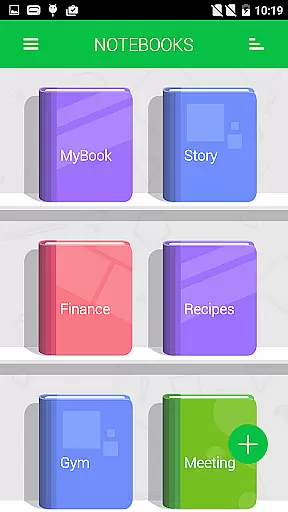
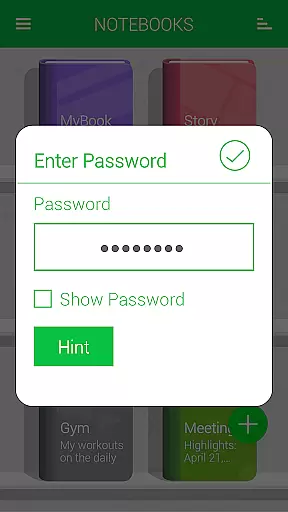
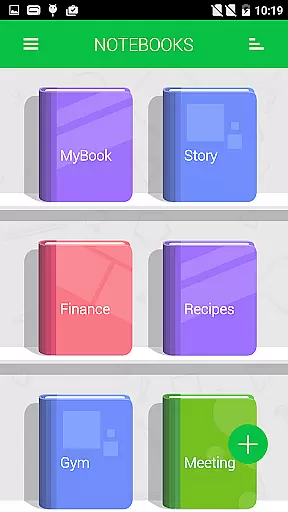
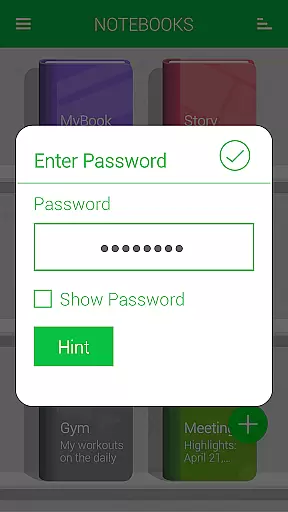
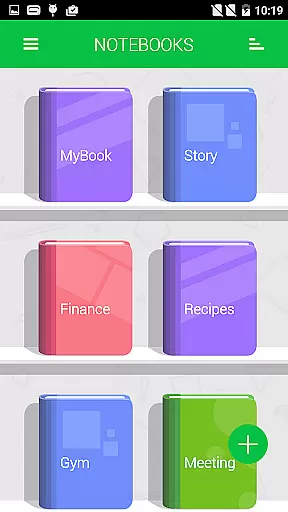
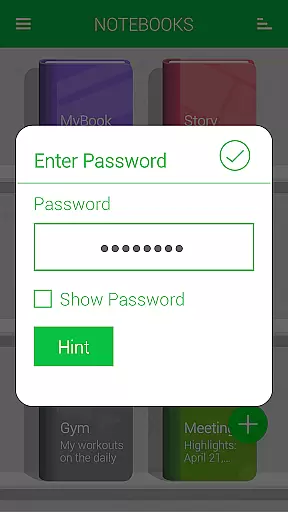
Notebooks Pro is a versatile note-taking application designed to cater to all your note-making needs. This app allows users to create multiple notebooks for different subjects, each with customizable covers, titles, and page styles. With features like password protection, fingerprint unlocking, and instant search within notebooks, it ensures both security and ease of access.
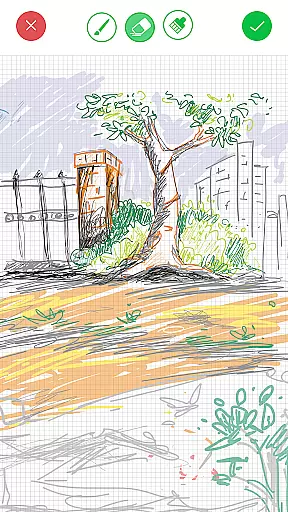
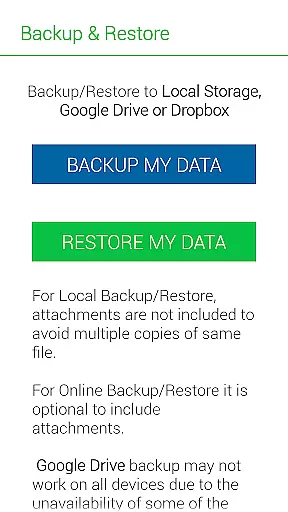
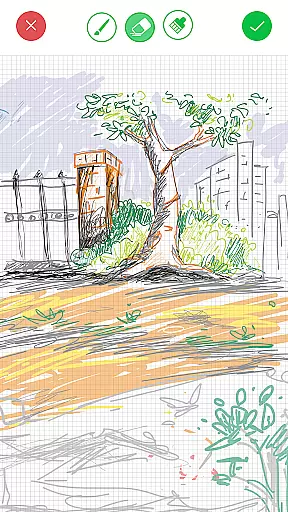
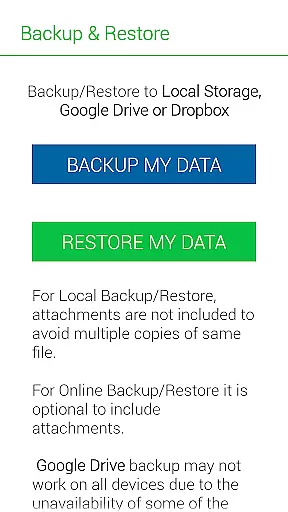
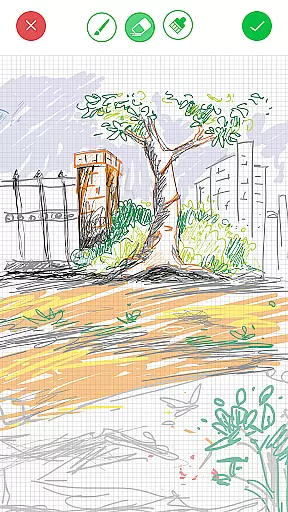
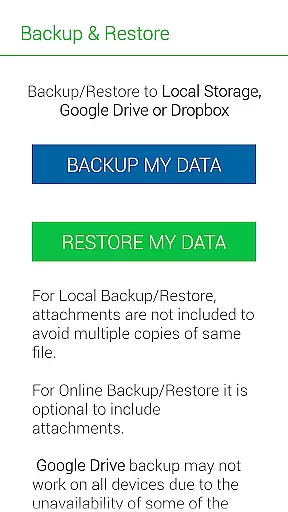
One standout feature is the ability to attach freehand drawings and image files to notes, making it ideal for creative professionals, students, and businesspeople alike. The app supports exporting entire notebooks or individual pages to PDF format, complete with attachments. Additionally, Notebooks Pro offers cloud backup and restore functionality through Google Drive and Dropbox, ensuring that your data is always safe and accessible across devices.
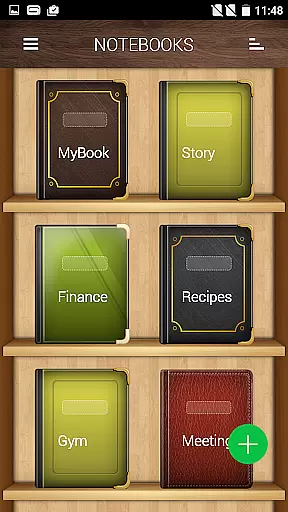
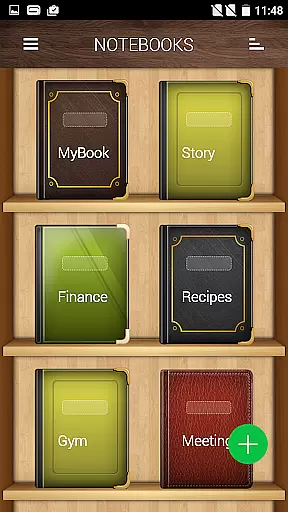
Notebooks Pro stands out with its extensive range of features tailored to enhance productivity and organization. Users can create multiple notebooks, each with unique customizable options such as cover design, title, number of pages, and page style. The app also provides advanced security features like password protection and fingerprint unlocking, ensuring that sensitive information remains private.
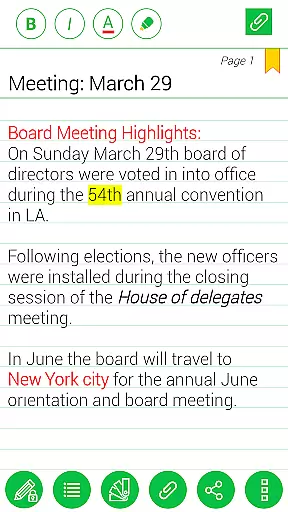
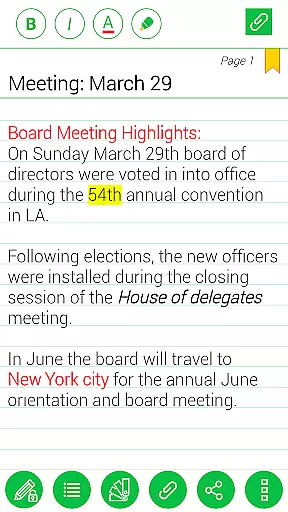
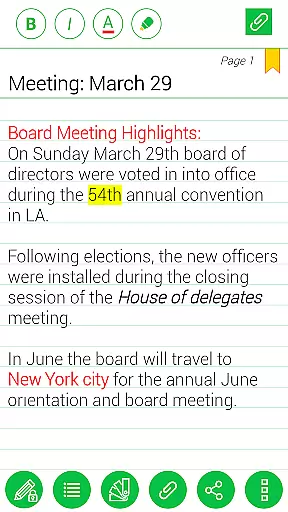
Another key feature is the ability to attach various types of content to your notes, including images and freehand drawings. The app supports instant search within each notebook, bookmarking pages, and applying text styles such as bold, italics, and colored highlights. Furthermore, Notebooks Pro allows users to export their notebooks or specific pages to PDF format, facilitating easy sharing and archiving. With seamless integration with cloud services like Google Drive and Dropbox, backing up and restoring data has never been easier.
Notebooks Pro exemplifies comprehensive lifestyle category coverage by addressing various note-taking needs across different walks of life. Whether you are a student managing coursework, a business professional organizing meeting notes, or an individual capturing daily thoughts, this app caters to all.
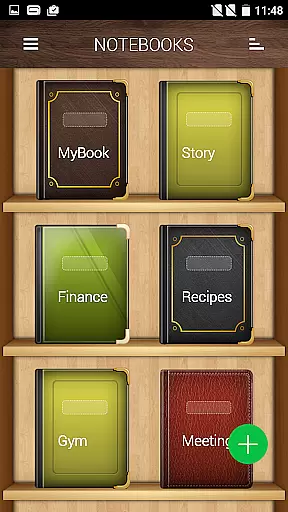
The application allows users to create multiple notebooks for every subject, ensuring that notes remain organized and distinct. With customizable covers, titles, and page styles, it offers a personalized experience tailored to individual preferences and requirements.
Moreover, Notebooks Pro supports attaching image files and creating free-hand drawings, thus accommodating diverse methods of expression and documentation. This versatility makes the app suitable for a wide array of scenarios, from academic to professional environments.
By integrating features such as password protection, fingerprint unlocking, and instant search within each notebook, Notebooks Pro ensures that users can securely and efficiently access their information. These capabilities underscore the app's commitment to providing extensive lifestyle support.
When it comes to content authenticity and expert credibility, Notebooks Pro stands out by offering reliable and practical features vetted by user experience standards. The app includes functionalities like exporting notebooks to PDF with attachments, which is crucial for maintaining document integrity and sharing professional-grade materials.
Notebooks Pro also emphasizes security and privacy, as evidenced by permissions used solely for Google Drive communication to back up data without storing account details in the app. This approach reassures users about the safety and authenticity of their stored information.
Furthermore, the app provides extensive customization options, including custom fonts and themes for each notebook, allowing users to tailor their experience authentically to their personal or professional brand. Such features reflect a deep understanding of user needs and bolster the app's credibility.
With detailed FAQs and clear instructions on how to use its features, Notebooks Pro demonstrates transparency and reliability. Users can trust that they are engaging with a well-designed tool crafted to deliver genuine value through expertly integrated functionalities.
User-friendly interface
Customizable notebooks
Secure data protection
Cloud backup support
Versatile content attachment
Limited language support
No collaborative features
Premium version required
Occasional bugs
Heavy on storage

What is my face shape? Find out your face shape from picture, see fitting frames
 3.90
3.90
Daily lessons from A Course in Miracles with scheduled reminders
4.80
A watch face with transparency and fluid visuals inspired by liquid glass design
4.1
Get your life organized with My Agenda!
4.30
Material You inspired colors with BIG and Bold looks for Wear OS watches.
4.20
Play. Earn. Repeat. Get rewarded for playing mobile games. Welcome to Mobius!
4.80
Smart home security protection
3.20
An Eerie Musical Trigger Toy for Spirits to Play with!
3.50
Futuristic watchface inspired by Back to the Future: sleek, retro, timeless
4.1
Discover the "To Be a Christian" App: Your Guide to Deepening Faith!
5.00
Good magnifier app to see tiny things bigger and more clearly!
4.80
My Diary - Daily Journal with lock: Diary journal app and secret diary with lock
4.80
Kasa Smart is your portal to your TP-LINK Smart Home.
4.70
The App can control Roborock vacuum cleaners from anywhere with rich features.
4.60
Discover your Nationality, Family Origin, and Ancestry from one selfie
4.50
Use your device sensors to detect energy and convert it into spoken words.
4.10
Digital watch face design. Modern looking, hi-res & battery friendly.
4.00
View over 160,000 line dance stepsheets from the CopperKnob website.
3.30
Designed to delight, impress and energize your festive spirit every single day
4.4









User Reviews