
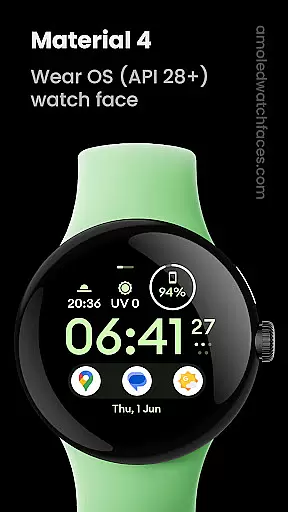
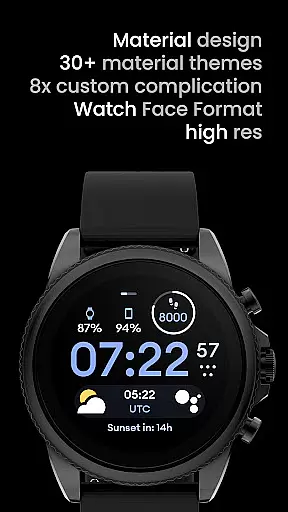
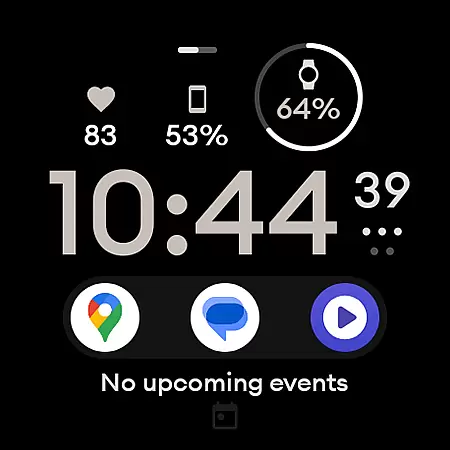
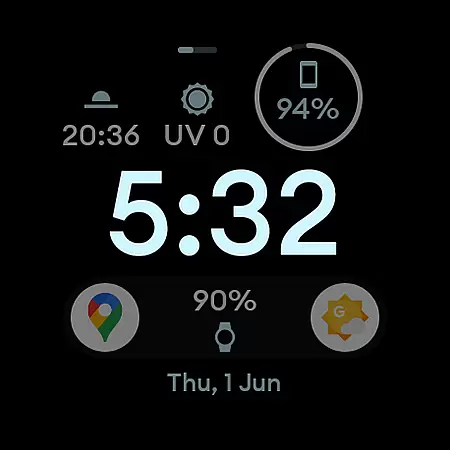
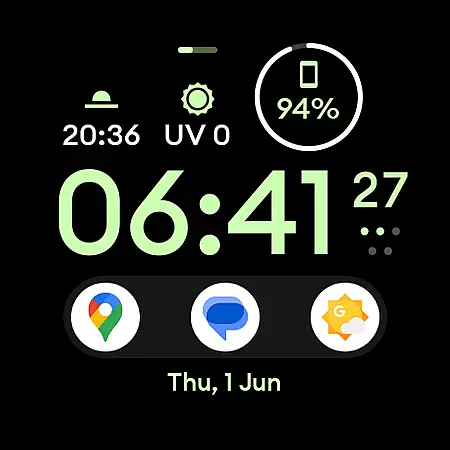
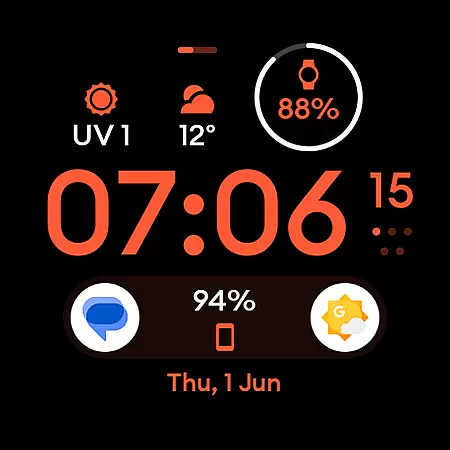
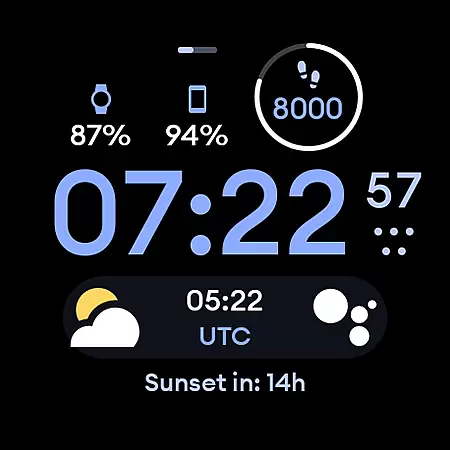
Material 4: Watch face is a premium lifestyle application designed exclusively for Wear OS API 28+ devices. This app offers a sophisticated watch face featuring material design with Euclid font, true black background, and hi-res display, making it both visually appealing and battery-friendly. With support for up to eight custom complications and a unique ambient mode that adapts colors and reduces opacity, users can personalize their smartwatch experience while maintaining optimal performance.
The app also provides various user configurations such as Am-Pm Indicator, Thin Time toggle, Always-On Display settings, and a wide range of color options. These features ensure that each user can tailor the watch face to their preferences. Whether you're looking to enhance your smartwatch's aesthetics or functionality, Material 4: Watch face delivers a seamless blend of style and utility, ideal for those who appreciate a modern and customizable timepiece.
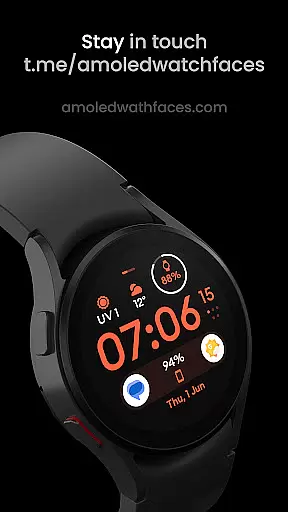
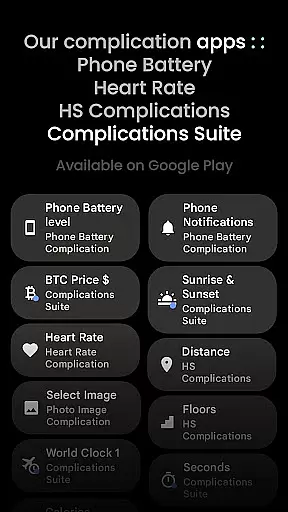
One of the standout features of Material 4: Watch face is its deep customization capabilities. Users can choose from multiple configurations including different Am-Pm indicators, Thin Time toggles, and two types of Always-On Display (AOD) modes. Additionally, there are 35 color options available, allowing for extensive personalization. The app supports custom complications which can be sourced from third-party applications like Complications Suite, enhancing the watch face's functionality by displaying relevant information at a glance.
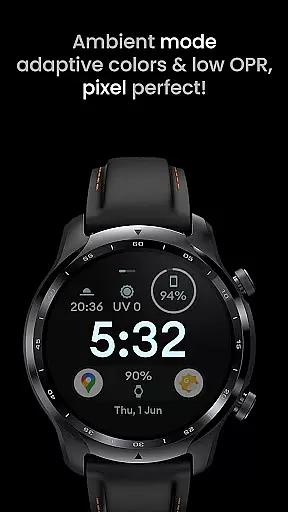
Another remarkable aspect is the app's optimization for performance and battery efficiency. Featuring true black backgrounds and high-resolution graphics, this watch face minimizes power consumption while maintaining visual clarity. Its unique ambient mode further conserves battery life through low opacity rendering and adaptive colors. By combining these advanced features with an intuitive design, Material 4: Watch face ensures that users enjoy a personalized yet efficient smartwatch experience tailored to their lifestyle needs.
In today's fast-paced world, staying connected with your personal style while managing your day-to-day activities is more important than ever. Material 4: Watch face offers a comprehensive lifestyle solution tailored for Wear OS API 28+ devices. This application provides users with an array of features that cater to various aspects of daily life, ensuring that you can maintain both functionality and aesthetics on your smartwatch.
With its material design incorporating the elegant Euclid font, true black background, and high-resolution display, this watch face enhances the visual appeal of any compatible device. The inclusion of eight customizable complications allows users to tailor their watch face to their specific needs, whether it be monitoring fitness goals or receiving timely notifications. These features collectively ensure that users have access to a wide range of lifestyle categories directly from their wrist.
Moreover, the unique ambient mode with low OPR and adaptive color options ensures that the watch face remains visually striking even when not actively in use. User configurations such as Am-Pm Indicator, Thin Time toggle, AOD settings, and a variety of color options provide further customization possibilities. By covering these essential lifestyle categories, Material 4: Watch face empowers users to personalize their smartwatch experience according to their preferences and requirements.
When choosing a digital product, especially one as personal as a watch face for your smartwatch, ensuring the authenticity and credibility of the content is paramount. Material 4: Watch face stands out by offering genuine and reliable features that are designed and verified by experts in the field of wearable technology. This commitment to quality assurance gives users peace of mind knowing they are using a trusted and professionally crafted application.
The developers behind Material 4: Watch face have integrated advanced functionalities such as battery-friendly operations and support for custom complications. These features are not only innovative but also practical, addressing common user concerns like battery longevity and personalized utility. Furthermore, the application provides clear guidance and support through detailed installation and troubleshooting guides available on their official website, amoledwatchfaces.com/guide.
For additional reassurance, users can reach out to the dedicated support team at support@amoledwatchfaces.com for any issues or inquiries. The presence of a vibrant community on platforms like Telegram, where live support and discussions take place, further underscores the credibility of the content provided. By combining expertly designed features with robust user support, Material 4: Watch face establishes itself as a trustworthy choice within the lifestyle category.
User-friendly interface
Highly customizable
Battery efficient
Unique ambient mode
Multiple color options
Not suitable for rectangular watches
Additional installations needed for some features
Limited to Wear OS API 28+
Premium pricing
Third-party dependencies

Fly your Solo like a boss.
 4.10
4.10
Get roadside help, discounts, travel tools & more — AAA is with you everywhere.
4.80
Earn points with every purchase with Moe Rewards.
4.20
Spiritus Ghost Box is an Audio and Visual ITC tool for paranormal research.
4.00
Discover your Nationality, Family Origin, and Ancestry from one selfie
4.50
Play fun games, complete quick surveys, and earn money. It's fun and easy!
4.40
Zodiac & Horoscope Launcher: Daily Sign Predictions & Astrology
4.40
Wear your favorite memories, loved ones, pets or travel photos on your watch
4.1
Vehicle ownership simplified. Get the myChevrolet® app today.
4.60
See wait times and check into a hair salon ahead of time with Online Check-In.
4.80
Crochet made easy: step-by-step tutorials, beginner patterns & projects
4.60
Colorful minimal digital watch face for Wear OS
4.60
The go to app for taking unlimited notes!
4.50
A smart Siddur with halachic times
4.50
Paranormal EVP, Ghost Box, Spirit box, ITC, Haunted, Spirit communication device
3.70
Going above and beyond known spirit communication
3.60
An Eerie Musical Trigger Toy for Spirits to Play with!
3.50
The Miracle Box includes methods used by Steve Huff of Huff Paranormal.
3.20
Celebrate the holidays with Advent Calendar: daily surprises and festive fun!
4.0



User Reviews