
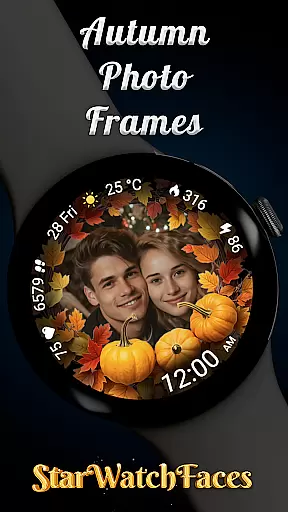
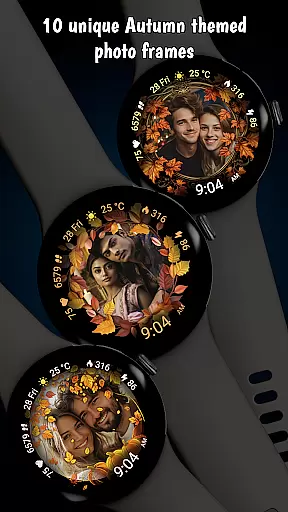
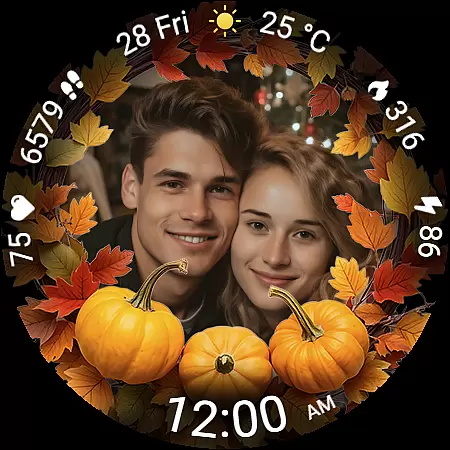
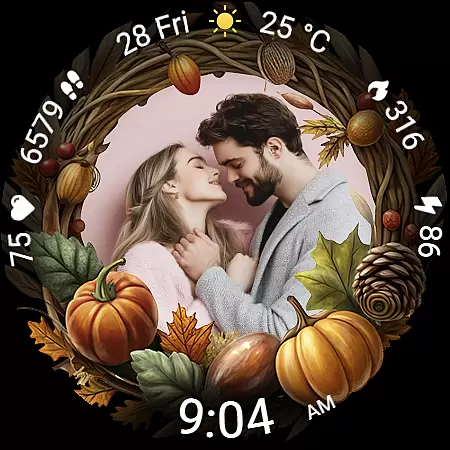
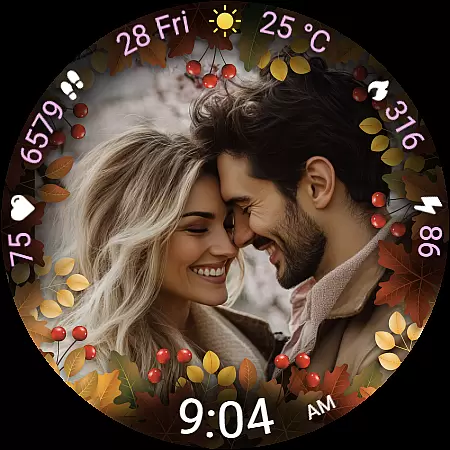
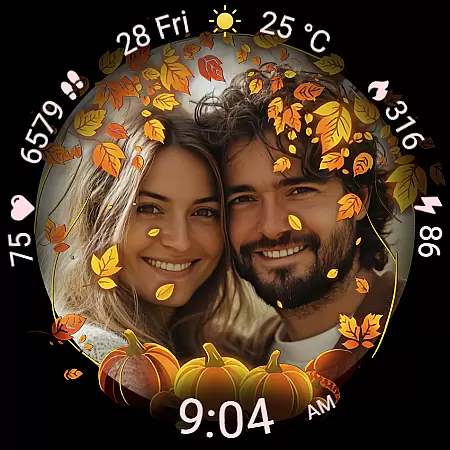
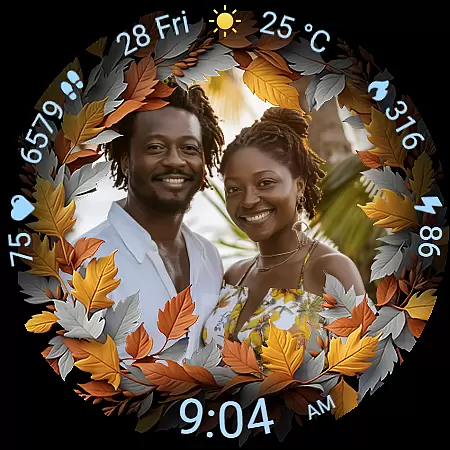
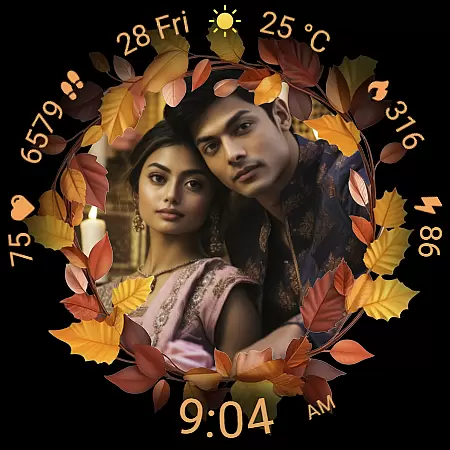
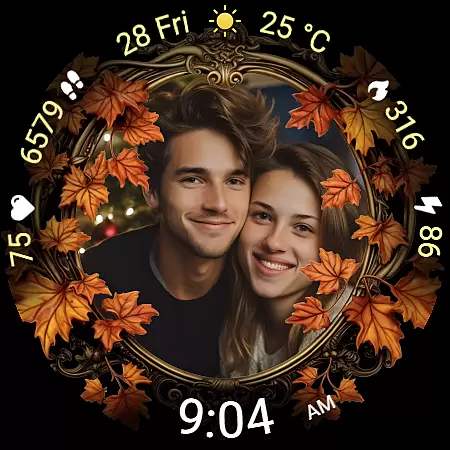
Autumn Photo Frames for WearOS is a lifestyle-enhancing watchface that combines seasonal aesthetics with personalization. This app allows users to display cherished memories on their smartwatches through beautifully designed autumn-themed photo frames, making it ideal for those who appreciate emotional connections and customization. With support for 10 unique frames, users can match their style while enjoying practical features like heart rate monitoring, step counting, and weather updates.
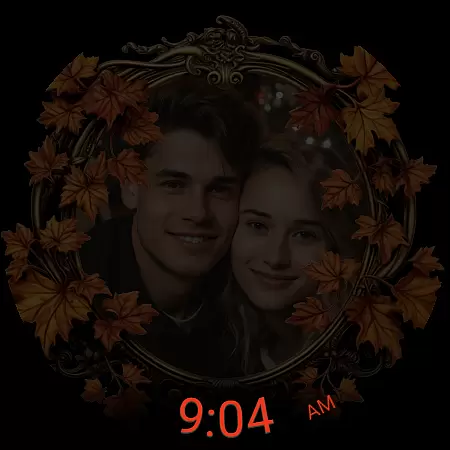
The watchface offers extensive customization options, including 30 color themes and digital clock formats in both 12h and 24h. Compatible with Wear OS 6 or newer, this app transforms your smartwatch into a personal gallery with added functionality such as battery status, calorie tracking, and an Always-On Display (AOD) mode. Whether celebrating relationships or hobbies, Autumn Photo Frames adds both sentimental value and utility to your wearable device.
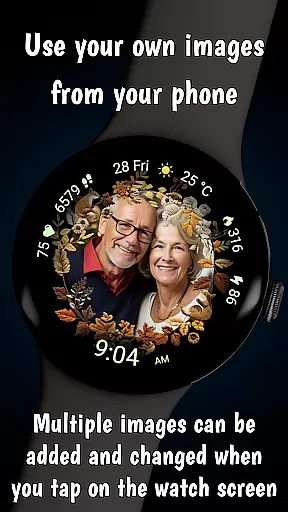
Autumn Photo Frames stands out with its rich feature set tailored for personal expression and convenience. The core functionality lets users upload their favorite photos via a companion app, choosing from 10 elegantly designed autumn-themed frames. These frames are complemented by 30 customizable color themes, ensuring the watchface matches individual preferences perfectly.
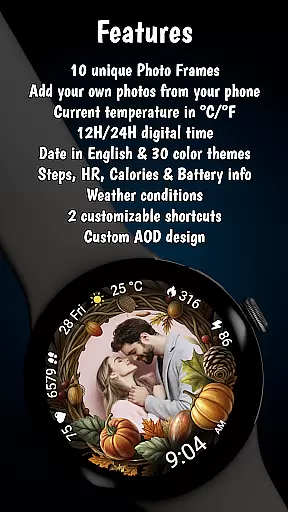
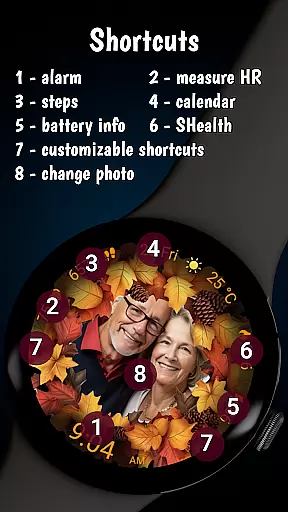
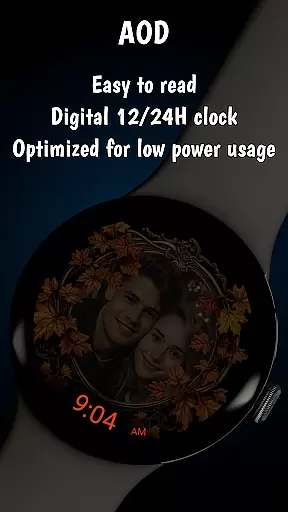
Practicality meets style with integrated health and activity metrics, including real-time heart rate monitoring, step counters, and calorie trackers. Additional features like weather information, date display, and battery status ensure everyday usability. The inclusion of two customizable shortcuts enhances accessibility, allowing quick access to frequently used apps. Optimized for efficiency, the watchface also supports low-power modes, extending battery life without compromising visibility or performance.
The Autumn Photo Frames watchface for Wear OS offers a comprehensive lifestyle experience by integrating personal memories with practical smartwatch functionalities. This application goes beyond simple timekeeping, providing users with the ability to customize their watch faces using their own images within beautifully designed autumn-themed frames.
With 10 unique photo frames and 30 color themes, this app allows users to match their watch face with their personal style or mood of the season. The customization options extend to functional features such as a digital clock in 12h or 24h format, date display, battery status, heart rate monitoring, step counting, calorie tracking, and weather information.
This wide array of features ensures that users can enjoy both sentimental value and practical utility. Whether celebrating relationships, family moments, or hobbies, the Autumn Photo Frames watchface transforms a smartwatch into a personalized gallery that moves with the user throughout their day.
The Autumn Photo Frames watchface demonstrates content authenticity through its carefully crafted design and feature set. Each of the 10 autumn-themed frames is created with seasonal colors and decorative elements, ensuring an elegant aesthetic that resonates with users seeking to personalize their smartwatch.
In addition to visual appeal, the app provides credible and useful features such as heart rate monitoring, step counting, and calorie tracking. These health-related metrics are displayed in real-time, offering users accurate and valuable insights into their daily activities.
Furthermore, the promotional materials clarify that all images shown are AI-generated, setting clear expectations for potential users. By combining genuine lifestyle features with transparent marketing, the Autumn Photo Frames watchface establishes itself as a credible and appealing choice within the lifestyle category.
Highly customizable
Beautiful autumn designs
Real-time health tracking
Weather integration
User-friendly interface
Limited to Wear OS
Requires companion app
Additional setup needed
Premium pricing
AI-generated promotions

The Work of Byron Katie— the mobile app for inner peace.
 4.40
4.40
Chat, meet genuine singles in your area. Real connections start with being real.
4.30
Bring the warm colors of fall directly to your wrist with Autumn Leaves!
4.2
The go to app for taking unlimited notes!
4.50
Play fun games, complete quick surveys, and earn money. It's fun and easy!
4.40
Made To Order Faves
4.70
Mixing Colors for Menswear
4.20
An Eerie Musical Trigger Toy for Spirits to Play with!
3.50
PARAVOX 4 is a professional ITC paranormal research application.
4.50
Discover the "To Be a Christian" App: Your Guide to Deepening Faith!
5.00
Countdown to Christmas 2025 with festive games & activities in a virtual village
4.80
A smart Siddur with halachic times
4.60
Get your life organized with My Agenda!
4.30
What is my face shape? Find out your face shape from picture, see fitting frames
3.90
Do you want to communicate with spirits?
3.80
Take Hobby Lobby with you wherever you go!
3.40
Unique Dual Colors with 6 Custom Complications for Wear OS watches!
3.40
Designed to delight, impress and energize your festive spirit every single day
4.0
Customize your Wear OS watch with festive Christmas figures and colors!
4.2




User Reviews