
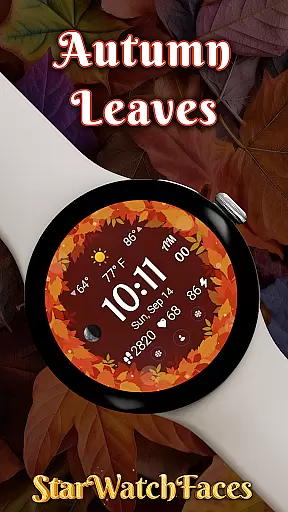
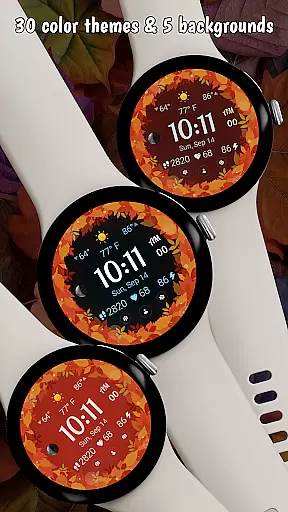
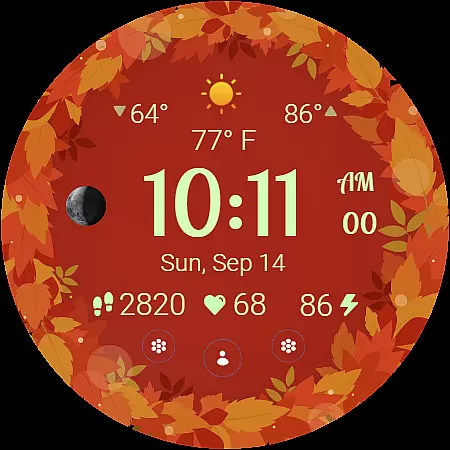
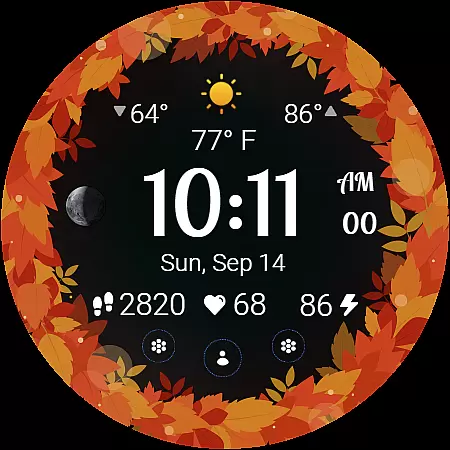
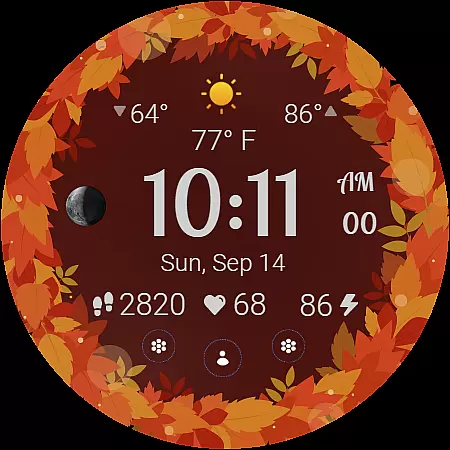
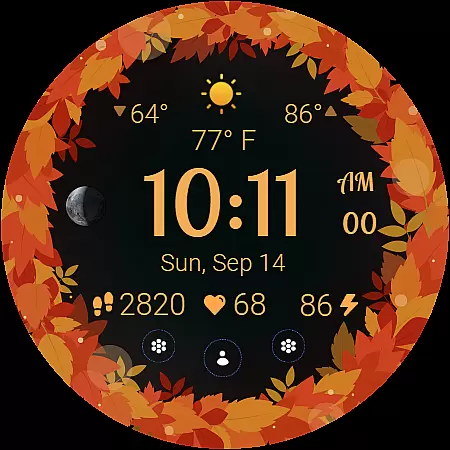
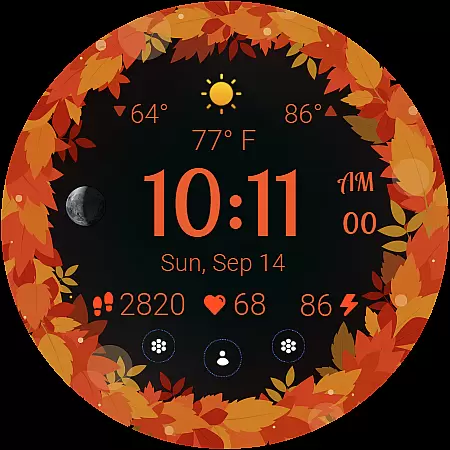
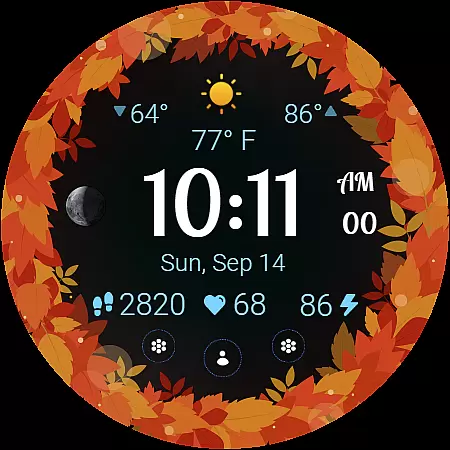
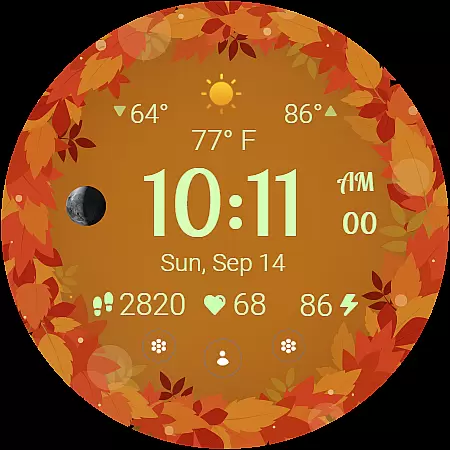
Autumn Leaves Watch Face brings the vibrant colors of fall to your wrist with its stunning Wear OS design. This lifestyle app combines aesthetic appeal with practical functionality, offering users a unique seasonal experience. The watch face features beautiful animations, weather information, and health tracking while supporting customization through 30 color themes and 5 background options.
Designed for Samsung Galaxy Watches running Wear OS 5 or newer, this app provides both style and utility. Users can view moon phases, check temperatures in °C or °F, and access battery-friendly always-on display modes. With localized date displays and three customizable shortcuts, Autumn Leaves ensures essential information is easily accessible while maintaining an elegant autumn-inspired appearance.
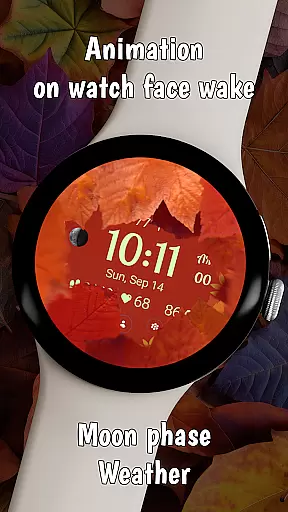
The Autumn Leaves Watch Face stands out with its rich feature set tailored for lifestyle enthusiasts. One of its key innovations is the animated transition effect that activates when the watch wakes up, creating a smooth visual experience as leaves retract to reveal the main display. This feature perfectly captures the cozy essence of fall while providing a dynamic user interface.
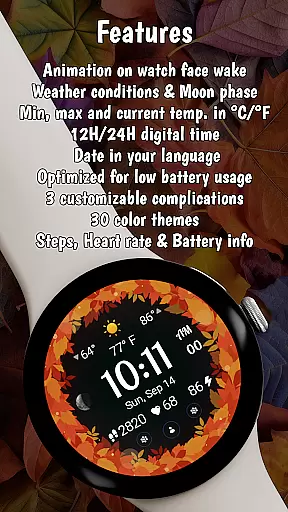
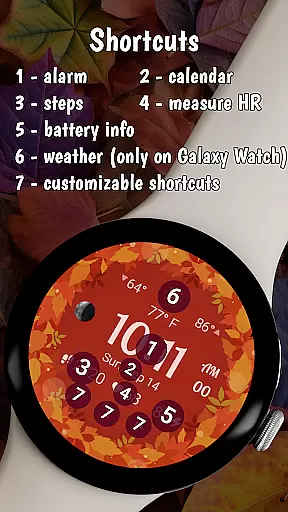
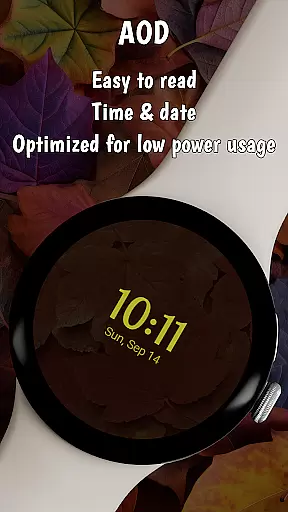
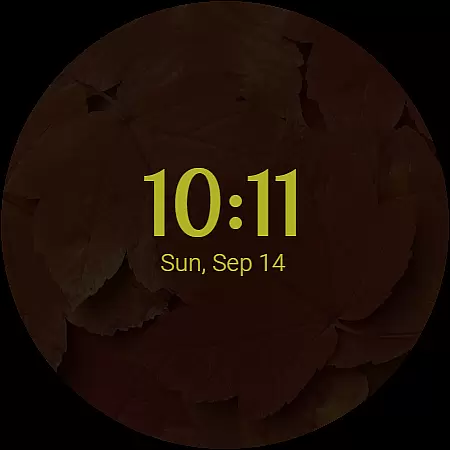
Functionality is at the core of this app's design. It offers weather updates including current, minimum, and maximum temperatures alongside live conditions, making it a practical tool for daily use. The inclusion of health metrics like heart rate and step count, combined with customizable shortcuts for favorite apps, ensures users have quick access to vital information. Additionally, the always-on display mode balances aesthetics with power efficiency, showing time and basic details even in ambient mode.
The Autumn Leaves Watch Face offers extensive lifestyle category coverage by integrating essential daily features into a stunning seasonal design. This Wear OS watch face goes beyond mere aesthetics, providing users with practical information such as weather conditions, moon phases, and health metrics.
With its 30 color themes and 5 background options, the watch face allows for personalization that matches individual style preferences while maintaining functional displays. The inclusion of heart rate monitoring, step tracking, and battery information makes it particularly suitable for health-conscious users who want to keep their fitness data accessible at all times.
The watch face's compatibility with both 12-hour and 24-hour clock formats, along with localized date display in the user's device language, demonstrates its adaptability across different regions and cultures. These features ensure that users worldwide can enjoy a personalized experience that fits their specific lifestyle needs.
The Autumn Leaves Watch Face establishes content authenticity through its verified features and accurate data displays. Each element, from weather information to moon phases, is carefully designed to provide reliable and real-time data, ensuring users receive trustworthy information on their wrist.
This watch face stands out through its commitment to accuracy and functionality. The weather feature provides current, minimum, and maximum temperatures alongside live conditions, all displayed in either Celsius or Fahrenheit based on user preference. Such attention to detail reflects the developer's dedication to creating an authentic and credible product.
Furthermore, the integration of health and fitness tracking, including heart rate and step count, showcases the application's reliance on expert-validated metrics. By combining these practical features with visually appealing autumn-themed designs, the watch face achieves a perfect balance of aesthetic appeal and functional reliability.
Beautiful seasonal design
Rich customization options
Smooth animated transitions
Comprehensive weather data
Health and fitness tracking
Limited compatibility
Some features unavailable
Requires Wear OS 5
Premium pricing model
Complex setup process

Unique BIG BOLD TIME with amazing colors and customisations.
 3.70
3.70
Turn your watch into a key fob for your Tesla
2.90
Unique "Isometric" style digital watch face for Wear OS
4.50
This is a simple and highly functional alarm clock "Smart Alarm" paid version.
4.20
The go to app for taking unlimited notes!
4.50
Creativity and savings for kids, beginners and experts in arts and crafts
3.50
Wear your favorite memories, loved ones, pets or travel photos on your watch
4.5
Going above and beyond known spirit communication
3.60
Create slime on your phone and enjoy satisfying and relaxing ASMR games
4.50
Good magnifier app to see tiny things bigger and more clearly!
4.80
Get the news, events and savings that matter to you with AARP Now.
4.80
A unique and customizable watch face which rotates its layout every minute.
4.80
Crochet made easy: step-by-step tutorials, beginner patterns & projects
4.60
Retro animated weather with hourly forecast Watch Face for Wear OS
4.60
The App can control Roborock vacuum cleaners from anywhere with rich features.
4.60
Discover your Nationality, Family Origin, and Ancestry from one selfie
4.50
Chat, meet genuine singles in your area. Real connections start with being real.
4.30
This minimalist yet classic board design brings a futuristic twist to your wrist
4.20
Easily manage your child's playtime, spending messaging and more.
3.50




User Reviews