
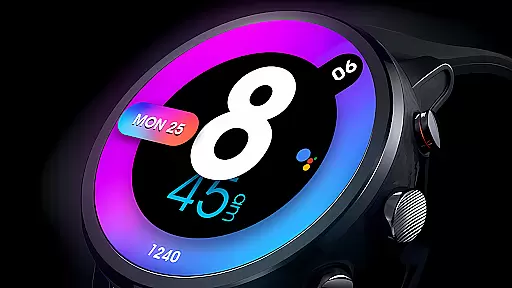
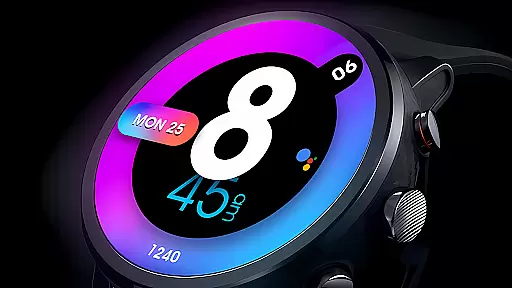
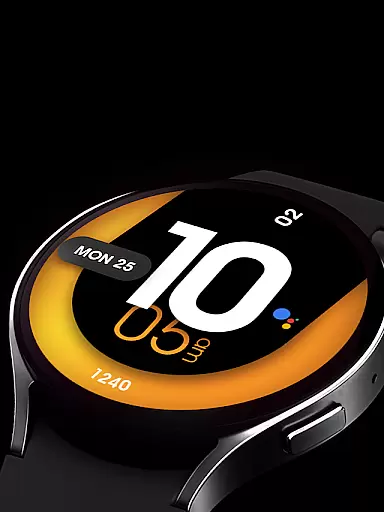
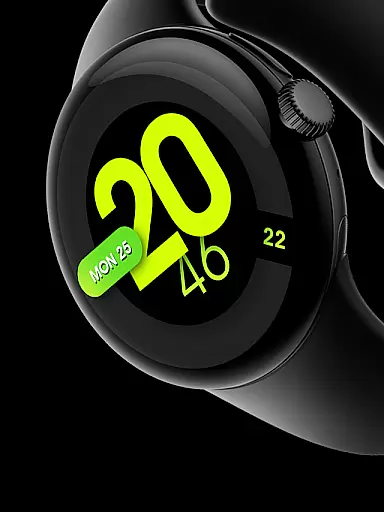
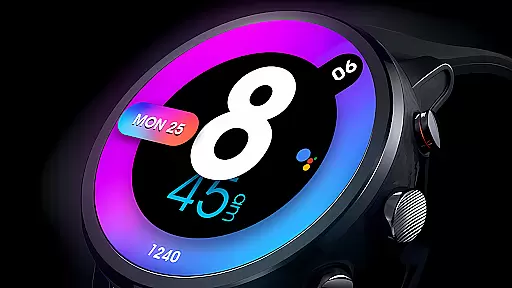
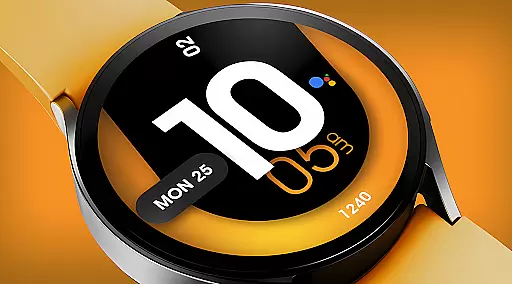
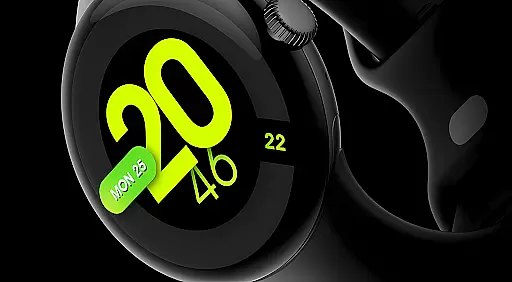
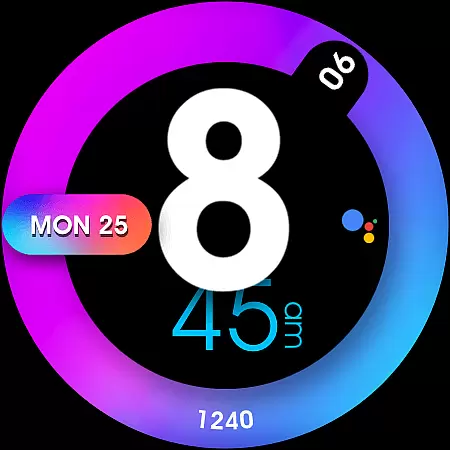
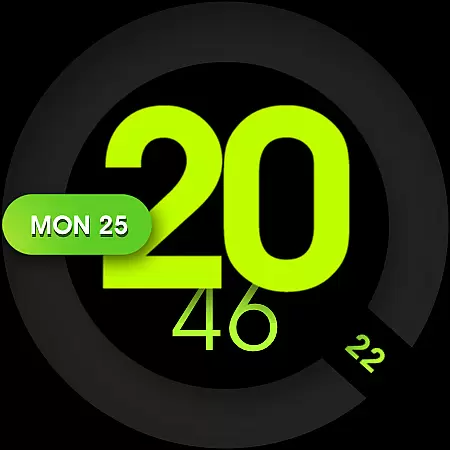
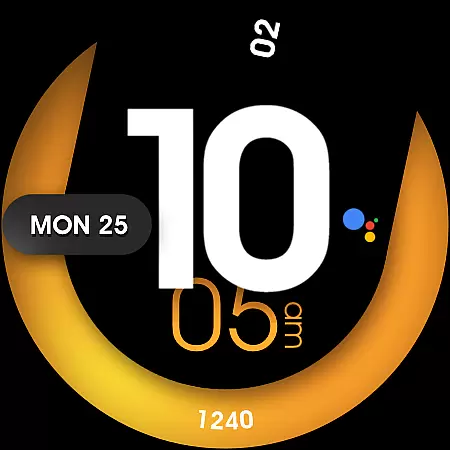
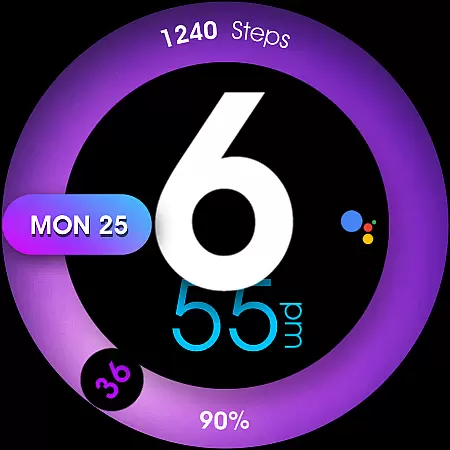
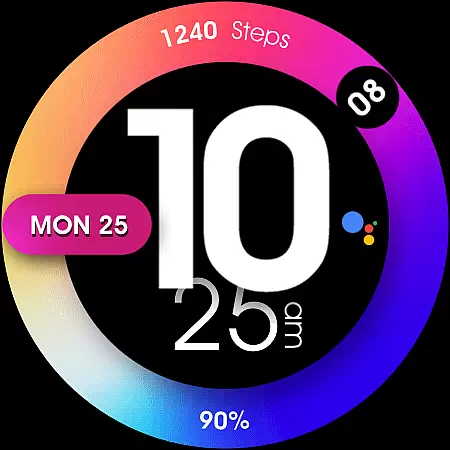
UsA Minimalist Digital is a vibrant and customizable watch face designed specifically for Wear OS devices. This application offers users a modern digital interface with support for health-related complications, ensuring both style and functionality. Compatible with Galaxy Watch 4/5/6/7/8 Series, Pixel Watch series, and other Wear OS 4 or newer devices, it requires Wear OS API 33+. The installation process is straightforward, automatically beginning on the watch after purchase using the same Google account.
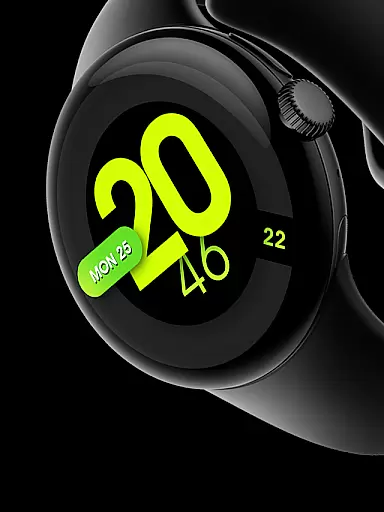
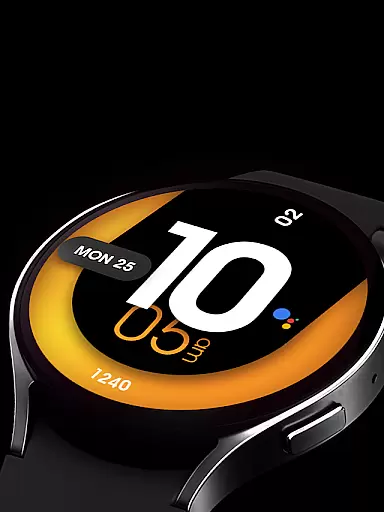
This watch face stands out with its colorful design and versatile customization options. Users can personalize colors, decorations, and information displays to suit their preferences. With features like AOD mode, custom app shortcuts, and synchronization of 12/24-hour formats with phone settings, it provides both aesthetic appeal and practical utility. Whether you're tracking health metrics or managing daily tasks, UsA Minimalist Digital enhances your smartwatch experience.
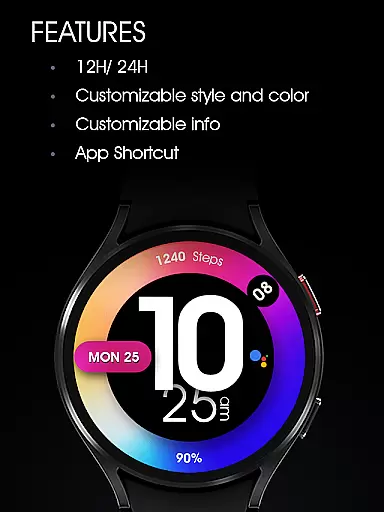
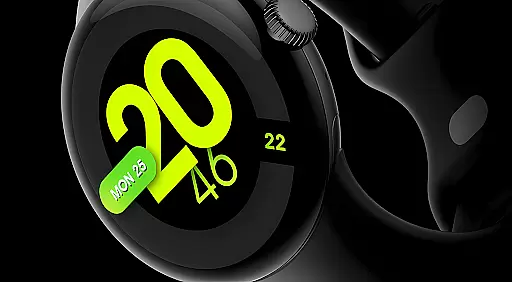
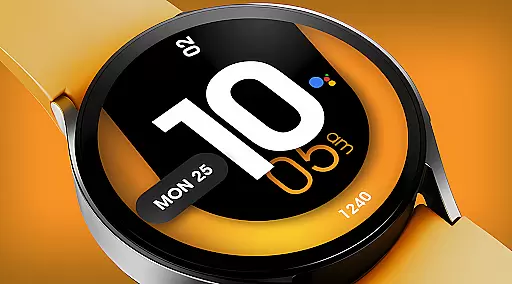
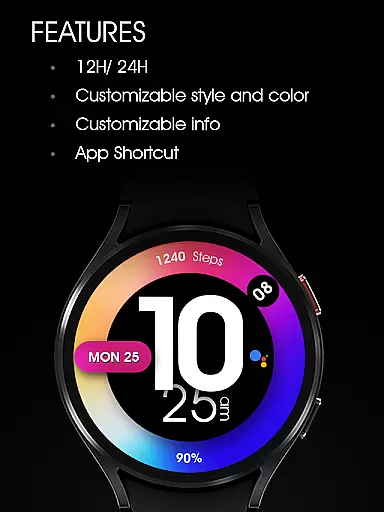
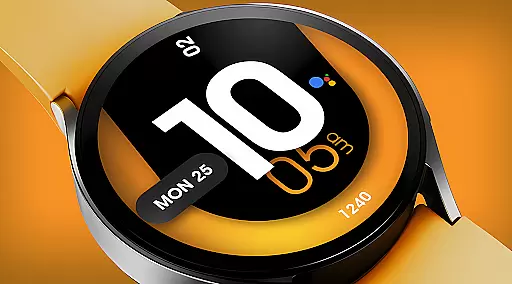
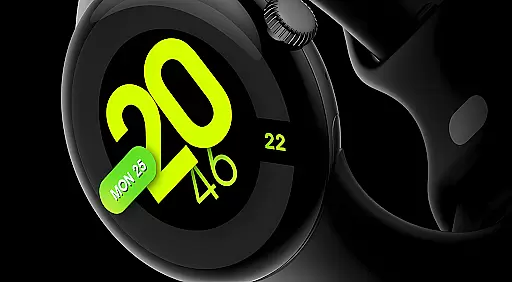
UsA Minimalist Digital boasts an array of features that cater to both style-conscious and tech-savvy users. Its standout characteristic is the colorful digital design that syncs seamlessly with your phone's time settings, offering both 12 and 24-hour formats. The ability to customize colors and decorations allows users to tailor the watch face to match their personal style, making it a unique accessory for every occasion.
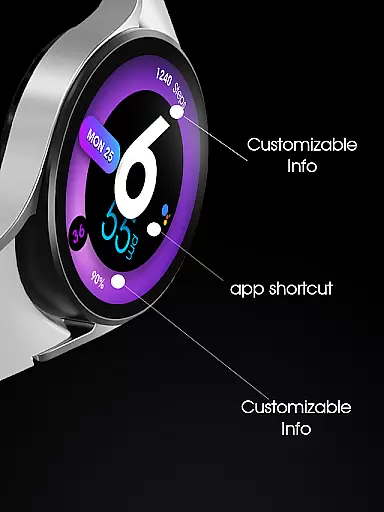
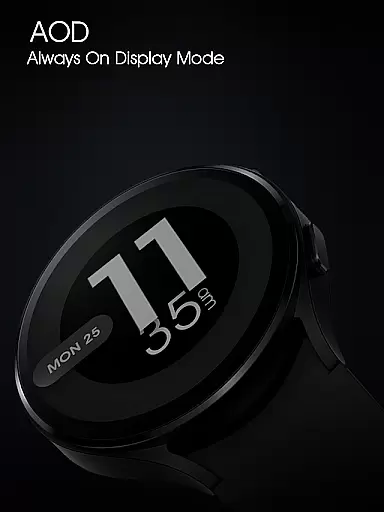
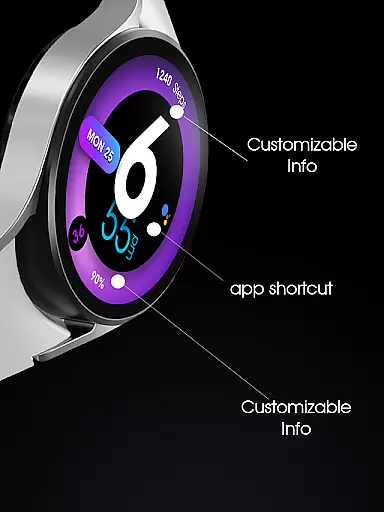
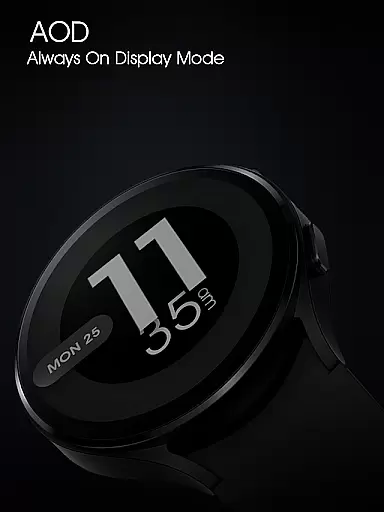
In addition to its visual appeal, this watch face supports two custom information slots and one custom app shortcut, providing quick access to essential data and applications. The Always-On Display (AOD) mode ensures that vital information remains accessible at a glance, even when the watch is in low-power mode. These thoughtful features not only enhance usability but also empower users to optimize their smartwatch for individual needs and preferences.
UsA Minimalist Digital offers a comprehensive lifestyle experience through its vibrant and customizable watch face designed specifically for Wear OS devices.
This application supports health complications, custom shortcuts, and various stylistic options, ensuring it caters to a wide array of user preferences and needs within the lifestyle sector.
With compatibility across multiple devices including Galaxy Watch series and Pixel Watch series, it ensures broad accessibility and utility.
Users benefit from an adaptive design that syncs with their phone settings, providing both 12/24 hour time formats, personalized colors, and additional features like Always-On-Display (AOD) mode.
The UsA Minimalist Digital watch face stands out due to its authentic design tailored for users seeking both functionality and style on their Wear OS devices.
Developed with attention to detail, this app requires Wear OS API 33+ ensuring cutting-edge performance and reliability.
Its credibility is further enhanced by offering genuine features such as customizable complications for health data, app shortcuts, and synchronization capabilities directly linked to the user's phone settings.
Additionally, users can join a community via Telegram for live support and discussions, reinforcing trust in the productu2019s expertise and commitment to quality service.
Colorful design
Customizable options
Health complications
AOD mode
Easy installation
Wear OS 4+ required
Limited device compatibility
Paid features
No iOS support
Complex settings

Big bold weather watch face with dynamic backgrounds and 3 complications
 4.4
4.4
The all-new Cync app. The simple, connected app for Cync and C by GE.
4.50
Stay connected with your loved ones & vehicles | Share live GPS location updates
4.60
Easily manage your child's playtime, spending messaging and more.
3.50
Use your device sensors to detect energy and convert it into spoken words.
4.10
Play. Earn. Repeat. Get rewarded for playing mobile games. Welcome to Mobius!
4.80
The Miracle Box includes methods used by Steve Huff of Huff Paranormal.
3.20
LineLearner, the quick way to learn lines.
2.90
Control your Tapo smart devices from anywhere.
4.60
Have your Tehillim with you at all times
4.70
A smart Siddur with halachic times
4.60
This app is intended to support professional EMDR therapy.
4.50
Chat, meet genuine singles in your area. Real connections start with being real.
4.30
Material You inspired colors with BIG and Bold looks for Wear OS watches.
4.20
Digital watch face design. Modern looking, hi-res & battery friendly.
4.00
An Eerie Musical Trigger Toy for Spirits to Play with!
3.50
Designed to delight, impress and energize your festive spirit every single day
4.5
Big bold hybrid watch face with 30 colors, 5 fonts & 5 complications.
4.0
A uniquely designed isometric digital watch face made for Wear OS
4.2



User Reviews