
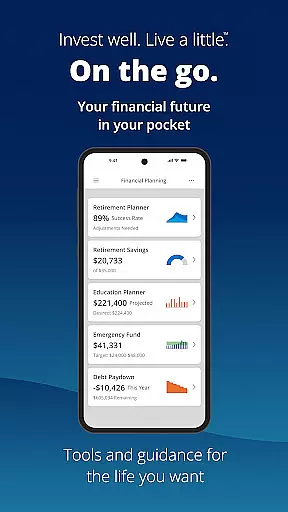
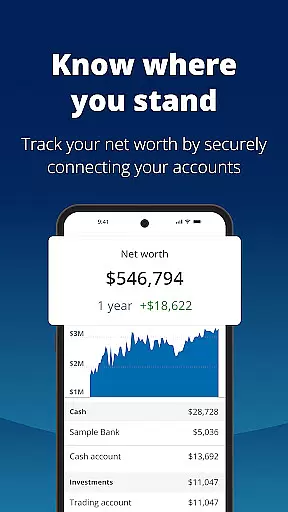
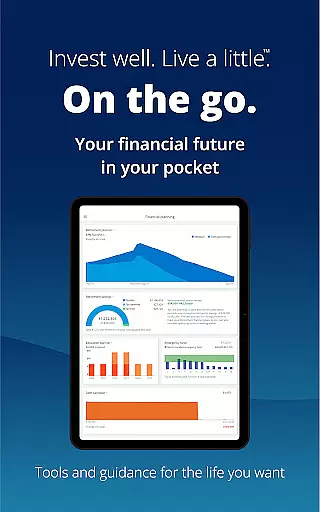
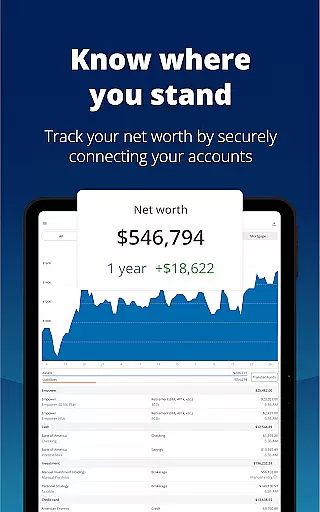
Empower is a comprehensive financial management application designed to simplify and clarify your financial life. The app consolidates all your financial accounts into one dashboard, providing a complete overview of your net worth, income, expenses, and investments. With industry-leading tools, Empower helps you plan for retirement, simulate economic scenarios, and tackle debt effectively.
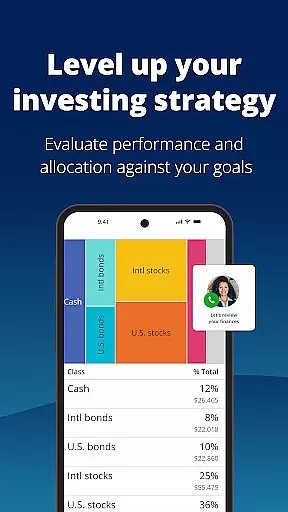
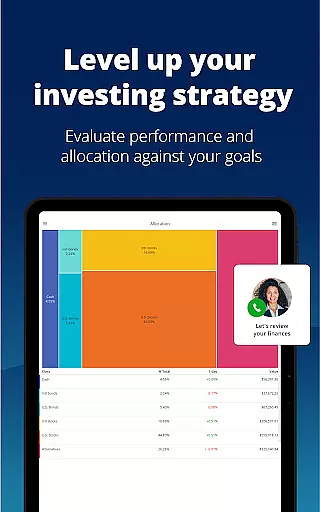
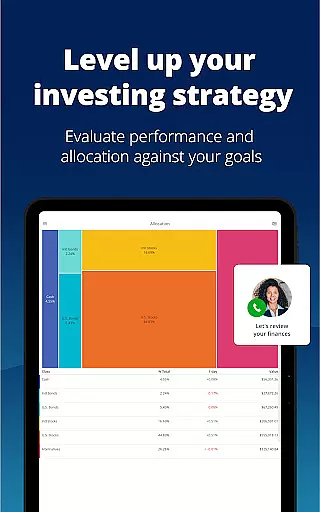
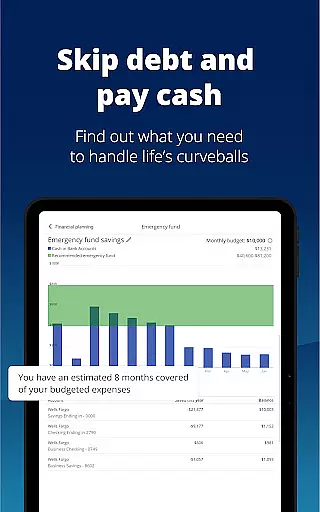
One of the standout features of Empower is its ability to provide professional investment advice and detailed financial planning. Users can adjust and compare different financial scenarios, check for allocation imbalances, and build an emergency fund. Security is also a top priority, with biometric and multi-factor authentication ensuring that your data remains protected. Whether you're looking to set and track budgets or simply want a clearer picture of your financial health, Empower offers the tools you need to achieve your goals.
By using Empower, you can spend less time managing spreadsheets and ledgers and more time focusing on what you enjoy. The app's intuitive design and powerful features make it an essential tool for anyone serious about financial planning and clarity. Download Empower today and take the first step towards a more organized and secure financial future.
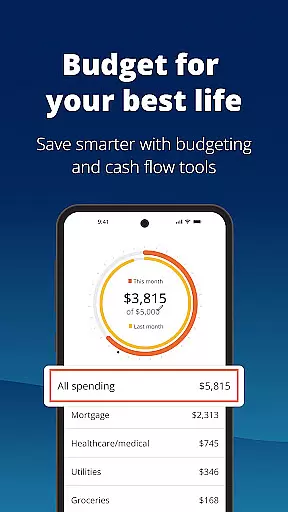
Empower stands out in the finance app category due to its robust feature set tailored to meet the needs of users who require detailed financial oversight and planning. One of the key features is the ability to view all your financial accounts in one place, offering a unified dashboard that simplifies tracking your net worth, income, and expenses. This holistic view allows users to make informed decisions without the hassle of logging into multiple accounts.
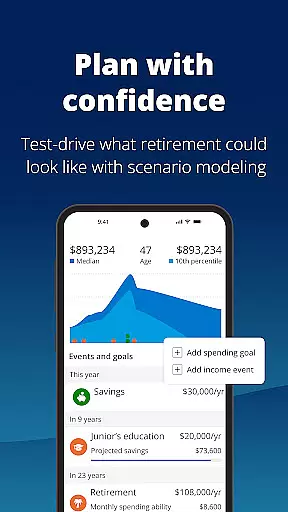
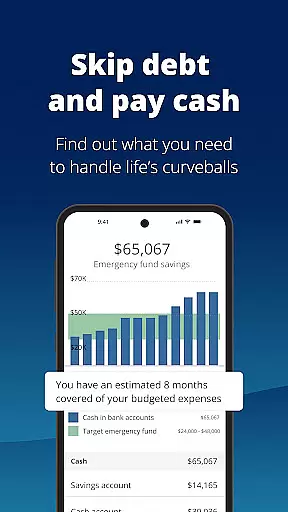
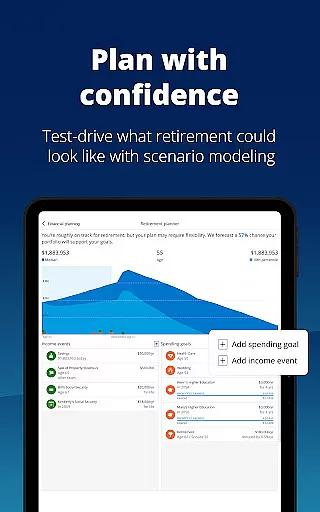
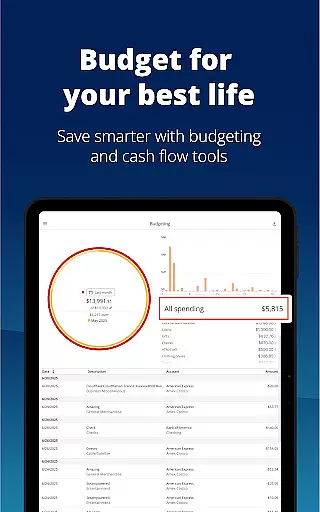
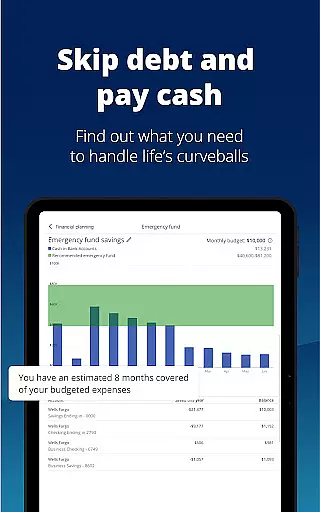
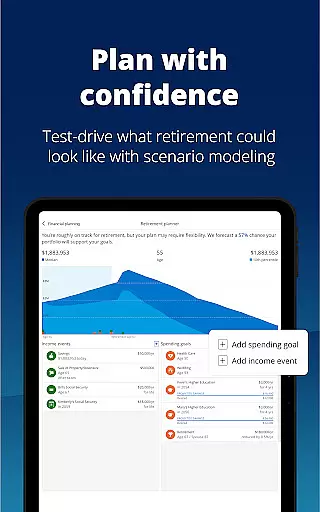
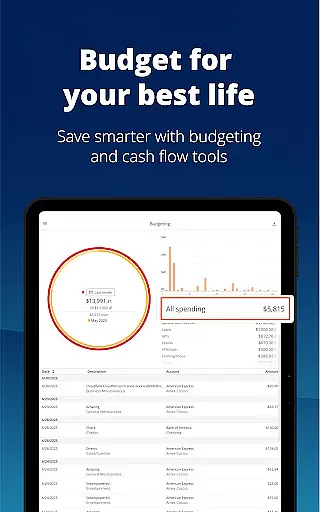
In addition to account aggregation, Empower provides advanced tools for financial planning and analysis. Users can simulate various economic scenarios, including recessions, to understand potential impacts on their financial health. The app also offers retirement planning tools, helping users map out their financial dreams and take actionable steps to achieve them. With features like debt tackling strategies, emergency fund building, and budget setting, Empower equips users with everything needed to manage their finances effectively.
Security is another critical aspect of Empower's feature set. The app employs biometric and multi-factor authentication to ensure that user data is protected against unauthorized access. This focus on security, combined with professional investment advice and detailed financial insights, makes Empower a powerful ally in achieving financial clarity and success. Whether you're an individual looking to better understand your financial status or someone planning for long-term financial goals, Empower has the tools to support your journey.
Account and Fund Security is a critical aspect of any financial application, ensuring that users' personal and financial data remains protected at all times. Empower takes this responsibility seriously by implementing top-tier security measures.
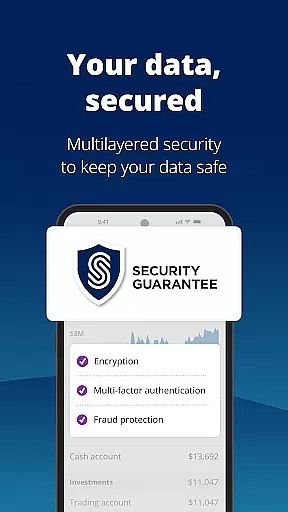
The app secures your data with biometric and multi-factor authentication, providing an additional layer of protection against unauthorized access. This ensures that only you can access your financial information, giving peace of mind in an era where digital threats are prevalent.
Empower's commitment to security extends beyond just authentication methods. As part of Empower Financial Services, Inc., the app adheres to strict regulatory standards, including those set by FINRA and SIPC, safeguarding your securities and investments.
By prioritizing account and fund security, Empower allows users to focus on what they enjoy, without worrying about the safety of their financial assets. This dedication to security underpins the trust that users like Benjamin D. place in Empower for managing their financial lives.
A seamless transaction experience is essential for users managing their finances through an app. Empower excels in providing a smooth and efficient process for handling various financial transactions.
With Empower, users can see all their accounts in one place, streamlining the transaction process and eliminating the need to log in to multiple platforms. This consolidation simplifies tracking income and expenses, making it easier to set and monitor budgets effectively.
The app also offers industry-leading tools designed to help simulate different financial scenarios, such as recessions or retirement planning, allowing users to make informed decisions about their transactions and future investments.
By reducing the time spent on sorting through spreadsheets and individual accounts, Empower enhances the overall transaction experience, letting users dedicate more time to enjoying life while maintaining financial clarity and control.
User-friendly interface
Comprehensive financial tools
Strong security measures
Professional investment advice
Retirement planning features
Premium features require subscription
Occasional syncing issues
Limited international support
Higher complexity for beginners
Some advanced tools need learning

 4.50
4.50
Bill Manager is a simple app to help you keep track of your upcoming bills.
4.3
PayMe helps you claim money from settlements on companies that harmed you.
4.80
Get, Earn, and Save Money
4.30
Put crypto to work & earn rewards. Stake crypto like Ethereum, Solana & Cardano
4.40
Change the way you money with Credit Genie
4.30
Save, spend & get paid faster²
4.50
Manage budget, save money, or file tax. Build, track & improve your credit score
4.40
Trade NFL, NBA, Crypto, Tech
4.50
Secure, simple money transfer app. Send money to Mexico and worldwide fast.
4.80
Your Big Financial Friend
4.70
Navigate your unique financial path confidently with help from Credit Karma.
4.70
Manage and cancel subscriptions, lower bills, track expenses, create budgets.
4.60
Earn cash back. Build credit.
4.60
Our Chase Mobile App makes it easy for you to bank on the go 24/7.
4.60
Insurance that's quick and easy to buy and use—anytime, anywhere.
4.60
Get up to 500, get paid early, earn interest and find work with no hidden fees.
4.40
Venmo is the fun and easy way to pay and get paid.
4.10
View BSC Transactions for multiple accounts
3.90











User Reviews