
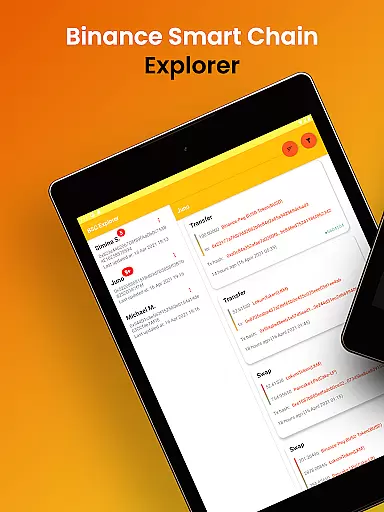
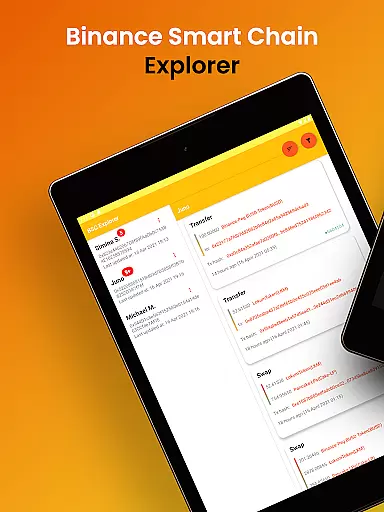
Binance Smart Chain Explorer is a powerful financial tracking tool designed specifically for crypto investors and DeFi traders. The app provides comprehensive portfolio management features including real-time transaction notifications, BEP-20 token balance tracking, and detailed wallet analytics.
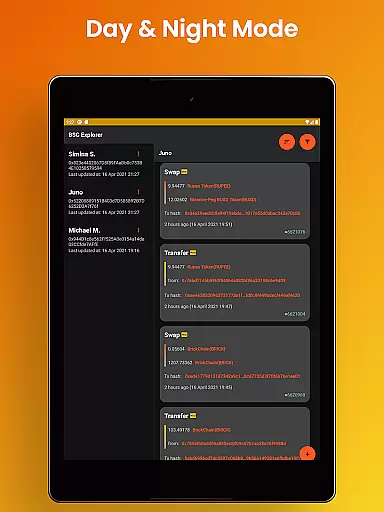
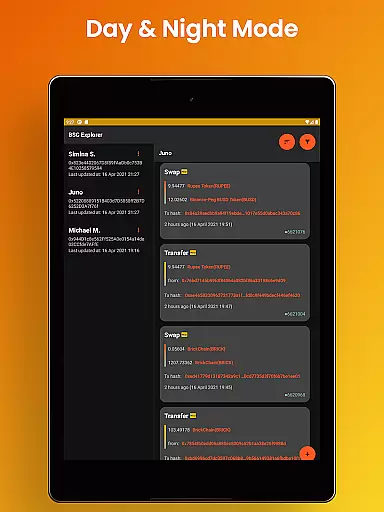
One of its key strengths is the ability to monitor unlimited wallets through their public addresses while maintaining enterprise-grade security. Users can view smart contract details, token holder data, and PancakeSwap information without compromising their private keys. The app's intuitive interface offers both dark and light modes, making it suitable for extended use across phones and tablets.
This application is particularly valuable for decentralized finance (DeFi) traders who need to track multiple wallets and transactions across the Binance Smart Chain ecosystem. Its professional-grade features help users save time and make more informed investment decisions.
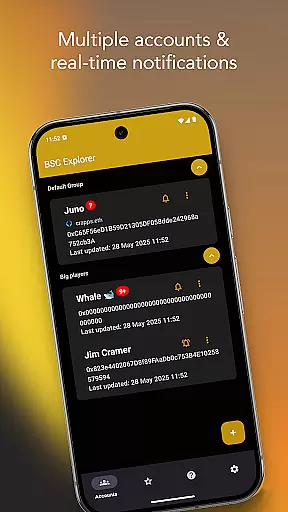
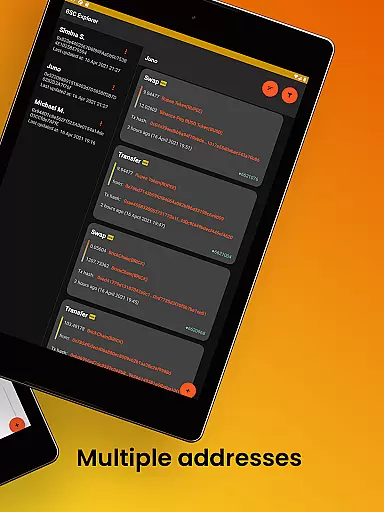
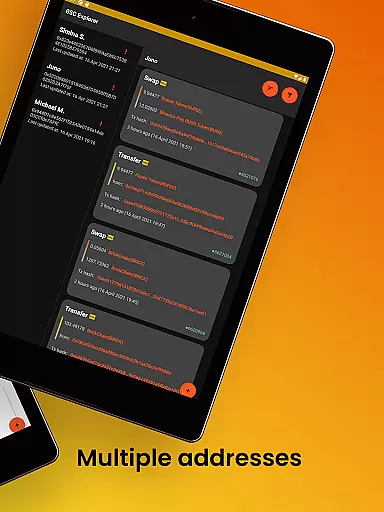
The Binance Smart Chain Explorer stands out with its robust feature set tailored for serious crypto investors. The multi-wallet portfolio tracker supports unlimited addresses, each with customizable aliases for easier monitoring. Real-time transaction notifications are available through subscription, complemented by periodic updates that require no subscription.
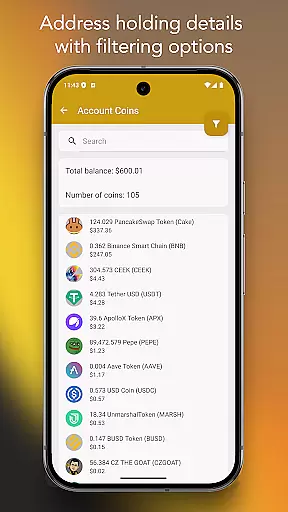
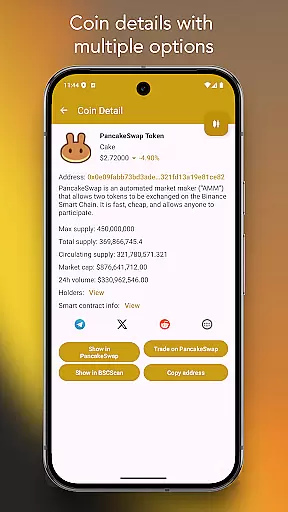
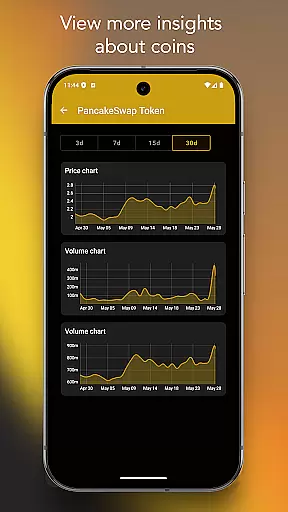
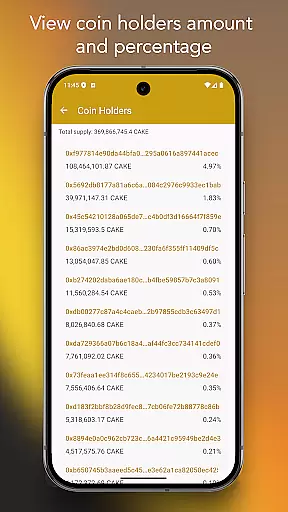
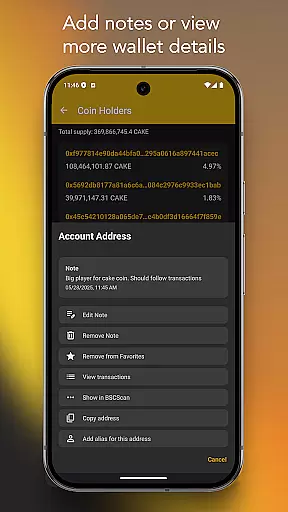
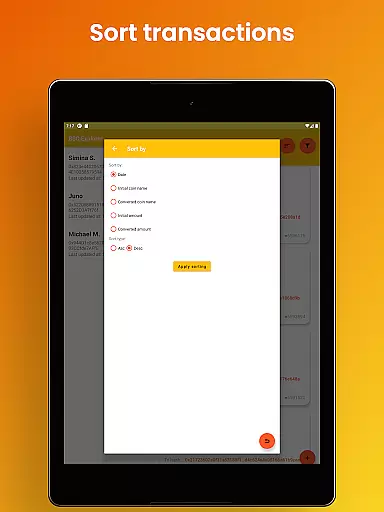
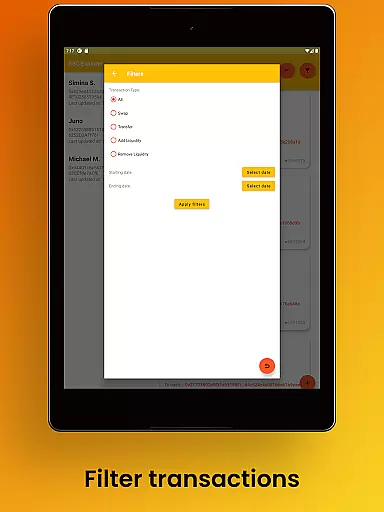
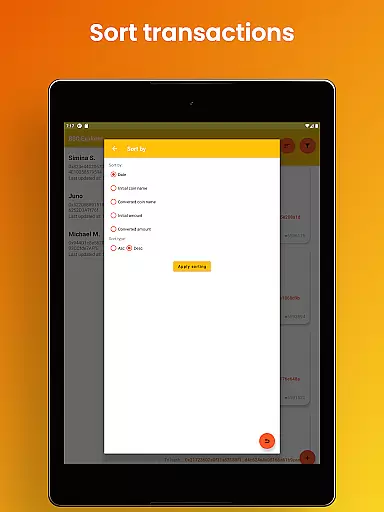
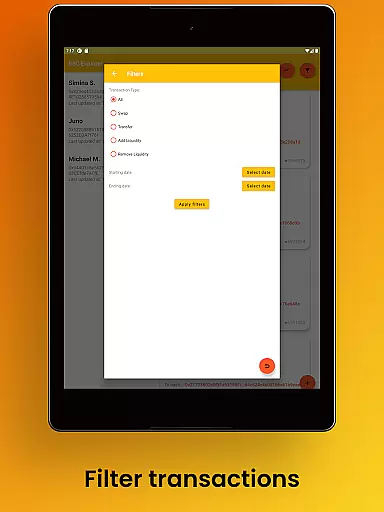
Advanced tracking capabilities include complete BEP-20 token balance monitoring with sophisticated search and filtering options. Users can analyze token holder distributions relative to total supply and access detailed information about coins, transaction hashes, or wallet addresses directly from PancakeSwap or BSC Scan. The app allows saving favorites and adding notes for better portfolio management.
Security features are enterprise-grade, providing view-only access through public wallet addresses while ensuring private keys remain safe. The premium user experience is enhanced by modern design elements, multiple language support, and optimized layouts for both mobile and tablet devices.
Account and fund security is paramount in the world of cryptocurrency, and Binance Smart Chain Explorer excels in this area. The app provides view-only access using public wallet addresses, ensuring that your private keys remain safe and secure at all times. This approach eliminates the risk of unauthorized transactions and maintains the integrity of your funds.
In addition to protecting private keys, the app refrains from collecting or storing any personal data. This commitment to privacy ensures that users can track their crypto assets without compromising their personal information. Such enterprise-grade security measures are crucial for maintaining trust in the decentralized finance ecosystem.
The importance of these features cannot be overstated for DeFi traders and crypto portfolio managers. By securing user data and funds, Binance Smart Chain Explorer enables users to focus on managing their investments without worrying about potential security breaches. This peace of mind is invaluable in the fast-paced world of cryptocurrency trading.
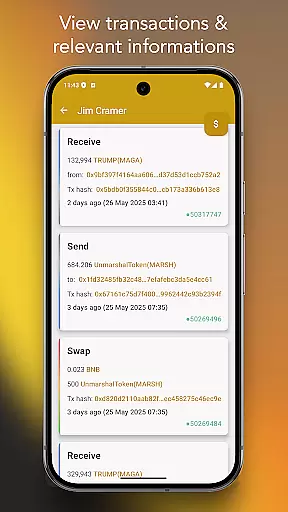
Binance Smart Chain Explorer offers a comprehensive transaction experience designed to meet the needs of both novice and experienced crypto traders. The app's multi-wallet portfolio tracker allows users to monitor unlimited addresses, providing real-time notifications for transactions across multiple wallets. This feature, available through subscription, ensures that users never miss important financial movements.
For those seeking detailed insights, the app provides complete BEP-20 token balance tracking with advanced search and filtering options. Users can view token holders' data relative to token supply and access more information about coins, transaction hashes, or wallet addresses through integrated platforms like PancakeSwap or BSC Scan. These tools facilitate better portfolio management through favorites and notes features.
The transaction experience is further enhanced by additional functionalities such as wallet address aliasing and smart contract detail viewing. These features streamline the tracking process and provide valuable context for each transaction. Together, they create a powerful toolset that saves users hours of manual tracking, making it an essential application for anyone involved in BNB Chain investments.
User-friendly interface
Real-time notifications
Enterprise security
Unlimited wallets
Professional design
Premium subscription
Complex for beginners
Limited free features
Occasional bugs
High data usage

Get a cash advance instantly. File taxes & cover unexpected bills in minutes.
 4.60
4.60
Payday cash advance & Instant cash advance: Borrow money instantly, Get cash now
4.60
Save, spend & get paid faster²
4.50
Earn cash back. Build credit.
4.60
Wells Fargo Mobile allows you to access your investment and bank accounts.
4.80
Make Real Cash by Playing Games! Fetch Playful Rewards, Win & Triumph
4.50
Trade NFL, NBA, Crypto, Tech
4.50
Venmo is the fun and easy way to pay and get paid.
4.10
The PayPal app is the secure way to send and receive money, shop and pay in 4.
4.20
Manage and cancel subscriptions, lower bills, track expenses, create budgets.
4.60
Banking, Budgeting & Investing
4.60
Manage your account, make a payment, and redeem your rewards on the go.
4.50
Car Insurance Made For You.
4.50
Change the way you money with Credit Genie
4.30
BTC, Crypto, Stocks & Options.
4.20
Make your paycheck work harder for you with Perpay.
4.10
Invest, bank & save in one app. Trade stocks, earn high APY & budget smarter.
4.00
Expenses, Bills, Budget and Accounts - All seamlessly integrated in one app!
3.80
SuperQi, Your all-in-one Super App.
1.30




User Reviews