
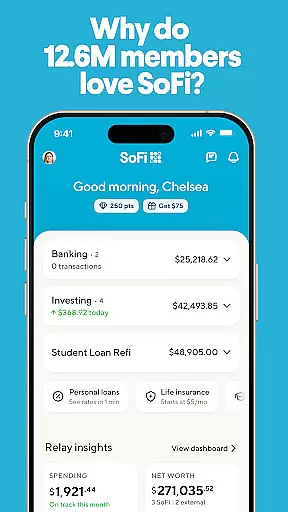
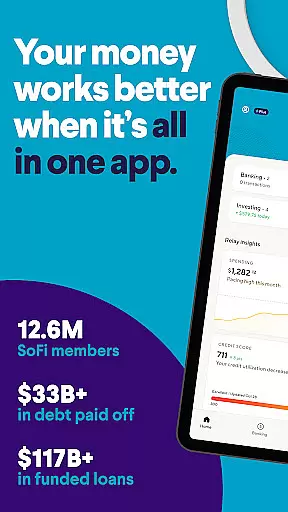
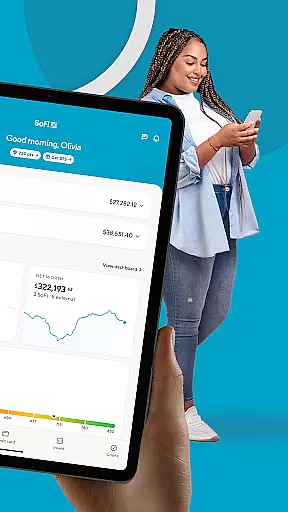
SoFi is a comprehensive mobile banking and investing application that simplifies financial management. It offers instant money transfers, digital check deposits, online bill payments, and budgeting tools. Users can save in high-yield accounts and trade stocks commission-free (other fees apply). With over 12.6 million members, SoFi provides an all-in-one platform for banking, investing, and saving.
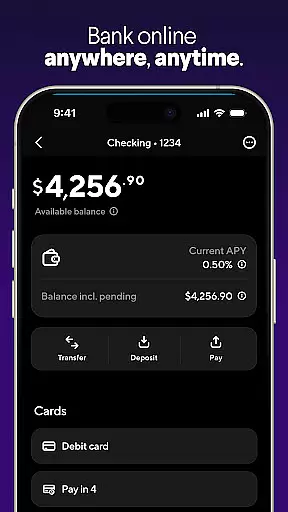
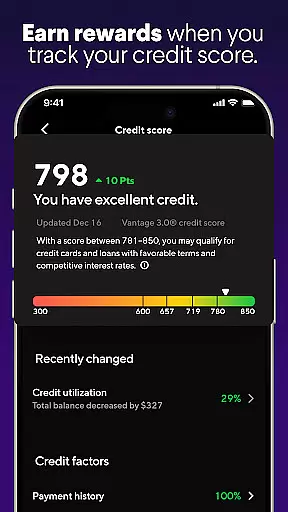
The app features mobile banking with no account fees or minimum balance requirements. It also includes stock trading, high-yield savings, personal loans, credit score tracking, budget tools, and top-notch security. SoFi's advanced functionalities help users manage their finances effectively while offering attractive APY rates on savings and checking balances.
Whether you're looking to get paid up to two days early through direct deposit, invest in fractional shares starting at $5, or track your credit score with regular updates, SoFi caters to diverse financial needs. Its user-friendly interface and robust customer support make it an ideal choice for anyone seeking a seamless banking experience.
SoFi stands out with its extensive range of features designed to enhance personal finance management. The mobile banking section includes a checking account with no fees, early direct deposit access, and seamless fund transfers. These features ensure users have instant access to their funds without any extra charges.
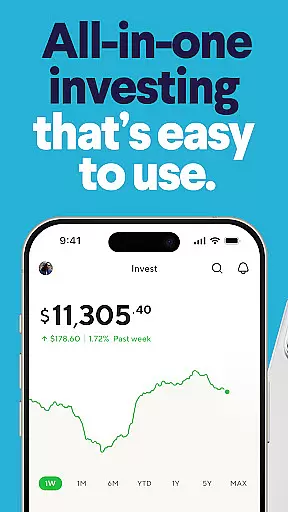
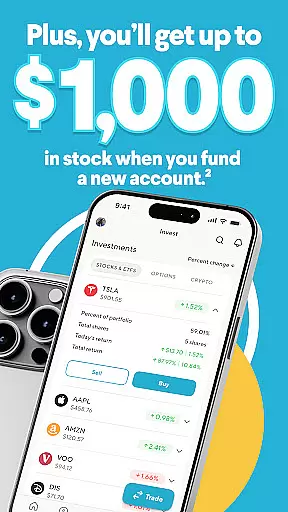
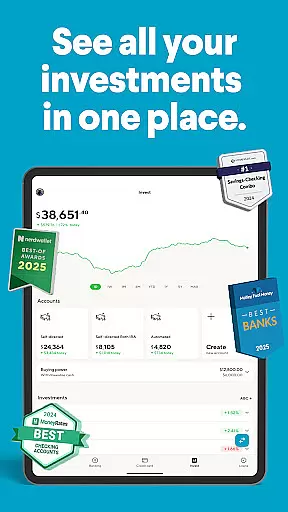
In the investing domain, SoFi allows users to trade stocks and ETFs commission-free, invest in fractional shares, and benefit from automated investing through digital portfolio management. This flexibility empowers users to build their investment portfolios according to their preferences and risk tolerance.
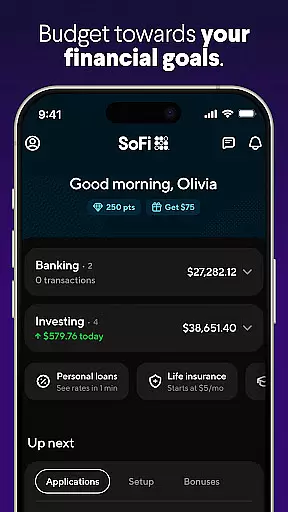
Additional highlights include high-yield savings accounts, savings vaults for organizing funds, real-time spending alerts, and bill payment reminders. SoFi also provides bank-level encryption and fraud alerts, ensuring maximum security. These features collectively offer a holistic approach to managing finances efficiently and securely.
Account and Fund Security is a critical feature for any financial application, ensuring that users' personal and financial information remains protected at all times. SoFi implements bank-level encryption to safeguard data, providing users with peace of mind when conducting transactions or accessing account details.
In addition to encryption, SoFi offers instant notifications for any suspicious account activity. This proactive approach allows users to quickly respond to potential threats, further securing their funds. The app also includes fraud alerts, which serve as an additional layer of security against unauthorized access.
Users benefit from the robust security measures integrated into SoFi's mobile banking platform. With features like two-factor authentication and secure login protocols, individuals can manage their finances without worrying about compromising their sensitive information. These protections are essential in fostering trust between the user and the application.
The emphasis on security does not detract from the user experience; instead, it enhances it by creating a safe environment for managing financial activities. SoFi's commitment to protecting its users' assets ensures that they can focus on utilizing the app's comprehensive banking tools with confidence.
A seamless transaction experience is vital for maintaining user satisfaction in financial applications. SoFi excels in this area by offering a range of services that make sending money, depositing checks, and paying bills effortless. Users can perform these tasks digitally, eliminating the need for physical visits to a bank or ATM.
The app provides real-time updates on transactions, ensuring that users have instant access to their financial movements. Whether it's transferring funds between accounts or receiving direct deposits up to two days early, SoFi keeps its users informed every step of the way. This transparency helps build trust and encourages consistent use of the app.
Moreover, SoFi eliminates extra charges for common transactions such as sending money or paying bills online. By removing these barriers, the app promotes frequent engagement with its financial tools. Users appreciate the convenience and cost-effectiveness of managing their finances through a single platform.
Overall, SoFi's dedication to delivering a smooth and efficient transaction experience sets it apart from other finance apps. Its intuitive interface combined with reliable functionality makes handling everyday financial tasks straightforward and stress-free for its 12.6 million members.
User-friendly interface
High-yield savings
No commission trades
Early direct deposit
Comprehensive budget tools
Limited international use
Higher account criteria
Fewer branch locations
Potential service fees
Variable interest rates

Bill Manager is a simple app to help you keep track of your upcoming bills.
 4.2
4.2
Manage your prepaid cards and add to Google or Samsung Wallet.
4.60
Your insurance, anytime, anywhere
4.00
Manage and cancel subscriptions, lower bills, track expenses, create budgets.
4.60
Make your paycheck work harder for you with Perpay.
4.10
Wells Fargo Mobile allows you to access your investment and bank accounts.
4.80
Earn money as a tester with Testerup, get cash testing apps and games
4.20
Venmo is the fun and easy way to pay and get paid.
4.10
Send money and bitcoin easily. Invest, bank and do more with your money
4.70
BA Financial Calculator PRO – Perfect for CFA/FRM/CPA and finance professionals
4.90
Simple & secure international money transfers - for personal & business needs.
4.80
Money App - Earn Cash back, Fast Cash Advance, Personal Loan Offers, Banking
4.70
“Money Manager” is an optimized application for personal asset management.
4.70
Over 180 currencies conversion rates with live exchange rates and offline mode.
4.60
Easily invest, save, and plan—all in one app.
4.60
Early payday & cash advances with no-fee mobile banking!
4.60
Banking, Budgeting & Investing
4.60
Earn cash & save money daily. Access instant cash advances* - no credit check!
4.50
Save, spend & get paid faster²
4.50






User Reviews