
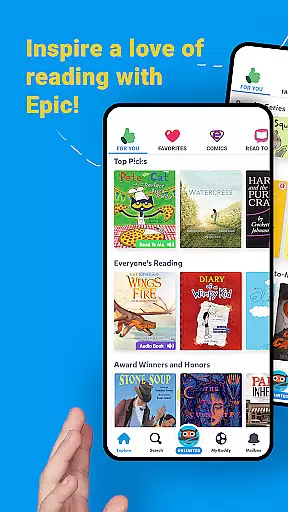
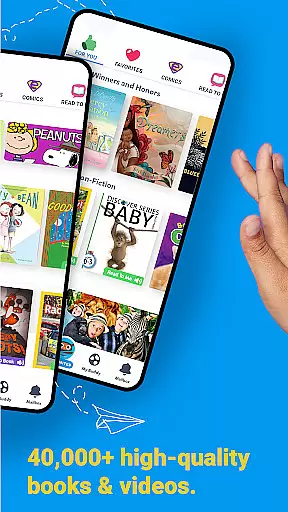
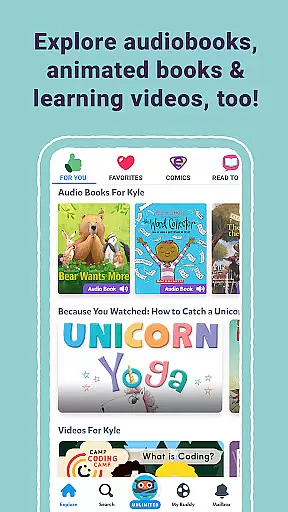
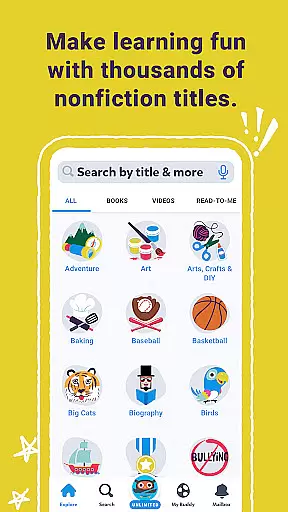
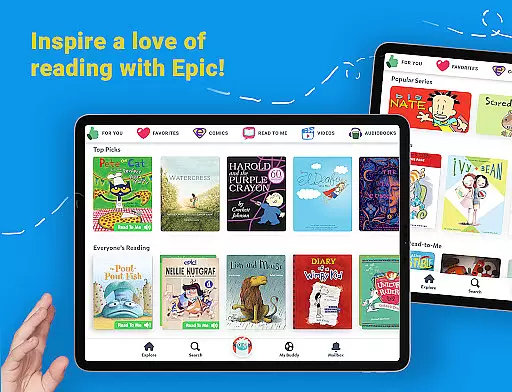
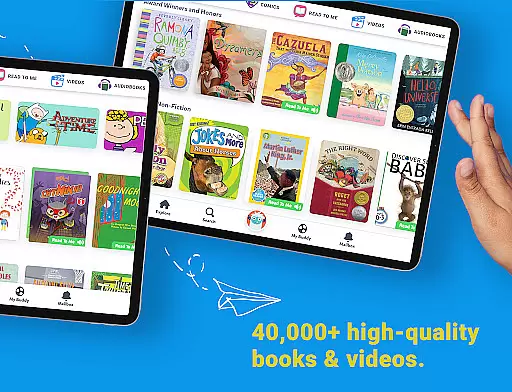
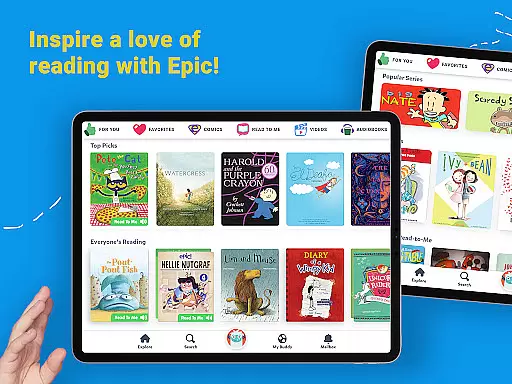
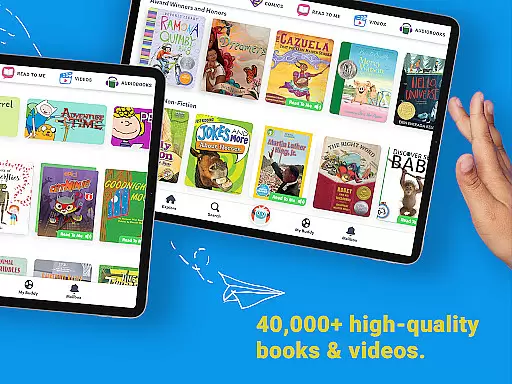
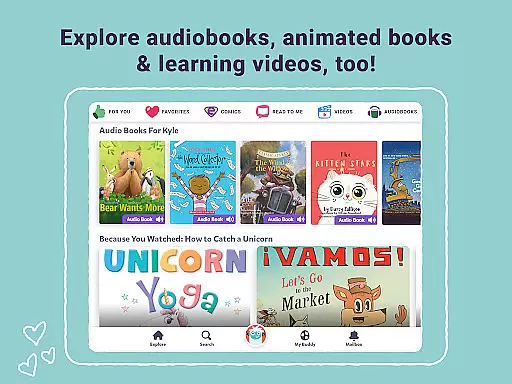
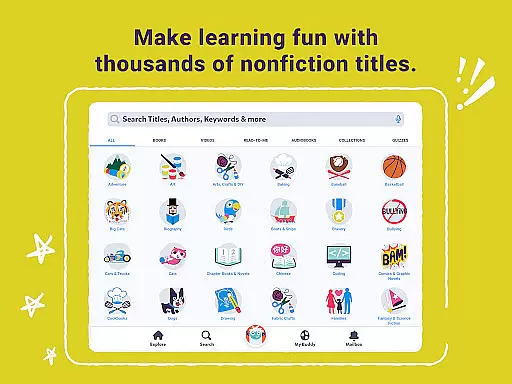
Epic stands as a premier digital library tailored for children, offering an expansive collection of over 40,000 books, audiobooks, and educational videos. This platform is designed to foster a love for reading and learning among young users by providing them with instant access to a diverse range of content that caters to their unique interests.
One of the standout features of Epic is its multilingual support, including English, Spanish, French, and Chinese options, which broadens its appeal to a global audience. The app also incorporates interactive elements such as Read-To-Me books, quizzes, and a personalized parent dashboard, making it a comprehensive tool for both education and entertainment.
Whether used at home or in an educational setting, Epic serves as a valuable resource that supports literacy development and academic growth. Its availability on Apple devices and offline functionality ensures that quality educational content is always within reach, empowering children to explore, learn, and grow anytime, anywhere.
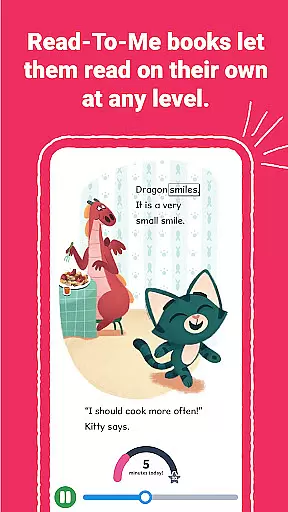
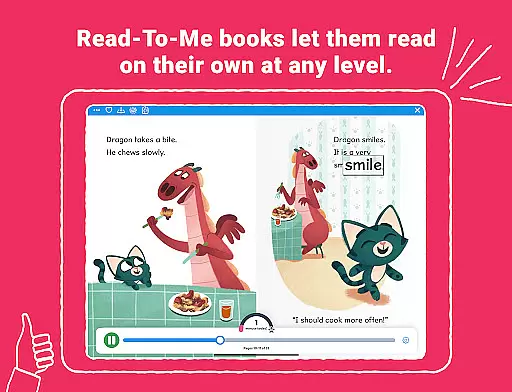
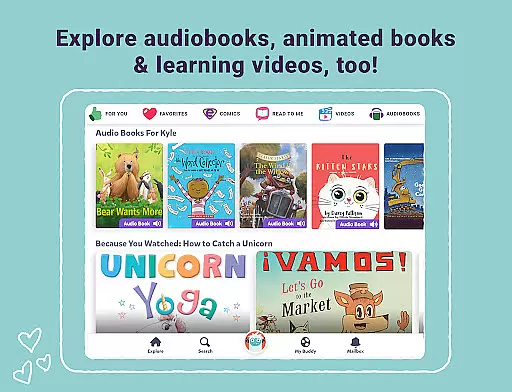
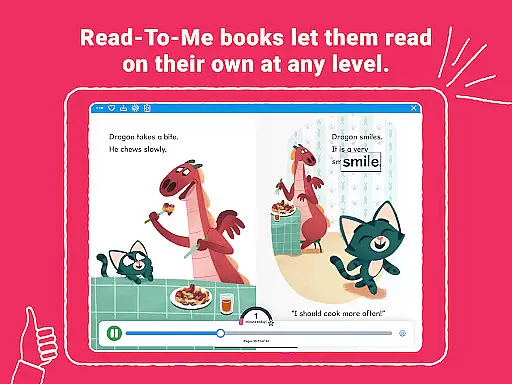
Epic's feature set is robust and varied, ensuring a rich user experience. The app offers a vast library of traditional ebooks, Read-To-Me books, and audiobooks, all brought to life through professional narration, engaging music, and sound effects. These interactive elements not only entertain but also enhance comprehension and retention.
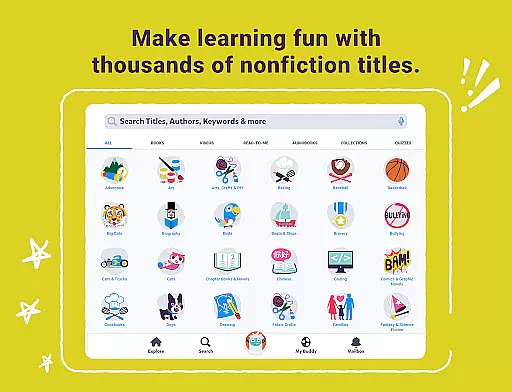
The platform's commitment to accessibility is evident in its multilingual offerings and ELA tools, which allow filtering by various reading metrics. Additionally, features like Spotlight Words and Dictionary Lookup provide valuable learning opportunities, helping children expand their vocabulary and improve pronunciation skills.
For educators, Epic School provides essential resources such as quizzes and daily reading trackers, facilitating classroom integration. Meanwhile, families benefit from personalized child profiles and a parent dashboard that monitors progress. With these comprehensive features, Epic successfully bridges the gap between education and enjoyment, creating a dynamic environment conducive to learning.
In the realm of digital education, content accuracy and authority are paramount. Epic positions itself as a leader in this space by offering a vast library of over 40,000 books, audiobooks, and learning videos curated for children. This extensive collection is not just about quantity but also quality, ensuring that each resource is credible and enriches the young readers' knowledge base.
The platform goes beyond traditional ebooks, incorporating Read-To-Me books and audiobooks with professional narration, music, and sound effects that make learning immersive and engaging. By including multilingual options in English, Spanish, French, and Chinese, Epic caters to diverse linguistic backgrounds, reinforcing its commitment to authoritative global education standards.
Furthermore, Epic's integration into educational settings through Epic School underscores its dedication to authoritative content. Teachers can filter titles by reading systems like AR, DRA, F&P, and grade levels, ensuring that students receive age-appropriate and skill-targeted materials. The inclusion of quizzes and interactive learning tools such as Spotlight Words and Dictionary Lookup further solidifies the app's role in providing an authoritative educational experience.
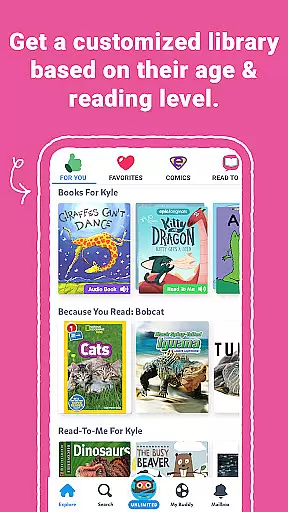
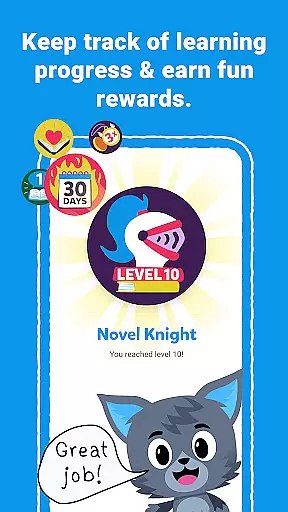
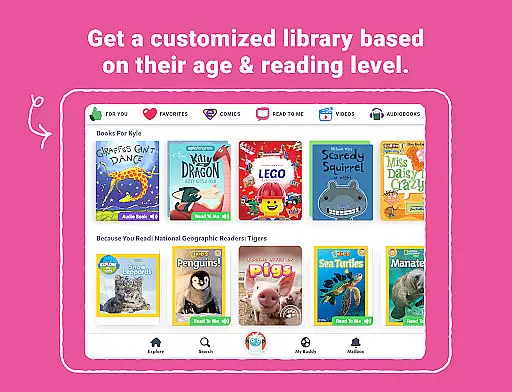
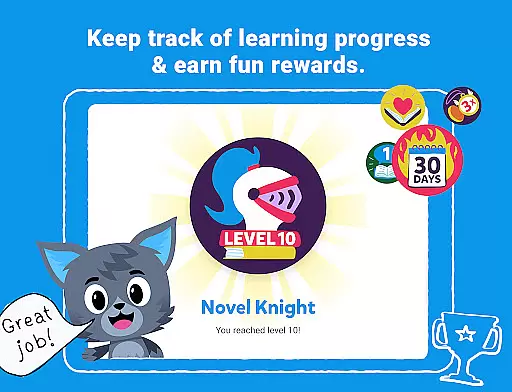
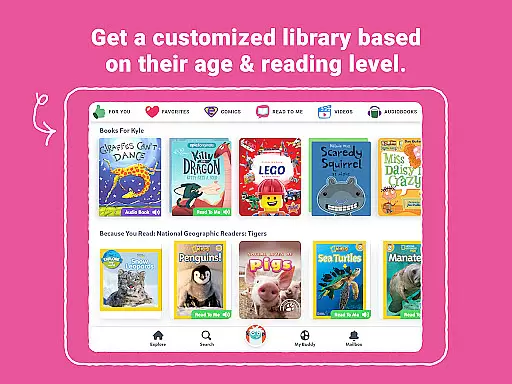
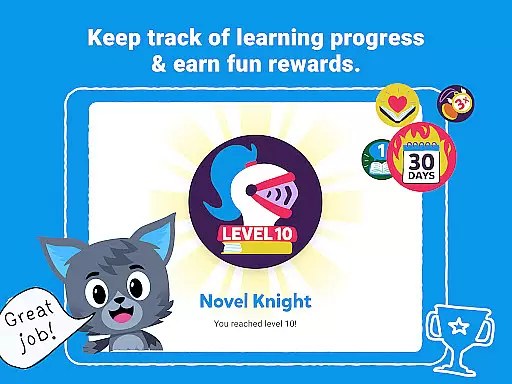
Epic excels in creating personalized learning paths, a critical component in modern educational tools. By allowing children to explore their interests freely within a safe digital environment, the app fosters a unique journey for each user. With features like Reading Buddies, badges, and quizzes, Epic motivates children to engage actively with content tailored to their preferences and reading levels.
The app supports up to four child profiles per family subscription, enabling a customized experience for each child. Parents can monitor progress through a dashboard, gaining insights into their children's evolving interests and comprehension levels. This personalization extends to educators via Epic School, where teachers assign books and track daily reading habits, ensuring that each student's learning path aligns with their individual needs.
Moreover, Epic's adaptive technology provides recommendations based on previous interactions, continuously refining the learning pathway. This dynamic approach ensures that every child remains engaged and challenged, promoting sustained educational growth and confidence in their reading abilities.
User-friendly interface
Extensive content library
Multilingual support
Interactive learning tools
Offline access capability
Paid subscription required
Limited free trial period
Device compatibility issues
Occasional loading delays
Advanced features locked behind paywall

Test prep for Indiana students
 4.1
4.1
Astronomy Guide to the Night Sky
4.40
Pass your FAA written with flying colors - Study Buddy can help.
4.30
An interactive enhancement of the Sesame Street classic.
4.50
Enrich the experience of your visit to the Pantheon with our audiotour.
1.60
An aviator’s preparation, study and test tool for FAA Knowledge Exams.
3.80
Learn to pass DMV permit tests. Driver license practice test 2025.
4.60
Cool math games & learn to read activities- loved by kids, approved by teachers.
4.50
Plant identifier: Identify plants, trees, weeds, flowers. Disease diagnosis.
4.30
Short Lessons for Better Finances, Health, Skills, Jobs & Relationships.
4.80
AI Language tutor: Speak fluently with Lucy’s personalized coaching
4.70
Turn scrolling hours into improving your knowledge, communication, intelligence
4.50
Ignite curiosity, spark learning: All babybus videos &games
4.30
THE ESTABLISHED "GO TO" ARMY BOARD PREPARATION APP!
4.30
The "Go To" app for Airmen studying for promotion to SSgt and TSgt
4.30
School Communication
4.30
Your guide to thousands of satellites and spacecraft in orbit around Earth!
3.90
Hasbro's Classic Board Game - Make Cavity Sam better or get the buzzer!
3.50
The official CCM Glossary app, including 700+ terms and definitions.
2.90




User Reviews